1.8-2.2 V (white), 1.9-2.3 V (red)


1.8-2.2 V (white), 1.9-2.3 V (red)
10-20 mA (white), 10-20 mA (red)
400-600 mcd (white), 200-400 mcd (red)
120
Physical Characteristics
Through-hole (THT)
3 mm
20 mm
2.5 mm
Approximately 0.5 g per LED
Operating Environment
-20C to 80C
-30C to 100C
40% to 80% RH
Certifications and Compliance
| The 3mm White Red LED (Pack of 10) complies with relevant industry standards and regulations, including |
RoHS (Restriction of Hazardous Substances) directive
CE (Conformit Europene) marking
FCC (Federal Communications Commission) compliance
Packaging and Handling
The LEDs are shipped in a pack of 10, with each LED individually packaged in an anti-static bag to prevent electrostatic discharge damage. Handle the LEDs with care to avoid damage from excessive heat, moisture, or mechanical stress.
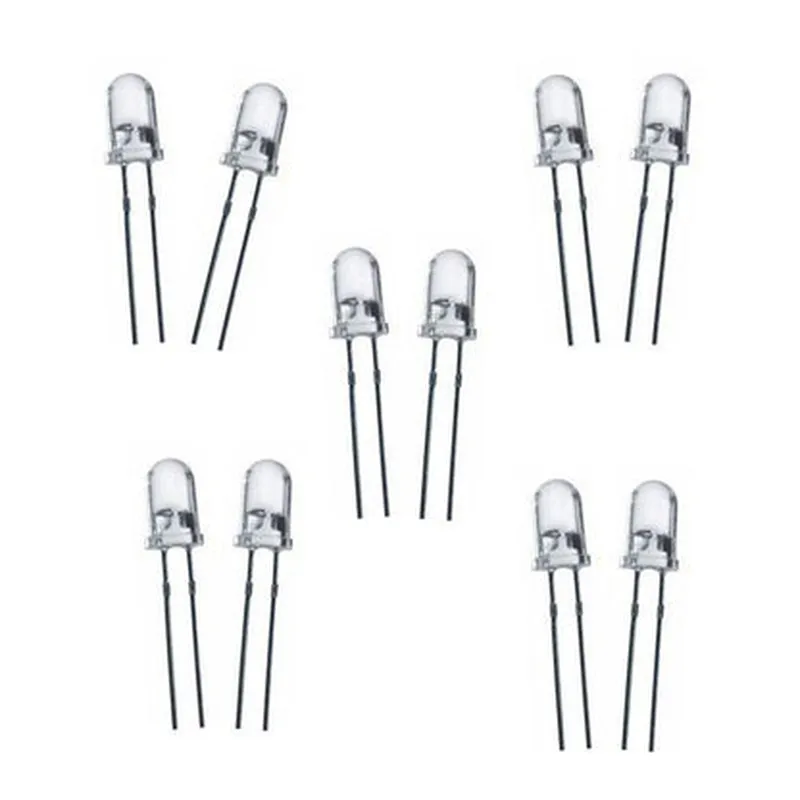
3mm White Red LED (Pack of 10) DocumentationOverviewThe 3mm White Red LED (Pack of 10) is a versatile and compact light-emitting diode (LED) component suitable for a wide range of Internet of Things (IoT) projects. This LED emits white and red light, making it ideal for indicator lights, signal lights, or decorative lighting applications.Technical SpecificationsLED Type: 3mm White Red LED
Package: Pack of 10
Voltage: 2.0-2.4V (typical)
Current: 20mA (typical)
Luminous Intensity: 100-150 mcd (white), 50-70 mcd (red)
Viewing Angle: 60
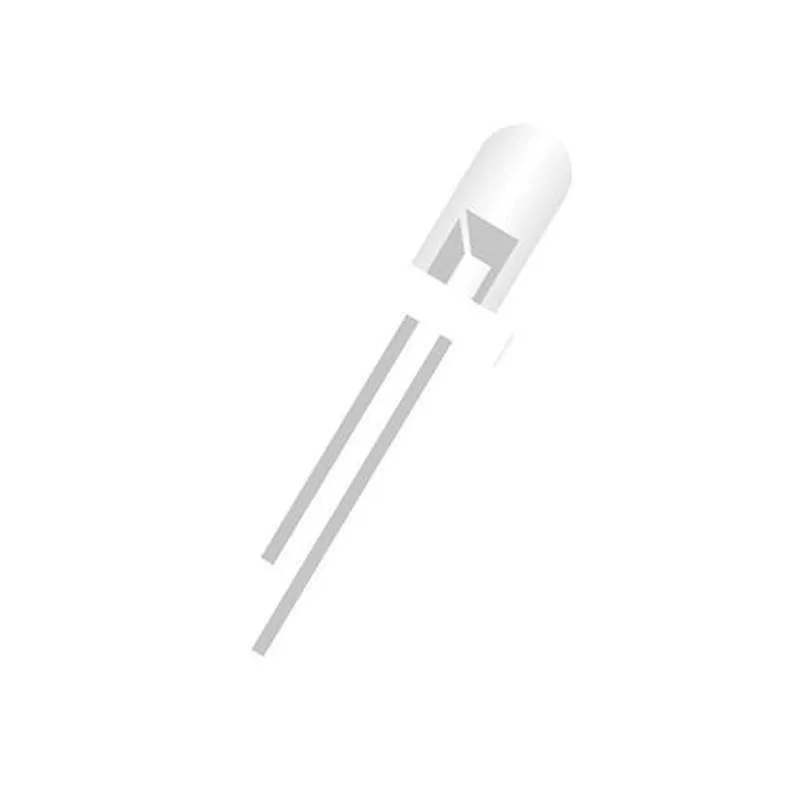
Operating Temperature: -20C to 80CHardware ConnectionsThe 3mm White Red LED has two pins:Anode (Positive): Longer leg
Cathode (Negative): Shorter legCode Examples### Example 1: Simple LED Blinking using ArduinoIn this example, we'll demonstrate how to connect the 3mm White Red LED to an Arduino board and make it blink.Hardware RequirementsArduino Board (e.g., Arduino Uno)
3mm White Red LED (Pack of 10)
220 Resistor
Breadboard
Jumper WiresSoftware RequirementsArduino IDECode
```c++
const int ledPin = 13; // Choose any digital pin on your Arduino boardvoid setup() {
pinMode(ledPin, OUTPUT);
}void loop() {
digitalWrite(ledPin, HIGH); // Turn the LED on (white light)
delay(500);
digitalWrite(ledPin, LOW); // Turn the LED off
delay(500);
digitalWrite(ledPin, HIGH); // Turn the LED on (red light)
delay(500);
digitalWrite(ledPin, LOW); // Turn the LED off
delay(500);
}
```
ExplanationIn this example, we connect the anode of the LED to digital pin 13 of the Arduino board through a 220 resistor. We then use the `digitalWrite()` function to set the pin high or low to turn the LED on and off, respectively. The LED will blink with a 500ms interval, switching between white and red light.### Example 2: LED Dimming using Raspberry Pi and PythonIn this example, we'll demonstrate how to connect the 3mm White Red LED to a Raspberry Pi and control its brightness using Python.Hardware RequirementsRaspberry Pi (e.g., Raspberry Pi 3)
3mm White Red LED (Pack of 10)
1k Resistor
Breadboard
Jumper WiresSoftware RequirementsRaspbian OS
Python 3.xCode
```python
import RPi.GPIO as GPIO
import timeGPIO.setmode(GPIO.BCM)
GPIO.setup(18, GPIO.OUT) # Choose any GPIO pin on your Raspberry Pipwm = GPIO.PWM(18, 50) # 50 Hz frequency
pwm.start(0) # Initial duty cycle: 0%while True:
for dc in range(0, 101, 5): # Dim the LED from 0% to 100% duty cycle
pwm.ChangeDutyCycle(dc)
time.sleep(0.1)for dc in range(100, -1, -5): # Dim the LED from 100% to 0% duty cycle
pwm.ChangeDutyCycle(dc)
time.sleep(0.1)
```
ExplanationIn this example, we connect the anode of the LED to GPIO pin 18 of the Raspberry Pi through a 1k resistor. We then use the RPi.GPIO library to create a PWM (Pulse-Width Modulation) signal on the pin, which allows us to control the brightness of the LED. The LED will gradually dim and brighten with a 100ms interval.Note: These examples are for demonstration purposes only and may require modifications to suit your specific project requirements.