1 Metre 24 SWG Nichrome Wire



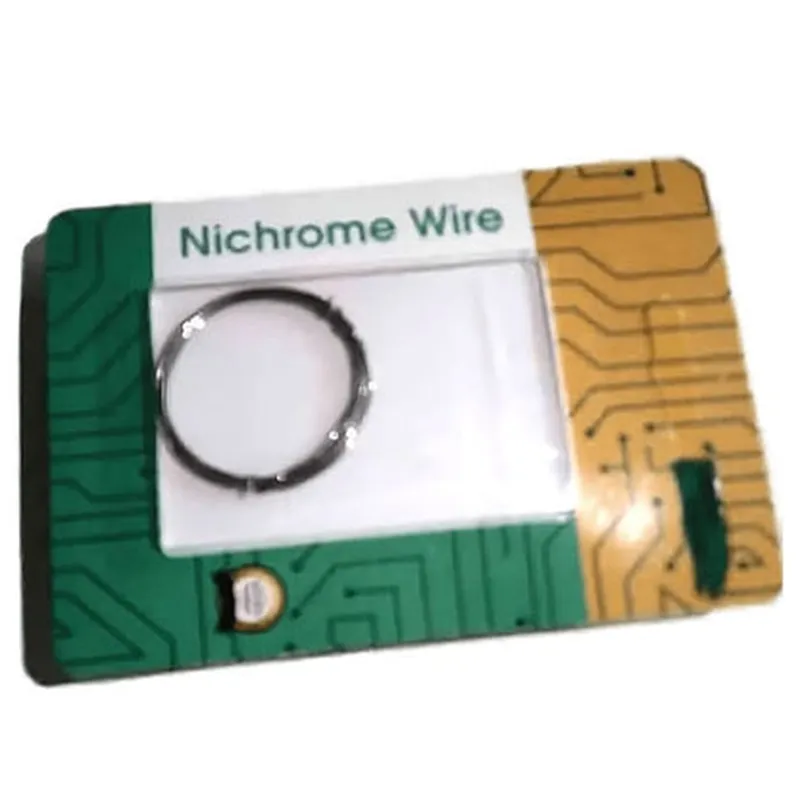
1 Metre 24 SWG Nichrome Wire
The 1 Metre 24 SWG Nichrome Wire is a type of resistive heating wire commonly used in various Internet of Things (IoT) applications, particularly in projects that require heating, temperature sensing, or resistive loads. This wire is made from Nichrome (Nickel-Chromium alloy), a popular choice for high-temperature applications due to its excellent electrical resistivity, corrosion resistance, and thermal stability.
| The primary function of the 1 Metre 24 SWG Nichrome Wire is to dissipate electrical energy as heat when an electric current flows through it. This makes it suitable for a wide range of applications, including |
| When working with the 1 Metre 24 SWG Nichrome Wire, it is essential to exercise caution due to the high temperatures involved. Ensure you |
The 1 Metre 24 SWG Nichrome Wire is a versatile component suitable for various IoT applications, including heating, temperature sensing, and resistive loads. Its high-temperature resistance, corrosion-resistance, and thermal stability make it an ideal choice for projects requiring reliable and efficient thermal management. By understanding its functionality, key features, and safety considerations, users can successfully integrate this component into their IoT projects.
Component Documentation: 1 Metre 24 SWG Nichrome WireOverviewThe 1 Metre 24 SWG Nichrome Wire is a type of resistance wire commonly used in various IoT projects, including heating elements, temperature sensors, and DIY projects. Nichrome wire is a non-magnetic alloy made of nickel, chromium, and iron, known for its high resistance to corrosion, durability, and high melting point.Technical SpecificationsLength: 1 meter
Gauge: 24 SWG (American Wire Gauge)
Material: Nichrome (Nickel-Chromium alloy)
Resistance: approximately 10 ohms per meter
Temperature range: up to 1000C (1832F)Code ExamplesHere are two code examples that demonstrate how to use the 1 Metre 24 SWG Nichrome Wire in different contexts:Example 1: Simple Heating Element using an ArduinoIn this example, we will use the Nichrome wire as a heating element to control the temperature of a DIY incubator. We will connect the wire to an Arduino board and a relay module to switch the heating element on and off.Hardware RequirementsArduino Board (e.g., Arduino Uno)
Relay Module (e.g., SRD-05VDC-SL-C)
1 Metre 24 SWG Nichrome Wire
Power Supply (e.g., 12V DC)
Thermistor (e.g., NTC 10K 1% 3435)Code
```c++
const int relayPin = 2; // Pin connected to the relay module
const int thermistorPin = A0; // Pin connected to the thermistorvoid setup() {
pinMode(relayPin, OUTPUT);
}void loop() {
int temperature = analogRead(thermistorPin);
temperature = map(temperature, 0, 1023, 0, 100); // Convert analog reading to temperature (0-100C)if (temperature < 25) { // If temperature is below 25C, turn on the heating element
digitalWrite(relayPin, HIGH);
} else {
digitalWrite(relayPin, LOW);
}delay(1000); // Wait 1 second before taking the next reading
}
```
In this example, the Arduino board reads the temperature from the thermistor and controls the relay module to switch the Nichrome wire heating element on and off to maintain a temperature of 25C.Example 2: Temperature Sensor using a Raspberry PiIn this example, we will use the Nichrome wire as a temperature sensor to measure the temperature of a DIY oven. We will connect the wire to a Raspberry Pi and a voltage divider circuit to read the temperature.Hardware RequirementsRaspberry Pi (e.g., Raspberry Pi 4)
1 Metre 24 SWG Nichrome Wire
2 x 1 k Resistors
1 x 10 k Resistor
Breadboard and jumper wiresCode
```python
import RPi.GPIO as GPIO
import timeGPIO.setmode(GPIO.BCM)# Set up the voltage divider circuit
R1 = 1000 # 1 k resistor
R2 = 10000 # 10 k resistor
Vin = 3.3 # Raspberry Pi's 3.3V pin# Calculate the voltage divider ratio
ratio = R2 / (R1 + R2)# Set up the ADC channel
channel = 0while True:
# Read the voltage across the Nichrome wire
voltage = GPIO.input(channel) Vin / 1023# Calculate the temperature based on the voltage
temperature = (voltage - 0.5) 100 # Approximate temperature calculationprint(f"Temperature: {temperature:.2f}C")time.sleep(1) # Wait 1 second before taking the next reading
```
In this example, the Raspberry Pi reads the voltage across the Nichrome wire using a voltage divider circuit and calculates the temperature based on the voltage reading.Please note that these code examples are simplified and may require modifications based on your specific project requirements. Additionally, ensure proper safety precautions when working with electrical components and heat sources.