650 nm to 1600 nm


650 nm to 1600 nm
-30 dBm to -10 dBm
1 kHz to 100 kHz
10 dB to 30 dB
3.3 V to 5 V
-20C to 70C
15 mm x 10 mm x 5 mm
Applications
| The Laser Receiver Module is suitable for a wide range of IoT applications, including |
Proximity sensing and gesture recognition
Optical communication systems
Industrial automation
Medical devices
Automotive systems
Consumer electronics
Conclusion
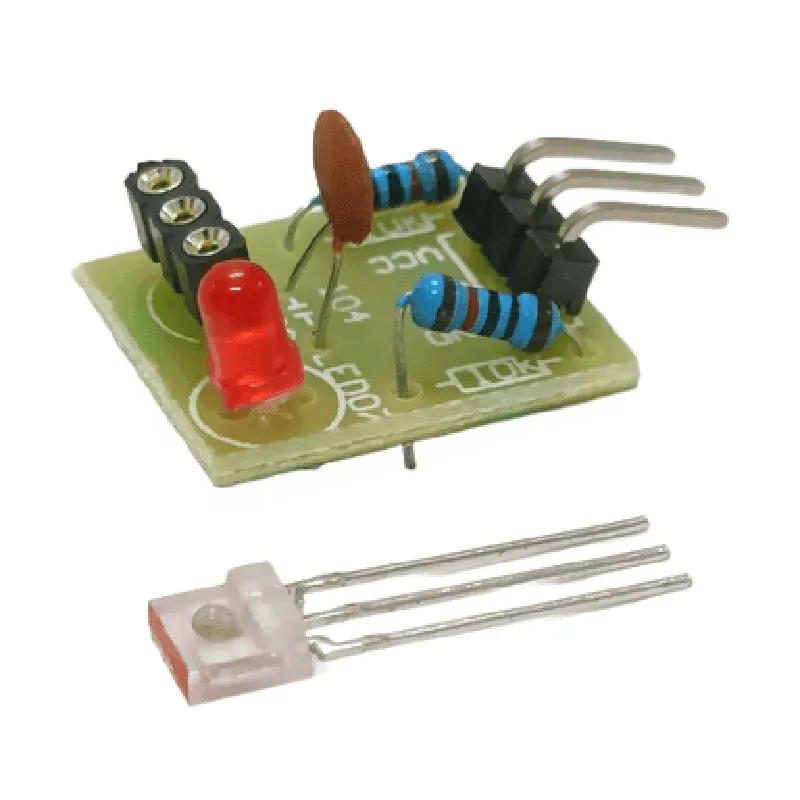
The Laser Receiver Module is a reliable and accurate component designed to detect and process laser signals in various IoT applications. Its high sensitivity, low noise, and adjustable gain make it an ideal choice for applications where accurate signal reception is critical.
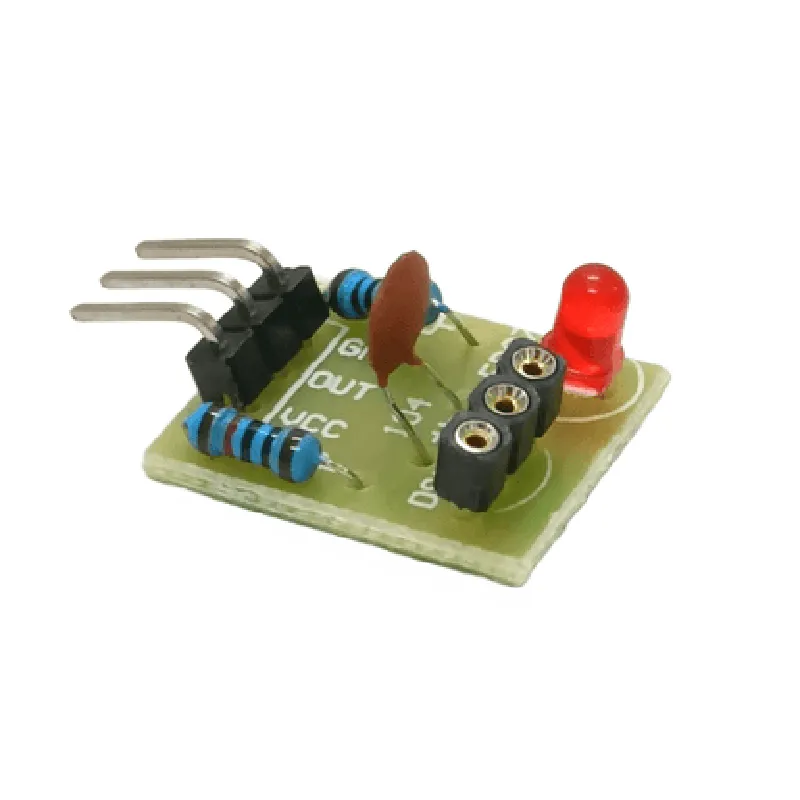
Laser Receiver Module DocumentationOverviewThe Laser Receiver Module is a sensitive optical sensor designed to detect and decode laser signals. It is commonly used in various applications such as laser distance measurement, laser communication systems, and optical sensing. This module is capable of detecting laser signals in the visible and near-infrared spectrum.Pinout and InterfaceThe Laser Receiver Module has the following pins:VCC: Power supply (3.3V or 5V)
GND: Ground
OUT: Digital output signal (TTL level)
EN: Enable pin (active high)Code Examples### Example 1: Basic Laser Detection using ArduinoThis example demonstrates how to use the Laser Receiver Module to detect the presence or absence of a laser signal using an Arduino board.
```c++
const int laserPin = 2; // Pin connected to OUT pin of Laser Receiver Module
const int ledPin = 13; // Pin connected to an LED (optional)void setup() {
pinMode(laserPin, INPUT);
pinMode(ledPin, OUTPUT);
}void loop() {
int laserState = digitalRead(laserPin);
if (laserState == HIGH) {
digitalWrite(ledPin, HIGH); // Turn on LED if laser signal is detected
Serial.println("Laser signal detected!");
} else {
digitalWrite(ledPin, LOW); // Turn off LED if no laser signal is detected
Serial.println("No laser signal detected.");
}
delay(50);
}
```
### Example 2: Laser Distance Measurement using Raspberry Pi (Python)This example demonstrates how to use the Laser Receiver Module to measure the distance of an object using a Raspberry Pi and a Python script.
```python
import RPi.GPIO as GPIO
import time# Set up GPIO pins
GPIO.setmode(GPIO.BCM)
laser_pin = 17 # Pin connected to OUT pin of Laser Receiver Module
GPIO.setup(laser_pin, GPIO.IN)while True:
# Measure the time it takes for the laser signal to return
start_time = time.time()
while GPIO.input(laser_pin) == 0:
pass
end_time = time.time()
time_diff = end_time - start_time# Calculate the distance based on the time difference
distance = (time_diff 340.29) / 2 # Speed of light in air (m/s)
print("Distance: {:.2f} meters".format(distance))time.sleep(0.1)
```
NotesIn both examples, the Laser Receiver Module is powered using the VCC pin, and the digital output signal is connected to a microcontroller or a single-board computer.
The enable pin (EN) is not used in these examples, but it can be used to enable or disable the module if required.
The detection range and sensitivity of the Laser Receiver Module may vary depending on the specific model and application. It is recommended to consult the datasheet and application notes for more information.