6mm


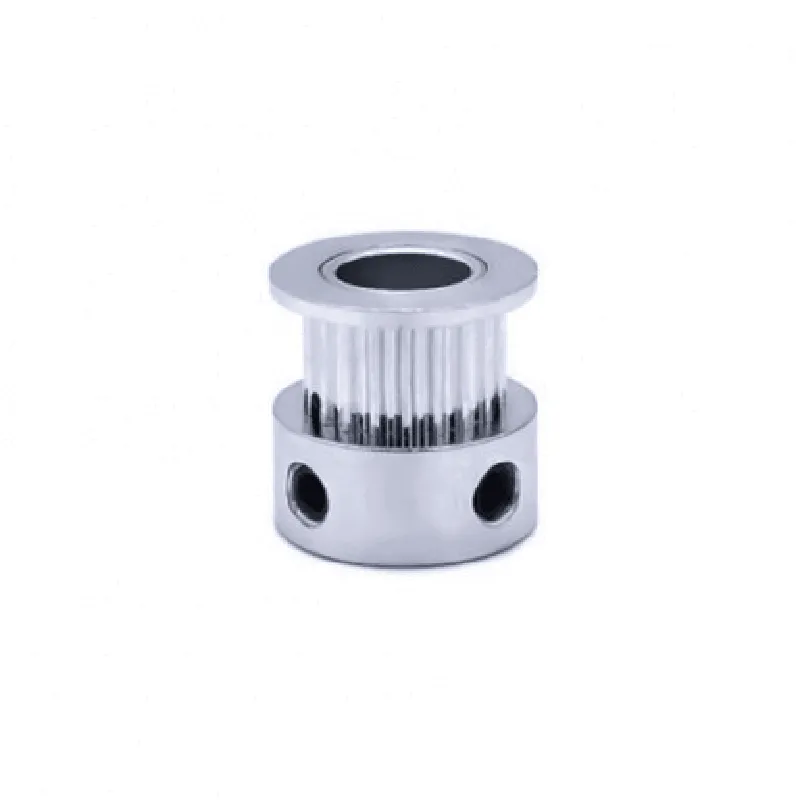
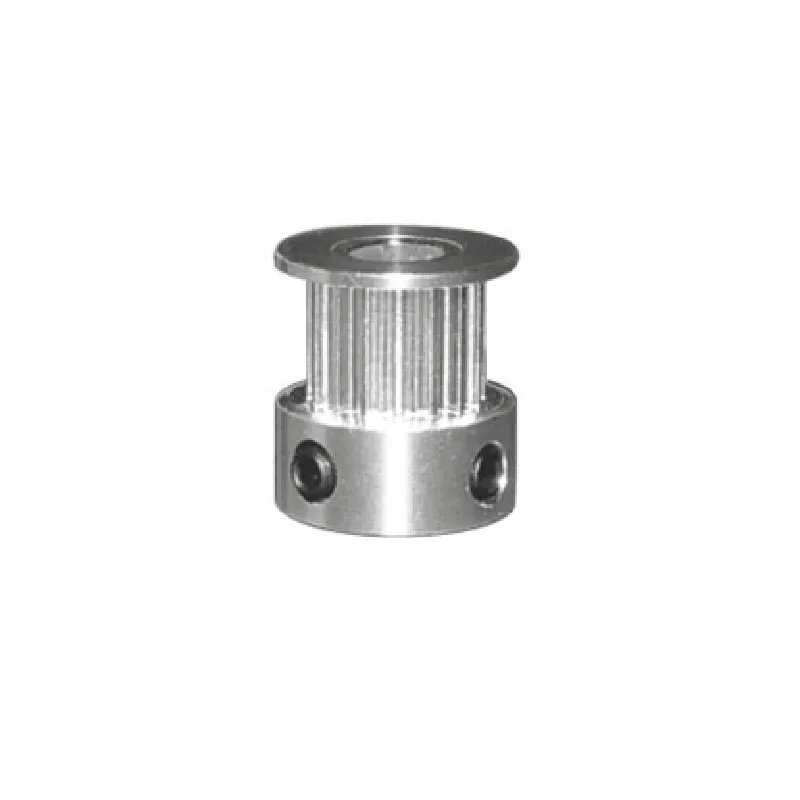
6mm
20
5mm
Aluminum/Steel
GT2.5
0.02mm
Smooth, consistent
Applications
| The GT2.5 6mm Belt Width 20 Teeth 5mm Bore Timing Pulley is commonly used in various IoT applications, including |
Robotics and automation systems
3D printing and CNC machines
Linear motion systems and actuators
Conveyor belts and material handling systems
Medical devices and equipment
Important Notes
The GT2.5 6mm Belt Width 20 Teeth 5mm Bore Timing Pulley should be used in conjunction with a compatible GT2.5 belt to ensure optimal performance and power transmission efficiency.
Proper installation and alignment of the pulley and belt are crucial to prevent damage and ensure smooth operation.
Regular maintenance and inspection of the pulley and belt are recommended to prevent wear and tear and ensure optimal system performance.
GT2.5 6mm Belt Width 20 Teeth 5mm Bore Timing Pulley DocumentationOverviewThe GT2.5 6mm Belt Width 20 Teeth 5mm Bore Timing Pulley is a mechanical component designed for use in linear motion systems, robotic applications, and other automation projects. Its 6mm belt width and 20 teeth provide a precise and efficient transfer of motion, while the 5mm bore allows for secure attachment to a motor or shaft.Technical SpecificationsBelt width: 6mm
Teeth: 20
Bore: 5mm
Material: Aluminum or steel (dependent on manufacturer)
Pitch: GT2.5
Compatible belts: GT2.5 6mm beltsCode Examples### Example 1: Arduino Uno with Stepper MotorIn this example, we'll demonstrate how to use the GT2.5 timing pulley with an Arduino Uno and a stepper motor to control a linear motion system.```Arduino
#include <Stepper.h>#define STEPS_PER_REV 200 // Steps per revolution for your stepper motor
#define PULLEY_TEETH 20 // Teeth on the GT2.5 timing pulley
#define BELT_PITCH 2.5 // Pitch of the GT2.5 belt in mmStepper stepper(STEPS_PER_REV, 2, 3, 4, 5); // Initialize the stepper motorvoid setup() {
// Set the maximum speed and acceleration for the stepper motor
stepper.setSpeed(100);
stepper.setAcceleration(50);
}void loop() {
// Move the linear motion system 100mm forward
float distance = 100; // Distance in mm
int steps = distance / (BELT_PITCH PULLEY_TEETH);
stepper.step(steps);
delay(1000);// Move the linear motion system 50mm backward
distance = -50; // Distance in mm
steps = distance / (BELT_PITCH PULLEY_TEETH);
stepper.step(steps);
delay(1000);
}
```### Example 2: Python with Raspberry Pi and DC MotorIn this example, we'll demonstrate how to use the GT2.5 timing pulley with a Raspberry Pi and a DC motor to control a linear motion system using Python.```Python
import RPi.GPIO as GPIO
import time# Set up GPIO pins for DC motor control
GPIO.setmode(GPIO.BCM)
GPIO.setup(17, GPIO.OUT) # Direction pin
GPIO.setup(23, GPIO.OUT) # PWM pin# Set up PWM frequency and duty cycle
pwm = GPIO.PWM(23, 50)
pwm.start(50)# Calculate the number of seconds to move the linear motion system
distance = 100 # Distance in mm
pulley_teeth = 20
belt_pitch = 2.5
seconds_per_mm = 0.5 # Adjust this value based on your system's performanceseconds = distance seconds_per_mm# Move the linear motion system forward
GPIO.output(17, GPIO.HIGH)
time.sleep(seconds)
pwm.stop()# Move the linear motion system backward
GPIO.output(17, GPIO.LOW)
time.sleep(seconds)
pwm.stop()
```Please note that these examples are simplified and might require adjustments based on your specific application and motor control requirements. Additionally, ensure proper mechanical assembly and alignment of the timing pulley with the motor and belt to guarantee smooth and efficient operation.