USB 2.0, compatible with USB 1.1 and 1.0
| RS485 Interface | 9-pin D-subminiature connector, half-duplex transmission |


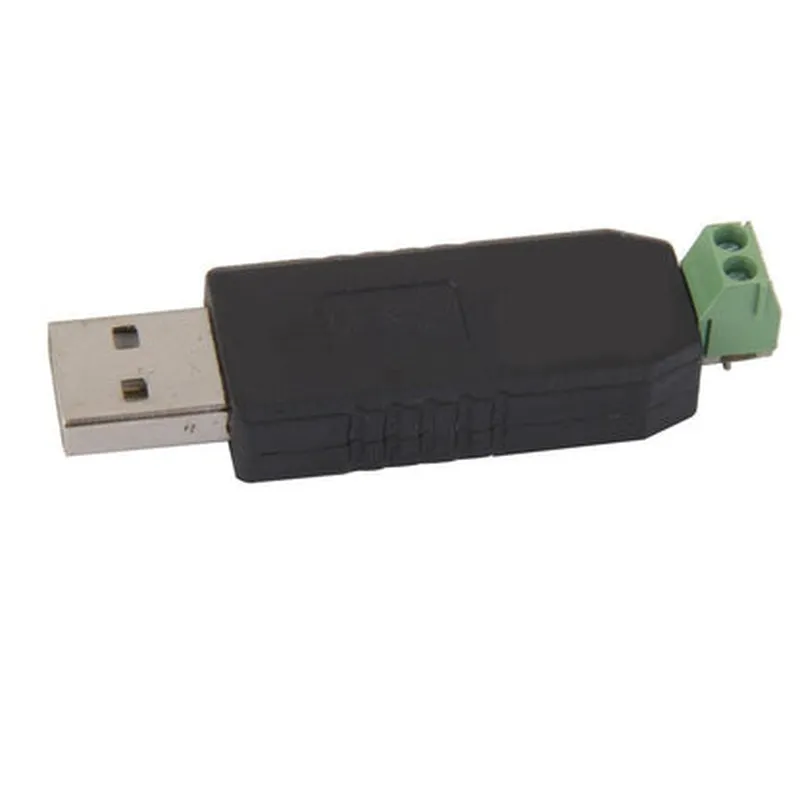
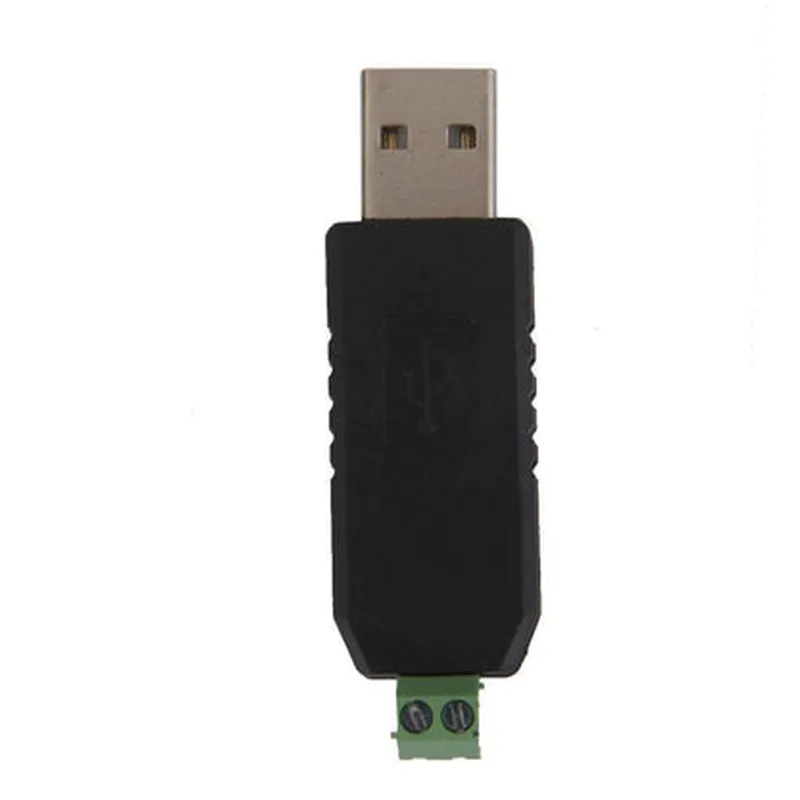
USB 2.0, compatible with USB 1.1 and 1.0
| RS485 Interface | 9-pin D-subminiature connector, half-duplex transmission |
50bps to 2Mbps
5, 6, 7, or 8
1, 1.5, or 2
None, odd, even, mark, or space
-40C to 85C
USB bus powered, 5V DC
35mm x 15mm x 10mm (L x W x H)
Applications
| The USB CH340 to RS485 Converter Adapter Module is suitable for a wide range of applications, including |
Industrial control systems
Automation systems
IoT devices and sensors
Robotics and robotic arms
Medical devices
Building automation systems
Conclusion
The USB CH340 to RS485 Converter Adapter Module is a reliable and efficient solution for bridging the gap between devices with different interfaces. Its compact design, wide range of baud rates, and auto-direction control make it an ideal choice for various applications requiring USB-to-RS485 conversion.
USB CH340 To RS485 Converter Adapter Module DocumentationOverviewThe USB CH340 To RS485 Converter Adapter Module is a versatile component that enables communication between a USB host device and an RS485 device. It utilizes the CH340 chip to convert USB signals to RS485, allowing users to connect RS485 devices to a computer or other USB-enabled devices.FeaturesConverts USB signals to RS485 signals
Supports half-duplex communication
Baud rate up to 921600bps
3.3V and 5V compatible
USB 2.0 compliant
ROHS compliantPinout| Pin | Function |
| --- | --- |
| VCC | Power supply (3.3V or 5V) |
| GND | Ground |
| TXD | Transmit data (USB side) |
| RXD | Receive data (USB side) |
| A | RS485 data A |
| B | RS485 data B |Code Examples### Example 1: Using the USB CH340 To RS485 Converter Adapter Module with ArduinoIn this example, we will demonstrate how to use the USB CH340 To RS485 Converter Adapter Module to communicate with an RS485 device using an Arduino board.Hardware RequirementsArduino Uno or compatible board
USB CH340 To RS485 Converter Adapter Module
RS485 device (e.g., a sensor or actuator)Software RequirementsArduino IDE (version 1.8.x or later)Code
```c
#include <SoftwareSerial.h>// Define the RS485 pins on the adapter module
#define RS485_A 2 // Pin 2 on the Arduino board
#define RS485_B 3 // Pin 3 on the Arduino board// Create a SoftwareSerial object to communicate with the RS485 device
SoftwareSerial rs485(RS485_A, RS485_B);void setup() {
// Initialize the SoftwareSerial object
rs485.begin(9600);
}void loop() {
// Send a message to the RS485 device
rs485.print("Hello, RS485 device!");
delay(1000);// Receive data from the RS485 device
if (rs485.available() > 0) {
char c = rs485.read();
Serial.print(c);
}
}
```
### Example 2: Using the USB CH340 To RS485 Converter Adapter Module with Python on Raspberry PiIn this example, we will demonstrate how to use the USB CH340 To RS485 Converter Adapter Module to communicate with an RS485 device using a Raspberry Pi and Python.Hardware RequirementsRaspberry Pi (any model)
USB CH340 To RS485 Converter Adapter Module
RS485 device (e.g., a sensor or actuator)Software RequirementsRaspbian OS (version 2020-02-13 or later)
Python 3.xCode
```python
import serial# Define the serial port and baud rate
ser = serial.Serial('/dev/ttyUSB0', 9600, timeout=1)# Send a message to the RS485 device
ser.write(b'Hello, RS485 device!')# Receive data from the RS485 device
while True:
line = ser.readline()
if line:
print(line.decode())
```
Note: In this example, we assume that the USB CH340 To RS485 Converter Adapter Module is connected to the Raspberry Pi's USB port and is recognized as `/dev/ttyUSB0`. The baud rate and serial port may vary depending on your specific setup.### Example 3: Using the USB CH340 To RS485 Converter Adapter Module with C# on WindowsIn this example, we will demonstrate how to use the USB CH340 To RS485 Converter Adapter Module to communicate with an RS485 device using a Windows computer and C#.Hardware RequirementsWindows computer
USB CH340 To RS485 Converter Adapter Module
RS485 device (e.g., a sensor or actuator)Software Requirements.NET Framework (version 4.7.2 or later)
Visual Studio (version 2019 or later)Code
```csharp
using System;
using System.IO.Ports;class RS485Communication
{
static void Main(string[] args)
{
// Define the serial port and baud rate
SerialPort serialPort = new SerialPort("COM3", 9600, Parity.None, 8, StopBits.One);// Open the serial port
serialPort.Open();// Send a message to the RS485 device
serialPort.Write("Hello, RS485 device!");// Receive data from the RS485 device
while (true)
{
string line = serialPort.ReadLine();
if (line != null)
{
Console.WriteLine(line);
}
}
}
}
```
Note: In this example, we assume that the USB CH340 To RS485 Converter Adapter Module is connected to the Windows computer's USB port and is recognized as `COM3`. The serial port and baud rate may vary depending on your specific setup.By following these code examples, you can successfully use the USB CH340 To RS485 Converter Adapter Module to communicate with RS485 devices in various contexts.