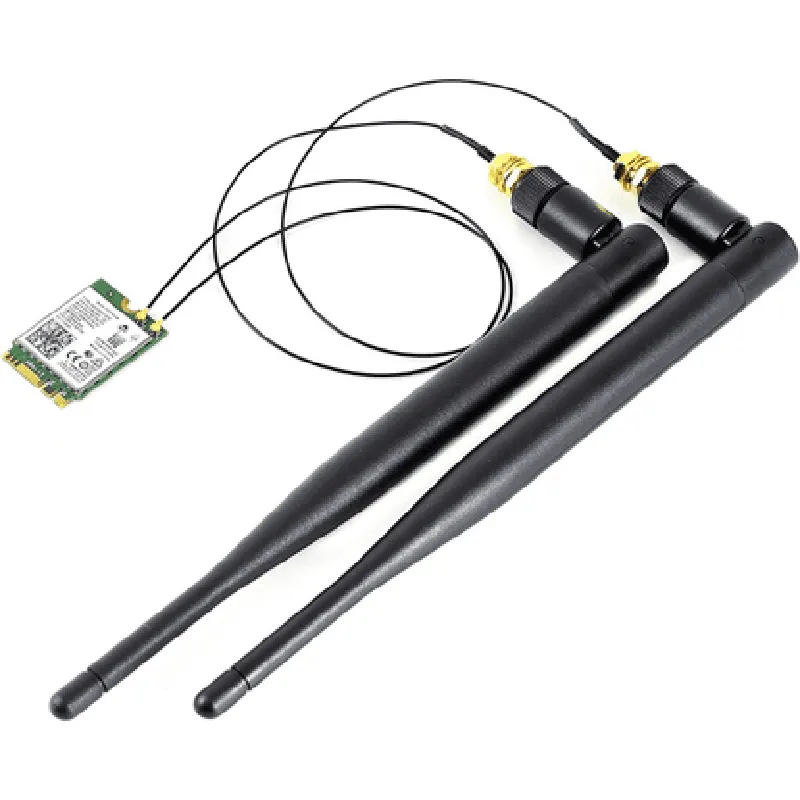
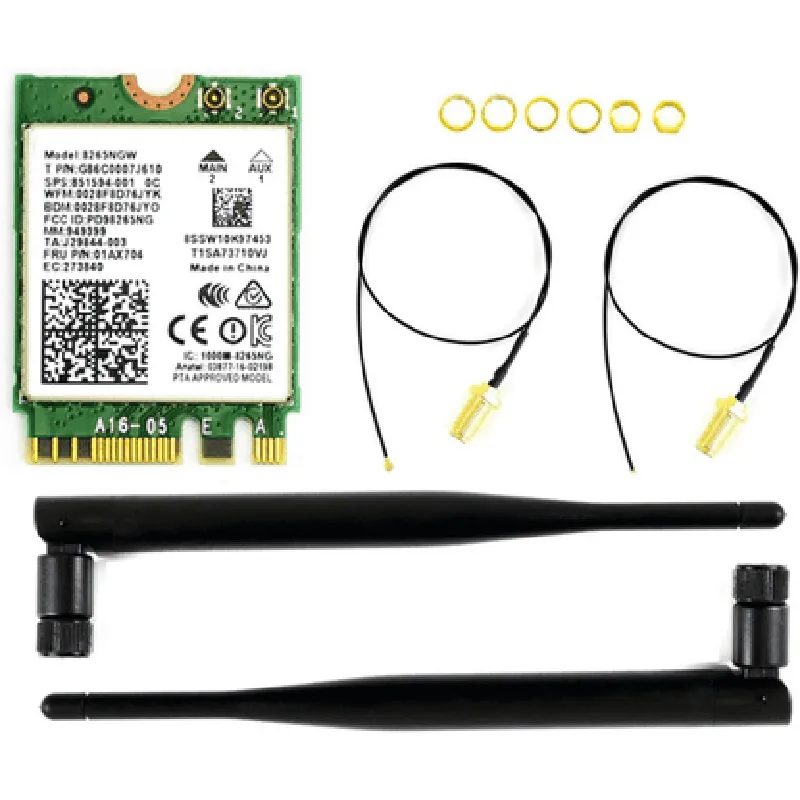
AC8265 Wireless NIC for Jetson Nano Documentation
The AC8265 Wireless NIC is a wireless network interface card (NIC) designed for the NVIDIA Jetson Nano, a small and powerful AI computing platform. This module provides a reliable Wi-Fi connection, enabling wireless communication and Internet connectivity for IoT projects and applications.
IEEE 802.11a/b/g/n Wi-Fi standards
 2.4 GHz frequency band
 Maximum data transfer rate of 300 Mbps
 WPA/WPA2 encryption support
 Compact design, compatible with Jetson Nano development boards
The AC8265 Wireless NIC is supported by the Linux operating system, and drivers are available for the Jetson Nano's Linux kernel.
Example 1: Connecting to a Wi-Fi Network (C++)
In this example, we will demonstrate how to connect to a Wi-Fi network using the AC8265 Wireless NIC on a Jetson Nano board.
```cpp
#include <iostream>
#include <string>
#include <cstdlib>
#include <cstring>
#include <iwlib.h>
int main() {
    // Set Wi-Fi interface name (usually wlan0)
    char ifname[] = "wlan0";
// Set SSID and password for the Wi-Fi network
    char ssid[] = "your_wifi_ssid";
    char password[] = "your_wifi_password";
// Initialize Wi-Fi interface
    iw_priv_args priv_args;
    iwpriv_init(&priv_args, ifname);
// Set Wi-Fi mode to station (client) mode
    iw_set_mode(ifname, IW_MODE_STATION);
// Scan for available Wi-Fi networks
    iw_scan(ifname, IW_SCAN_TYPE_NO_SSID, NULL);
// Connect to the desired Wi-Fi network
    iwreq req;
    memset(&req, 0, sizeof(iwreq));
    strncpy(reqifr_name, ifname, IFNAMSIZ);
    req.u.essid.essid_length = strlen(ssid);
    memcpy(req.u.essid.essid, ssid, req.u.essid.essid_length);
    req.u.essid.flags |= IW_ENCODE_ENABLED | IW_ENCODE_NOKEY;
    req.u.essid.key_size = strlen(password);
    memcpy(req.u.essid.key, password, req.u.essid.key_size);
    if (iw_set_ext(ifname, SIOCSIWESSID, &req) != 0) {
        std::cerr << "Failed to set ESSID" << std::endl;
        return -1;
    }
std::cout << "Connected to Wi-Fi network " << ssid << std::endl;
Example 2: Sending Data over Wi-Fi (Python)
In this example, we will demonstrate how to send data over Wi-Fi using the AC8265 Wireless NIC on a Jetson Nano board.
# Set Wi-Fi interface name (usually wlan0)
ifname = "wlan0"
# Create a socket object
sock = socket.socket(socket.AF_INET, socket.SOCK_STREAM)
# Set the destination IP address and port
dst_ip = "192.168.1.100"
dst_port = 8080
# Connect to the destination socket
sock.connect((dst_ip, dst_port))
# Send data over Wi-Fi
data = "Hello, IoT World!"
sock.sendall(data.encode())
print("Data sent over Wi-Fi:", data)
# Close the socket
sock.close()
```
Example 3: Creating a Wi-Fi Access Point (AP) ( Bash Script)
In this example, we will demonstrate how to create a Wi-Fi access point (AP) using the AC8265 Wireless NIC on a Jetson Nano board.
# Set Wi-Fi interface name (usually wlan0)
ifname=wlan0
# Set AP mode
sudo ip link set $ifname down
sudo iw $ifname set type ap
sudo ip link set $ifname up
# Set AP configuration
sudo iw $ifname info
sudo iw $ifname set ssid "JetsonNanoAP"
sudo iw $ifname set channel 6
sudo iw $ifname set txpower 20
# Start AP service
sudo hostapd -B /etc/hostapd/hostapd.conf
```
Note: The above examples are for illustration purposes only and may require modification to work with your specific setup. Ensure that you have the necessary dependencies installed and configured properly on your Jetson Nano board.