Stufin
Home Quick Cart Profile

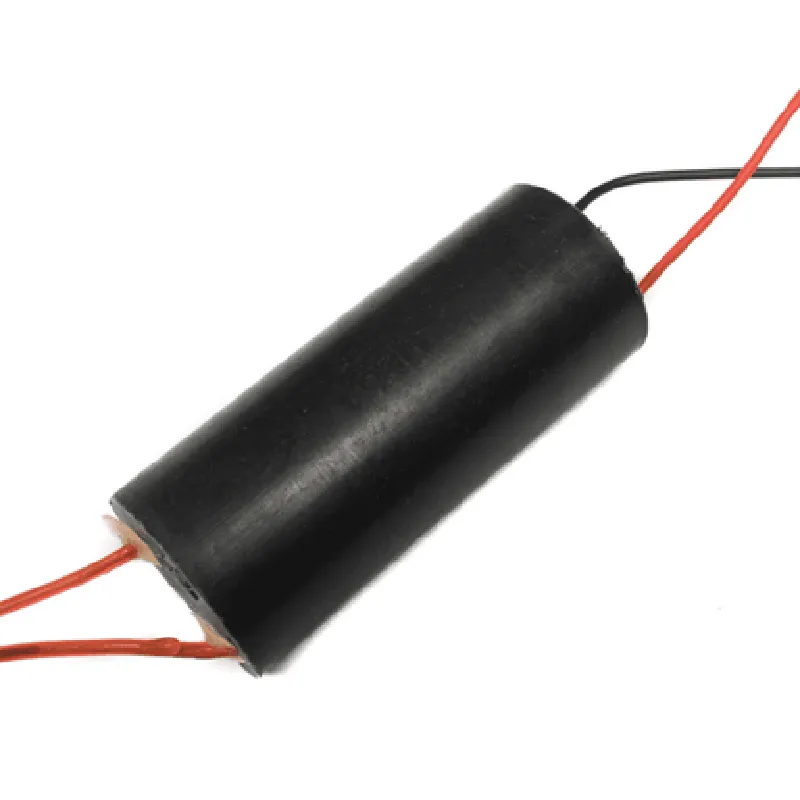
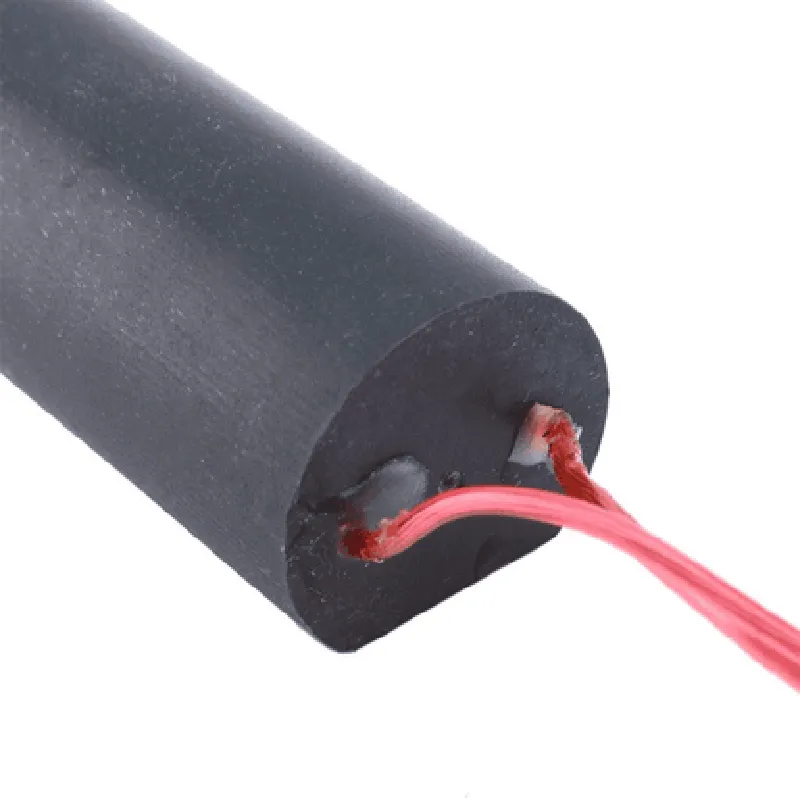
400kV High Voltage Generator 3-6V DC High Voltage Pulse Generator

Buy Now on Stufin

Pin Configuration

  • 400kV High Voltage Generator 3-6V DC High Voltage Pulse Generator
  • Pinout Description
  • The 400kV High Voltage Generator 3-6V DC High Voltage Pulse Generator module has a total of 5 pins, which are used to connect power, control, and output high-voltage pulses. Below is a detailed description of each pin:
  • Pin 1: VCC (3-6V DC)
  • Function: Power supply pin
  • Description: This pin is used to provide a 3-6V DC power supply to the module. The recommended operating voltage is 5V DC.
  • Connection: Connect a 3-6V DC power source (e.g., a battery or a regulated power supply) to this pin.
  • Pin 2: GND
  • Function: Ground pin
  • Description: This pin is used to provide a reference ground for the module.
  • Connection: Connect the ground terminal of the power supply or battery to this pin.
  • Pin 3: TRIG (Trigger Input)
  • Function: Trigger input pin
  • Description: This pin is used to trigger the generation of high-voltage pulses. A digital signal (0-5V) is required to trigger the pulse generation.
  • Connection: Connect a digital signal source (e.g., a microcontroller or a function generator) to this pin. A logic high (above 2.5V) on this pin will trigger the pulse generation.
  • Pin 4: HV- (High-Voltage Output Negative)
  • Function: High-voltage output negative terminal
  • Description: This pin provides the negative terminal of the high-voltage output.
  • Connection: Connect a load or a device that requires a high-voltage pulse (e.g., a spark gap or an ionization detector) to this pin.
  • Pin 5: HV+ (High-Voltage Output Positive)
  • Function: High-voltage output positive terminal
  • Description: This pin provides the positive terminal of the high-voltage output.
  • Connection: Connect a load or a device that requires a high-voltage pulse (e.g., a spark gap or an ionization detector) to this pin.
  • Connection Structure
  • To connect the pins, follow this structure:
  • 1. Connect the power supply (3-6V DC) to Pin 1 (VCC) and Pin 2 (GND).
  • 2. Connect a digital signal source (e.g., a microcontroller or a function generator) to Pin 3 (TRIG).
  • 3. Connect a load or a device that requires a high-voltage pulse to Pin 4 (HV-) and Pin 5 (HV+).
  • Important Notes
  • Ensure to handle the high-voltage output pins (HV- and HV+) with care, as they can produce a high-voltage pulse of up to 400kV.
  • Use proper safety precautions, such as wearing insulating gloves and using a safety mat, when working with high-voltage circuits.
  • Make sure to follow the recommended operating voltage and current ratings for the module to avoid damage or malfunction.
  • By following the above pinout description and connection structure, you can successfully integrate the 400kV High Voltage Generator 3-6V DC High Voltage Pulse Generator module into your project or application.

Code Examples

400kV High Voltage Generator 3-6V DC High Voltage Pulse Generator Documentation
Overview
The 400kV High Voltage Generator is a high-voltage pulse generator module that produces a high voltage output up to 400kV from a low-voltage DC input of 3-6V. This module is suitable for various applications, including plasma generation, electrostatic charging, and high-voltage testing.
Technical Specifications
Input Voltage: 3-6V DC
 Output Voltage: Up to 400kV
 Output Current: Several milliamps
 Pulse Frequency: Adjustable up to 100Hz
 Pulse Width: Adjustable up to 100us
 Dimensions: 60mm x 40mm x 20mm
Pinout
VCC: 3-6V DC input
 GND: Ground
 OUT+: High voltage output positive terminal
 OUT-: High voltage output negative terminal
 FREQ: Pulse frequency adjustment pin (0-5V)
 WIDTH: Pulse width adjustment pin (0-5V)
Example 1: Basic High Voltage Generation using Arduino
In this example, we will use an Arduino board to generate a high voltage pulse using the 400kV High Voltage Generator module.
Hardware Requirements
400kV High Voltage Generator module
 Arduino Board (e.g., Arduino Uno)
 Breadboard and jumper wires
 3-6V DC power source
Code
```c
const int freqPin = 5;  // Pulse frequency adjustment pin
const int widthPin = 6;  // Pulse width adjustment pin
void setup() {
  pinMode(freqPin, OUTPUT);
  pinMode(widthPin, OUTPUT);
}
void loop() {
  // Set pulse frequency to 50Hz
  analogWrite(freqPin, 128);  // 50% duty cycle
  
  // Set pulse width to 50us
  analogWrite(widthPin, 128);  // 50% duty cycle
  
  delay(1000);  // Generate high voltage pulse for 1 second
}
```
Example 2: High Voltage Plasma Generation using Raspberry Pi
In this example, we will use a Raspberry Pi to generate a high voltage plasma using the 400kV High Voltage Generator module.
Hardware Requirements
400kV High Voltage Generator module
 Raspberry Pi (e.g., Raspberry Pi 4)
 Breadboard and jumper wires
 3-6V DC power source
 Plasma generation chamber (e.g., a glass tube with electrodes)
Code
```python
import RPi.GPIO as GPIO
import time
# Set up GPIO pins for frequency and width adjustment
GPIO.setmode(GPIO.BCM)
freq_pin = 17
width_pin = 23
GPIO.setup(freq_pin, GPIO.OUT)
GPIO.setup(width_pin, GPIO.OUT)
while True:
  # Set pulse frequency to 20Hz
  GPIO.output(freq_pin, GPIO.HIGH)
  time.sleep(0.05)
  GPIO.output(freq_pin, GPIO.LOW)
  time.sleep(0.05)
  
  # Set pulse width to 20us
  GPIO.output(width_pin, GPIO.HIGH)
  time.sleep(0.02)
  GPIO.output(width_pin, GPIO.LOW)
  time.sleep(0.02)
  
  # Generate high voltage plasma for 1 second
  time.sleep(1)
```
Safety Precautions
Handle the high voltage generator module with care, as it can produce extremely high voltages that can cause electrical shock or injury.
 Ensure proper insulation and grounding of the module and related components to prevent electrical shock or fire hazards.
 Use safety glasses, gloves, and other protective equipment when working with high voltage systems.
Warranty and Disclaimer
The 400kV High Voltage Generator module is provided as-is, without warranty of any kind. The manufacturer and distributors disclaim any liability for damages or injuries resulting from the use of this module.