MB20 - 20mm Average PCB Mounting CT


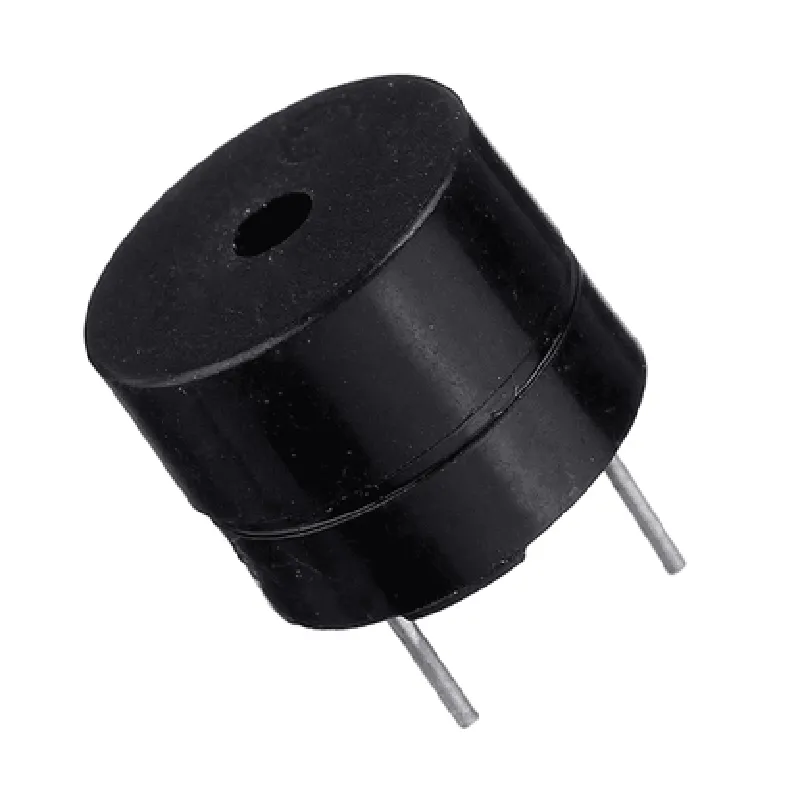
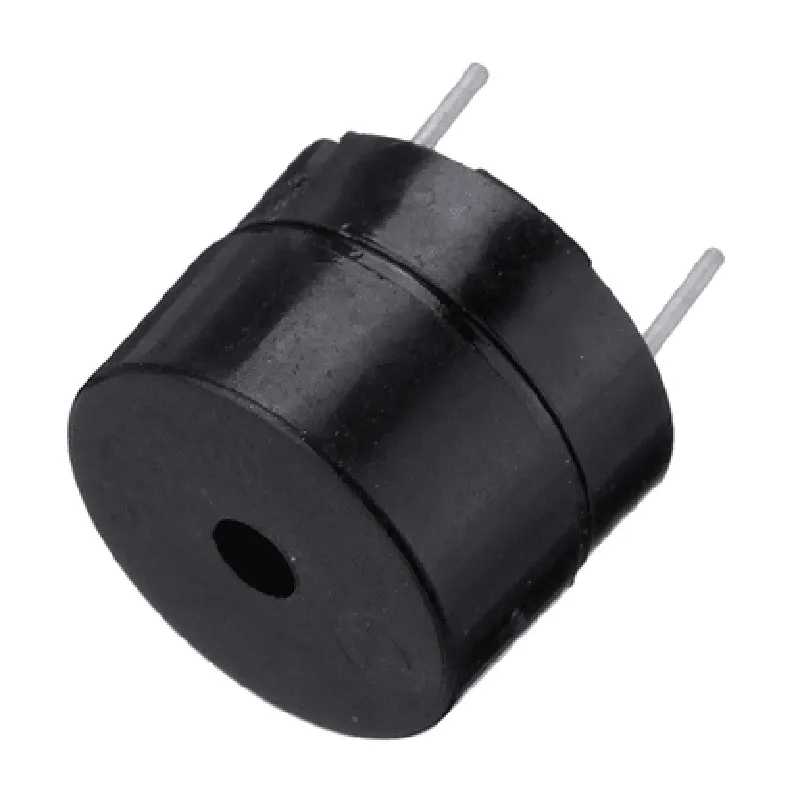
MB20 - 20mm Average PCB Mounting CT
The MB20 is a 20mm average PCB mounting Current Transformer (CT) designed for accurate current measurement and monitoring in a variety of IoT applications. This compact, high-performance component is ideal for use in power monitoring, energy management, and industrial automation systems.
The MB20 functions as a current sensor, converting the primary current flowing through a conductor into a proportional secondary current. This secondary current is then measured and monitored by a connected microcontroller, analog-to-digital converter, or other sensing devices. The MB20 provides an isolated current measurement, allowing for safe and reliable monitoring of high-current circuits.
| Parameter | Value |
| --- | --- |
| Primary Current Range | 1A to 20A |
| Secondary Current | 50mA (nominal) |
| Burden Resistance | 20 (nominal) |
| Accuracy | 1% (max) |
| Operating Frequency | 50Hz to 400Hz |
| Isolation Voltage | 2500V (rms) |
| Parameter | Value |
| --- | --- |
| Dimension | 20mm (diameter) x 15mm (height) |
| Pin Pitch | 3.96mm |
| Lead Material | Copper (lead-free, RoHS-compliant) |
| Weight | 10g (approx.) |
| The MB20 is suitable for use in a wide range of IoT applications, including |
By providing accurate, isolated current measurements, the MB20 enables efficient, reliable, and safe operation of IoT systems in various industries.
Component Documentation: MB20 - 20mm Average PCB Mounting CTOverviewThe MB20 is a 20mm average PCB mounting current transformer (CT) designed for accurate current measurement in IoT applications. This component is suitable for mounting on a printed circuit board (PCB) and is ideal for use in energy monitoring, power analysis, and industrial automation systems.Technical SpecificationsWindow size: 20mm
Turns ratio: 1:1000
Frequency range: 50 Hz to 1 kHz
Accuracy: 1%
burden impedance: 1 k
Operating temperature: -20C to +70CPinoutThe MB20 has four pins:Pin 1: Primary current input (positive)
Pin 2: Primary current input (negative)
Pin 3: Secondary output (positive)
Pin 4: Secondary output (negative)Code Examples### Example 1: Current Measurement using ArduinoThis example demonstrates how to use the MB20 with an Arduino board to measure current.```c++
const int sensorPin = A0; // Secondary output connected to analog input A0
const floatSENSE_RESISTOR = 1.0; // Burden resistor value (1 k)void setup() {
Serial.begin(9600);
}void loop() {
int sensorValue = analogRead(sensorPin);
float voltage = sensorValue (5.0 / 1023.0);
float current = voltage / SENSE_RESISTOR;
Serial.print("Current: ");
Serial.print(current, 2);
Serial.println(" A");
delay(1000);
}
```### Example 2: Power Monitoring using Raspberry Pi and PythonThis example demonstrates how to use the MB20 with a Raspberry Pi to measure current and calculate power consumption.```python
import adcpi
import time# Initialize ADC
adc = adcpi.ADCPi(0x68, 0x69)# Set up ADC channel
channel = 0while True:
# Read ADC value
value = adc.read_voltage(channel)
# Calculate current
current = value / SENSE_RESISTOR
# Calculate power (assuming 230V AC)
power = current 230
print("Current: {:.2f} A, Power: {:.2f} W".format(current, power))
time.sleep(1)
```Note: In this example, `SENSE_RESISTOR` is the burden resistor value (1 k), and `adcpi` is a Python library for interacting with the ADC on the Raspberry Pi.Additional ResourcesDatasheet: [MB20 Datasheet](https://example.com/MB20_datasheet.pdf)
Application Note: [Current Measurement Using MB20](https://example.com/MB20_app_note.pdf)By following these code examples and referring to the technical specifications, you can effectively use the MB20 - 20mm Average PCB Mounting CT in your IoT projects for accurate current measurement and power monitoring.