Futaba S3003 Servo Motor with 3.2Kgcm Torque For Robots Arduino


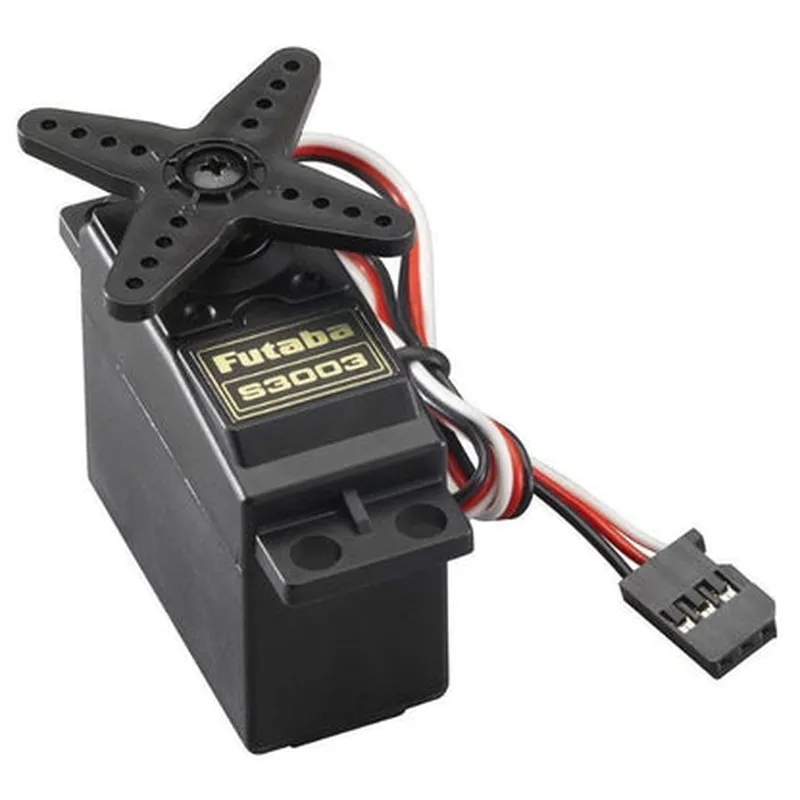
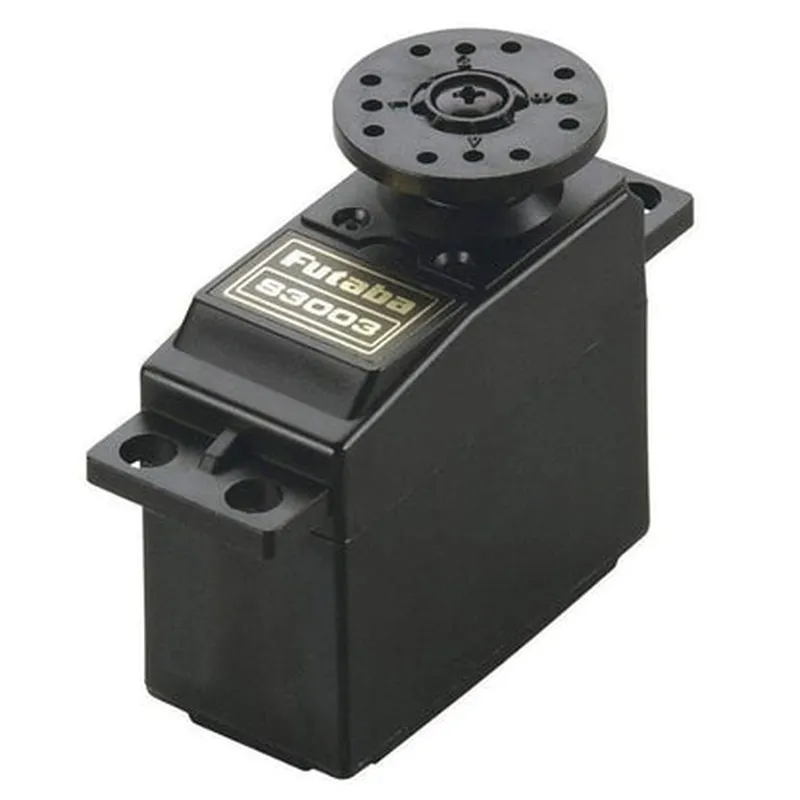
Futaba S3003 Servo Motor with 3.2Kgcm Torque For Robots Arduino
The Futaba S3003 Servo Motor is a high-performance servo motor designed for robotics and automation applications. It is compatible with Arduino boards and offers a high torque output of 3.2Kgcm, making it suitable for a wide range of robotic projects.
The Futaba S3003 Servo Motor is a rotary actuator that converts electrical energy into mechanical energy. It receives control signals from a microcontroller, such as an Arduino board, and adjusts its angular position accordingly. The motor can rotate to a specific angle, hold the position, and then return to its original position, making it suitable for applications that require precise angular control.
3.2Kgcm
0.23sec/60 at 6V
4.8V to 6V
1.6A at 6V
40.5 x 20 x 38.5mm
60g
3-pin (signal, power, and ground)
| The Futaba S3003 Servo Motor is suitable for a wide range of robotic and automation applications, including |
Robotics and robotic arms
Autonomous vehicles
CNC machines
3D printers
Animatronics
Industrial automation
The Futaba S3003 Servo Motor is a high-performance servo motor that offers high torque, precise control, and low power consumption, making it an ideal choice for robotics and automation projects. Its compatibility with Arduino boards and compact design make it easy to integrate into a wide range of projects.
Futaba S3003 Servo Motor DocumentationOverviewThe Futaba S3003 Servo Motor is a high-torque, high-speed servo motor designed for use in robotic applications. It features a stall torque of 3.2Kgcm and a speed of 0.23 sec/60, making it suitable for demanding robotic tasks. This servo motor is compatible with Arduino boards and can be controlled using the Servo library.Pinouts and ConnectionsThe Futaba S3003 Servo Motor has a standard 3-pin connector:Pin 1: VCC (Red wire) - Connect to a 4.8-6V power supply
Pin 2: GND (Brown wire) - Connect to GND on the Arduino board
Pin 3: Signal (Orange wire) - Connect to a digital pin on the Arduino boardArduino Code ExamplesExample 1: Basic Servo ControlThis example demonstrates how to control the servo motor using the Servo library. The servo will rotate to 0, then to 180, and finally back to 0.```cpp
#include <Servo.h>Servo myServo; // create a servo objectvoid setup() {
myServo.attach(9); // attach the servo to digital pin 9
}void loop() {
myServo.write(0); // rotate to 0
delay(1000);
myServo.write(180); // rotate to 180
delay(1000);
myServo.write(0); // rotate back to 0
delay(1000);
}
```Example 2: Servo Control with PotentiometerThis example demonstrates how to control the servo motor using a potentiometer. The servo will rotate to a position proportional to the potentiometer's value.```cpp
#include <Servo.h>Servo myServo; // create a servo object
int potPin = A0; // potentiometer connected to analog pin A0void setup() {
myServo.attach(9); // attach the servo to digital pin 9
}void loop() {
int potValue = analogRead(potPin); // read the potentiometer value
int servoPos = map(potValue, 0, 1023, 0, 180); // map the value to a servo position
myServo.write(servoPos); // set the servo position
delay(15);
}
```Example 3: Servo Control with Button PressThis example demonstrates how to control the servo motor using a button press. The servo will rotate to a predefined position when the button is pressed.```cpp
#include <Servo.h>Servo myServo; // create a servo object
const int buttonPin = 2; // button connected to digital pin 2
int buttonState = 0; // variable to store the button statevoid setup() {
pinMode(buttonPin, INPUT); // set the button pin as an input
myServo.attach(9); // attach the servo to digital pin 9
}void loop() {
buttonState = digitalRead(buttonPin); // read the button state
if (buttonState == HIGH) {
myServo.write(90); // rotate to 90 when the button is pressed
} else {
myServo.write(0); // rotate to 0 when the button is released
}
delay(50);
}
```Note: Make sure to modify the pin connections and servo object names according to your specific setup. Additionally, ensure that the power supply to the servo motor is within the recommended voltage range.