Cooling Fan DC 12V 3010 for 3D Printer


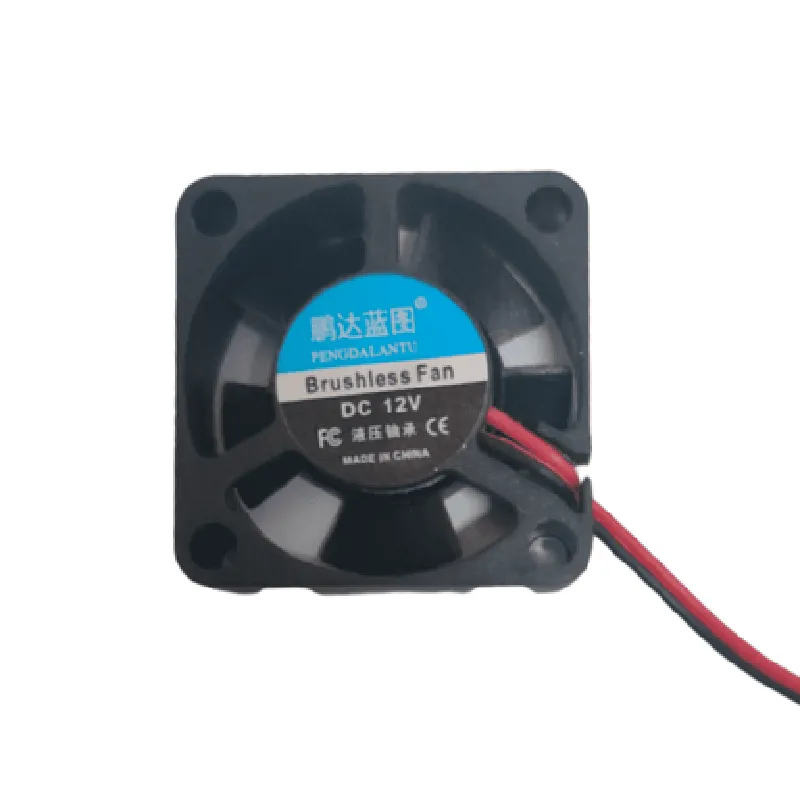
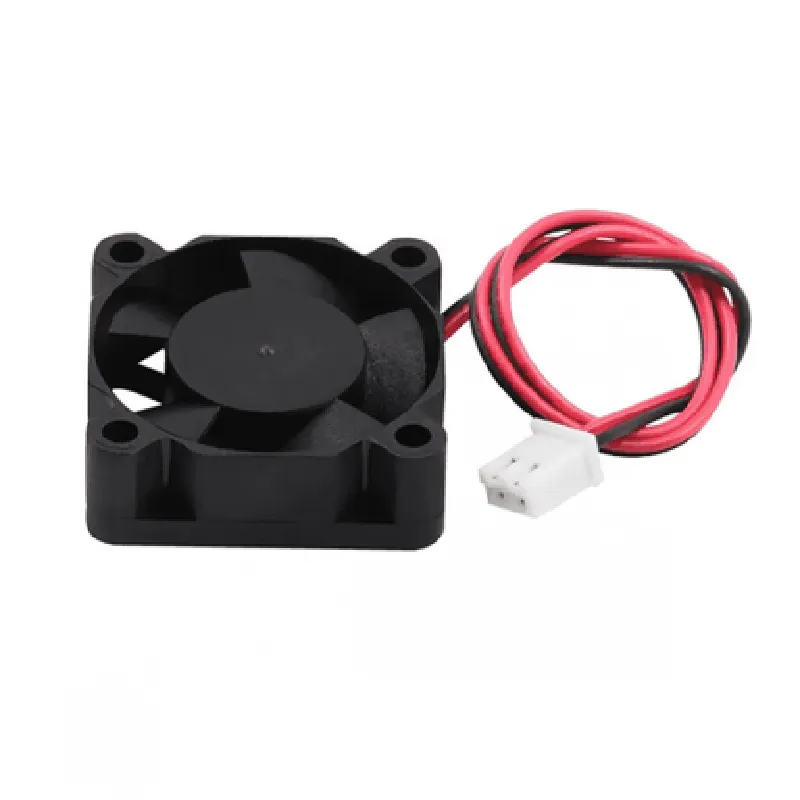
Cooling Fan DC 12V 3010 for 3D Printer
The Cooling Fan DC 12V 3010 is a high-performance fan designed specifically for 3D printing applications. This compact fan is engineered to provide efficient cooling for 3D printers, ensuring optimal performance and reliability.
| The Cooling Fan DC 12V 3010 is designed to dissipate heat generated by the 3D printing process, maintaining a stable temperature environment for the printer's electronic components and print bed. This fan plays a critical role in |
Cooling the print bed and extruder to prevent overheating and warping
Reducing the risk of thermal runaway and resulting print failures
Maintaining a stable temperature range for optimal print quality
Enhancing the overall reliability and lifespan of the 3D printer
| The Cooling Fan DC 12V 3010 is designed for use in 3D printing applications, specifically for |
Cooling the print bed and extruder in FFF/FDM 3D printers
Supporting high-temperature prints (up to 300C/572F)
Enhancing print quality and reducing warping in large-format prints
The Cooling Fan DC 12V 3010 comes with a 1-year limited warranty. Please refer to the manufacturer's documentation for warranty and support details.
Cooling Fan DC 12V 3010 for 3D PrinterOverviewThe Cooling Fan DC 12V 3010 is a high-performance fan designed specifically for 3D printing applications. It features a compact design, low noise operation, and high airflow capabilities, making it an ideal choice for cooling 3D printer hotends, heatbeds, and other components.SpecificationsVoltage: 12V DC
Current: 0.15A
Speed: 4500 RPM
Airflow: 23.4 CFM
Noise Level: 25 dBA
Fan Size: 30x10mm
Connector: 2-pin JST-XHWiring and ConnectionThe Cooling Fan DC 12V 3010 has a 2-pin JST-XH connector, which can be connected to a 3D printer's motherboard or a separate fan controller. The pinout is as follows:Pin 1: VCC (12V)
Pin 2: GNDCode Examples### Example 1: Arduino ControlIn this example, we'll demonstrate how to control the Cooling Fan DC 12V 3010 using an Arduino board. We'll use the Arduino's digital pin 9 to control the fan's speed.```c++
const int fanPin = 9; // Digital pin 9 for fan controlvoid setup() {
pinMode(fanPin, OUTPUT);
}void loop() {
// Set fan speed to 50% (6V)
analogWrite(fanPin, 128);
delay(1000);// Set fan speed to 100% (12V)
analogWrite(fanPin, 255);
delay(1000);// Turn off fan
digitalWrite(fanPin, LOW);
delay(1000);
}
```### Example 2: Raspberry Pi Control (Python)In this example, we'll demonstrate how to control the Cooling Fan DC 12V 3010 using a Raspberry Pi and Python. We'll use the Raspberry Pi's GPIO library to control the fan's speed.```python
import RPi.GPIO as GPIO
import time# Set up GPIO mode
GPIO.setmode(GPIO.BCM)# Set up fan pin as output
fanPin = 17
GPIO.setup(fanPin, GPIO.OUT)try:
while True:
# Set fan speed to 50% (6V)
GPIO.output(fanPin, GPIO.HIGH)
time.sleep(1)# Set fan speed to 100% (12V)
GPIO.output(fanPin, GPIO.HIGH)
time.sleep(1)# Turn off fan
GPIO.output(fanPin, GPIO.LOW)
time.sleep(1)except KeyboardInterrupt:
GPIO.cleanup()
```### Example 3: Marlin Firmware (3D Printer)In this example, we'll demonstrate how to control the Cooling Fan DC 12V 3010 using Marlin firmware on a 3D printer. We'll use the `M106` command to control the fan's speed.```makefile
; Set fan speed to 50% (6V)
M106 S127; Set fan speed to 100% (12V)
M106 S255; Turn off fan
M106 S0
```Note: In Marlin firmware, the `M106` command is used to control the fan speed, where `S` specifies the speed value (0-255).