3.3-5V


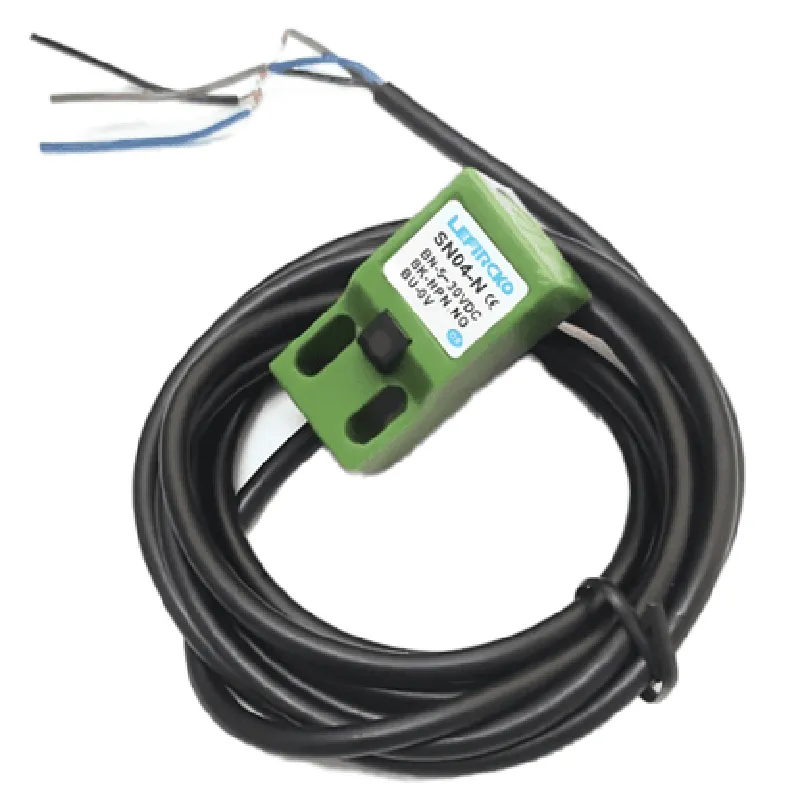
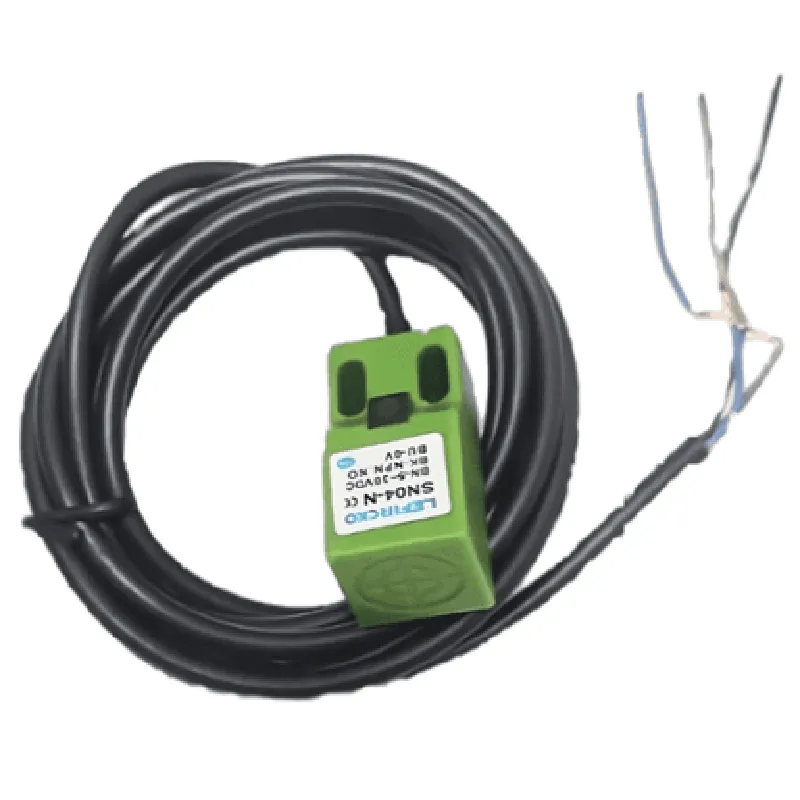
3.3-5V
NPN
100 mA
2-30 cm (0.6-11.8 inches)
Adjustable
10 ms
20 x 15 x 10 mm (0.78 x 0.59 x 0.39 inches)
5g
Applications
| The SN04-N NPN NO Distance Proximity Sensor Switch Module is suitable for a wide range of applications, including |
Obstacle detection and avoidance systems
Proximity sensing and detection
Object counting and tracking
Robotics and automation
Industrial automation and control systems
IoT devices and smart home applications
Pinout
| The SN04-N module has a 3-pin interface |
VCC (Power Supply)
GND (Ground)
OUT (NPN Output)
By leveraging the features and capabilities of the SN04-N module, developers and engineers can create innovative and effective proximity sensing solutions for various industries and applications.
SN04-N NPN NO Distance Proximity Sensor Switch Module DocumentationOverviewThe SN04-N NPN NO Distance Proximity Sensor Switch Module is a compact and efficient sensor module designed for detecting objects within a certain distance range. This module uses an infrared LED and a phototransistor to detect objects, providing a digital output signal when an object is within the detection range. The module is suitable for various IoT applications, including robotics, automation, and smart home systems.Technical SpecificationsOperating Voltage: 5V
Operating Current: 20mA
Distance Detection Range: 2-30cm
Output Signal: Digital ( HIGH or LOW)
Output Type: NPN (Negative-Positive-Negative) Open Collector
Response Time: 10msPinoutsVCC: 5V power supply
GND: Ground
OUT: Digital output signal
EN: Enable pin (optional, pull-up to 5V to enable)Code Examples### Example 1: Basic Object Detection using ArduinoIn this example, we will use the SN04-N module with an Arduino board to detect objects within the detection range. The module's output signal will be connected to a digital input on the Arduino board.```c
const int sensorPin = 2; // Digital input pin for sensor output
const int ledPin = 13; // LED pin to indicate object detectionvoid setup() {
pinMode(sensorPin, INPUT);
pinMode(ledPin, OUTPUT);
}void loop() {
int sensorState = digitalRead(sensorPin);
if (sensorState == HIGH) {
// Object detected, turn on the LED
digitalWrite(ledPin, HIGH);
} else {
// No object detected, turn off the LED
digitalWrite(ledPin, LOW);
}
delay(50);
}
```### Example 2: Object Detection with Raspberry Pi using PythonIn this example, we will use the SN04-N module with a Raspberry Pi to detect objects within the detection range. The module's output signal will be connected to a digital input on the Raspberry Pi's GPIO pins.```python
import RPi.GPIO as GPIO
import timeGPIO.setmode(GPIO.BCM)
sensor_pin = 17 # GPIO pin 17 as input for sensor output
led_pin = 18 # GPIO pin 18 as output for LEDGPIO.setup(sensor_pin, GPIO.IN)
GPIO.setup(led_pin, GPIO.OUT)while True:
sensor_state = GPIO.input(sensor_pin)
if sensor_state:
# Object detected, turn on the LED
GPIO.output(led_pin, GPIO.HIGH)
else:
# No object detected, turn off the LED
GPIO.output(led_pin, GPIO.LOW)
time.sleep(0.05)
```Note: Ensure to connect the sensor module's output signal to a digital input pin on your microcontroller or single-board computer, and configure the pin as an input in your code. Also, connect the power supply (VCC) and ground (GND) pins to the corresponding pins on your board.