5V DC


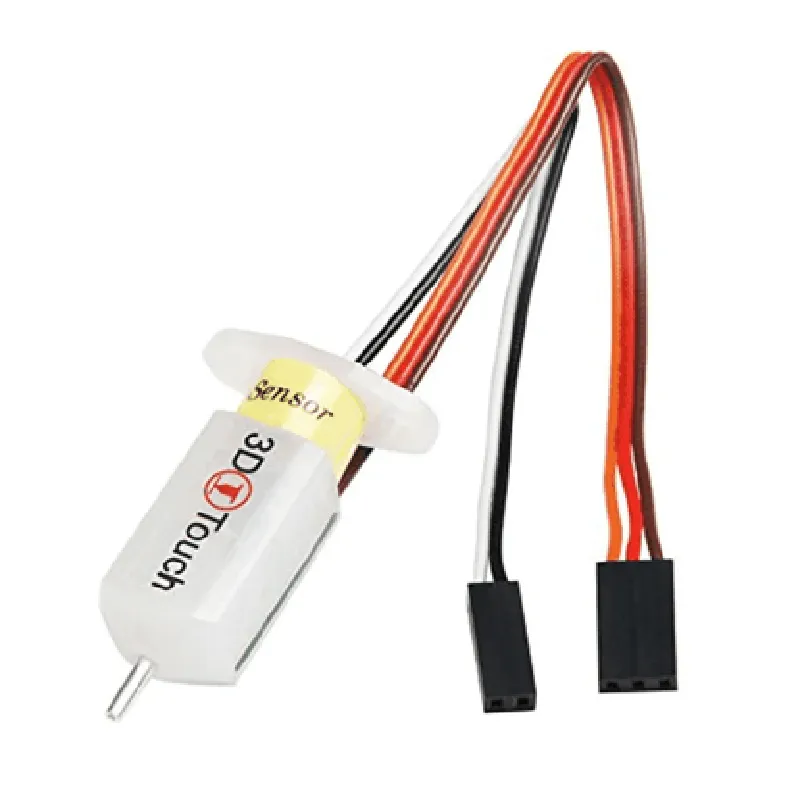
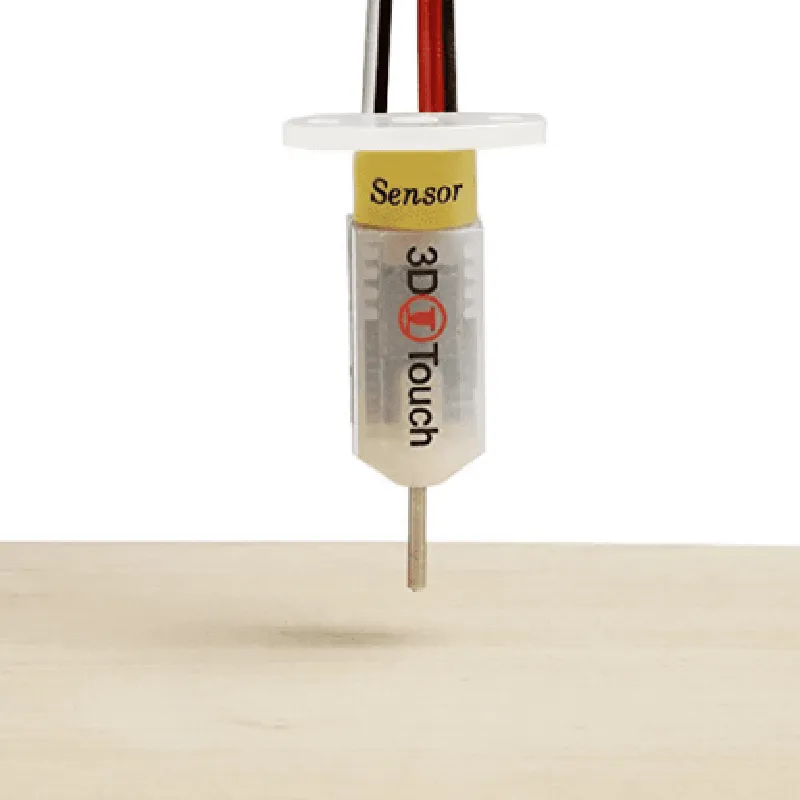
5V DC
<10mA
0-5mm
0.01mm
<10ms
0C to 40C
-20C to 60C
20g
30mm x 20mm x 10mm
Conclusion
The 3D Touch Auto Leveling Sensor is an innovative and essential component for 3D printers, providing accurate and efficient auto-leveling capabilities. Its high-precision measurement, real-time feedback, and non-contact design make it an ideal solution for achieving consistent and reliable print results. With its wide compatibility, easy installation, and robust design, this sensor is an excellent addition to any 3D printing setup.
3D Touch Auto Leveling Sensor for 3D Printers DocumentationOverviewThe 3D Touch Auto Leveling Sensor is a high-precision sensor designed for 3D printers to accurately detect the distance between the print bed and the nozzle. This sensor enables automatic bed leveling, ensuring a perfect first layer adhesion and improving overall print quality.Technical SpecificationsOperating Voltage: 5V
Operating Current: 10mA
communication protocol: I2C
Sensor Range: 0-5mm
Resolution: 0.01mm
Accuracy: 0.05mmPinoutThe sensor has a 4-pin header with the following connections:VCC: 5V power supply
GND: Ground
SCL: I2C clock pin
SDA: I2C data pinCode Examples### Example 1: Using the 3D Touch Auto Leveling Sensor with an Arduino BoardThis example demonstrates how to use the 3D Touch Auto Leveling Sensor with an Arduino board to perform automatic bed leveling.```c++
#include <Wire.h>#define SENSOR_ADDRESS 0x1E // default I2C address of the sensorvoid setup() {
Wire.begin(); // initialize I2C communication
Serial.begin(9600);
}void loop() {
int distance = getDistance();
Serial.print("Distance: ");
Serial.print(distance);
Serial.println(" mm");// Perform automatic bed leveling based on the distance reading
if (distance < 2.5) {
Serial.println("Leveling the bed...");
// send G-code commands to the 3D printer to adjust the bed
}
delay(1000);
}int getDistance() {
Wire.beginTransmission(SENSOR_ADDRESS);
Wire.write(0x00); // register address for distance reading
Wire.endTransmission();
Wire.requestFrom(SENSOR_ADDRESS, 2);
int distance = Wire.read() << 8 | Wire.read();
return distance;
}
```### Example 2: Using the 3D Touch Auto Leveling Sensor with a Raspberry Pi (Python)This example demonstrates how to use the 3D Touch Auto Leveling Sensor with a Raspberry Pi using Python to read the distance data.```python
import smbus
import timebus = smbus.SMBus(1) # use I2C bus 1
sensor_address = 0x1E # default I2C address of the sensordef get_distance():
bus.write_byte(sensor_address, 0x00) # register address for distance reading
data = bus.read_i2c_block_data(sensor_address, 0x00, 2)
distance = (data[0] << 8) | data[1]
return distancewhile True:
distance = get_distance()
print("Distance: {:.2f} mm".format(distance / 100.0))# Perform automatic bed leveling based on the distance reading
if distance < 250:
print("Leveling the bed...")
# send G-code commands to the 3D printer to adjust the bedtime.sleep(1)
```Note: These examples are for illustration purposes only and may require modifications to work with your specific 3D printer setup. Ensure you follow proper safety precautions and consult the sensor's datasheet for detailed instructions on usage and calibration.