

Stufin
Home Quick Cart Profile

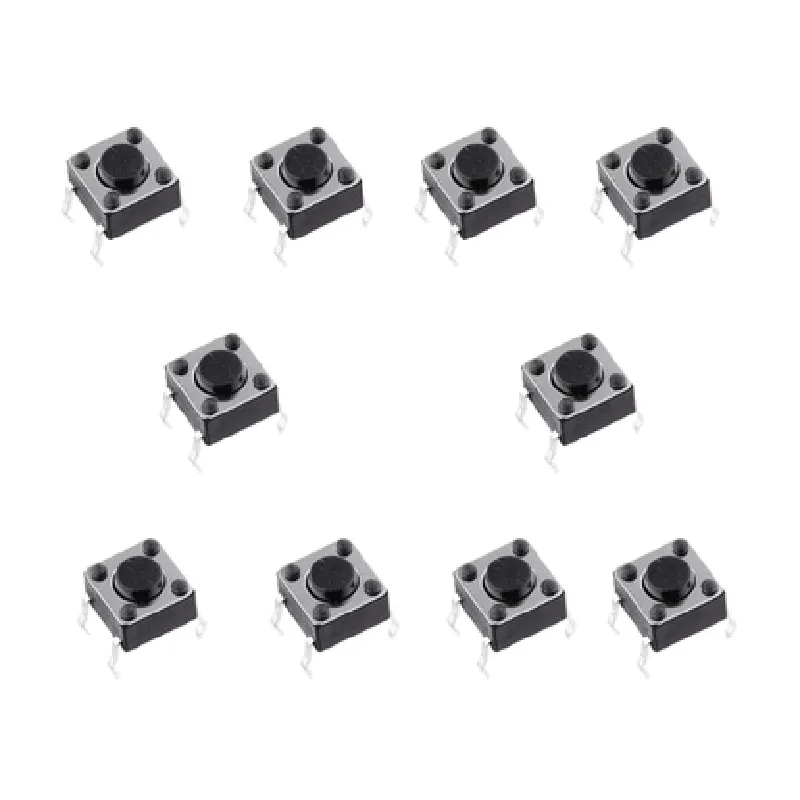
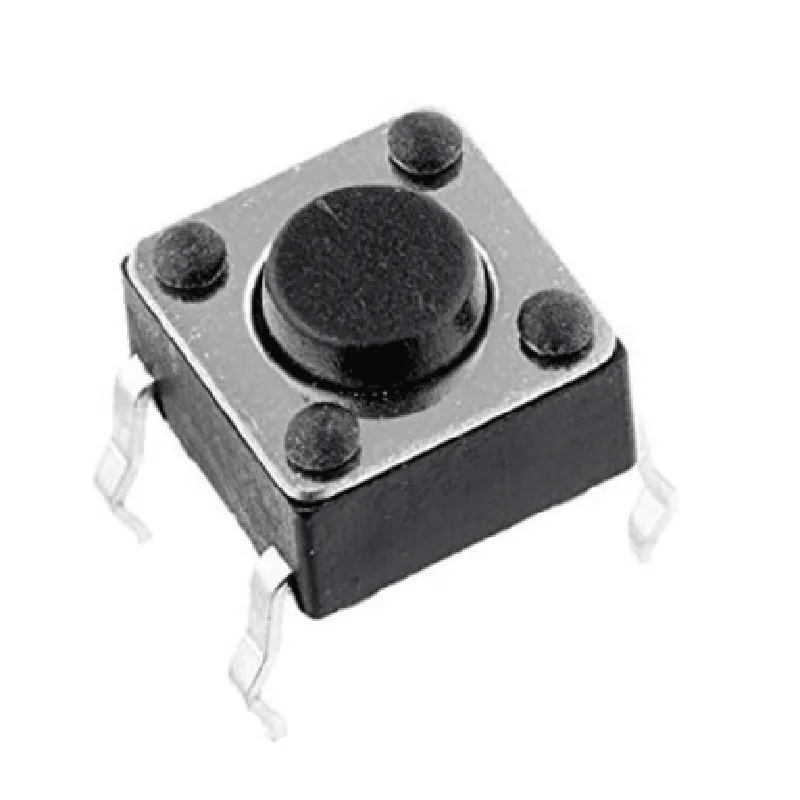
12x12x7.3mm Tactile Push Button Switch(Pack of 10)

Buy Now on Stufin

Component Name

12x12x7.3mm Tactile Push Button Switch (Pack of 10)

Overview

The 12x12x7.3mm Tactile Push Button Switch is a compact, high-quality switch designed for a wide range of applications in the Internet of Things (IoT) and other electronic devices. This component is available in a pack of 10, making it an ideal choice for prototyping, development, and production purposes.

Functionality

The 12x12x7.3mm Tactile Push Button Switch is a momentary action switch, meaning it returns to its original position once the pressure is released. When pressed, the switch makes contact, allowing electrical current to flow through the circuit. When released, the switch breaks the contact, interrupting the current flow. This switch is commonly used in IoT devices, robotics, and other electronic projects that require a simple, reliable, and durable human-machine interface.

Key Features

  • Compact Size: The switch measures 12x12x7.3mm, making it an ideal choice for space-constrained applications.
  • Tactile Feedback: The switch provides a tactile "click" feedback when pressed, ensuring the user knows when the switch has been activated.
  • Momentary Action: The switch is designed for momentary action, meaning it returns to its original position when pressure is released.
  • High-Quality Construction: The switch is built with high-quality materials and construction, ensuring long-lasting reliability and durability.
  • Gold-Plated Contacts: The switch features gold-plated contacts, which provide excellent conductivity and resistance to corrosion.
  • Through-Hole Mounting: The switch is designed for through-hole mounting, making it easy to install and secure on a PCB or other substrate.
  • Pack of 10: The component is available in a pack of 10, making it a cost-effective solution for prototyping, development, and production.

Electrical Characteristics

Operating Voltage

12V DC

Operating Current

50mA

Contact Resistance

50m

Insulation Resistance

100M

Dielectric Strength

500V AC

Physical Characteristics

Dimensions

12x12x7.3mm

Mounting Type

Through-Hole

Switch Type

Momentary Action, Tactile Push Button

Material

Plastic and Metal

Operating Temperature

-20C to +70C

Applications

The 12x12x7.3mm Tactile Push Button Switch is suitable for a wide range of applications, including

IoT Devices

Robotics

Industrial Control Systems

Medical Devices

Automotive Systems

Consumer Electronics

Conclusion

The 12x12x7.3mm Tactile Push Button Switch is a reliable, compact, and cost-effective component ideal for a variety of applications. Its high-quality construction, tactile feedback, and momentary action make it an excellent choice for prototyping, development, and production purposes.

Pin Configuration

  • Component Documentation: 12x12x7.3mm Tactile Push Button Switch (Pack of 10)
  • Overview
  • The 12x12x7.3mm Tactile Push Button Switch is a compact, surface-mountable switch designed for use in a wide range of IoT applications. This documentation provides a detailed explanation of the switch's pins, their functions, and how to connect them.
  • Pinout
  • The switch has 4 pins, labeled as follows:
  • Pin 1: NC (Normally Closed)
  • Function: Connects to the circuit when the button is not pressed
  • Description: This pin is connected to the circuit when the button is in its normal, unpressed state.
  • Pin 2: COM (Common)
  • Function: The common pin that connects to the circuit when the button is pressed
  • Description: This pin acts as a reference point for the switch and is connected to the circuit when the button is pressed.
  • Pin 3: NO (Normally Open)
  • Function: Connects to the circuit when the button is pressed
  • Description: This pin is connected to the circuit when the button is pressed, and is normally open when the button is not pressed.
  • Pin 4: No connection
  • Function: No internal connection
  • Description: This pin is not connected to any internal component and should not be used.
  • Connection Structure
  • To connect the switch to a circuit, follow these steps:
  • 1. Connect Pin 2 (COM) to a ground point or a reference voltage:
  • This provides a common reference point for the switch.
  • 2. Connect Pin 1 (NC) to the circuit's normally closed path:
  • This pin connects to the circuit when the button is not pressed, allowing the circuit to function normally.
  • 3. Connect Pin 3 (NO) to the circuit's normally open path:
  • This pin connects to the circuit when the button is pressed, allowing the circuit to function in its alternative state.
  • Example Connection Diagram
  • Here's an example of how to connect the switch to a simple LED circuit:
  • Pin 2 (COM) -> Ground
  • Pin 1 (NC) -> Resistor -> LED -> Ground
  • Pin 3 (NO) -> Resistor -> LED -> Ground
  • In this example, the LED is normally off (connected to Pin 1). When the button is pressed, the LED turns on (connected to Pin 3).

Code Examples

Component Documentation: 12x12x7.3mm Tactile Push Button Switch(Pack of 10)
Overview
The 12x12x7.3mm Tactile Push Button Switch is a compact, high-quality momentary push-button switch designed for a wide range of applications, including IoT projects, robotics, and electronic devices. This pack of 10 switches provides an economical solution for prototyping and production.
Technical Specifications
Dimensions: 12mm x 12mm x 7.3mm
 Operating Force: 1.5N
 Contact Resistance: 10m max
 Insulation Resistance: 100M min
 Operating Temperature: -20C to 70C
 Switch Type: Momentary (Normally Open)
 Pin Configuration: 2-pin
Pinout Diagram
```
  +-----------+
  |  Switch   |
  +-----------+
  | 1  | 2  |
  +-----------+
```
Connectivity and Usage
The switch has two pins: one for the input (pin 1) and one for the output (pin 2). When the button is pressed, the two pins are connected, allowing the circuit to be closed.
Code Examples
Here are three code examples demonstrating how to use the 12x12x7.3mm Tactile Push Button Switch in different contexts:
Example 1: Basic Switch Usage with Arduino
In this example, we'll connect the switch to digital pin 2 on an Arduino board and use it to toggle an LED on and off.
```c
const int switchPin = 2;  // The pin connected to the switch
const int ledPin = 13;   // The pin connected to the LED
void setup() {
  pinMode(switchPin, INPUT);
  pinMode(ledPin, OUTPUT);
}
void loop() {
  int switchState = digitalRead(switchPin);
  if (switchState == HIGH) {
    digitalWrite(ledPin, HIGH); // Turn the LED on
  } else {
    digitalWrite(ledPin, LOW);  // Turn the LED off
  }
  delay(50); // Debouncing
}
```
Example 2: Using the Switch as a Debounced Input with Raspberry Pi (Python)
```python
import RPi.GPIO as GPIO
import time
GPIO.setmode(GPIO.BCM)
switch_pin = 17  # The pin connected to the switch
GPIO.setup(switch_pin, GPIO.IN, pull_up_down=GPIO.PUD_UP)
while True:
    if GPIO.input(switch_pin) == GPIO.LOW:
        print("Switch pressed!")
        # Perform an action here, such as sending a signal or triggering an event
    time.sleep(0.05)  # Debouncing delay
```
Example 3: Using the Switch as a Trigger for an ESP32 Microcontroller (C++)
```c
#include <WiFi.h>
const int switchPin = 23;  // The pin connected to the switch
void setup() {
  pinMode(switchPin, INPUT);
  Serial.begin(115200);
}
void loop() {
  int switchState = digitalRead(switchPin);
  if (switchState == HIGH) {
    Serial.println("Switch pressed!");
    // Perform an action here, such as sending a message over Wi-Fi or triggering an event
    delay(50); // Debouncing
  }
}
```
These examples demonstrate how to use the 12x12x7.3mm Tactile Push Button Switch in various contexts, including Arduino, Raspberry Pi, and ESP32 microcontrollers.