BO Wheel (White)


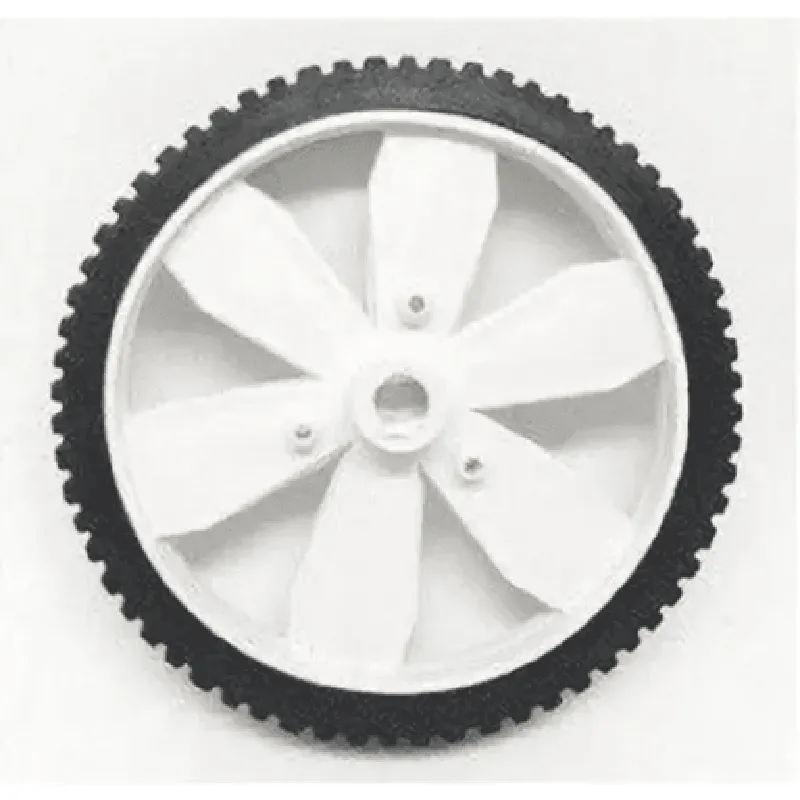
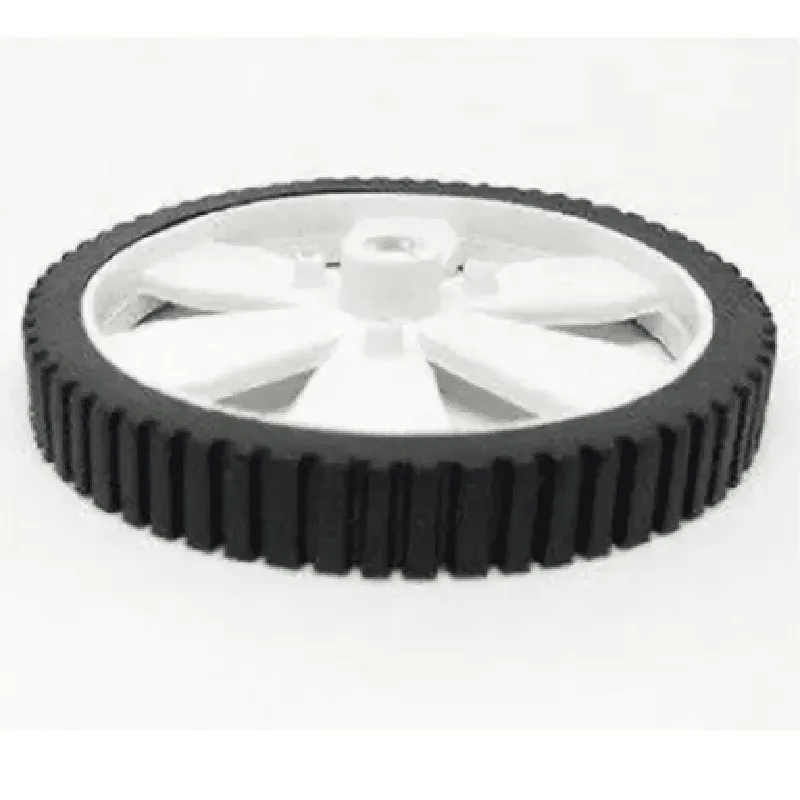
BO Wheel (White)
The BO Wheel (White) is a motorized wheel designed for robotics and IoT applications. It is a compact, high-performance wheel that provides precise motion control and versatility for a wide range of projects.
The BO Wheel (White) is designed to provide efficient and precise motion control for robots, robotic arms, and other IoT devices. It features a high-torque DC motor that allows for smooth and quiet operation. The wheel is optimized for use in both forward and reverse directions, making it suitable for a variety of applications.
High-torque DC motor
Adjustable (up to 100 RPM)
60 mm
20 mm
Durable plastic
Standard M3 screw mounting
6-12 V DC
1-2 A
UART, I2C, or SPI (dependent on microcontroller/ Single-board computer)
| The BO Wheel (White) is suitable for a wide range of IoT applications, including |
Robotics
Robotic arms
Autonomous vehicles
IoT devices
Smart home devices
Industrial automation
1 x BO Wheel (White)
1 x Mounting screws (M3)
1 x User manual
The BO Wheel (White) comes with a 1-year limited warranty. For more information, please refer to the warranty documentation provided with the product.
BO Wheel (White) Component DocumentationOverviewThe BO Wheel (White) is a rotary encoder component designed for IoT applications. It provides a responsive and precise way to measure angular displacement and rotation speed. The component is equipped with a white plastic wheel and a built-in quadrature encoder, making it an ideal choice for navigation, robotics, and other projects that require accurate rotational feedback.Technical SpecificationsEncoder Resolution: 12-bit (4096 steps per revolution)
Rotation Range: 360
Output Signals: Quadrature encoder output (A, B, and Index)
Interface: 5-pin connector (VCC, GND, A, B, IDX)Code Examples### Example 1: Basic Rotary Encoder Reading with ArduinoIn this example, we'll demonstrate how to read the BO Wheel (White) using an Arduino board.
```c++
#include <Arduino.h>#define ENCODER_A 2 // Pin for encoder output A
#define ENCODER_B 3 // Pin for encoder output B
#define ENCODER_IDX 4 // Pin for encoder index outputvolatile int encoderPos = 0; // Variable to store the encoder positionvoid setup() {
pinMode(ENCODER_A, INPUT);
pinMode(ENCODER_B, INPUT);
pinMode(ENCODER_IDX, INPUT);
attachInterrupt(digitalPinToInterrupt(ENCODER_A), encoderISR, RISING);
}void loop() {
// Read and print the current encoder position
Serial.print("Encoder Position: ");
Serial.println(encoderPos);
delay(50);
}void encoderISR() {
// Determine the direction of rotation based on the encoder outputs
if (digitalRead(ENCODER_B) == HIGH) {
encoderPos++;
} else {
encoderPos--;
}
}
```
### Example 2: Using the BO Wheel with Raspberry Pi and PythonIn this example, we'll demonstrate how to read the BO Wheel (White) using a Raspberry Pi and Python.
```python
import RPi.GPIO as GPIO
import time# Set up GPIO pins for the encoder outputs
GPIO.setmode(GPIO.BCM)
GPIO.setup(17, GPIO.IN, pull_up_down=GPIO.PUD_UP) # Encoder output A
GPIO.setup(23, GPIO.IN, pull_up_down=GPIO.PUD_UP) # Encoder output B
GPIO.setup(24, GPIO.IN, pull_up_down=GPIO.PUD_UP) # Encoder index outputencoder_pos = 0def encoder_callback(channel):
global encoder_pos
# Determine the direction of rotation based on the encoder outputs
if GPIO.input(23) == GPIO.HIGH:
encoder_pos += 1
else:
encoder_pos -= 1GPIO.add_event_detect(17, GPIO.RISING, callback=encoder_callback, bouncetime=10)while True:
# Print the current encoder position
print("Encoder Position:", encoder_pos)
time.sleep(0.05)
```
These examples demonstrate the basic usage of the BO Wheel (White) component. You can adapt and modify the code to fit your specific IoT project requirements.