Bit Go
Overview


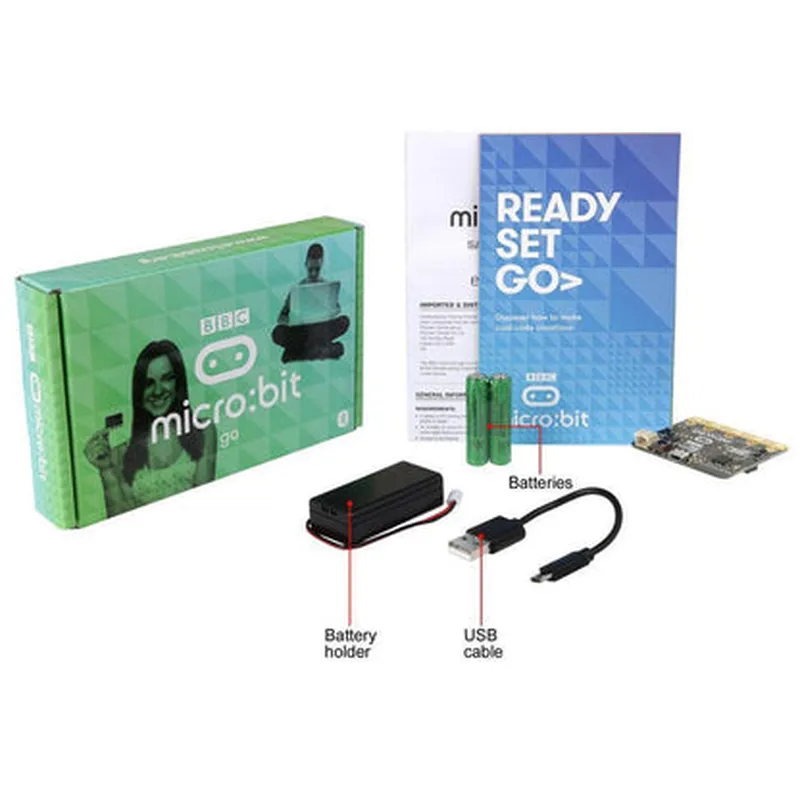
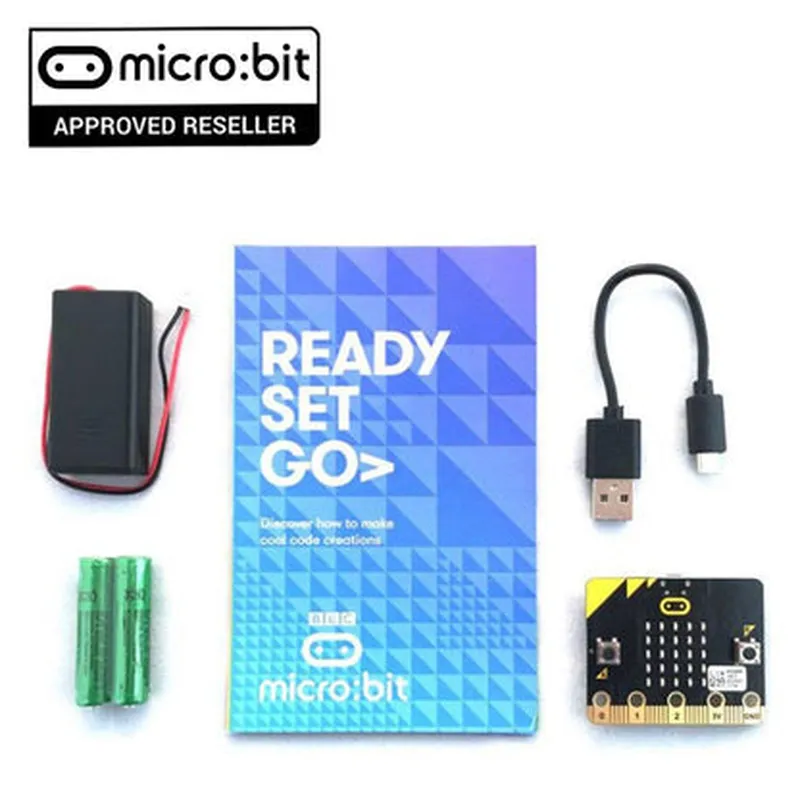
Bit Go
Overview
Bit Go is a versatile and accessible microcontroller-based development board that provides an excellent introduction to the world of programming and IoT. Its ease of use, affordability, and extensive resources make it an ideal choice for beginners and experienced developers alike.
| Allows users to connect the Micro | Bit Go to other devices and accessories |
| Breadboard-friendly | Compatible with standard breadboards for easy prototyping |
Supported by a large community and a wealth of online resources, including tutorials, projects, and documentation
Target Applications
BBC Micro:Bit Go Component DocumentationThe BBC Micro:Bit Go is a popular microcontroller-based development board designed for educational and hobbyist purposes. It's a compact, easy-to-use device that allows users to create a wide range of IoT projects. This documentation provides an overview of the component and offers code examples to demonstrate its usage in various contexts.Component OverviewThe BBC Micro:Bit Go is a single-board microcontroller powered by a 32-bit ARM Cortex-M0 processor. It features:25 programmable LEDs for display and interaction
2 programmable buttons for user input
Accelerometer and compass for motion and orientation sensing
Bluetooth Low Energy (BLE) for wireless connectivity
Micro-USB port for programming and power supply
Compatible with a range of programming languages, including Python, JavaScript, and C++Code Examples### Example 1: Blinking LED with Button PressThis example demonstrates how to use the BBC Micro:Bit Go to create a simple LED blinker that responds to button presses.MicroPython Code
```python
import microbitwhile True:
if microbit.button_a.is_pressed():
microbit.led.toggle(0, 0, 9) # Toggle LED at position (0, 0) with brightness 9
microbit.sleep(500) # Wait for 500ms
```
In this example, we use the `microbit` library to access the device's features. The code runs an infinite loop, checking for button A presses. When a press is detected, the LED at position (0, 0) toggles its state and waits for 500ms before checking again.### Example 2: Accelerometer-based Gesture RecognitionThis example demonstrates how to use the BBC Micro:Bit Go's accelerometer to recognize simple gestures.MicroPython Code
```python
import microbitwhile True:
accelerometer_data = microbit.accelerometer.get_values()
x, y, z = accelerometer_dataif abs(x) > 500 and abs(y) < 200 and abs(z) < 200:
microbit.display.show("R") # Show "R" on the display if gesture is detected
elif abs(y) > 500 and abs(x) < 200 and abs(z) < 200:
microbit.display.show("L") # Show "L" on the display if gesture is detected
else:
microbit.display.clear() # Clear the display if no gesture is detected
microbit.sleep(50) # Wait for 50ms
```
In this example, we use the `microbit.accelerometer` module to read the accelerometer data. We then analyze the data to recognize simple gestures, such as tilting the device to the right (x-axis) or left (y-axis). When a gesture is detected, the corresponding character is displayed on the device's LED matrix.### Example 3: BLE-based Remote ControlThis example demonstrates how to use the BBC Micro:Bit Go's BLE capabilities to create a simple remote control system.MicroPython Code (Client-side)
```python
import microbit
import bleclient = ble.gap_scan(5000) # Scan for BLE devices for 5 seconds
if client:
client.connect() # Connect to the first discovered devicewhile True:
if microbit.button_a.is_pressed():
client.send("-button_a_pressed-") # Send a message to the server when button A is pressed
microbit.sleep(50) # Wait for 50ms
```
MicroPython Code (Server-side)
```python
import microbit
import bleserver = ble.gap_advertise(5000) # Advertise the server for 5 secondswhile True:
message = server.recv()
if message == "-button_a_pressed-":
microbit.led.toggle(0, 0, 9) # Toggle LED at position (0, 0) with brightness 9
microbit.sleep(50) # Wait for 50ms
```
In this example, we create a client-server system using the BBC Micro:Bit Go's BLE capabilities. The client-side code scans for nearby BLE devices, connects to the first one, and sends a message when button A is pressed. The server-side code advertises its presence, receives messages from clients, and toggles an LED in response to the received message.These examples demonstrate the versatility of the BBC Micro:Bit Go and its capabilities in various IoT projects.