951 Soldering Flux Pen


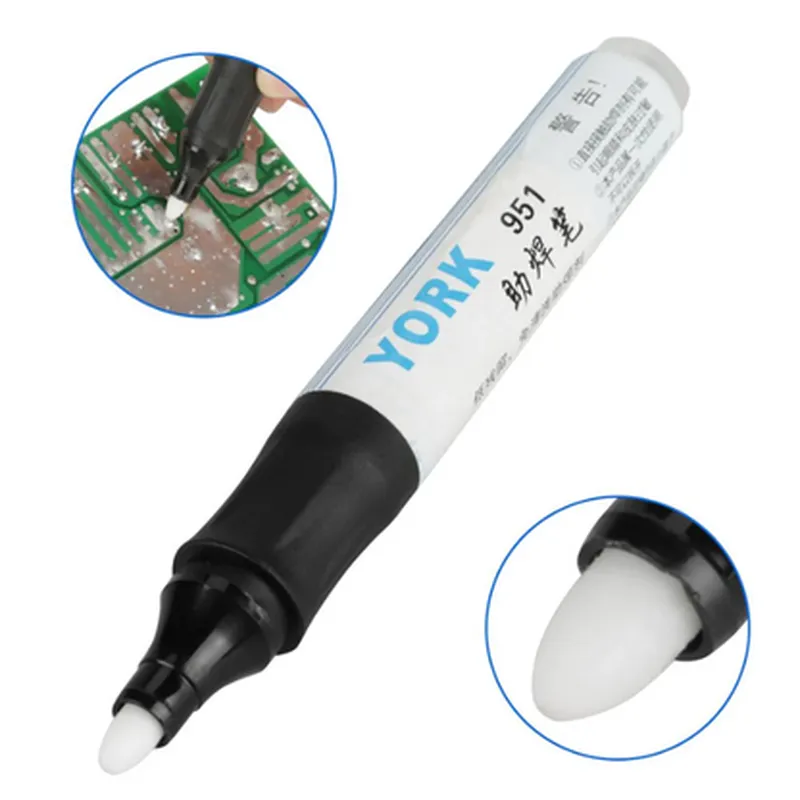
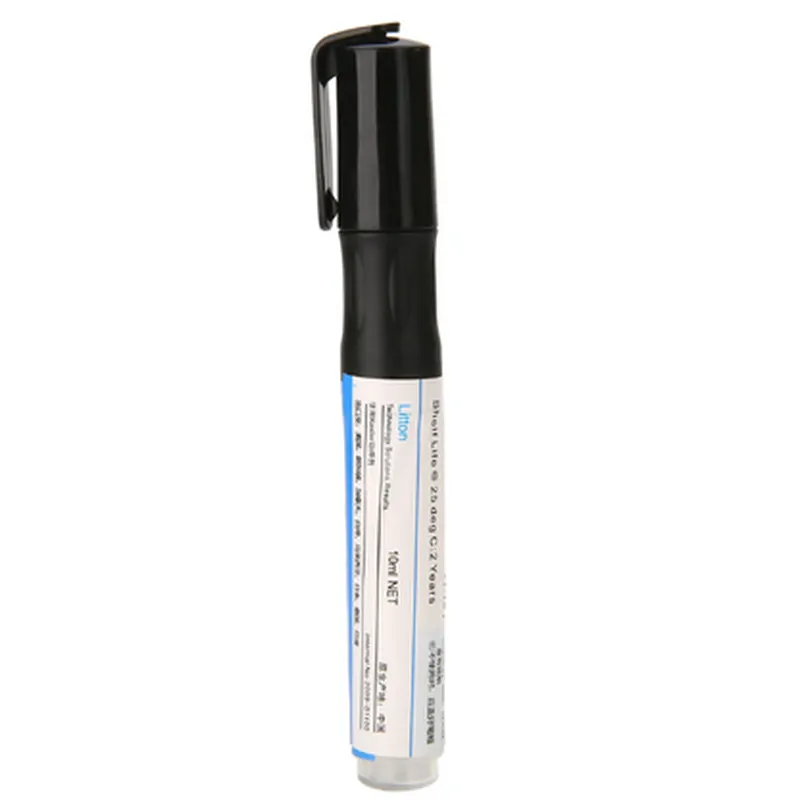
951 Soldering Flux Pen
The 951 Soldering Flux Pen is a handheld, precision flux applicator designed for accurate and controlled soldering operations in various electronics and IoT applications. This pen-style flux dispenser is essential for ensuring reliable solder joints, reducing oxidation, and improving the overall quality of soldering processes.
| The 951 Soldering Flux Pen is designed to apply a controlled amount of flux to specific areas of a printed circuit board (PCB), component leads, or other metal surfaces. The flux helps to |
| The 951 Soldering Flux Pen is suitable for various IoT and electronics applications, including |
10 mL
0.5 mm
Adjustable flux flow control
20C to 30C (68F to 86F)
10C to 25C (50F to 77F)
By providing a controlled and precise application of flux, the 951 Soldering Flux Pen helps ensure reliable solder joints, reducing the risk of defects and improving overall productivity in various IoT and electronics applications.
951 Soldering Flux Pen DocumentationOverviewThe 951 Soldering Flux Pen is a convenient and efficient tool for applying flux to soldering joints in electronic assemblies. It features a compact, pen-style design and is ideal for precise, localized flux application. This documentation provides an overview of the 951 Soldering Flux Pen, its features, and example code snippets demonstrating its use in various contexts.FeaturesCompact, pen-style design for precise flux application
951-type flux for excellent solder wetting and flow
Easy to use and apply flux to specific areas
Suitable for a wide range of soldering tasks, including SMD, Through-Hole, and wire-based projectsExample 1: Basic Soldering with Flux Pen (Arduino Project)In this example, we'll demonstrate the use of the 951 Soldering Flux Pen in an Arduino project to solder a set of LEDs to a breadboard.Hardware RequirementsArduino Uno board
Breadboard
LEDs (x5)
951 Soldering Flux Pen
Soldering iron and solder
Jumper wiresCode
```c
// No code is required for this example, as the focus is on the soldering process.
```
Procedure1. Apply a small amount of flux to the breadboard pads using the 951 Soldering Flux Pen.
2. Place the LEDs on the breadboard, ensuring they are aligned with the pads.
3. Solder the LEDs to the breadboard using a soldering iron and solder.
4. Verify the connections and test the circuit.Example 2: Flux Application for Wire-to-Board Connections (Raspberry Pi Project)In this example, we'll demonstrate the use of the 951 Soldering Flux Pen in a Raspberry Pi project to create a secure wire-to-board connection.Hardware RequirementsRaspberry Pi 4 board
Breadboard
Jumper wires
951 Soldering Flux Pen
Soldering iron and solderCode
```python
# No code is required for this example, as the focus is on the soldering process.
```
Procedure1. Strip the ends of the jumper wires to expose the inner conductors.
2. Apply a small amount of flux to the Raspberry Pi board's GPIO pins using the 951 Soldering Flux Pen.
3. Insert the jumper wires into the GPIO pins, ensuring they are securely seated.
4. Solder the wires to the GPIO pins using a soldering iron and solder.
5. Verify the connections and test the circuit.Additional Tips and PrecautionsAlways use the 951 Soldering Flux Pen in a well-ventilated area, and avoid inhaling the flux fumes.
Handle the flux pen with care, as the flux can be messy and difficult to clean.
Store the flux pen in a cool, dry place to maintain its effectiveness.By following these examples and guidelines, you can effectively use the 951 Soldering Flux Pen in your IoT projects, ensuring reliable and secure connections.