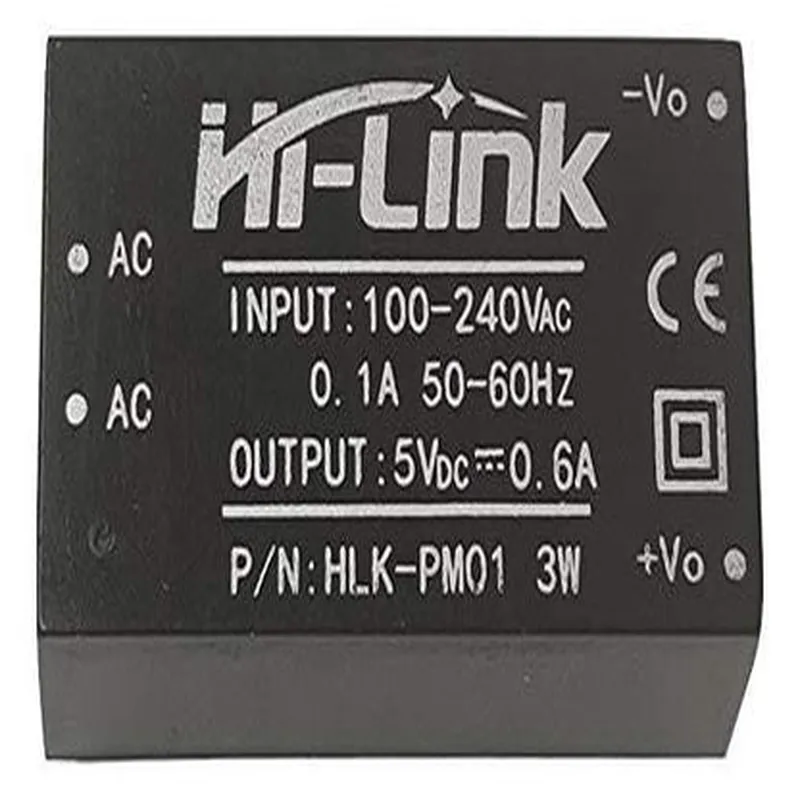
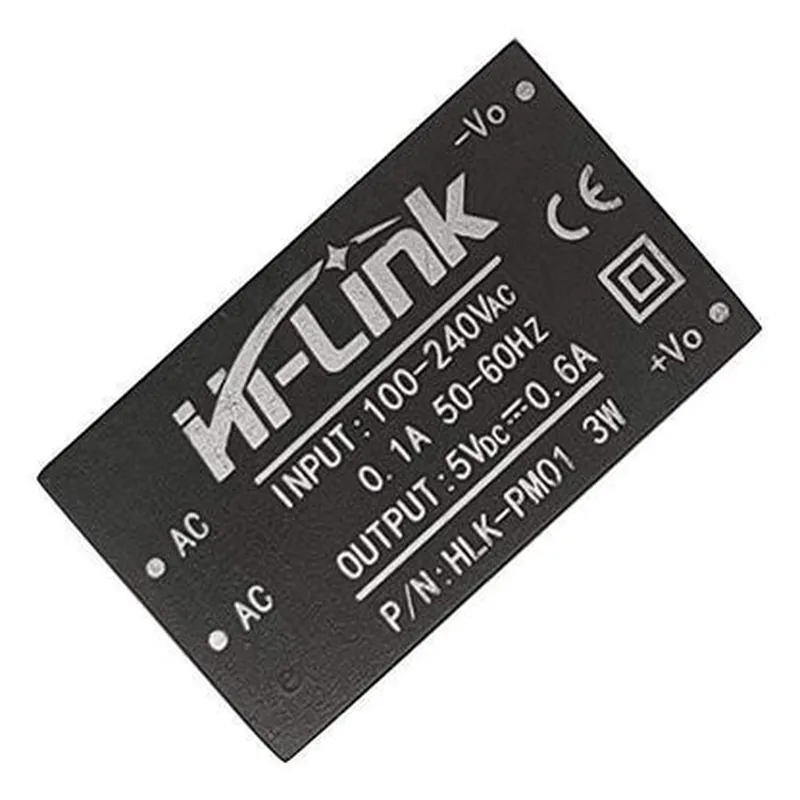
Hi-Link 5V 0.6A AC-DC Power Converter Documentation
The Hi-Link 5V 0.6A AC-DC Power Converter is a compact, high-efficiency power converter module that converts AC power from a wall adapter to DC power for use in electronic devices. This module is suitable for a wide range of applications, including IoT projects, robots, and other small electronics.
Input voltage: 100-240V AC, 50/60Hz
 Output voltage: 5V DC
 Output current: 0.6A
 Efficiency: up to 85%
 Compact size: 35.5mm x 23.5mm x 18.5mm
 Certification: UL, CE, RoHS, and FCC compliant
The Hi-Link 5V 0.6A AC-DC Power Converter module has the following pinout:
AC-IN: Input AC power from a wall adapter (100-240V AC, 50/60Hz)
 DC-OUT: Output DC power (5V, 0.6A)
 GND: Ground connection
### Example 1: Basic Powering of an Arduino Board
In this example, we will use the Hi-Link 5V 0.6A AC-DC Power Converter to power an Arduino Uno board.
Hi-Link 5V 0.6A AC-DC Power Converter module
 Arduino Uno board
 Jumper wires
None required, as this example only involves powering the Arduino board.
Connect the AC-IN pins of the Hi-Link module to a wall adapter (100-240V AC, 50/60Hz)
 Connect the DC-OUT pin of the Hi-Link module to the VIN pin of the Arduino Uno board
 Connect the GND pin of the Hi-Link module to the GND pin of the Arduino Uno board
This setup is suitable for powering small to medium-sized IoT projects that require a 5V power supply.
### Example 2: Powering a Wi-Fi Enabled ESP32 Board
In this example, we will use the Hi-Link 5V 0.6A AC-DC Power Converter to power a Wi-Fi enabled ESP32 board.
Hi-Link 5V 0.6A AC-DC Power Converter module
 ESP32 board (e.g., ESP32 DevKitC)
 Jumper wires
ESP32 Arduino Core (install via Arduino IDE)
 Wi-Fi library (install via Arduino IDE)
Connect the AC-IN pins of the Hi-Link module to a wall adapter (100-240V AC, 50/60Hz)
 Connect the DC-OUT pin of the Hi-Link module to the VIN pin of the ESP32 board
 Connect the GND pin of the Hi-Link module to the GND pin of the ESP32 board
Code
```c
#include <WiFi.h>
const char ssid = "your_wifi_ssid";
const char password = "your_wifi_password";
void setup() {
  Serial.begin(115200);
  WiFi.begin(ssid, password);
  while (WiFi.status() != WL_CONNECTED) {
    delay(1000);
    Serial.println("Connecting to Wi-Fi...");
  }
  Serial.println("Connected to Wi-Fi");
}
void loop() {
  // Your Wi-Fi enabled project code here
}
```
This setup is suitable for powering small to medium-sized IoT projects that require a 5V power supply and Wi-Fi connectivity.
Note: The code examples above are for illustrative purposes only and may require modification to suit specific project requirements.