Single Shaft L-Shaped 60 RPM BO Motor with Wheel - (4 sets)


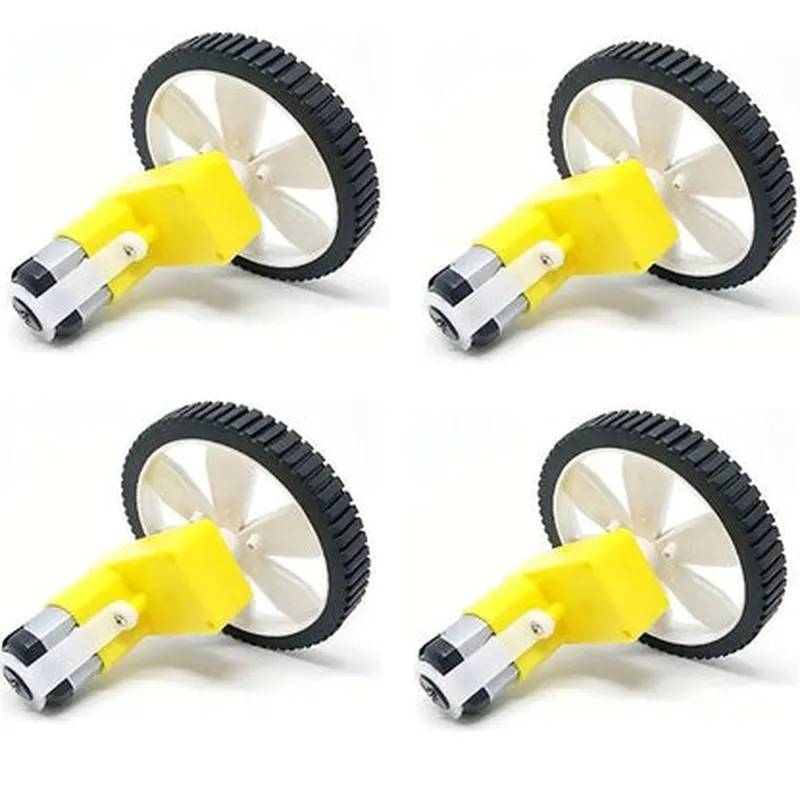
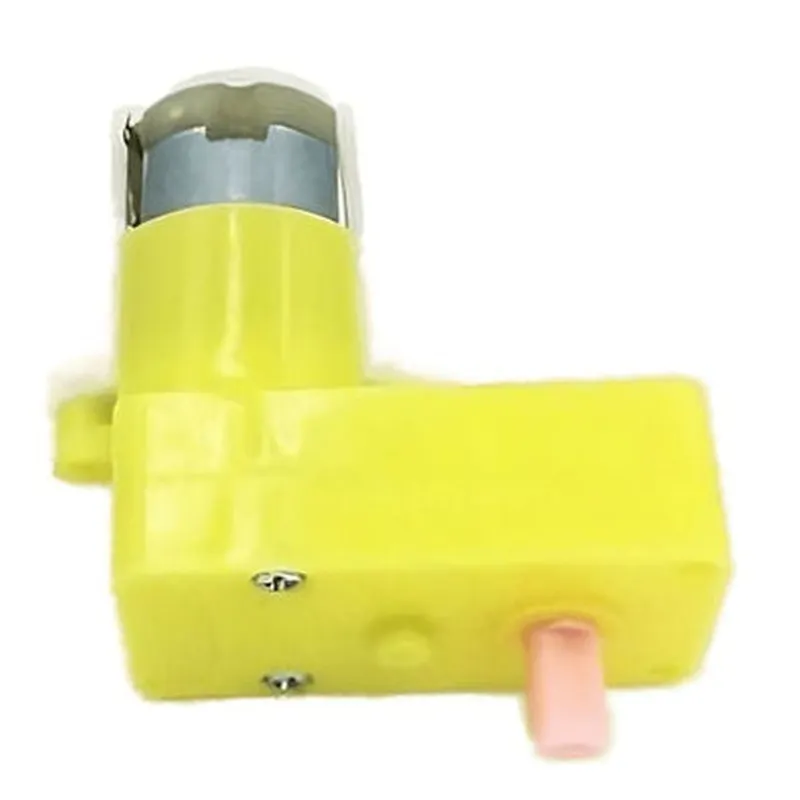
Single Shaft L-Shaped 60 RPM BO Motor with Wheel - (4 sets)
The Single Shaft L-Shaped 60 RPM BO Motor with Wheel is a high-quality, reliable, and efficient component designed for various IoT applications that require precise motion control and torque delivery. This component consists of four sets of motors, each featuring a single shaft L-shaped design with a wheel attached to the output shaft. The BO motor technology ensures smooth and quiet operation, making it suitable for applications where noise reduction is crucial.
| The Single Shaft L-Shaped 60 RPM BO Motor with Wheel is designed to provide precise rotary motion to various IoT devices, such as |
BO Motor
60 RPM
[Specify torque output]
[Specify voltage]
[Specify current]
[Specify shaft diameter]
[Specify wheel diameter]
[Specify material]
[Specify operating temperature range]
[Specify storage temperature range]
4 x Single Shaft L-Shaped 60 RPM BO Motors with Wheels
[Specify any additional contents, such as mounting hardware, cables, or documentation]
Component Documentation: Single Shaft L-Shaped 60 RPM BO Motor with Wheel (4 sets)OverviewThe Single Shaft L-Shaped 60 RPM BO Motor with Wheel is a compact and efficient motor component designed for robotics, automation, and IoT applications. This motor is ideal for projects requiring a high power-to-size ratio, low noise, and high reliability. The L-shaped design allows for easy mounting and integration into complex systems.Technical SpecificationsMotor Type: BO (Bipolar) Motor
RPM: 60 RPM
Voltage: 12V DC
Current: 300mA
Torque: 1.2 kg.cm
Shaft Type: Single Shaft
Wheel diameter: 60mm
Wheel Width: 20mm
Mounting Type: M3 mounting holes (4 sets)PinoutThe motor has four male pin connectors:VCC (Red): Positive voltage supply (12V DC)
GND (Black): Ground
M1 (Yellow): Motor control signal 1
M2 (Blue): Motor control signal 2Code Examples### Example 1: Basic Motor Control using ArduinoThis example demonstrates how to control the motor using an Arduino board.```c++
const int motorPin1 = 9; // M1 signal
const int motorPin2 = 10; // M2 signalvoid setup() {
pinMode(motorPin1, OUTPUT);
pinMode(motorPin2, OUTPUT);
}void loop() {
// Forward rotation
digitalWrite(motorPin1, HIGH);
digitalWrite(motorPin2, LOW);
delay(1000);// Reverse rotation
digitalWrite(motorPin1, LOW);
digitalWrite(motorPin2, HIGH);
delay(1000);// Stop motor
digitalWrite(motorPin1, LOW);
digitalWrite(motorPin2, LOW);
delay(1000);
}
```### Example 2: Speed Control using PWM with Raspberry Pi (Python)This example demonstrates how to control the motor speed using Pulse Width Modulation (PWM) with a Raspberry Pi.```python
import RPi.GPIO as GPIO
import timeGPIO.setmode(GPIO.BCM)# Define motor pins
motorPin1 = 17
motorPin2 = 23# Set up motor pins as outputs
GPIO.setup(motorPin1, GPIO.OUT)
GPIO.setup(motorPin2, GPIO.OUT)# Set up PWM objects
pwm1 = GPIO.PWM(motorPin1, 50) # 50 Hz frequency
pwm2 = GPIO.PWM(motorPin2, 50)try:
while True:
# 50% duty cycle (medium speed)
pwm1.start(50)
pwm2.start(50)
time.sleep(2)# 25% duty cycle (low speed)
pwm1.ChangeDutyCycle(25)
pwm2.ChangeDutyCycle(25)
time.sleep(2)# 75% duty cycle (high speed)
pwm1.ChangeDutyCycle(75)
pwm2.ChangeDutyCycle(75)
time.sleep(2)except KeyboardInterrupt:
pwm1.stop()
pwm2.stop()
GPIO.cleanup()
```These examples demonstrate the basic control and speed control of the Single Shaft L-Shaped 60 RPM BO Motor with Wheel. You can modify and expand these examples to suit your specific project requirements.