50C to 150C


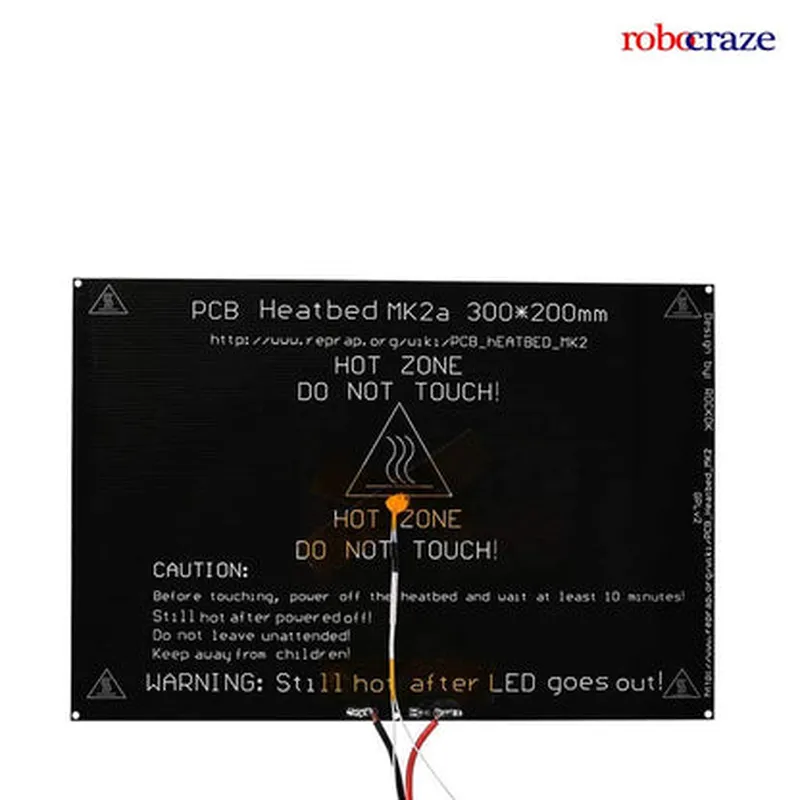
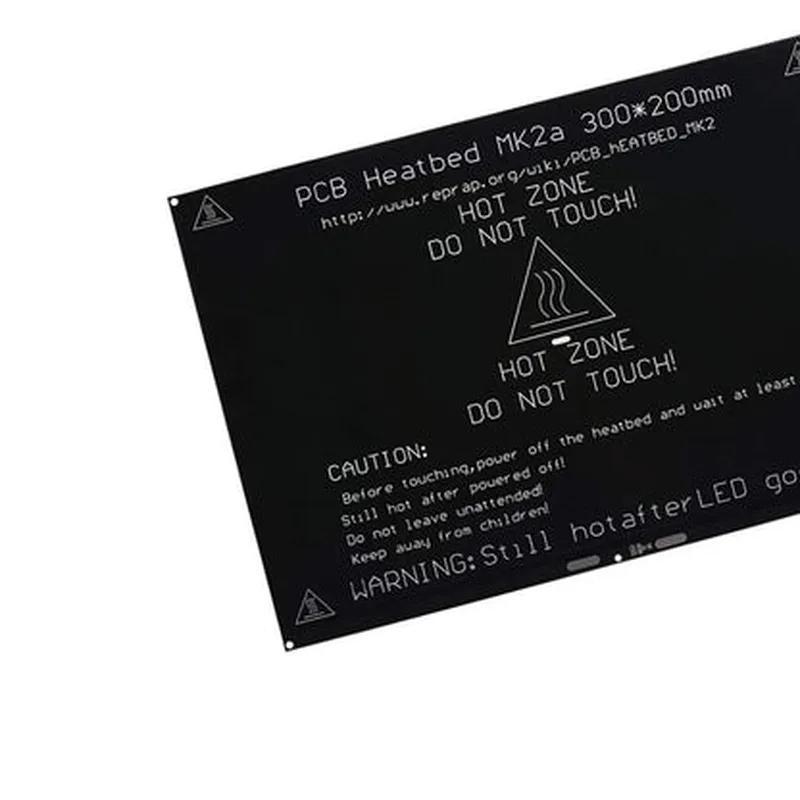
50C to 150C
120W ( maximum )
1.5 ohms (10%)
Fiberglass-reinforced silicone
FR4 (flame retardant 4)
1.5 mm
220 mm x 220 mm x 3 mm
approximately 250 grams
Applications
| The MK2A PCB Aluminium Heatbed is suitable for a variety of applications, including |
3D printing
Precision temperature control systems
Laboratory equipment
Industrial manufacturing
Research and development
Conclusion
The MK2A PCB Aluminium Heatbed is a high-performance heatbed designed for precision temperature control applications. Its combination of a PCB and aluminium heat spreader provides efficient and reliable heating, making it an ideal component for 3D printing and other precision temperature control systems.
MK2A PCB Aluminium Heatbed DocumentationOverviewThe MK2A PCB Aluminium Heatbed is a high-performance heatbed designed for 3D printing applications. It features a durable aluminum plate with a built-in heater and temperature sensor, making it an ideal component for precision temperature control in 3D printing and CNC machines.Technical SpecificationsDimensions: 220mm x 220mm x 3mm
Material: Aluminum
Heater Power: 120W
Temperature Range: 0C to 150C
Temperature Accuracy: 1C
Interface: 4-pin JST-XH connectorCode Examples### Example 1: Arduino Code for Temperature ControlThis example demonstrates how to use the MK2A PCB Aluminium Heatbed with an Arduino board to control the temperature.```c++
#include <Wire.h>
#include <MAX6675.h> // Library for thermocouple temperature sensor#define HEATBED_PIN 2 // Pin connected to the heatbed
#define TEMP_PIN A0 // Pin connected to the temperature sensorMAX6675 thermocouple(TEMP_PIN);void setup() {
pinMode(HEATBED_PIN, OUTPUT);
Serial.begin(9600);
}void loop() {
int temperature = thermocouple.readCelsius();
Serial.print("Temperature: ");
Serial.print(temperature);
Serial.println(" C");if (temperature < 50) {
digitalWrite(HEATBED_PIN, HIGH); // Turn on the heatbed if temperature is below 50C
} else {
digitalWrite(HEATBED_PIN, LOW); // Turn off the heatbed if temperature is above 50C
}
delay(1000);
}
```### Example 2: Python Code for Temperature Monitoring using RPiThis example demonstrates how to use the MK2A PCB Aluminium Heatbed with a Raspberry Pi (RPi) to monitor the temperature.```python
import RPi.GPIO as GPIO
import time
import Adafruit_MAX6675# Set up GPIO pin for heatbed control
GPIO.setmode(GPIO.BCM)
heatbed_pin = 17
GPIO.setup(heatbed_pin, GPIO.OUT)# Set up MAX6675 thermocouple
cs_pin = 5
clock_pin = 6
data_pin = 13
thermocouple = Adafruit_MAX6675.MAX6675(cs_pin, clock_pin, data_pin)while True:
temperature = thermocouple.readTemperature()
print("Temperature: {0:.2f} C".format(temperature))if temperature < 50:
GPIO.output(heatbed_pin, GPIO.HIGH) # Turn on the heatbed if temperature is below 50C
else:
GPIO.output(heatbed_pin, GPIO.LOW) # Turn off the heatbed if temperature is above 50Ctime.sleep(1)
```### Example 3: Marlin Firmware Configuration for 3D PrintingThis example demonstrates how to configure the MK2A PCB Aluminium Heatbed in the Marlin firmware for 3D printing applications.```makefile
// Configuration.h
#define HEATBED_PIN 2 // Pin connected to the heatbed#define TEMP_SENSOR_BED 1 // Define the temperature sensor for the heatbed
#define TEMP_SENSOR_BED_TYPE 5 // MAX6675 thermocouple
#define BED_MAX_TEMP 150 // Maximum temperature for the heatbed
#define BED_MIN_TEMP 0 // Minimum temperature for the heatbed// Marlin_main.cpp
void heatbed_init() {
pinMode(HEATBED_PIN, OUTPUT);
digitalWrite(HEATBED_PIN, LOW); // Initialize the heatbed as OFF
}void heatbed_set_temperature(int temperature) {
if (temperature > BED_MAX_TEMP) temperature = BED_MAX_TEMP;
if (temperature < BED_MIN_TEMP) temperature = BED_MIN_TEMP;
digitalWrite(HEATBED_PIN, temperature > 0 ? HIGH : LOW);
}
```
Note: The above code examples are for illustration purposes only and may require modifications to work with your specific setup. Ensure that you follow proper safety protocols when working with electrical components.