300mm


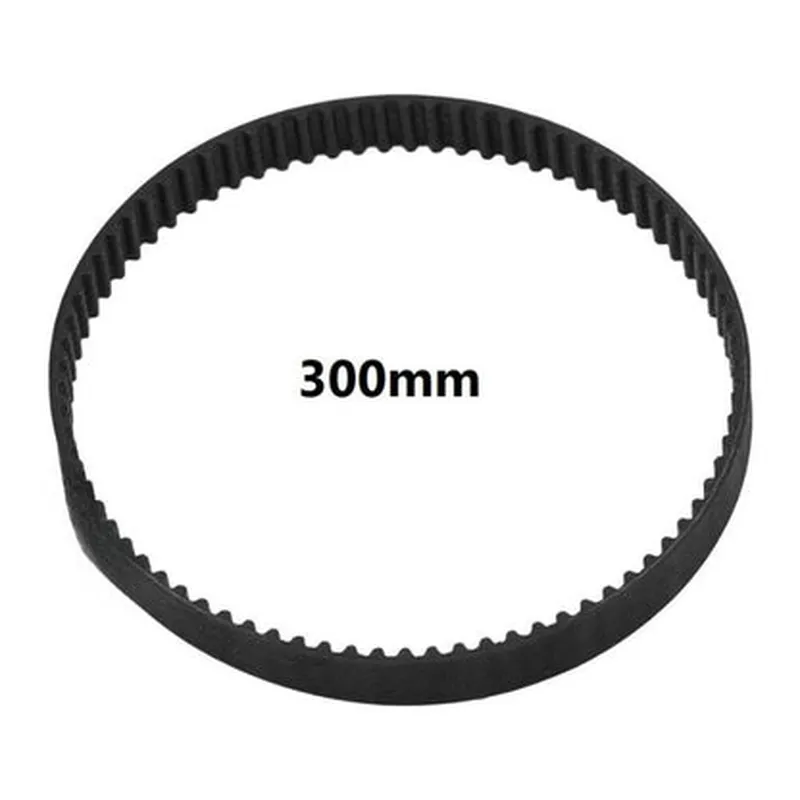
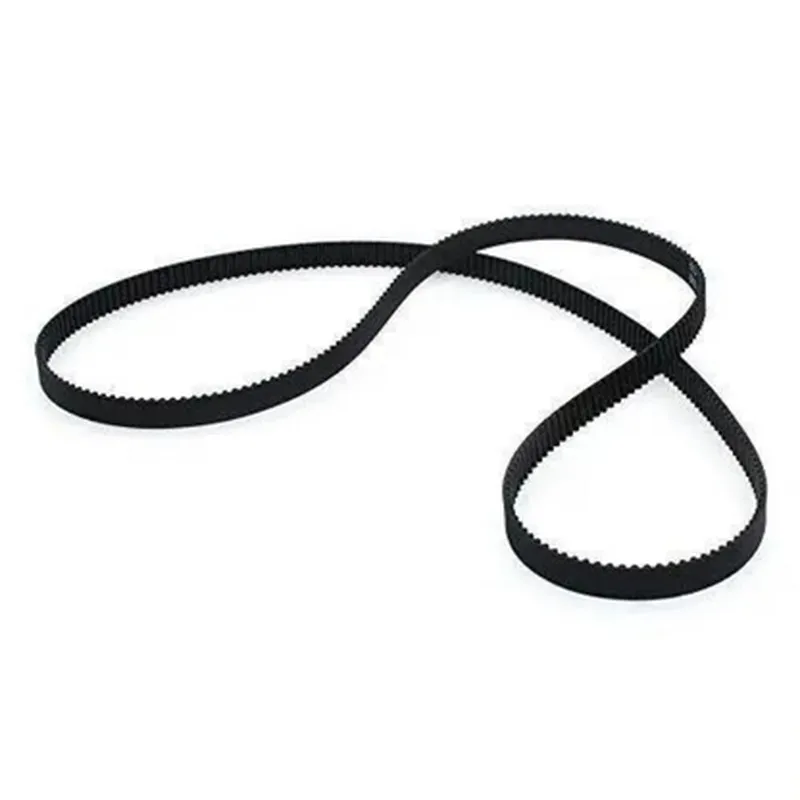
300mm
150
6mm
2mm
Wear-resistant synthetic material
-20C to 80C
0.1mm
Applications
| The 300mm GT2 Timing Belt 150 Teeth 6mm Width is suitable for a wide range of applications, including |
3D printing
CNC machining
Robotics
Automation systems
Precision engineering
By incorporating this high-quality GT2 timing belt into your 3D printer or CNC machine, you can ensure precise and reliable movement, resulting in improved performance and accuracy.
Component Documentation: 300mm GT2 Timing Belt 150 Teeth 6mm Width for 3D Printer CNCOverviewThe 300mm GT2 Timing Belt 150 Teeth 6mm Width is a high-quality timing belt designed specifically for 3D printers and CNC machines. It features a length of 300mm, 150 teeth, and a width of 6mm. This belt is ideal for applications requiring precise motion control, high torque transmission, and low backlash.Technical SpecificationsLength: 300mm
Teeth: 150
Width: 6mm
Pitch: 2mm
Material: Fiberglass-reinforced neoprene
Maximum speed: 5m/s
Maximum torque: 10NmCode Examples### Example 1: 3D Printer Firmware (Marlin)In this example, we'll demonstrate how to use the 300mm GT2 Timing Belt in a 3D printer firmware (Marlin) to control the X-axis movement. We'll assume the belt is connected to a stepper motor and the X-axis is configured as a linear axis.```c++
// Marlin firmware configuration// Define the X-axis settings
#define X_AXIS 0
#define X_MOTOR 0
#define X_DIR_INVERT false
#define X_ENABLE_INVERT false
#define XStepsPerMM 100.0// Define the GT2 timing belt settings
#define GT2_BELT TEETH_150
#define GT2_PITCH 2.0
#define GT2_WIDTH 6.0// Calculate the X-axis steps per millimeter
#define X_MM_PER_STEP (GT2_PITCH / GT2_WIDTH) (XStepsPerMM / 100.0)// Initialize the X-axis
void init_x_axis() {
stepper.init(X_AXIS, X_MOTOR, X_DIR_INVERT, X_ENABLE_INVERT);
stepper.setStepsPerMM(X_AXIS, X_MM_PER_STEP);
}
```### Example 2: CNC Machine Python Script (PyCNC)In this example, we'll show how to use the 300mm GT2 Timing Belt in a Python script (PyCNC) to control a CNC machine's X-axis movement. We'll assume the belt is connected to a stepper motor and the X-axis is configured as a linear axis.```python
# PyCNC Python scriptimport pyCNC# Define the CNC machine's X-axis settings
x_axis = pyCNC.Axis('X', 0) # Define the X-axis
x_axis.set_motor(0) # Set the stepper motor
x_axis.set_invert.Dir(False) # Set the direction inversion
x_axis.set_invert Enable(False) # Set the enable inversion# Define the GT2 timing belt settings
gt2_belt = pyCNC.TimingBelt(150, 2.0, 6.0) # Create a GT2 timing belt object# Calculate the X-axis steps per millimeter
x_axis.setStepsPerMM((gt2_belt.pitch / gt2_belt.width) (100.0 / gt2_belt.teeth))# Move the X-axis to a specific position
x_axis.moveTo(10.0) # Move to 10mm
```NotesThe above examples are simplified and may require additional configuration and calibration for your specific 3D printer or CNC machine.
Make sure to consult the documentation for your specific 3D printer or CNC machine's firmware and software for detailed instructions on how to integrate the 300mm GT2 Timing Belt.
Always follow proper safety precautions when working with mechanical components and electrical systems.