Stufin
Home Quick Cart Profile

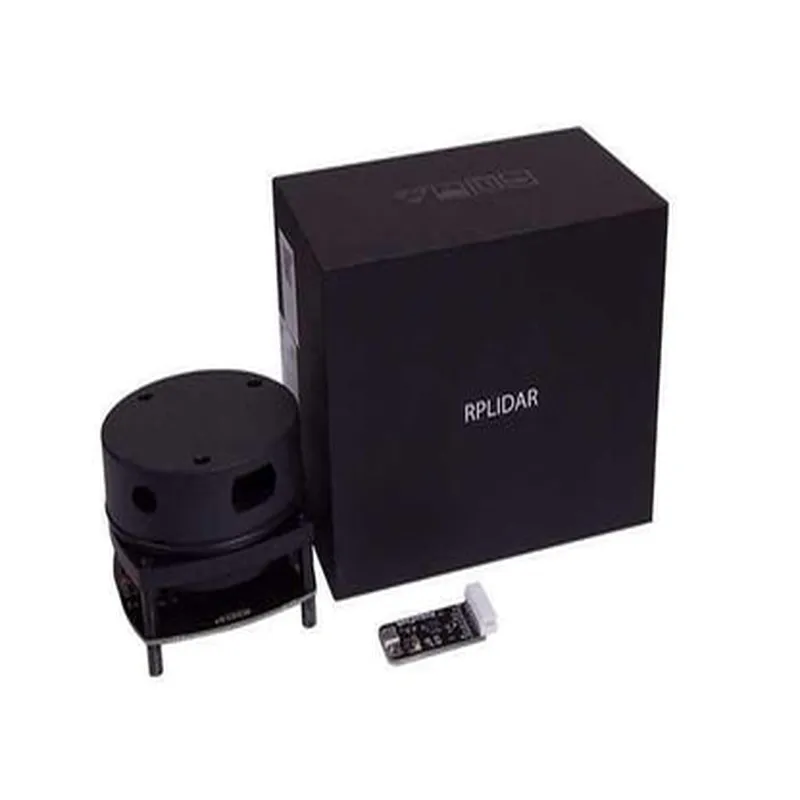
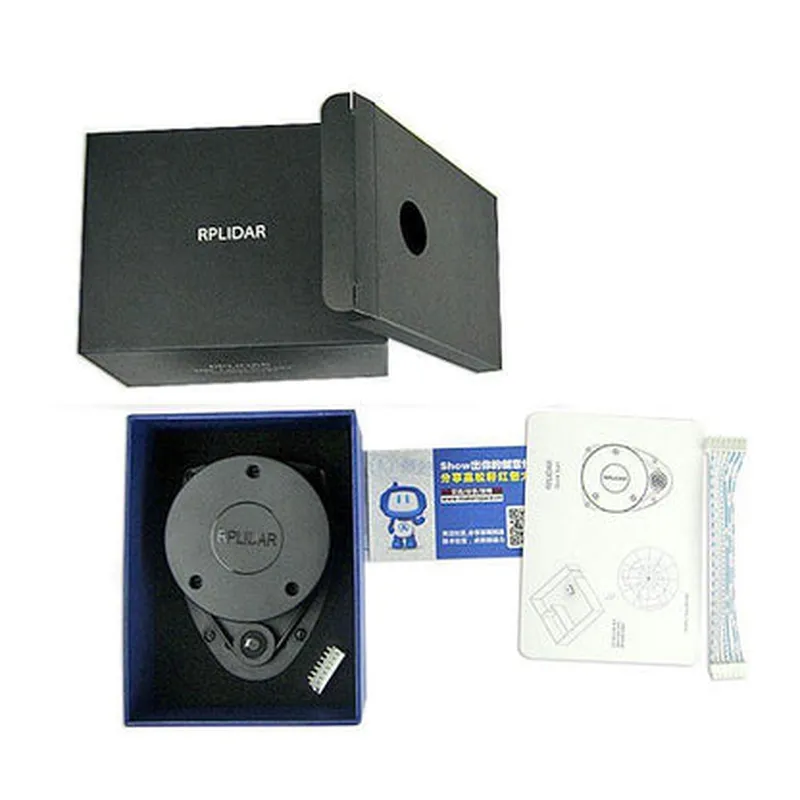
RPLiDAR A1M8 360 Degree Laser Range Finder

Buy Now on Stufin

Pin Configuration

  • RPLiDAR A1M8 360 Degree Laser Range Finder Pinout Documentation
  • The RPLiDAR A1M8 360 Degree Laser Range Finder is a high-performance, compact, and low-cost lidar sensor module designed for various applications, including robotics, drones, and autonomous systems. This documentation provides a detailed explanation of the pins on the RPLiDAR A1M8 module, along with connection guidelines.
  • Pinout Structure:
  • The RPLiDAR A1M8 module has a total of 12 pins, arranged in two rows of 6 pins each. The pins are labeled as follows:
  • Row 1:
  • 1. VIN: Power supply voltage input (3.3V to 5V)
  • Description: This pin provides power to the RPLiDAR A1M8 module. A stable voltage supply between 3.3V and 5V is recommended.
  • Connection: Connect to a 3.3V or 5V power source.
  • 2. GND: Ground
  • Description: This pin provides a ground connection for the module.
  • Connection: Connect to the ground of your system or power supply.
  • 3. RX: UART Receive ( serial communication )
  • Description: This pin is used for serial communication and receives data from the microcontroller or computer.
  • Connection: Connect to the TX pin of your microcontroller or computer's serial port.
  • 4. TX: UART Transmit ( serial communication )
  • Description: This pin is used for serial communication and transmits data from the RPLiDAR A1M8 module to the microcontroller or computer.
  • Connection: Connect to the RX pin of your microcontroller or computer's serial port.
  • 5. SCL: I2C Clock (optional)
  • Description: This pin is used for I2C communication (optional) and provides the clock signal.
  • Connection: Connect to the SCL pin of your microcontroller or I2C master device (if using I2C communication).
  • 6. SDA: I2C Data (optional)
  • Description: This pin is used for I2C communication (optional) and provides the data signal.
  • Connection: Connect to the SDA pin of your microcontroller or I2C master device (if using I2C communication).
  • Row 2:
  • 1. MODE: Mode selection pin
  • Description: This pin is used to select the operating mode of the RPLiDAR A1M8 module. Pulling the pin HIGH (3.3V or 5V) sets the module to stationary mode, while pulling it LOW (GND) sets it to motion mode.
  • Connection: Connect to a digital output pin of your microcontroller or a voltage source (3.3V or 5V) to set the operating mode.
  • 2. reset: Reset pin
  • Description: This pin is used to reset the RPLiDAR A1M8 module. A LOW pulse on this pin ( duration > 10ms ) resets the module.
  • Connection: Connect to a digital output pin of your microcontroller to reset the module programmatically.
  • 3. INT: Interrupt pin
  • Description: This pin is used to indicate data ready or error conditions. The pin is normally HIGH and goes LOW when data is ready or an error occurs.
  • Connection: Connect to a digital input pin of your microcontroller to detect data ready or error conditions.
  • 4. DBG: Debug pin (optional)
  • Description: This pin is used for debugging purposes and provides additional information about the module's internal state.
  • Connection: Connect to a digital input pin of your microcontroller or a logic analyzer (if needed for debugging).
  • 5. NC: Not Connected
  • Description: This pin is not connected internally and should be left unconnected.
  • Connection: Leave unconnected.
  • 6. NC: Not Connected
  • Description: This pin is not connected internally and should be left unconnected.
  • Connection: Leave unconnected.
  • Notes:
  • The RPLiDAR A1M8 module operates at a baud rate of 115200 bps by default.
  • The module's communication protocol is based on the SLAMTEC protocol.
  • For I2C communication, the module's address can be configured using the SDA and SCL pins.
  • Refer to the RPLiDAR A1M8 datasheet and user manual for more information on operating modes, communication protocols, and configuration settings.
  • By following this pinout documentation, you can properly connect and integrate the RPLiDAR A1M8 360 Degree Laser Range Finder into your IoT project or application.

Code Examples

RPLiDAR A1M8 360 Degree Laser Range Finder Documentation
Overview
The RPLiDAR A1M8 is a 360-degree laser range finder designed for robotics, autonomous vehicles, and other IoT applications. It provides high-accuracy distance measurements and scanning capabilities in a compact and lightweight package.
Technical Specifications
Scanning Frequency: 5-10 Hz
 Angular Resolution: 0.36
 Distance Range: 0.2-12 meters
 Accuracy: 2 cm
 Interface: UART (TTL Level), I2C
 Power Supply: 5V DC
 Current Consumption: 450mA ( typical)
Code Examples
### Example 1: Basic Scanning using UART (Python)
This example demonstrates how to connect the RPLiDAR A1M8 to a Raspberry Pi and read distance measurements using the UART interface.
Hardware Requirements
Raspberry Pi (any model)
 RPLiDAR A1M8 360 Degree Laser Range Finder
 UART serial cable (TTL level)
Software Requirements
Python 3.x
 PySerial library (install using `pip install pyserial`)
Code
```python
import serial
# Open the UART serial port
ser = serial.Serial('/dev/ttyUSB0', 115200, timeout=1)
while True:
    # Send the scan command to the RPLiDAR A1M8
    ser.write(b'x20x00x00x00x00x01')
# Read the response (360 distance measurements)
    response = ser.read(360  2)
# Parse the response and print the distance measurements
    distances = []
    for i in range(360):
        distance = (response[i2] << 8) | response[i2 + 1]
        distances.append(distance)
    print(distances)
```
### Example 2: Obstacle Detection using I2C (C++ Arduino)
This example demonstrates how to connect the RPLiDAR A1M8 to an Arduino board and use it for obstacle detection using the I2C interface.
Hardware Requirements
Arduino Board (any model)
 RPLiDAR A1M8 360 Degree Laser Range Finder
 I2C bus cables
Software Requirements
Arduino IDE 1.8.x or later
 Arduino Wire library (built-in)
Code
```cpp
#include <Wire.h>
#define RPLIDAR_A1M8_ADDRESS 0x10
void setup() {
  Wire.begin();
  Serial.begin(9600);
}
void loop() {
  uint16_t distances[360];
// Send the scan command to the RPLiDAR A1M8
  Wire.beginTransmission(RPLIDAR_A1M8_ADDRESS);
  Wire.write(0x20);
  Wire.endTransmission();
// Read the response (360 distance measurements)
  Wire.requestFrom(RPLIDAR_A1M8_ADDRESS, 360  2);
  for (int i = 0; i < 360; i++) {
    distances[i] = (Wire.read() << 8) | Wire.read();
  }
// Check for obstacles within a 2-meter radius
  for (int i = 0; i < 360; i++) {
    if (distances[i] < 200) {
      Serial.print("Obstacle detected at angle ");
      Serial.print(i);
      Serial.println(" degrees");
    }
  }
  delay(50);
}
```
These examples demonstrate the basic usage of the RPLiDAR A1M8 360 Degree Laser Range Finder. You can modify and expand upon these examples to suit your specific application requirements.