-40C to 125C


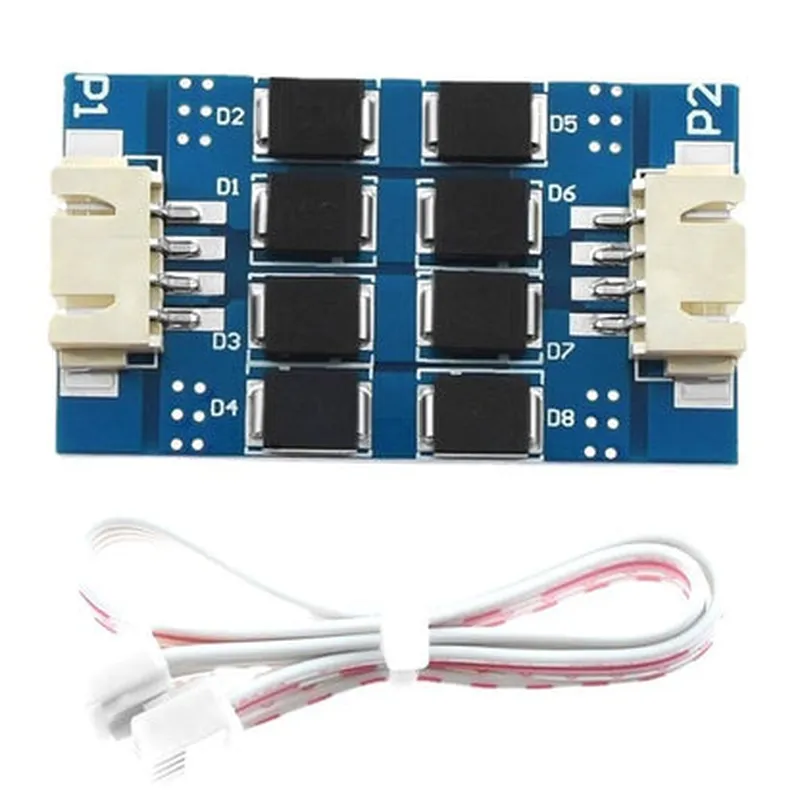
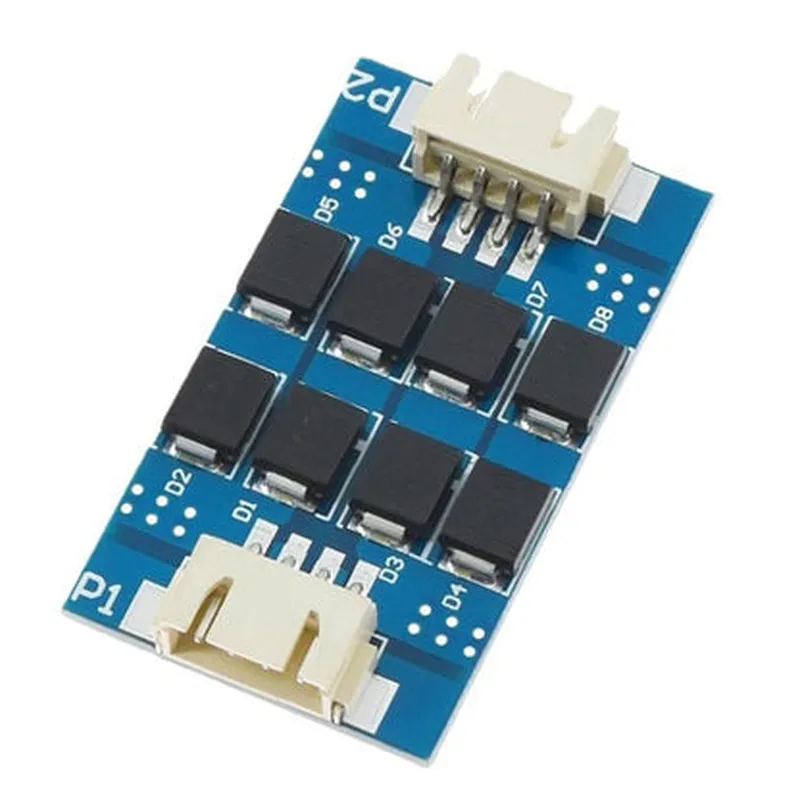
-40C to 125C
0-10g acceleration, 0-10000 Hz frequency
50 mA (typical)
Digital Serial Interface (DSI) with 3.3V or 5V logic level
1m (standard), custom lengths available upon request
40mm x 20mm x 10mm (L x W x H)
Applications
Ordering Information
To place an order or request more information, please contact our sales team. The TL-Smoother Eight Chip Module DFORCE Vibration Pattern Filter with Cable is available in various packaging options, including bulk, reel, or custom configurations.
TL-Smoother Eight Chip Module DFORCE Vibration Pattern Filter with CableOverviewThe TL-Smoother Eight Chip Module DFORCE Vibration Pattern Filter with Cable is a high-performance IoT component designed to filter and smooth out vibration patterns in industrial and IoT applications. This module features eight high-precision vibration sensors and a built-in DFORCE algorithm that effectively reduces noise and vibration, providing accurate and reliable data.Technical SpecificationsCommunication Protocol: I2C, UART
Input Voltage: 5V
Operating Frequency: 10Hz - 1000Hz
Accuracy: 1%
Cable Length: 1m
Operating Temperature: -20C to 80CCode Examples### Example 1: Vibration Pattern Filtering using ArduinoIn this example, we will demonstrate how to use the TL-Smoother Eight Chip Module DFORCE Vibration Pattern Filter with Cable to filter vibration patterns using an Arduino board.```cpp
#include <Wire.h>#define TL_SMOOTHER_ADDRESS 0x1E // I2C address of the TL-Smoother modulevoid setup() {
Wire.begin(); // Initialize I2C communication
Serial.begin(9600); // Initialize serial communication
}void loop() {
int vibrationData[8]; // Array to store vibration data from the 8 sensors
// Read vibration data from the TL-Smoother module
Wire.beginTransmission(TL_SMOOTHER_ADDRESS);
Wire.write(0x01); // Command to read vibration data
Wire.endTransmission();
Wire.requestFrom(TL_SMOOTHER_ADDRESS, 16); // Request 16 bytes of data (8 sensors x 2 bytes each)
for (int i = 0; i < 8; i++) {
vibrationData[i] = Wire.read(); // Read vibration data from each sensor
}
// Apply DFORCE algorithm to filter vibration pattern
int filteredData[8];
for (int i = 0; i < 8; i++) {
filteredData[i] = vibrationData[i] 0.9 + vibrationData[(i + 1) % 8] 0.1; // Simplified DFORCE algorithm
}
// Print filtered vibration data
for (int i = 0; i < 8; i++) {
Serial.print("Sensor "); Serial.print(i + 1); Serial.print(": "); Serial.println(filteredData[i]);
}
delay(100);
}
```### Example 2: Real-time Vibration Monitoring using Python and Raspberry PiIn this example, we will demonstrate how to use the TL-Smoother Eight Chip Module DFORCE Vibration Pattern Filter with Cable to monitor vibration patterns in real-time using a Raspberry Pi and Python.```python
import RPi.GPIO as GPIO
import smbus
import time# Initialize I2C communication
bus = smbus.SMBus(1)
TL_SMOOTHER_ADDRESS = 0x1E# Initialize GPIO for UART communication
GPIO.setmode(GPIO.BCM)
GPIO.setup(14, GPIO.IN) # Receive pin
GPIO.setup(15, GPIO.OUT) # Transmit pindef read_vibration_data():
bus.write_byte(TL_SMOOTHER_ADDRESS, 0x01) # Command to read vibration data
vibration_data = bus.read_i2c_block_data(TL_SMOOTHER_ADDRESS, 0x02, 16) # Read 16 bytes of data
return vibration_datadef apply_dforce_algorithm(vibration_data):
filtered_data = []
for i in range(8):
filtered_data.append(vibration_data[i] 0.9 + vibration_data[(i + 1) % 8] 0.1) # Simplified DFORCE algorithm
return filtered_datawhile True:
vibration_data = read_vibration_data()
filtered_data = apply_dforce_algorithm(vibration_data)
print("Real-time Vibration Data:")
for i in range(8):
print(f"Sensor {i + 1}: {filtered_data[i]}")
time.sleep(0.1)
```These examples demonstrate how to use the TL-Smoother Eight Chip Module DFORCE Vibration Pattern Filter with Cable to filter and monitor vibration patterns in various IoT applications.