Digital microphone with PDM output


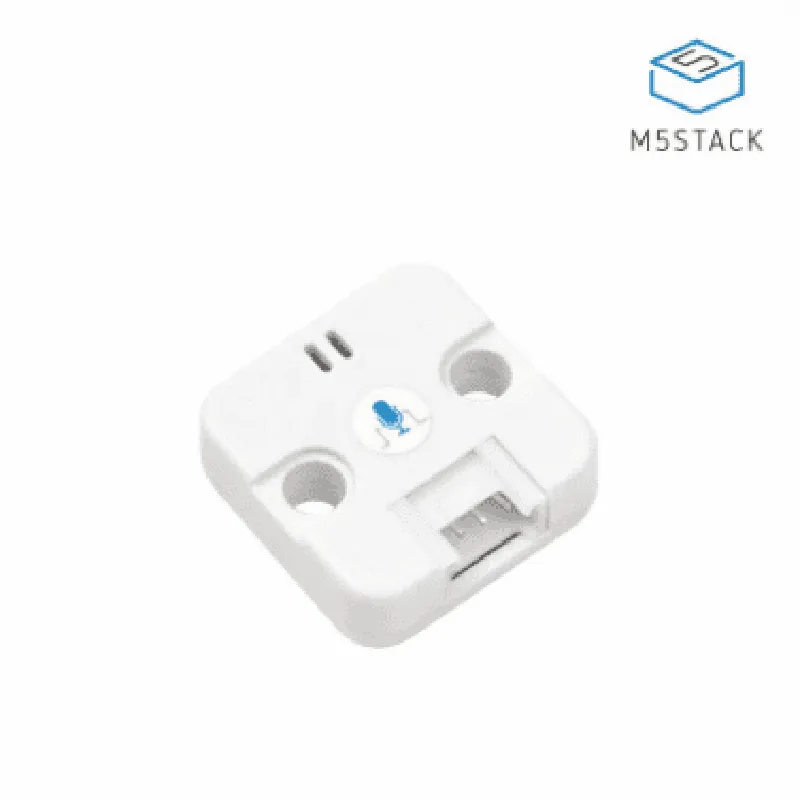
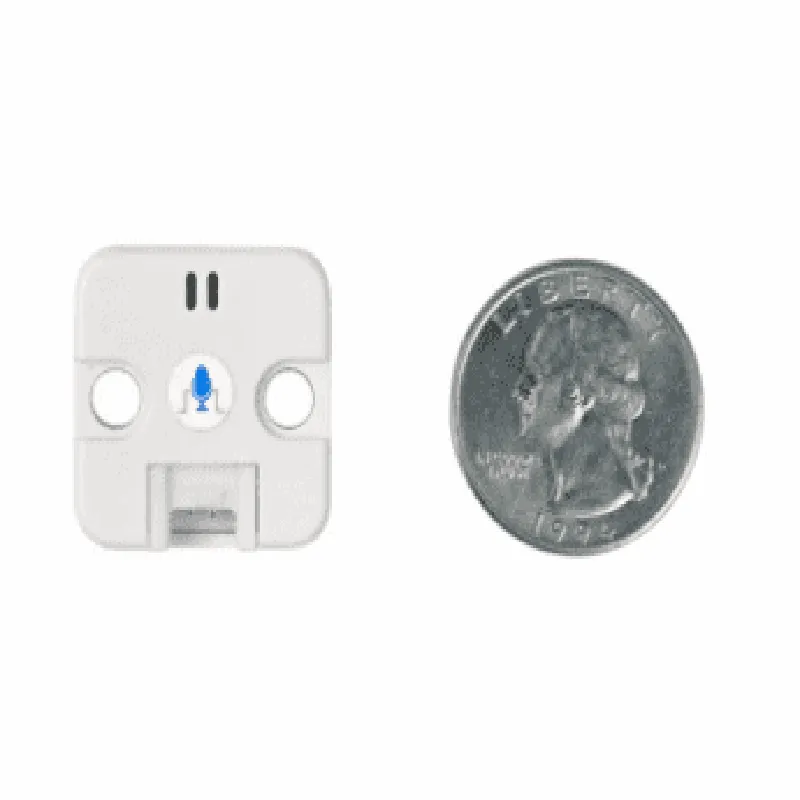
Digital microphone with PDM output
20 Hz to 20 kHz
-42 dBFS (2 dB)
| Signal-to-Noise Ratio (SNR) | 64 dB (typical) |
3.3V (single supply)
2.5 mA (typical)
-40C to 85C
22 x 15 x 5 mm (0.87 x 0.59 x 0.2 in)
Applications
| The M5 Stack PDM Microphone Unit (SPM1423) is suitable for a wide range of IoT and audio-related applications, including |
Voice assistants and voice-controlled devices
Audio recording devices
Smart home devices
Wearable devices
Robotics and autonomous systems
Industrial automation and monitoring systems
Overall, the M5 Stack PDM Microphone Unit (SPM1423) is a high-quality digital microphone module that provides an easy-to-use solution for integrating audio capabilities into IoT and audio-related projects.
M5 Stack PDM Microphone Unit (SPM1423) DocumentationThe M5 Stack PDM Microphone Unit (SPM1423) is a digital microphone module designed for use with the M5 Stack series of microcontrollers. This module features a high-quality digital microphone, SPM1423, which is capable of capturing high-fidelity audio signals. The module is compatible with the M5 Stack system, making it easy to integrate into various projects.Technical Specifications:Microphone: SPM1423
Bit Depth: 16-bit
Sampling Rate: Up to 48 kHz
Interface: I2S
Power Supply: 3.3V
Dimensions: 18.5 x 15.5 mmPinout:The M5 Stack PDM Microphone Unit has the following pinout:GND: Ground
3V3: 3.3V Power Supply
CLCK: I2S Clock
WS: I2S Word Select
SD: I2S Serial Data
MIC_BIAS: Microphone Bias VoltageCode Examples:### Example 1: Basic Audio Recording using ArduinoThis example demonstrates how to use the M5 Stack PDM Microphone Unit to record audio data using an Arduino-compatible board.```cpp
#include <M5Stack.h>
#include <driver/i2s.h>#define MIC_BIAS 25 // Microphone Bias Pin
#define I2S_CLK 0 // I2S Clock Pin
#define I2S_WS 2 // I2S Word Select Pin
#define I2S_SD 4 // I2S Serial Data Pinvoid setup() {
// Initialize the I2S interface
i2s_pin_config_t pin_config = {
.bck_io_num = I2S_CLK,
.ws_io_num = I2S_WS,
.data_out_io_num = I2S_SD,
.data_in_io_num = I2S_SD
};
i2s_config_t i2s_config = {
.mode = (i2s_mode_t)(I2S_MODE_MASTER | I2S_MODE_RX),
.sample_rate = 48000,
.bits_per_sample = I2S_BITS_PER_SAMPLE_16BIT,
.channel_format = I2S_CHANNEL_FMT_ONLY_LEFT,
.communication_format = I2S_COMM_FORMAT_I2S_MSB,
.dma_buf_count = 6,
.dma_buf_len = 60
};
i2s_driver_install(I2S_PORT, &i2s_config, &pin_config);// Set microphone bias voltage
pinMode(MIC_BIAS, OUTPUT);
digitalWrite(MIC_BIAS, HIGH);
}void loop() {
// Start I2S recording
i2s_start(I2S_PORT);// Read audio data from I2S interface
int16_t audio_data[512];
size_t bytes_read;
i2s_read(I2S_PORT, (void)audio_data, 1024, &bytes_read, portMAX_DELAY);// Process audio data (e.g., save to SD card or transmit over Wi-Fi)// Stop I2S recording
i2s_stop(I2S_PORT);
delay(1000);
}
```### Example 2: Voice Assistant Integration using MicroPythonThis example demonstrates how to use the M5 Stack PDM Microphone Unit to capture audio data and integrate it with a voice assistant, such as Google Assistant or Alexa, using MicroPython.```python
import machine
import utime
import i2s# Initialize the I2S interface
i2s_obj = i2s.I2S(mode=i2s.MODE_MASTER_RX, baudrate=48000, dataformat=i2s.WORDLENGTH_16BIT)# Configure microphone bias voltage
mic_bias = machine.Pin(25, machine.Pin.OUT)
mic_bias.value(1)# Capture audio data
audio_data = bytearray(1024)
while True:
# Read audio data from I2S interface
i2s_obj.readinto(audio_data)# Process audio data (e.g., send to voice assistant API)
# ...utime.sleep_ms(10)
```Note: These examples are for illustration purposes only and may require modification to suit your specific application. Additionally, ensure that you have the necessary permissions and licenses to use the provided code and any third-party libraries or services.