Stufin
Home Quick Cart Profile

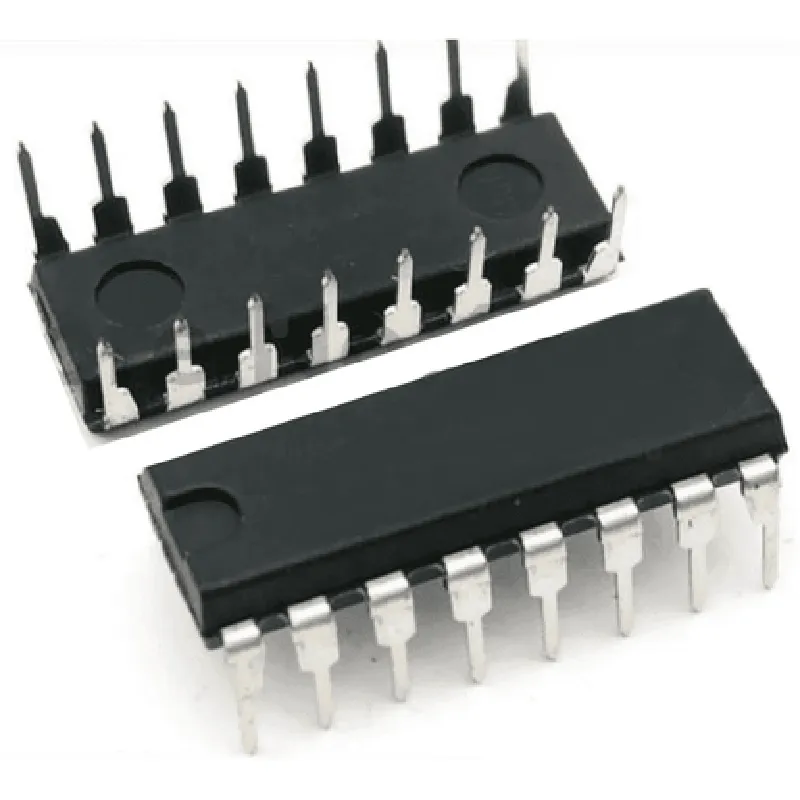
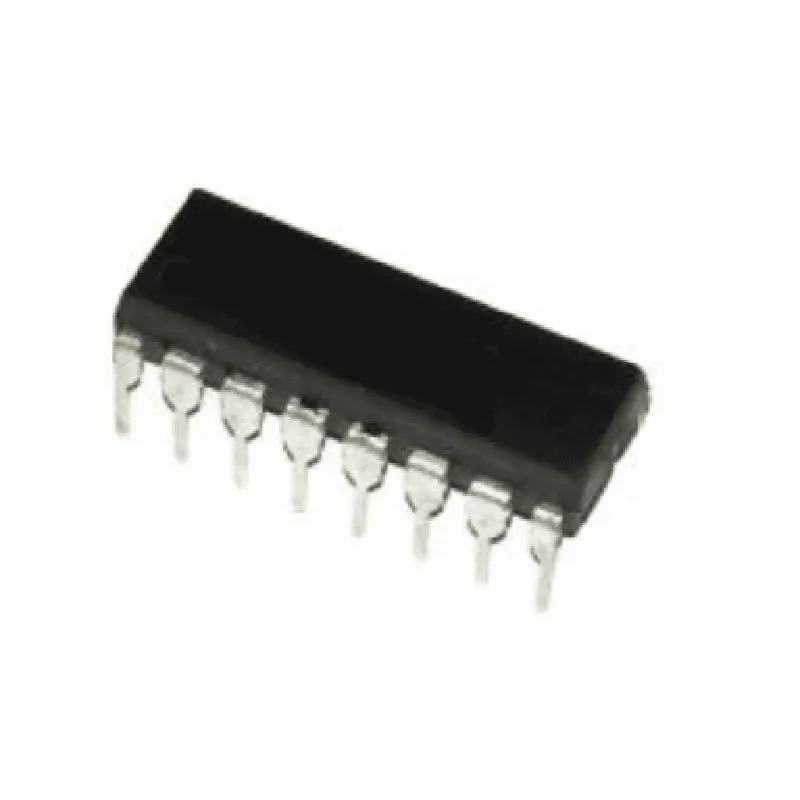
74169 IC

Buy Now on Stufin

Pin Configuration

  • Component Documentation: 74169 IC
  • The 74169 IC is a 4-bit synchronous binary counter designed for digital systems. It is a popular IC used in various applications, including digital clocks, counters, and timers. Here is a detailed explanation of each pin and how to connect them:
  • Pinout:
  • The 74169 IC has 16 pins, which are divided into four groups: input pins, output pins, clock pins, and power supply pins. Here is a breakdown of each pin:
  • Input Pins:
  • Pin 1: R0 (Reset 0): This pin is used to reset the counter to zero. A low logic level (0V) on this pin resets the counter.
  • Pin 2: R1 (Reset 1): This pin is used to reset the counter to nine. A low logic level (0V) on this pin resets the counter to nine.
  • Pin 3: ENP (Enable Parallel): This pin enables parallel data entry. A low logic level (0V) on this pin allows data to be entered in parallel.
  • Pin 4: ENT (Enable Ticking): This pin enables the counter to count. A low logic level (0V) on this pin enables the counter.
  • Output Pins:
  • Pin 5: Q0 (Output 0): This pin represents the least significant bit (LSB) of the 4-bit count.
  • Pin 6: Q1 (Output 1): This pin represents the second least significant bit.
  • Pin 7: Q2 (Output 2): This pin represents the third least significant bit.
  • Pin 8: Q3 (Output 3): This pin represents the most significant bit (MSB) of the 4-bit count.
  • Clock Pins:
  • Pin 9: CP (Clock Pulse): This pin is used to clock the counter. A rising edge (from 0V to 5V) on this pin increments the counter.
  • Pin 10: CP (Clock Pulse): This pin is also used to clock the counter. A rising edge (from 0V to 5V) on this pin increments the counter.
  • Power Supply Pins:
  • Pin 11: VCC (Positive Power Supply): This pin is connected to the positive power supply (typically 5V).
  • Pin 12: GND (Ground): This pin is connected to the ground (0V) of the power supply.
  • Additional Pins:
  • Pin 13: NC (No Connection): This pin is not connected internally and should be left unconnected.
  • Pin 14: NC (No Connection): This pin is not connected internally and should be left unconnected.
  • Pin 15: NC (No Connection): This pin is not connected internally and should be left unconnected.
  • Pin 16: NC (No Connection): This pin is not connected internally and should be left unconnected.
  • Connection Structure:
  • Here is a recommended connection structure for the 74169 IC:
  • 1. Connect pin 11 (VCC) to the positive power supply (5V).
  • 2. Connect pin 12 (GND) to the ground (0V) of the power supply.
  • 3. Connect pin 1 (R0) to a pull-up resistor (e.g., 1k) and then to the positive power supply (5V). This ensures the counter resets to zero when the power is turned on.
  • 4. Connect pin 2 (R1) to a pull-up resistor (e.g., 1k) and then to the positive power supply (5V). This ensures the counter resets to nine when the power is turned on.
  • 5. Connect pin 3 (ENP) to a logic high level (5V) to enable parallel data entry.
  • 6. Connect pin 4 (ENT) to a logic low level (0V) to enable the counter.
  • 7. Connect pin 5 (Q0) to a load device (e.g., LED, 7-segment display) to display the LSB of the count.
  • 8. Connect pin 6 (Q1) to a load device (e.g., LED, 7-segment display) to display the second least significant bit.
  • 9. Connect pin 7 (Q2) to a load device (e.g., LED, 7-segment display) to display the third least significant bit.
  • 10. Connect pin 8 (Q3) to a load device (e.g., LED, 7-segment display) to display the MSB of the count.
  • 11. Connect pin 9 (CP) to a clock signal source (e.g., oscillator, crystal) to clock the counter.
  • 12. Leave pins 13-16 (NC) unconnected.
  • Note: The above connection structure is a basic example and may vary depending on the specific application and requirement. Additionally, it is recommended to use a bypass capacitor (e.g., 10F) between the power supply pins (VCC and GND) to filter out noise and ensure stable operation.

Code Examples

74169 IC Documentation
Overview
The 74169 IC is a 4-bit asynchronous up/down binary counter with a synchronous load capability. It is a commonly used integrated circuit in digital electronics and IoT projects. This documentation provides an overview of the 74169 IC, its pinout, and code examples to demonstrate its usage in various contexts.
Pinout
The 74169 IC has 16 pins, with the following pinout:
| Pin | Function |
| --- | --- |
| 1 | Clock input (CLK) |
| 2 | Count enable input (EN) |
| 3 | Load input (LD) |
| 4 | Data input (D0) |
| 5 | Data input (D1) |
| 6 | Data input (D2) |
| 7 | Data input (D3) |
| 8 | Counter output (Q0) |
| 9 | Counter output (Q1) |
| 10 | Counter output (Q2) |
| 11 | Counter output (Q3) |
| 12 | Carry output (Cout) |
| 13 | Borrow output (Bout) |
| 14 | Asynchronous clear input (CLR) |
| 15 | VCC (Positive supply voltage) |
| 16 | GND (Ground) |
Code Examples
### Example 1: Basic Up/Down Counter
In this example, we will use the 74169 IC as a basic up/down counter. We will connect the clock input to a push-button, and the count enable input to a logic high. The output of the counter will be displayed on four LEDs.
Circuit Diagram
Connect the clock input (pin 1) to a push-button. Connect the count enable input (pin 2) to VCC. Connect the load input (pin 3) to GND. Connect the data inputs (pins 4-7) to GND. Connect the counter outputs (pins 8-11) to four LEDs. Connect the carry output (pin 12) and borrow output (pin 13) to GND.
Code (Arduino)
```c
const int clockPin = 2;  // Clock input
const int countEnablePin = 3;  // Count enable input
const int ledPins[] = {4, 5, 6, 7};  // LED pins
void setup() {
  pinMode(clockPin, INPUT);
  pinMode(countEnablePin, OUTPUT);
  digitalWrite(countEnablePin, HIGH);
  for (int i = 0; i < 4; i++) {
    pinMode(ledPins[i], OUTPUT);
  }
}
void loop() {
  if (digitalRead(clockPin) == HIGH) {
    // Increment counter
    digitalWrite(ledPins[0], !digitalRead(ledPins[0]));
    digitalWrite(ledPins[1], !digitalRead(ledPins[1]));
    digitalWrite(ledPins[2], !digitalRead(ledPins[2]));
    digitalWrite(ledPins[3], !digitalRead(ledPins[3]));
  }
  delay(50);
}
```
### Example 2: load and count up/down with a manual switch
In this example, we will use the 74169 IC to load a 4-bit binary value and then count up or down based on a manual switch.
Circuit Diagram
Connect the clock input (pin 1) to a push-button. Connect the load input (pin 3) to a manual switch (SW1). Connect the data inputs (pins 4-7) to four switches (SW2-SW5). Connect the counter outputs (pins 8-11) to four LEDs. Connect the carry output (pin 12) and borrow output (pin 13) to GND.
Code (Arduino)
```c
const int clockPin = 2;  // Clock input
const int loadPin = 3;  // Load input
const int dataPins[] = {4, 5, 6, 7};  // Data input pins
const int ledPins[] = {8, 9, 10, 11};  // LED pins
void setup() {
  pinMode(clockPin, INPUT);
  pinMode(loadPin, INPUT);
  for (int i = 0; i < 4; i++) {
    pinMode(dataPins[i], INPUT);
    pinMode(ledPins[i], OUTPUT);
  }
}
void loop() {
  if (digitalRead(loadPin) == HIGH) {
    // Load data from switches
    byte data = 0;
    for (int i = 0; i < 4; i++) {
      if (digitalRead(dataPins[i]) == HIGH) {
        data |= (1 << i);
      }
    }
    // Display loaded data on LEDs
    for (int i = 0; i < 4; i++) {
      digitalWrite(ledPins[i], (data & (1 << i)) ? HIGH : LOW);
    }
  }
  if (digitalRead(clockPin) == HIGH) {
    // Count up/down based on switch state
    bool up = digitalRead(12);  // Switch state (up/down)
    if (up) {
      // Increment counter
      for (int i = 0; i < 4; i++) {
        digitalWrite(ledPins[i], !digitalRead(ledPins[i]));
      }
    } else {
      // Decrement counter
      for (int i = 0; i < 4; i++) {
        digitalWrite(ledPins[i], !digitalRead(ledPins[i]));
      }
    }
  }
  delay(50);
}
```
Note: In this example, we assume that the manual switch (SW1) is connected to the load input (pin 3) and the data inputs (pins 4-7) are connected to four switches (SW2-SW5). The clock input (pin 1) is connected to a push-button. The output of the counter is displayed on four LEDs.