Low Noise Operational Amplifier (LM393)


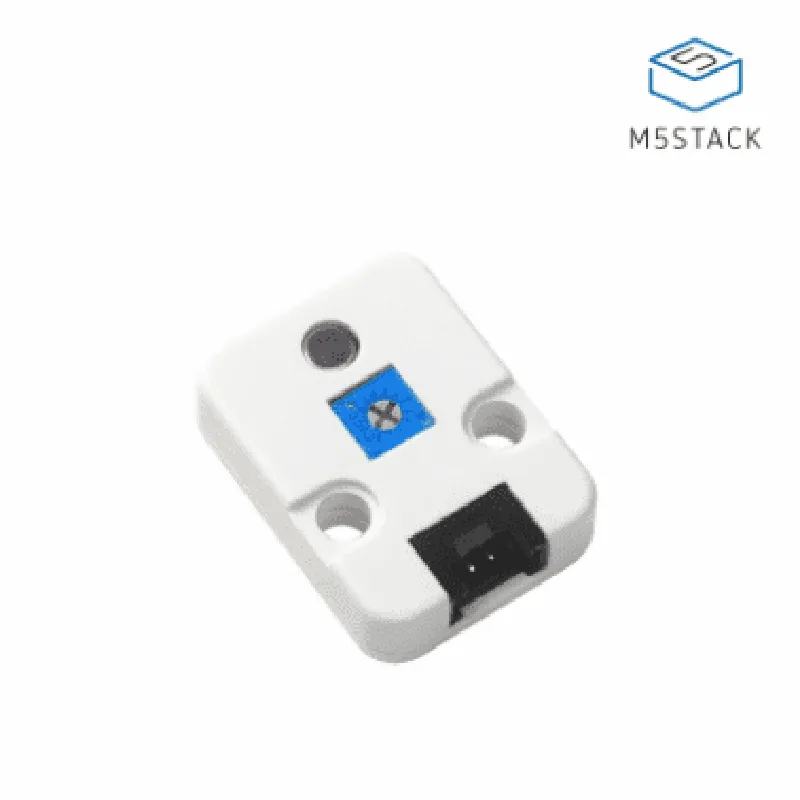
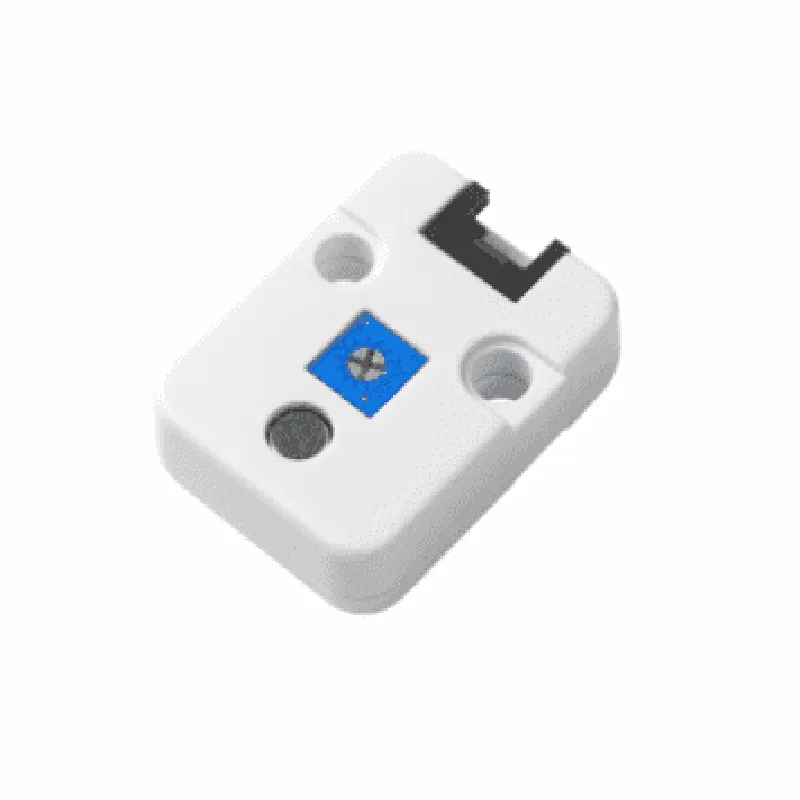
Low Noise Operational Amplifier (LM393)
High sensitivity, capable of detecting faint sounds
50 Hz to 15 kHz, with a flat frequency response curve
2.2 k
### Amplifier
Adjustable gain setting, allowing for customization of the signal amplification
Extremely low noise floor, ensuring a high signal-to-noise ratio (SNR)
### Module Specifications
3.3 V to 5 V
Typically 2 mA, with a maximum of 5 mA
Compatible with 3.3 V and 5 V logic systems
19.5 mm (L) x 14.5 mm (W) x 8.5 mm (H)
### Additional Features
The module provides a direct analog output of the amplified audio signal
An onboard LED indicator shows the module's power status
Convenient header pins for easy connection to a breadboard or PCB
Applications
--------------
| The M5 Stick Microphone Unit (LM393) is suitable for a wide range of IoT applications, including |
Smart home devices and automation systems
Wearable devices and fitness trackers
Robotics and autonomous systems
Industrial monitoring and control systems
Conclusion
----------
The M5 Stick Microphone Unit (LM393) is a highly sensitive and accurate microphone module, ideal for various IoT applications. Its compact design, low power consumption, and adjustable gain setting make it a versatile solution for capturing and amplifying audio signals in a wide range of environments.
M5 Stick Microphone Unit (LM393) DocumentationOverviewThe M5 Stick Microphone Unit (LM393) is a compact, high-sensitivity analog microphone module designed for various IoT applications. It features the LM393, a low-noise, low-voltage, and high-gain amplifier, which allows for accurate sound detection and amplification. This module is compatible with the M5Stick series of development boards.Technical SpecificationsMicrophone type: Analog
Sensitivity: -40 dB
Frequency response: 100 Hz - 10 kHz
Amplifier: LM393
Operating voltage: 3.3V - 5V
Interface: Analog outputpinoutVCC: Power supply (3.3V - 5V)
GND: Ground
OUT: Analog outputCode Examples### Example 1: Basic Sound Detection using ArduinoIn this example, we will use the M5 Stick Microphone Unit to detect sound levels and output the values to the serial monitor.Hardware RequirementsM5Stick (e.g., M5StickC)
M5 Stick Microphone Unit (LM393)
Breadboard and jumper wiresSoftware RequirementsArduino IDECode
```c++
const int micPin = A0; // Connect microphone output to A0void setup() {
Serial.begin(115200);
}void loop() {
int soundValue = analogRead(micPin);
Serial.print("Sound level: ");
Serial.println(soundValue);
delay(50);
}
```
In this example, we read the analog output from the microphone module using `analogRead()` and print the values to the serial monitor. You can adjust the threshold value to detect various sound levels.### Example 2: Sound-controlled LED using MicroPythonIn this example, we will use the M5 Stick Microphone Unit to control an LED based on sound levels.Hardware RequirementsM5Stick (e.g., M5StickC)
M5 Stick Microphone Unit (LM393)
LED
Breadboard and jumper wiresSoftware RequirementsMicroPythonCode
```python
import machine
import utimemic_pin = machine.ADC(machine.Pin(32)) # Connect microphone output to Pin 32
led_pin = machine.Pin(2, machine.Pin.OUT) # Connect LED to Pin 2while True:
sound_value = mic_pin.read_u16()
if sound_value > 500: # Adjust threshold value as needed
led_pin.value(1) # Turn on LED
else:
led_pin.value(0) # Turn off LED
utime.sleep(0.1)
```
In this example, we read the analog output from the microphone module using `machine.ADC()` and control the LED based on the sound level. You can adjust the threshold value to detect various sound levels.Additional ResourcesFor more information on the LM393 amplifier, refer to the [Texas Instruments LM393 datasheet](https://www.ti.com/lit/ds/symlink/lm393.pdf).
For M5Stick development board documentation, refer to the [M5Stack documentation](https://docs.m5stack.com/en/).TroubleshootingEnsure proper connection of the microphone module to the development board.
Adjust the gain of the amplifier by adding a potentiometer or a fixed resistor to the output stage.
Use a shielded cable to connect the microphone module to the development board to reduce noise interference.