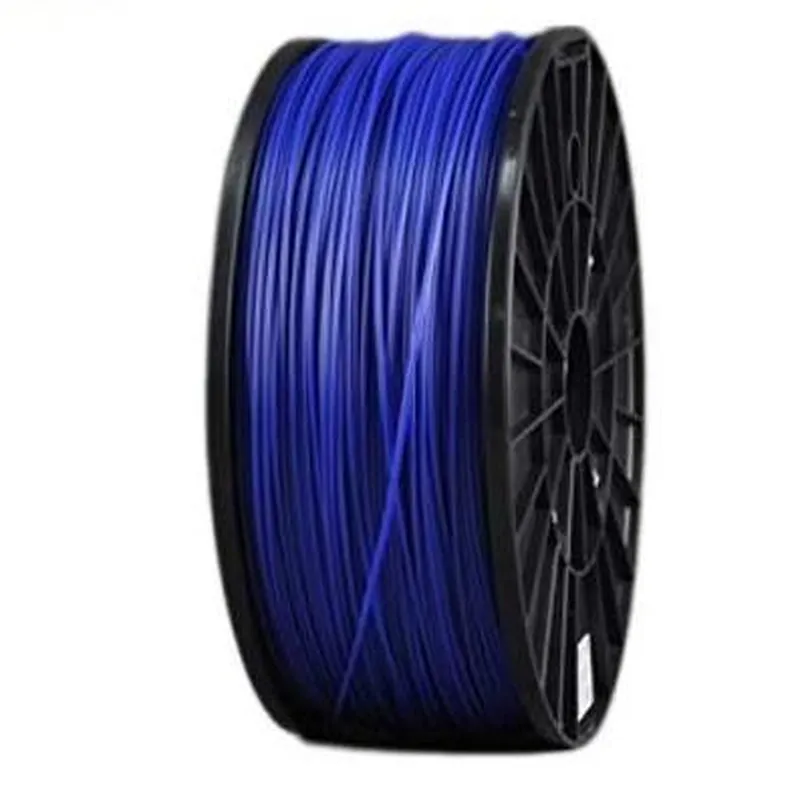
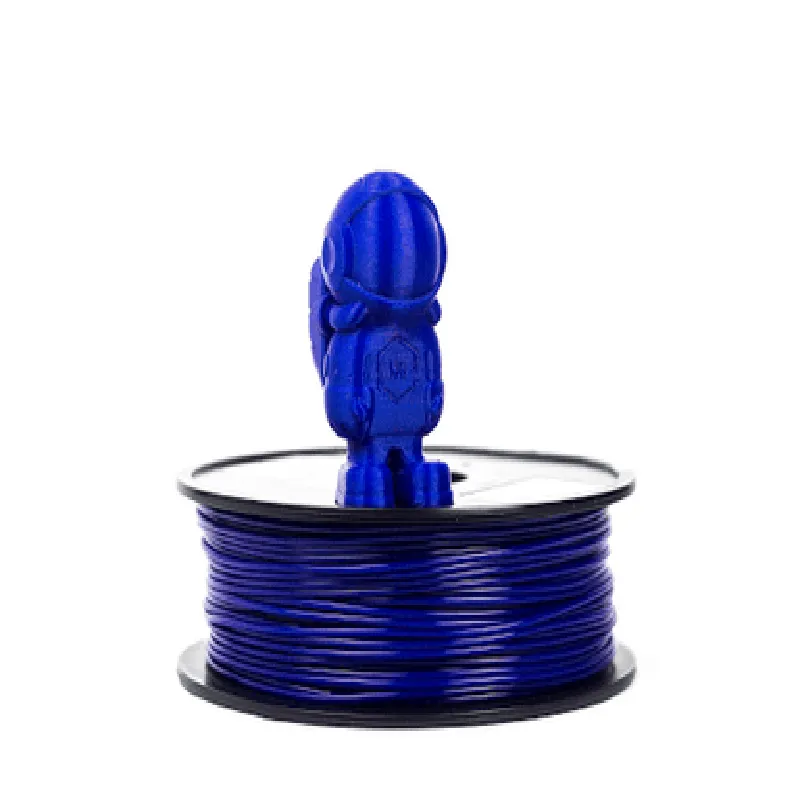
Component Documentation: 1.75mm Dark Blue ABS Filament - 1Kg
The 1.75mm Dark Blue ABS Filament is a high-quality, 1-kilogram spool of Acrylonitrile Butadiene Styrene (ABS) thermoplastic filament, ideal for 3D printing applications. This filament is compatible with most Fused Deposition Modeling (FDM) 3D printers and is suitable for creating durable and impact-resistant parts.
Filament diameter: 1.75 mm  0.05 mm
 Material: Acrylonitrile Butadiene Styrene (ABS)
 Color: Dark Blue
 Weight: 1 kilogram (2.2 pounds)
 Melting point: 220C - 250C (428F - 482F)
 Recommended extrusion temperature: 230C - 240C (446F - 464F)
 Recommended bed temperature: 90C - 110C (194F - 230F)
### Example 1: Printing a Simple Box using Prusa i3 3D Printer and Simplify3D Software
In this example, we will demonstrate how to use the 1.75mm Dark Blue ABS Filament to print a simple box using a Prusa i3 3D printer and Simplify3D software.
Prusa i3 3D printer
 1.75mm Dark Blue ABS Filament - 1Kg
 Simplify3D software
Slicing software: Simplify3D
 Printer profile: Prusa i3
 Filament settings:
	+ Diameter: 1.75 mm
	+ Material: ABS
	+ Temperature: 235C (455F)
	+ Bed temperature: 100C (212F)
	+ Layer height: 0.2 mm
	+ Infill density: 20%
G-code Example
```
; Simplify3D generated G-code
; Layer height: 0.2 mm
; Infill density: 20%
; Start of print
G28 ; Home all axes
G1 Z0.2 F3000 ; Move to starting height
G1 X0 Y0 F3000 ; Move to starting position
; Print layers
G1 F1800 ; Set extrusion rate
G1 X10 Y10 E10 F1800 ; Print first layer
G1 X20 Y20 E20 F1800 ; Print second layer
...
G1 X100 Y100 E100 F1800 ; Print final layer
; End of print
G1 Z0.2 F3000 ; Move to starting height
G28 ; Home all axes
```
### Example 2: Creating a Custom Part using Fusion 360 and an LulzBot Mini 3D Printer
In this example, we will demonstrate how to design a custom part using Fusion 360 software and print it using an LulzBot Mini 3D printer with the 1.75mm Dark Blue ABS Filament.
LulzBot Mini 3D printer
 1.75mm Dark Blue ABS Filament - 1Kg
 Fusion 360 software
CAD software: Fusion 360
 Printer profile: LulzBot Mini
 Filament settings:
	+ Diameter: 1.75 mm
	+ Material: ABS
	+ Temperature: 235C (455F)
	+ Bed temperature: 100C (212F)
	+ Layer height: 0.2 mm
	+ Infill density: 20%
1. Design the custom part using Fusion 360 software, taking into account the limitations of FDM 3D printing.
2. Export the design as an STL file.
3. Import the STL file into the LulzBot Mini's slicing software (e.g., Cura).
4. Set the filament settings and print settings according to the technical specifications.
5. Print the custom part using the LulzBot Mini 3D printer.
Note: The examples provided are for illustrative purposes only and may require adjustments based on specific printer and software configurations. Always follow the manufacturer's guidelines and recommended settings for the 3D printer and filament.