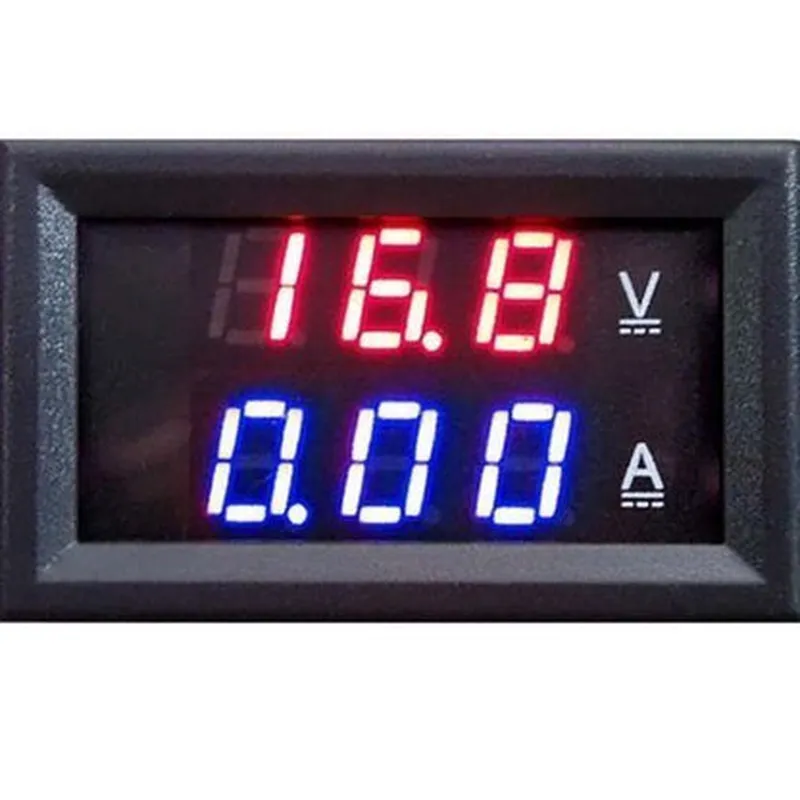
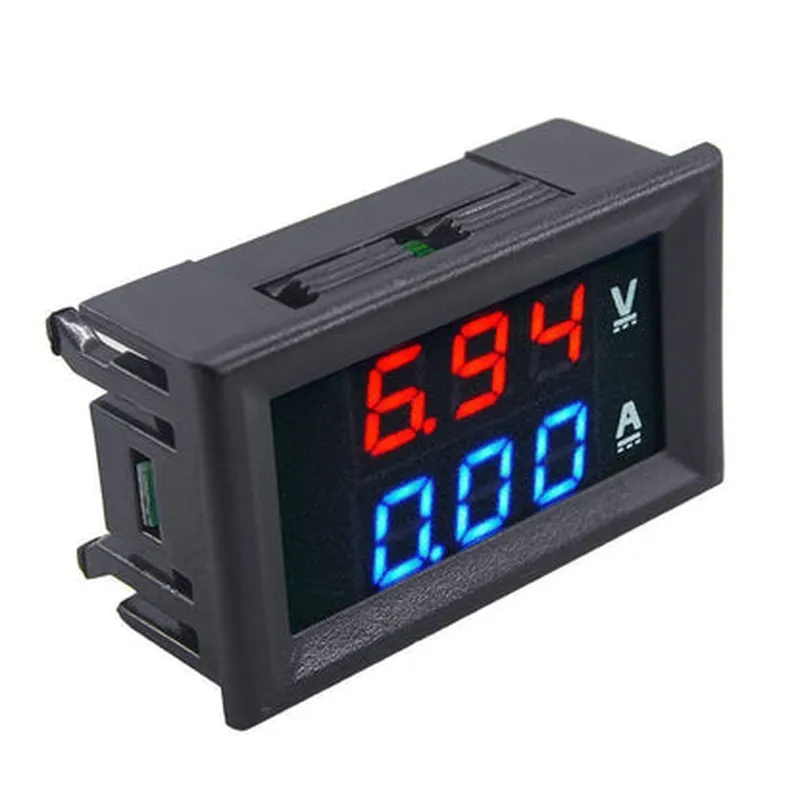
Digital Voltmeter (0-100V) and Ammeter (10A) Dual LED Voltage Current Measurement Module
The Digital Voltmeter (0-100V) and Ammeter (10A) Dual LED Voltage Current Measurement Module is a versatile and accurate measurement module designed for IoT applications. This module is equipped with a high-precision voltage measurement range of 0-100V and a current measurement range of 0-10A. The module features dual LED displays for easy reading and is suitable for a wide range of applications, including robotics, automation, and DIY projects.
VCC: 5V power supply
 GND: Ground
 SCL: I2C Clock
 SDA: I2C Data
 VOUT: Voltage measurement output
 IOUT: Current measurement output
Voltage measurement range: 0-100V
 Current measurement range: 0-10A
 Accuracy: 1% for voltage, 2% for current
 Resolution: 0.1V for voltage, 0.01A for current
 Communication protocol: I2C
 Operating temperature: -20C to 80C
### Example 1: Arduino UNO Measurement and Serial Output
In this example, we will connect the Digital Voltmeter and Ammeter module to an Arduino UNO board and read the voltage and current measurements using the I2C protocol. The measured values will be displayed on the serial monitor.
#define VOLT_ADDRESS 0x38  // I2C address for voltage measurement
#define CURRENT_ADDRESS 0x39  // I2C address for current measurement
void setup() {
  Serial.begin(9600);
  Wire.begin();
}
void loop() {
  int voltage = readVoltage();
  int current = readCurrent();
Serial.print("Voltage: ");
  Serial.print(voltage);
  Serial.println(" V");
Serial.print("Current: ");
  Serial.print(current);
  Serial.println(" A");
int readVoltage() {
  Wire.beginTransmission(VOLT_ADDRESS);
  Wire.write(0x00);  // Register address for voltage measurement
  Wire.endTransmission();
  Wire.requestFrom(VOLT_ADDRESS, 2);
  int voltage = Wire.read() << 8 | Wire.read();
  voltage = voltage / 100.0;  // Convert to volts
  return voltage;
}
int readCurrent() {
  Wire.beginTransmission(CURRENT_ADDRESS);
  Wire.write(0x00);  // Register address for current measurement
  Wire.endTransmission();
  Wire.requestFrom(CURRENT_ADDRESS, 2);
  int current = Wire.read() << 8 | Wire.read();
  current = current / 100.0;  // Convert to amps
  return current;
}
```
### Example 2: Raspberry Pi Python Script for Measurement and Graphical Display using Matplotlib
In this example, we will connect the Digital Voltmeter and Ammeter module to a Raspberry Pi and read the voltage and current measurements using the I2C protocol. The measured values will be displayed on a graphical plot using Matplotlib.
```python
import time
import matplotlib.pyplot as plt
import smbus
VOLT_ADDRESS = 0x38
CURRENT_ADDRESS = 0x39
def read_voltage():
    bus.write_byte(VOLT_ADDRESS, 0x00)
    voltage = bus.read_word(VOLT_ADDRESS)
    voltage = voltage / 100.0
    return voltage
def read_current():
    bus.write_byte(CURRENT_ADDRESS, 0x00)
    current = bus.read_word(CURRENT_ADDRESS)
    current = current / 100.0
    return current
voltages = []
currents = []
while True:
    voltage = read_voltage()
    current = read_current()
voltages.append(voltage)
    currents.append(current)
plt.plot(voltages, label='Voltage (V)')
    plt.plot(currents, label='Current (A)')
    plt.legend()
    plt.draw()
    plt.pause(0.1)
    plt.clf()
Note: Make sure to install the necessary libraries and dependencies before running the code examples. Also, ensure that the I2C protocol is enabled on the Raspberry Pi and the Digital Voltmeter and Ammeter module is connected correctly.