

Stufin
Home Quick Cart Profile

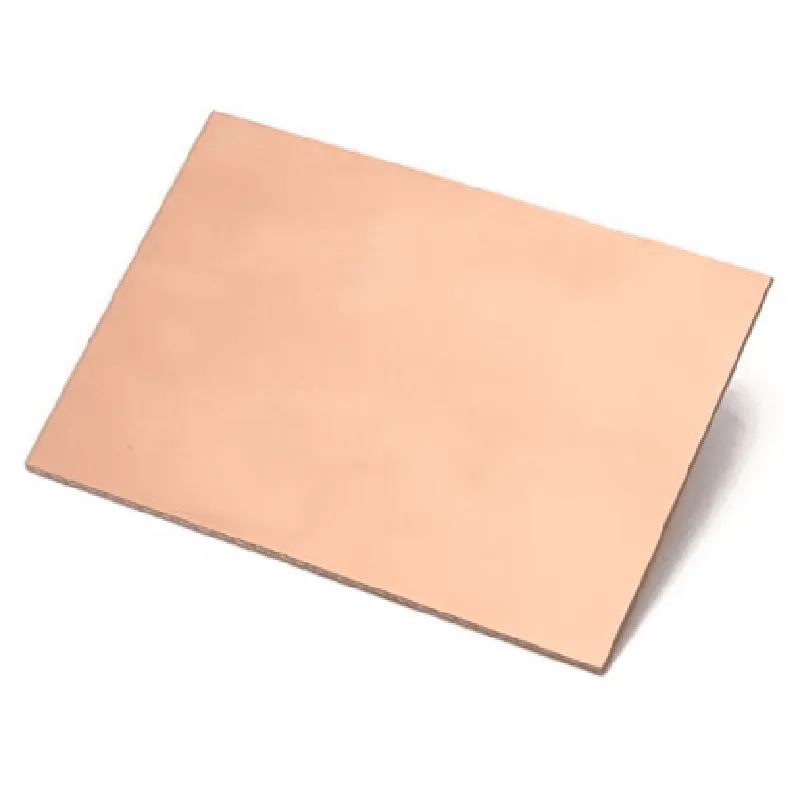
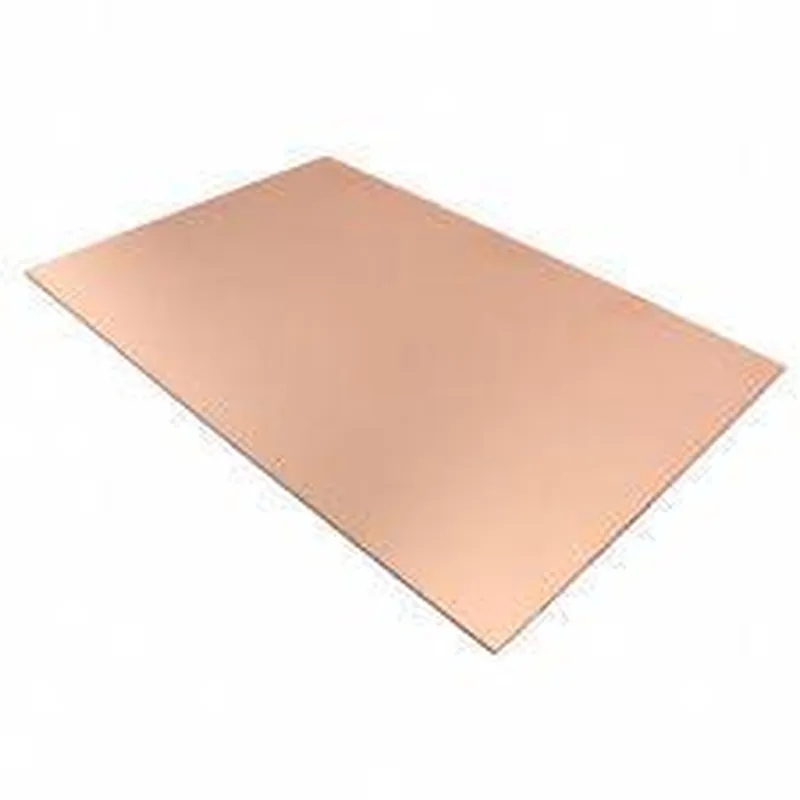
15cm x 10cm Single Side Copper Clad Laminate PCB Board

Buy Now on Stufin

Component Name

15cm x 10cm Single Side Copper Clad Laminate PCB Board

Overview

The 15cm x 10cm Single Side Copper Clad Laminate PCB Board is a type of printed circuit board (PCB) designed for prototyping and small-scale electronic projects. This component is a fundamental building block for IoT devices, offering a reliable and efficient way to connect and integrate various electronic components.

Functionality

The primary function of this PCB board is to provide a platform for mounting and connecting electronic components, such as microcontrollers, sensors, actuators, and other devices. The board offers a copper clad surface, allowing users to create custom circuits and connections using copper tracks, pads, and holes.

Key Features

  • Dimensions: The PCB board measures 15cm in length and 10cm in width, providing a compact yet usable surface area for prototyping and development.
  • Single-Sided: This PCB board has a single copper layer, which means that the copper tracks and pads are located on one side of the board. This design simplifies the manufacturing process and reduces costs, making it an ideal choice for prototyping and small-scale production.
  • Copper Clad Laminate: The board features a copper clad laminate construction, consisting of a copper layer bonded to a non-conductive substrate material. This design provides excellent electrical conductivity and mechanical stability.
  • FR-4 Material: The PCB board is made from FR-4 (Flame Retardant 4) material, a type of epoxy-based laminate that offers excellent thermal and mechanical properties, including high temperature resistance and low water absorption.
  • 1.6mm Thickness: The board has a thickness of 1.6mm, providing a sturdy and durable platform for mounting components and withstanding environmental stresses.
  • Solder Mask: The PCB board features a solder mask coating, which helps prevent solder from flowing onto unwanted areas during the assembly process.
  • Silk Screen Printing: The board includes silk screen printing, which provides clear markings and labels for component placement, making it easier to assemble and debug circuits.
  • Drilled Holes: The PCB board features pre-drilled holes, allowing users to easily mount components and connect wires.
  • Compatibility: This PCB board is compatible with a wide range of electronic components, including through-hole, surface-mount, and wire-wrap components.

Applications

  • Prototyping and development of IoT devices
  • Proof-of-concept designs and feasibility studies
  • Small-scale production and manufacturing
  • Educational and training projects
  • Hobbyist and enthusiast projects
The 15cm x 10cm Single Side Copper Clad Laminate PCB Board is suitable for a variety of IoT applications, including

Specifications

Dimensions

15cm x 10cm

Thickness

1.6mm

Material

FR-4 (Flame Retardant 4)

Copper thickness

35m

Solder mask color

Green

Silk screen color

White

Drilled hole diameter

0.8mm to 2.5mm

Ordering Information

When ordering this component, please specify the following

Quantity required

Any custom requirements, such as hole sizes or silk screen printing changes

Warranty and Support

This component is provided with a standard warranty against manufacturing defects. Technical support is available through our dedicated support team, which can be contacted via email, phone, or online chat.

Pin Configuration

  • Component Documentation: 15cm x 10cm Single Side Copper Clad Laminate PCB Board
  • Overview
  • The 15cm x 10cm Single Side Copper Clad Laminate PCB Board is a single-layer printed circuit board (PCB) designed for prototyping and DIY projects. The board features a copper clad laminate construction, which provides a reliable and durable platform for building electronic circuits.
  • Pins and Connection Guide
  • The 15cm x 10cm Single Side Copper Clad Laminate PCB Board does not have pre-defined pins or connectors. Instead, it provides a blank PCB canvas for users to create their own custom circuits. The board is divided into a grid of copper pads, allowing users to solder components and create connections as needed.
  • Connection Structure
  • To connect components to the PCB, follow these steps:
  • 1. Identify the component to be connected: Determine the component you want to add to the PCB, such as a microcontroller, resistor, or capacitor.
  • 2. Choose the appropriate copper pads: Select the copper pads on the PCB that correspond to the component's pins. Ensure the pads are not already occupied by other components.
  • 3. Apply solder: Apply a small amount of solder to the chosen copper pad using a soldering iron.
  • 4. Place the component: Carefully place the component on the PCB, aligning its pins with the corresponding copper pads.
  • 5. Solder the component: Use a soldering iron to solder the component's pins to the copper pads.
  • 6. Repeat for additional components: Continue adding components to the PCB, following the same process for each component.
  • Tips and Considerations
  • Always use a soldering iron with a temperature control to prevent overheating and damaging the PCB or components.
  • Ensure the PCB is securely fastened to a stable surface to prevent movement during soldering.
  • Use a multimeter to verify connections and identify any potential issues.
  • Keep the PCB clean and dry to prevent oxidation and ensure reliable connections.
  • Component Placement and Routing Guidelines
  • Component placement: Place components in a logical and organized manner to facilitate easy tracing and debugging of circuits.
  • Signal routing: Route signals between components using the least number of jumpers or wires possible to minimize signal degradation and noise.
  • Power supply: Ensure a stable power supply is provided to the circuit, and that power lines are adequately decoupled to minimize noise and interference.
  • Grounding: Provide a solid ground connection for the circuit, ensuring that all components are properly grounded to prevent electrical shock and circuit damage.
  • By following these guidelines and best practices, users can create custom circuits and prototypes on the 15cm x 10cm Single Side Copper Clad Laminate PCB Board.

Code Examples

Component Overview
The 15cm x 10cm Single Side Copper Clad Laminate PCB Board is a versatile printed circuit board (PCB) designed for prototyping and development of various electronic projects. This single-sided copper clad laminate PCB board features a copper layer on one side and a FR4 fiberglass-reinforced epoxy laminate material on the other side. The board measures 15cm in length, 10cm in width, and has a thickness of 1.6mm.
Key Features:
Single-sided copper clad laminate PCB board
 Size: 15cm x 10cm
 Thickness: 1.6mm
 Material: FR4 fiberglass-reinforced epoxy laminate
 Copper layer: 1 oz (35m) thick
Using the Component in Various Contexts
The 15cm x 10cm Single Side Copper Clad Laminate PCB Board is a versatile component that can be used in a wide range of electronic projects. Here are a few examples of how to use this component in different contexts:
Example 1: Simple LED Circuit
In this example, we will create a simple LED circuit using the 15cm x 10cm Single Side Copper Clad Laminate PCB Board. We will use the PCB board to connect an LED, a resistor, and a power source.
Components:
1 x 15cm x 10cm Single Side Copper Clad Laminate PCB Board
 1 x LED (any color)
 1 x Resistor (1k)
 1 x Power Source (9V battery or wall adapter)
 Jumper wires
Code Example:
None, as this is a simple analog circuit.
Connections:
Connect the positive terminal of the power source to one end of the resistor.
 Connect the other end of the resistor to the anode (positive leg) of the LED.
 Connect the cathode (negative leg) of the LED to the negative terminal of the power source.
Example 2: Arduino Uno Project
In this example, we will use the 15cm x 10cm Single Side Copper Clad Laminate PCB Board to create a simple Arduino Uno project that blinks an LED.
Components:
1 x 15cm x 10cm Single Side Copper Clad Laminate PCB Board
 1 x Arduino Uno board
 1 x LED (any color)
 1 x Resistor (1k)
 Jumper wires
Code Example:
```c
const int ledPin = 13;  // Choose a digital pin on the Arduino Uno
void setup() {
  pinMode(ledPin, OUTPUT);  // Set the digital pin as an output
}
void loop() {
  digitalWrite(ledPin, HIGH);  // Turn the LED on
  delay(1000);  // Wait for 1 second
  digitalWrite(ledPin, LOW);  // Turn the LED off
  delay(1000);  // Wait for 1 second
}
```
Connections:
Connect the Arduino Uno board to the PCB board using jumper wires.
 Connect the LED and resistor to the PCB board as shown in the previous example.
 Connect the digital pin 13 of the Arduino Uno board to the anode of the LED.
Example 3: IoT Project using ESP8266 Wi-Fi Module
In this example, we will use the 15cm x 10cm Single Side Copper Clad Laminate PCB Board to create a simple IoT project using the ESP8266 Wi-Fi module.
Components:
1 x 15cm x 10cm Single Side Copper Clad Laminate PCB Board
 1 x ESP8266 Wi-Fi module
 1 x Breadboard
 1 x Power Source (USB cable or wall adapter)
 Jumper wires
Code Example:
```c
#include <WiFi.h>
const char ssid = "your_wifi_ssid";
const char password = "your_wifi_password";
void setup() {
  Serial.begin(115200);
  WiFi.begin(ssid, password);
  while (WiFi.status() != WL_CONNECTED) {
    delay(1000);
    Serial.println("Connecting to WiFi...");
  }
  Serial.println("Connected to WiFi");
  Serial.println("Starting IoT project...");
}
void loop() {
  // Your IoT project code here
  delay(1000);
}
```
Connections:
Connect the ESP8266 Wi-Fi module to the PCB board using jumper wires.
 Connect the power source to the ESP8266 Wi-Fi module.
 Connect the breadboard to the PCB board using jumper wires.
 Connect your IoT project components (e.g., sensors, actuators) to the breadboard.
These are just a few examples of how to use the 15cm x 10cm Single Side Copper Clad Laminate PCB Board in various contexts. The possibilities are endless, and the PCB board is suitable for a wide range of electronic projects.