Stufin
Home Quick Cart Profile

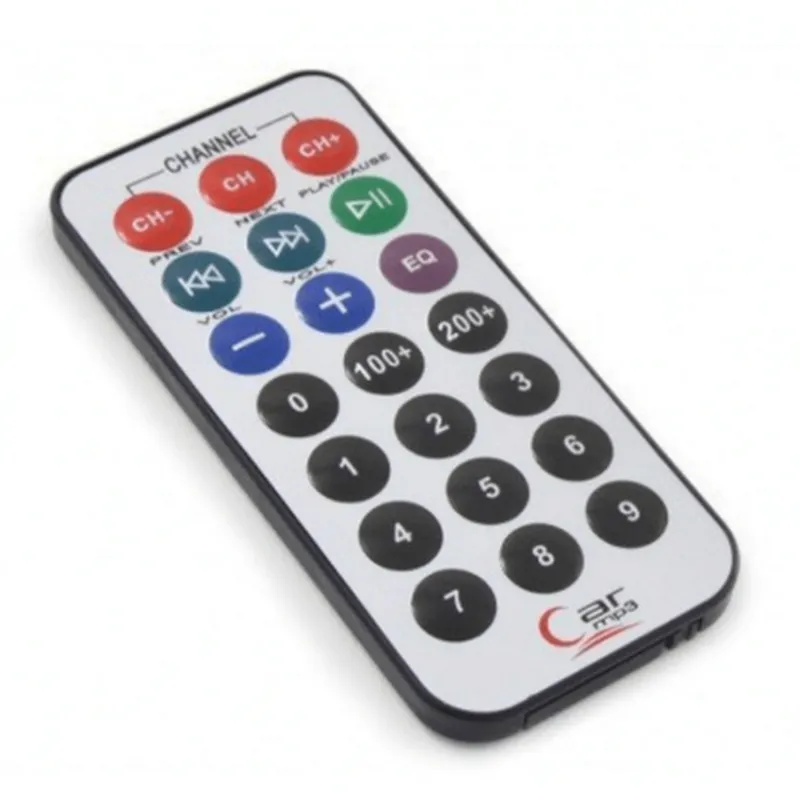
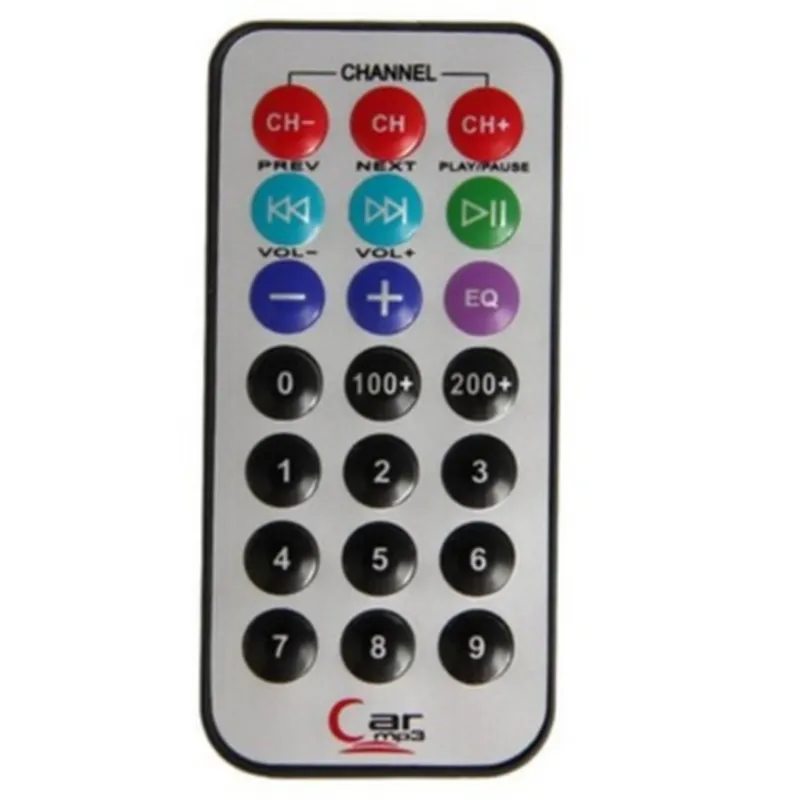
IR Remote

Buy Now on Stufin

The IR Remote component operates by

  • Receiving IR signals through an IR receiver.
  • Decoding the received IR signals to extract the transmitted data.
  • Generating a digital output representing the decoded data.
  • Providing the digital output to a microcontroller or other processing units for further processing.

Key Features

The IR Remote component offers the following key features

  • Infrared Reception: The component is capable of receiving IR signals with wavelengths between 780nm to 950nm, covering the standard range for most IR remote controls.
  • High Sensitivity: The IR receiver has a high sensitivity, allowing it to detect IR signals from a distance of up to 10 meters (33 feet) with a typical IR LED transmitter.
  • Low Power Consumption: The component operates with low power consumption, making it suitable for battery-powered devices.
  • Compact Design: The IR Remote component has a compact design, making it easy to integrate into various IoT devices.
  • Compatibility: The component is compatible with most IR protocols, including NEC, Philips, and Sony, making it a versatile solution for various applications.
  • Easy Integration: The IR Remote component is easy to integrate with microcontrollers and other processing units, thanks to its standardized digital output.

Technical Specifications

| Parameter | Value |

| --- | --- |

| Operating Voltage | 3.3V - 5V |

| Operating Current | 1mA - 5mA |

| IR Receiver Sensitivity | -30 dBm to -15 dBm |

| IR Wavelength Range | 780nm - 950nm |

| Digital Output | TTL-compatible, 3.3V or 5V logic level |

| Response Time | 10ms - 20ms |

| Distance Range | Up to 10 meters (33 feet) |

Applications

  • Remote control systems for consumer electronics.
  • Home automation systems.
  • IoT devices requiring wireless control.
  • Industrial control systems.
  • Robotics and autonomous systems.
The IR Remote component is suitable for various IoT applications, including

By providing a comprehensive and reliable IR remote control solution, this component enables developers to create innovative and user-friendly IoT applications.

Pin Configuration

  • IR Remote Component Documentation
  • Overview
  • The IR Remote component is a widely used device in IoT projects that enables remote control capability in various applications. It consists of a transmitter and a receiver that communicate through infrared (IR) signals. This documentation will focus on the transmitter module, which is commonly used in IoT projects.
  • Pin Description
  • The IR Remote transmitter module typically has 3 pins:
  • ### Pin 1: VCC (Power Supply)
  • Description: This pin provides the power supply to the IR Remote module.
  • Voltage: Typically, the recommended voltage range is 3.3V to 5V.
  • Connection: Connect the VCC pin to a suitable power source, such as a battery or a voltage regulator.
  • ### Pin 2: GND (Ground)
  • Description: This pin provides the ground connection for the IR Remote module.
  • Connection: Connect the GND pin to the ground terminal of the power source or the ground plane of the circuit board.
  • ### Pin 3: Signal (Data)
  • Description: This pin is used to transmit the IR signal.
  • Connection: Connect the Signal pin to a microcontroller's digital output pin or a transistor's base pin, depending on the application.
  • Connection Structure:
  • Here's a diagram illustrating the connection structure:
  • ```
  • +---------------+
  • | Power Source |
  • +---------------+
  • |
  • | VCC
  • v
  • +---------------+
  • | IR Remote |
  • | (Transmitter) |
  • +---------------+
  • |
  • | GND
  • v
  • +---------------+
  • | Ground Plane |
  • +---------------+
  • +---------------+
  • | Microcontroller |
  • | (or Transistor) |
  • +---------------+
  • |
  • | Digital Output
  • | (or Base Pin)
  • v
  • +---------------+
  • | IR Remote |
  • | (Transmitter) |
  • +---------------+
  • |
  • | Signal
  • v
  • +---------------+
  • | IR LED |
  • | (Transmitter) |
  • +---------------+
  • ```
  • Tips and Precautions:
  • Ensure the power supply voltage is within the recommended range to avoid damaging the IR Remote module.
  • Use a suitable resistor to limit the current to the IR LED if it's not built into the module.
  • When connecting the IR Remote module to a microcontroller, make sure to use a digital output pin that can provide a sufficient voltage level and current to drive the module.
  • By following this documentation, you should be able to connect the IR Remote module correctly and integrate it into your IoT project.

Code Examples

IR Remote Component Documentation
The IR Remote component is a digital infrared receiver module that allows microcontrollers to receive and decode infrared signals from remote controls. This module is commonly used in various applications, such as home automation, robotics, and consumer electronics.
Technical Specifications:
Operating Voltage: 3.3V to 5V
 Operating Current: 10mA to 20mA
 Infrared Frequency: 38kHz
 Receiver Sensitivity: -40dBm to -10dBm
 Response Time: 10ms to 20ms
 Interface: Digital output (active low)
Code Examples:
### Example 1: Basic IR Remote Usage with Arduino
In this example, we will demonstrate how to use the IR Remote component with an Arduino board to receive and decode infrared signals from a remote control.
Hardware Requirements:
Arduino Board (e.g., Arduino Uno)
 IR Remote component
 Breadboard and jumper wires
Software Requirements:
Arduino IDE (version 1.8.x or later)
Code:
```cpp
#include <IRremote.h>
const int irReceiverPin = 11;  // Pin connected to IR Receiver module
IRrecv irRecv(irReceiverPin);
void setup() {
  Serial.begin(9600);
  irRecv.enableIRIn();  // Enable infrared input
}
void loop() {
  if (irRecv.decode()) {
    Serial.print("Received IR signal: ");
    Serial.println(irRecv.decodedIRData.decodedRawData, HEX);
    irRecv.resume();  // Receive the next signal
  }
  delay(50);
}
```
In this example, we use the `IRrecv` library to receive and decode infrared signals. We connect the IR Remote component to digital pin 11 on the Arduino board. In the `loop()` function, we use the `decode()` function to receive and decode the infrared signal, and print the received data to the serial console.
### Example 2: Controlling an LED with IR Remote using Raspberry Pi
In this example, we will demonstrate how to use the IR Remote component with a Raspberry Pi to control an LED using infrared signals from a remote control.
Hardware Requirements:
Raspberry Pi (e.g., Raspberry Pi 4)
 IR Remote component
 Breadboard and jumper wires
 LED and resistor
Software Requirements:
Raspbian OS (version 10 or later)
 Python 3.x
Code:
```python
import RPi.GPIO as GPIO
import ir_remote
# Set up GPIO pin for LED
LED_PIN = 17
GPIO.setmode(GPIO.BCM)
GPIO.setup(LED_PIN, GPIO.OUT)
# Set up IR Remote receiver
ir_receiver = ir_remote.IRReceiver(18)  # Pin connected to IR Receiver module
while True:
    if ir_receiver.decode():
        if ir_receiver.decodedIRData == 0xFF38C7:  # Replace with your desired IR code
            GPIO.output(LED_PIN, GPIO.HIGH)  # Turn on LED
        elif ir_receiver.decodedIRData == 0xFF5AA5:  # Replace with your desired IR code
            GPIO.output(LED_PIN, GPIO.LOW)  # Turn off LED
```
In this example, we use the `ir_remote` library to receive and decode infrared signals. We connect the IR Remote component to GPIO pin 18 on the Raspberry Pi. In the `while` loop, we use the `decode()` function to receive and decode the infrared signal, and control the LED based on the received IR code.
Note: In both examples, you need to replace the IR codes with the actual codes received from your remote control.