MB27F - 27mm Flat Loud Continuous


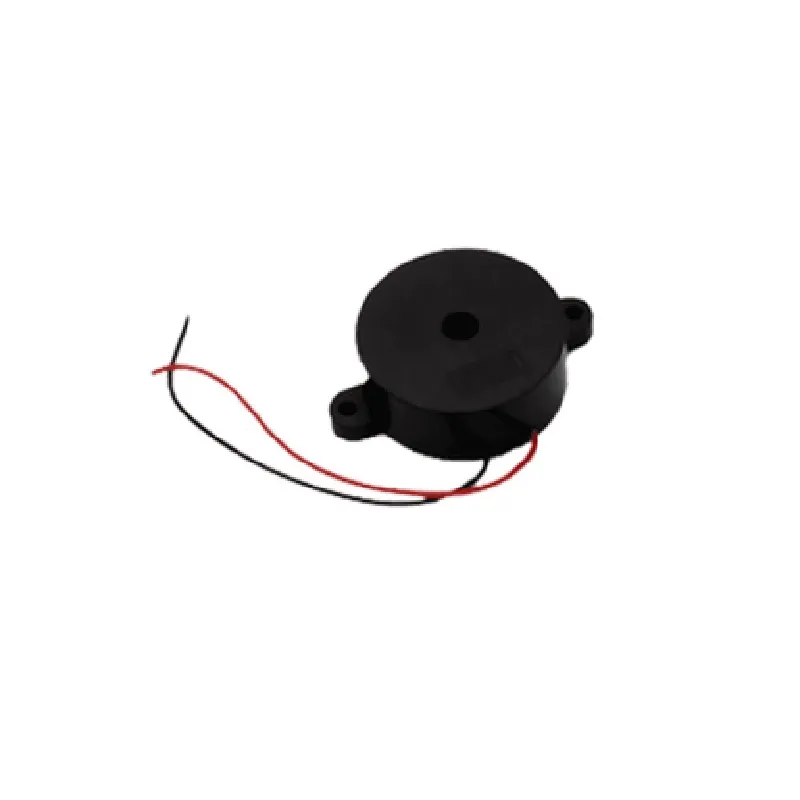
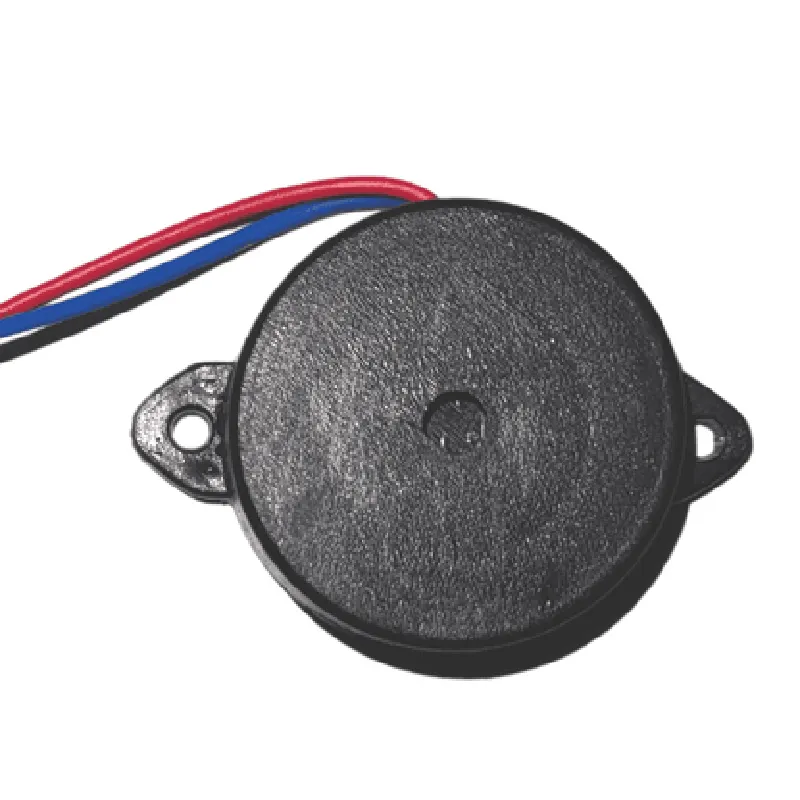
MB27F - 27mm Flat Loud Continuous
The MB27F is a 27mm flat loud continuous buzzer, designed for various applications requiring a compact and efficient audible alerting solution. This component is part of the Internet of Things (IoT) ecosystem, suitable for integration into devices, machines, and systems that require a reliable and loud acoustic signaling mechanism.
| The MB27F buzzer is designed to produce a loud, continuous sound when an electric current is applied to its terminals. The buzzer's primary function is to alert users or operators to a specific event, condition, or status, such as |
Alarm notifications
Warning signals
Status indications
Machine faults or errors
Device startup or shutdown
27mm
9.5mm
6g
3V to 24V DC
10mA to 20mA
| Sound Pressure Level (SPL) | 85 dB (min) at 1 meter |
2.4 kHz (+/- 10%)
| The MB27F is suitable for various IoT applications, including |
Industrial automation and control systems
Medical devices and equipment
Security systems and alarms
Consumer electronics and appliances
Automotive systems and accessories
The MB27F complies with relevant industry standards and regulations, including RoHS and CE.
MB27F - 27mm Flat Loud Continuous Speaker DocumentationOverviewThe MB27F is a 27mm flat loud continuous speaker designed for a wide range of IoT applications, including smart home devices, robots, and wearable technology. This component is suitable for projects requiring a compact, high-quality audio output.PinoutThe MB27F has a standard 3-pin interface:VCC (Positive Power Supply)
GND (Ground)
SIG (Signal Input)Technical SpecificationsOperating Voltage: 2.5V - 5V
Power Rating: 1W
Frequency Response: 200Hz - 20kHz
Sensitivity: 85dB
Impedance: 4Code Examples### Example 1: Basic Tone Generation with ArduinoIn this example, we will use the MB27F speaker to generate a simple tone using an Arduino board.```c
const int speakerPin = 9; // Connect the SIG pin to digital pin 9void setup() {
pinMode(speakerPin, OUTPUT);
}void loop() {
tone(speakerPin, 1000); // Generate a 1kHz tone
delay(1000);
noTone(speakerPin); // Stop the tone
delay(1000);
}
```### Example 2: Music Playback with Raspberry Pi (Python)In this example, we will use the MB27F speaker to play a short music clip using a Raspberry Pi and Python.```python
import pygame# Initialize the pygame library
pygame.init()# Set up the speaker pin as an output
speaker_pin = 18 # Connect the SIG pin to GPIO 18
pygame.mixer.init()
pygame.mixer.set_num_channels(1)# Load a short music clip
pygame.mixer.music.load('music_clip.wav')# Play the music clip
pygame.mixer.music.play()while pygame.mixer.music.get_busy():
# Wait for the music clip to finish playing
pass# Clean up
pygame.mixer.quit()
pygame.quit()
```### Example 3: Voice Assistant Integration with ESP32 (MicroPython)In this example, we will use the MB27F speaker to play a text-to-speech response from a voice assistant using an ESP32 board and MicroPython.```python
import speech
import machine# Initialize the speaker pin as an output
speaker_pin = machine.Pin(25, machine.Pin.OUT)# Set up the speech synthesizer
speech.init()# Define a function to play a text-to-speech response
def play_response(text):
speech.say(text)
speech.play(speaker_pin)# Play a sample response
play_response("Hello, world!")# Clean up
speech.deinit()
```These examples demonstrate the basic usage of the MB27F speaker in various IoT contexts. Remember to adjust the pin connections and code according to your specific project requirements.