40mm x 20mm x 10mm


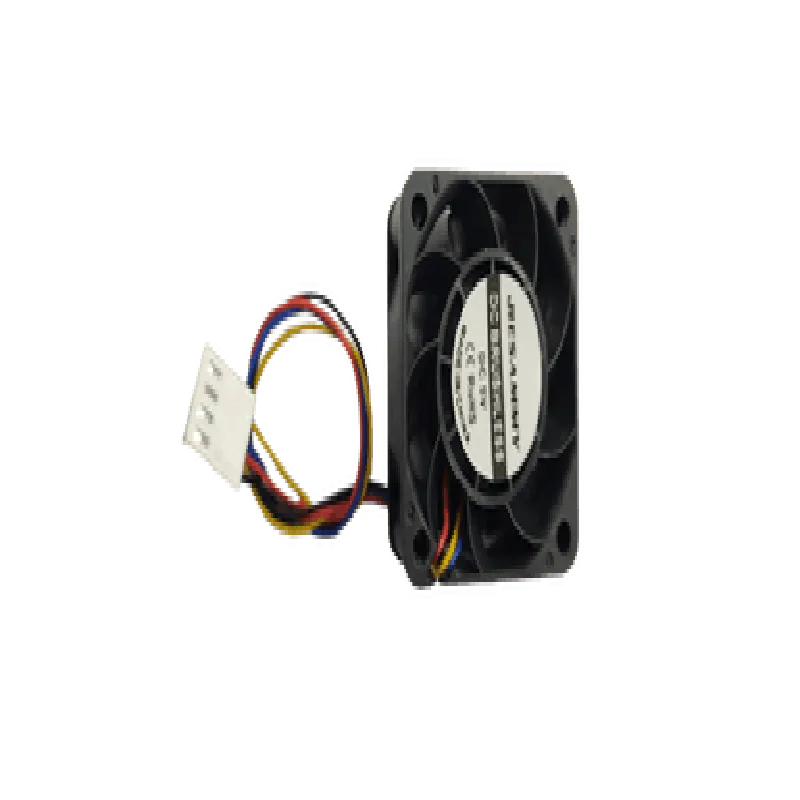
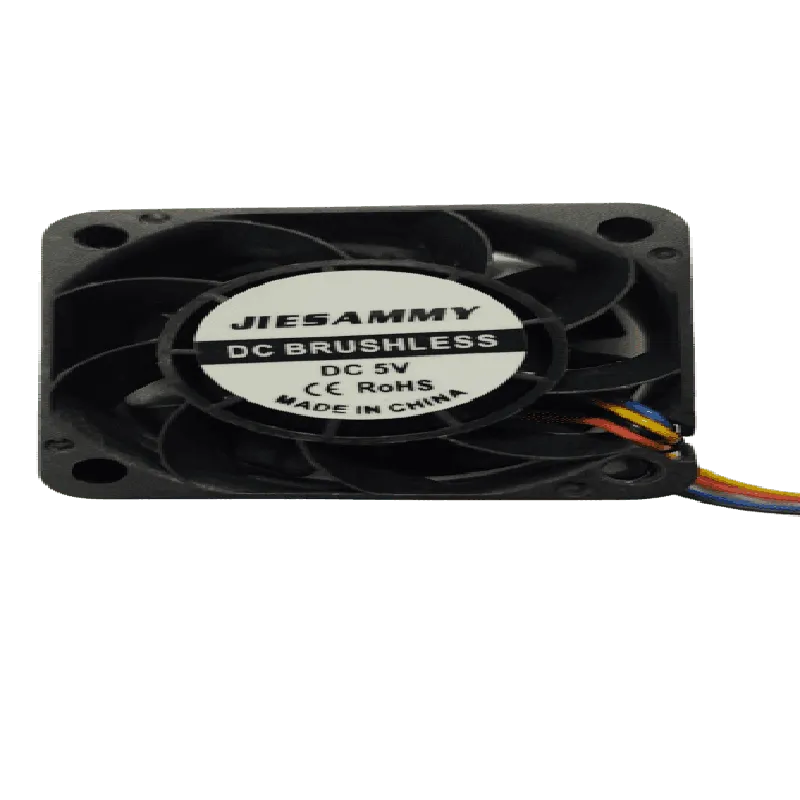
40mm x 20mm x 10mm
3000 10% RPM
12.6 CFM 10%
25 dBA 3 dBA
1.2W 10%
-20C to 70C
-40C to 80C
30g 5g
Conclusion
The Dedicated 4020 Cooling Fan for Jetson Nano is a reliable and efficient cooling solution designed to optimize the performance and reliability of the Jetson Nano development kit. Its compact design, high airflow, and low noise operation make it an ideal choice for various IoT and AI applications.
Dedicated 4020 Cooling Fan for Jetson NanoOverviewThe Dedicated 4020 Cooling Fan is a high-performance cooling solution designed specifically for the NVIDIA Jetson Nano module. This fan is optimized to provide efficient heat dissipation, ensuring reliable operation and optimal performance of the Jetson Nano in demanding applications.Technical SpecificationsFan Type: 4020 (40mm x 20mm)
Operating Voltage: 5V
Current Draw: 250mA
Speed: 5500 RPM
Airflow: 12.3 CFM
Noise Level: 28 dBA
Connector: 2-pin JST PH (compatible with Jetson Nano)Using the Dedicated 4020 Cooling Fan with Jetson NanoTo use the Dedicated 4020 Cooling Fan with the Jetson Nano, you'll need to connect the fan to the Jetson Nano's fan header and configure the fan control in your application.Example 1: Controlling the Fan using Jetson Nano's GPIOIn this example, we'll demonstrate how to control the fan using the Jetson Nano's GPIO pins. We'll use the Jetson Nano's GPIO library to set the fan's speed.```python
import RPi.GPIO as GPIO
import time# Set up GPIO mode
GPIO.setmode(GPIO.BCM)# Define the fan's GPIO pin
FAN_PIN = 18# Set the fan pin as an output
GPIO.setup(FAN_PIN, GPIO.OUT)try:
while True:
# Set the fan to 50% speed ( approx. 2750 RPM)
GPIO.output(FAN_PIN, GPIO.HIGH)
time.sleep(0.5)
GPIO.output(FAN_PIN, GPIO.LOW)
time.sleep(0.5)except KeyboardInterrupt:
# Clean up GPIO on exit
GPIO.cleanup()
```Example 2: Controlling the Fan using Jetson Nano's Systemd ServiceIn this example, we'll demonstrate how to control the fan using a systemd service on the Jetson Nano. We'll create a service that sets the fan's speed based on the system's temperature.Create a new file `/etc/systemd/system/jetson-fan.service` with the following contents:
```bash
[Unit]
Description=Jetson Fan Controller
After=sysinit.target[Service]
User=root
ExecStart=/usr/bin/python /home/jetson/fan_controller.py
Restart=always[Install]
WantedBy=multi-user.target
```
Create a new file `/home/jetson/fan_controller.py` with the following contents:
```python
import os
import time
import subprocesswhile True:
# Get the system temperature
temp = subprocess.check_output(['cat', '/sys/class/thermal/thermal_zone0/temp'])
temp = int(temp) / 1000.0# Set the fan speed based on the temperature
if temp > 50:
# Set the fan to 100% speed
os.system('gpio write 1 1')
elif temp > 40:
# Set the fan to 50% speed
os.system('gpio write 1 0.5')
else:
# Set the fan to 0% speed
os.system('gpio write 1 0')time.sleep(1)
```
Note: Make sure to replace `/home/jetson/fan_controller.py` with the actual path to your Python script.Example 3: Controlling the Fan using Jetson Nano's device tree overlayIn this example, we'll demonstrate how to control the fan using a device tree overlay (DTO) on the Jetson Nano. We'll create a DTO that sets the fan's speed based on the system's temperature.Create a new file `/boot/dto/overlay/fan.dtbo` with the following contents:
```dts
/dts-v1/;
/plugin/;/ {
compatible = "nvidia,jetson-nano";
fragment@0 {
target = <&gpio>;
__overlay__ {
fan {
gpio-fan,speed-mode = <1>;
gpio-fan,pwm-period = <50000>;
gpio-fan,default-speed = <50>;
};
};
};
};
```
Update the `dtoverlay` line in your `/boot/extlinux/extlinux.conf` file to include the new overlay:
```bash
dtoverlay=fan
```
Reboot the Jetson Nano to apply the changes.These examples demonstrate how to control the Dedicated 4020 Cooling Fan using various methods, including Python scripts, systemd services, and device tree overlays. You can modify and extend these examples to suit your specific application requirements.