NE555 5V Delay Timer


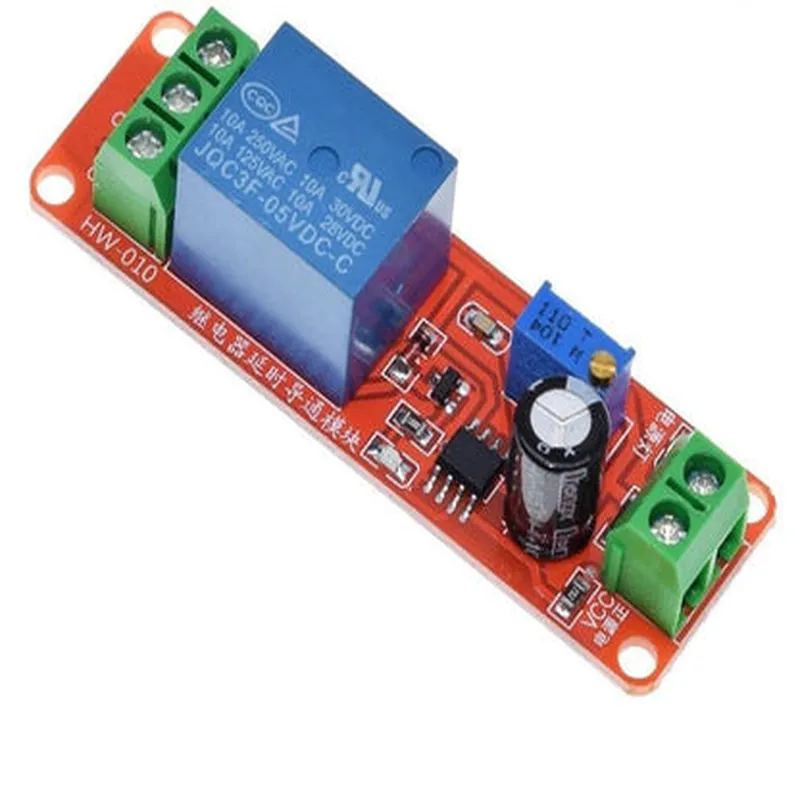
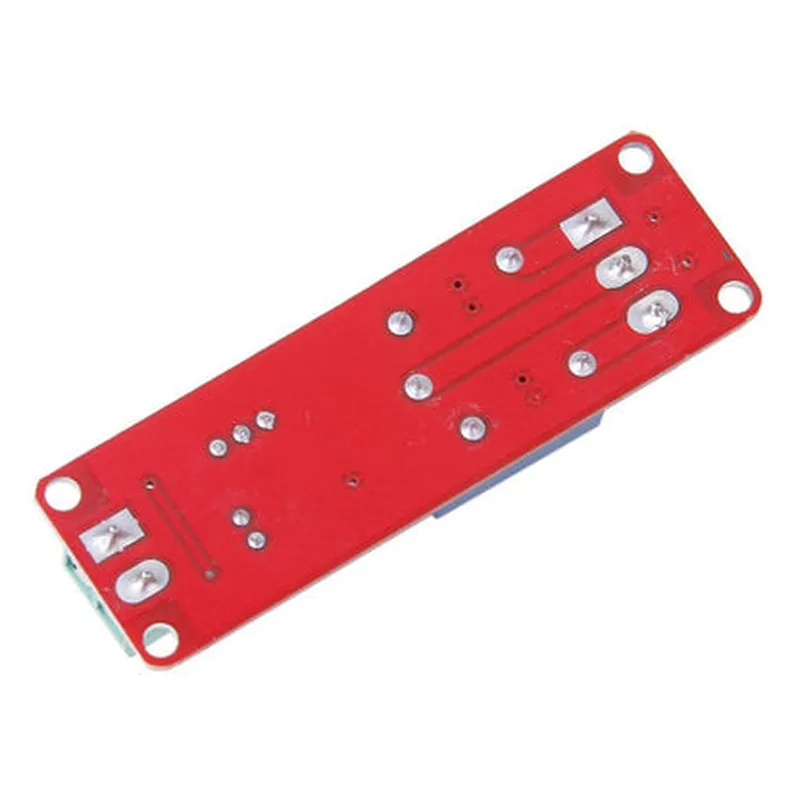
NE555 5V Delay Timer
The NE555 5V Delay Timer is a highly versatile and widely used timer integrated circuit (IC) designed for various applications in the Internet of Things (IoT) domain. This component is a member of the 555 timer family and is specifically designed to operate with a 5V power supply.
The NE555 5V Delay Timer is primarily used to generate a time delay or a pulse waveform in electronic circuits. It can be configured in various modes, including monostable, astable, and bistable, to suit specific application requirements. The IC operates on a 5V power supply and can drive loads up to 200mA.
Produces a single pulse output with a fixed duration.
Generates a continuous, oscillating output waveform.
Acts as a flip-flop, maintaining its output state until triggered to change.
The NE555 5V Delay Timer is a versatile and reliable component widely used in IoT applications, offering a range of features and modes to suit specific design requirements.
NE555 5V Delay Timer Component DocumentationOverviewThe NE555 5V Delay Timer is a popular and widely used timer integrated circuit (IC) that generates a single pulse or a continuous series of pulses with a predetermined duration. This component is commonly used in various applications, including IoT projects, requiring a delay or timing function.Pinout and DescriptionThe NE555 5V Delay Timer has eight pins, which are:Pin 1: GND (Ground)
Pin 2: TRIGGER (Trigger Input)
Pin 3: OUTPUT (Output)
Pin 4: RESET (Reset Input)
Pin 5: CONTROL VOLTAGE (Control Voltage Input)
Pin 6: THRESHOLD (Threshold Input)
Pin 7: DISCHARGE (Discharge Output)
Pin 8: VCC (Power Supply, 5V)Operating ModesThe NE555 5V Delay Timer can operate in three modes:Monostable Mode (One-Shot): Generates a single pulse with a predetermined duration.
Astable Mode (Free-Running): Generates a continuous series of pulses with a predetermined frequency and duty cycle.
Bistable Mode (Schmitt Trigger): Operates as a flip-flop, toggling between two states.Code ExamplesHere are three code examples demonstrating how to use the NE555 5V Delay Timer in different contexts:Example 1: Monostable Mode (One-Shot) - Simple Delay TimerIn this example, we will use the NE555 5V Delay Timer to create a simple delay timer that generates a 1-second pulse after a trigger signal is received.Circuit DiagramConnect Pin 2 (TRIGGER) to a push-button switch, Pin 3 (OUTPUT) to an LED, and Pin 4 (RESET) to VCC (5V). R1 (10k) and C1 (10F) are connected between Pin 6 (THRESHOLD) and Pin 7 (DISCHARGE).Code
```c
// No code required, as this is a purely hardware-based example.
```
When the push-button switch is pressed, the NE555 5V Delay Timer generates a 1-second pulse, turning on the LED.Example 2: Astable Mode (Free-Running) - Flashing LEDIn this example, we will use the NE555 5V Delay Timer to create a flashing LED circuit that blinks at a frequency of approximately 1 Hz.Circuit DiagramConnect Pin 3 (OUTPUT) to an LED, Pin 4 (RESET) to VCC (5V), R1 (1k) and R2 (1k) between Pin 6 (THRESHOLD) and Pin 7 (DISCHARGE), and C1 (10F) between Pin 7 (DISCHARGE) and GND.Code
```c
// No code required, as this is a purely hardware-based example.
```
The NE555 5V Delay Timer oscillates at a frequency of approximately 1 Hz, blinking the LED on and off.Example 3: Microcontroller Interface - Arduino Delay TimerIn this example, we will use the NE555 5V Delay Timer to create a delay timer that triggers an Arduino board to perform a specific task after a predetermined delay.Circuit DiagramConnect Pin 2 (TRIGGER) to a digital output pin of an Arduino board, Pin 3 (OUTPUT) to an LED, and Pin 4 (RESET) to VCC (5V). R1 (10k) and C1 (10F) are connected between Pin 6 (THRESHOLD) and Pin 7 (DISCHARGE).Code
```c++
const int triggerPin = 2; // Trigger pin connected to NE555 Pin 2
const int ledPin = 13; // LED pin connected to NE555 Pin 3void setup() {
pinMode(triggerPin, OUTPUT);
pinMode(ledPin, OUTPUT);
}void loop() {
digitalWrite(triggerPin, HIGH); // Trigger the NE555
delay(1000); // Wait for 1 second
digitalWrite(ledPin, HIGH); // Turn on the LED
delay(1000); // Wait for 1 second
digitalWrite(ledPin, LOW); // Turn off the LED
}
```
In this example, the Arduino board triggers the NE555 5V Delay Timer, which generates a 1-second pulse. The Arduino board then turns on the LED for 1 second and turns it off for 1 second, creating a blinking pattern.These examples demonstrate the versatility of the NE555 5V Delay Timer in various IoT applications, including delay timers, oscillators, and microcontroller interfaces.