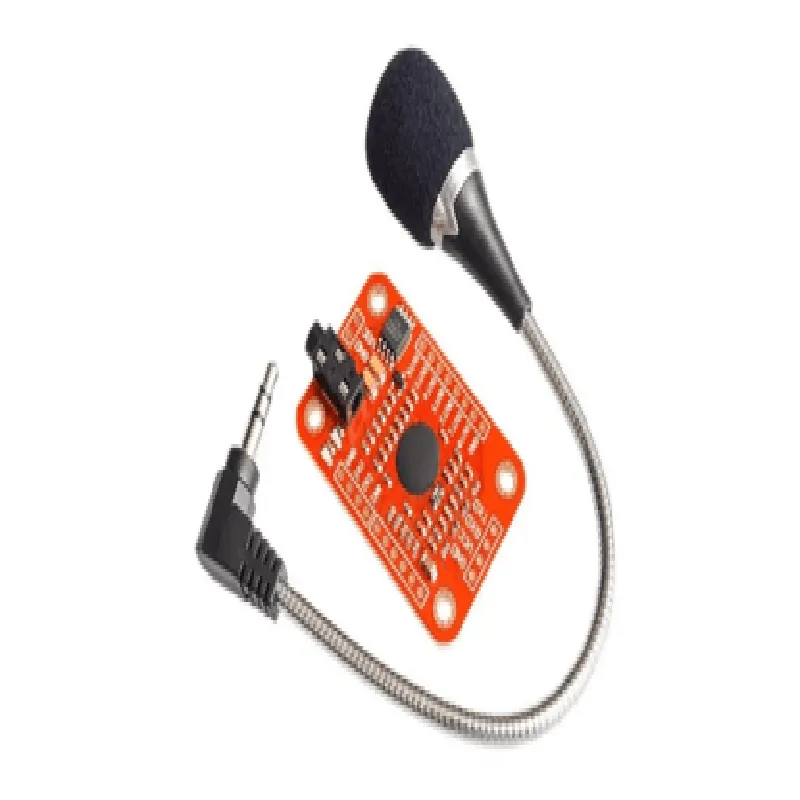
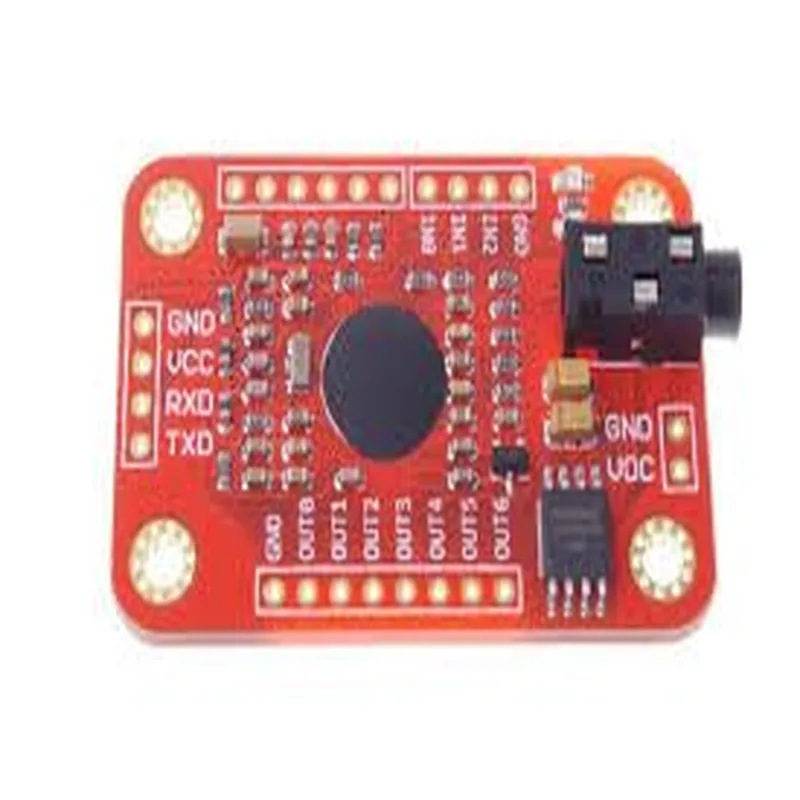
Voice Recognition Module Documentation
The Voice Recognition Module is a compact, low-power speech recognition component designed for integration into various Internet of Things (IoT) devices. This module utilizes advanced acoustic models and machine learning algorithms to recognize and interpret voice commands, enabling devices to respond to user voice inputs.
Operating Voltage: 3.3V
 Current Consumption: 50mA (average), 100mA (peak)
 Interface: I2C, UART, or SPI
 Supported Languages: English, Spanish, French, German, Italian, and Chinese (Simplified and Traditional)
 Recognition Accuracy: Up to 95% in ideal conditions
### Example 1: Basic Voice Command Recognition using Arduino
This example demonstrates how to use the Voice Recognition Module with an Arduino board to recognize and respond to simple voice commands.
Connect the Voice Recognition Module to Arduino Uno:
	+ VCC to 3.3V
	+ GND to GND
	+ SDA to Analog 4 (I2C SDA)
	+ SCL to Analog 5 (I2C SCL)
Code:
```cpp
#include <Wire.h>
#include <VRM_Module.h>
VRM_Module vrm = VRM_Module();
void setup() {
  Serial.begin(9600);
  Wire.begin(); // Initialize I2C
  vrm.begin(); // Initialize Voice Recognition Module
}
void loop() {
  int result = vrm.recognize();
  if (result == VRM_OK) {
    String command = vrm.getCommand();
    Serial.println("Recognized command: " + command);
    if (command == "turn on") {
      digitalWrite(LED_BUILTIN, HIGH);
    } else if (command == "turn off") {
      digitalWrite(LED_BUILTIN, LOW);
    }
  } else {
    Serial.println("Recognition failed");
  }
  delay(1000);
}
```
### Example 2: Voice-Controlled Home Automation using Raspberry Pi and Python
This example demonstrates how to use the Voice Recognition Module with a Raspberry Pi to control home automation devices using voice commands.
Connect the Voice Recognition Module to Raspberry Pi:
	+ VCC to 3.3V
	+ GND to GND
	+ SDA to GPIO 2 (I2C SDA)
	+ SCL to GPIO 3 (I2C SCL)
Code:
```python
import RPi.GPIO as GPIO
import time
from vrm_python import VRM
# Initialize GPIO pins for home automation devices
GPIO.setmode(GPIO.BCM)
GPIO.setup(17, GPIO.OUT)  # LED strip
GPIO.setup(23, GPIO.OUT)  # Fan
while True:
    result = vrm.recognize()
    if result == VRM_OK:
        command = vrm.getCommand()
        print("Recognized command: " + command)
        if command == "turn on living room lights":
            GPIO.output(17, GPIO.HIGH)
        elif command == "turn off living room lights":
            GPIO.output(17, GPIO.LOW)
        elif command == "turn on fan":
            GPIO.output(23, GPIO.HIGH)
        elif command == "turn off fan":
            GPIO.output(23, GPIO.LOW)
    else:
        print("Recognition failed")
    time.sleep(1)
```
Note: This example assumes you have installed the `vrm_python` library and have the necessary dependencies for home automation devices.
These code examples demonstrate the basic usage of the Voice Recognition Module in different contexts. For more advanced applications, please refer to the module's datasheet and API documentation for detailed information on customization and optimization.