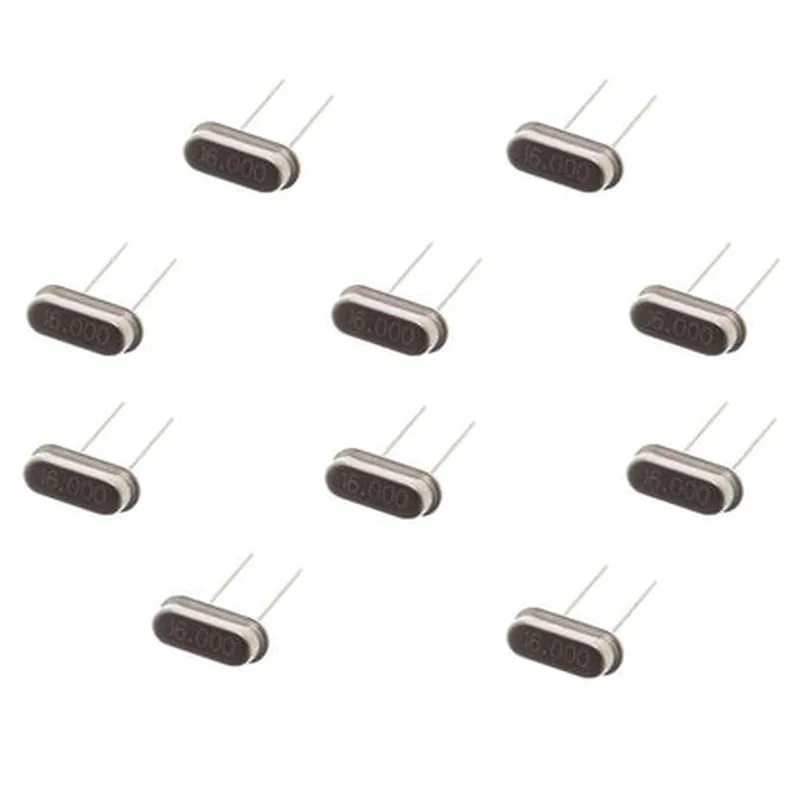
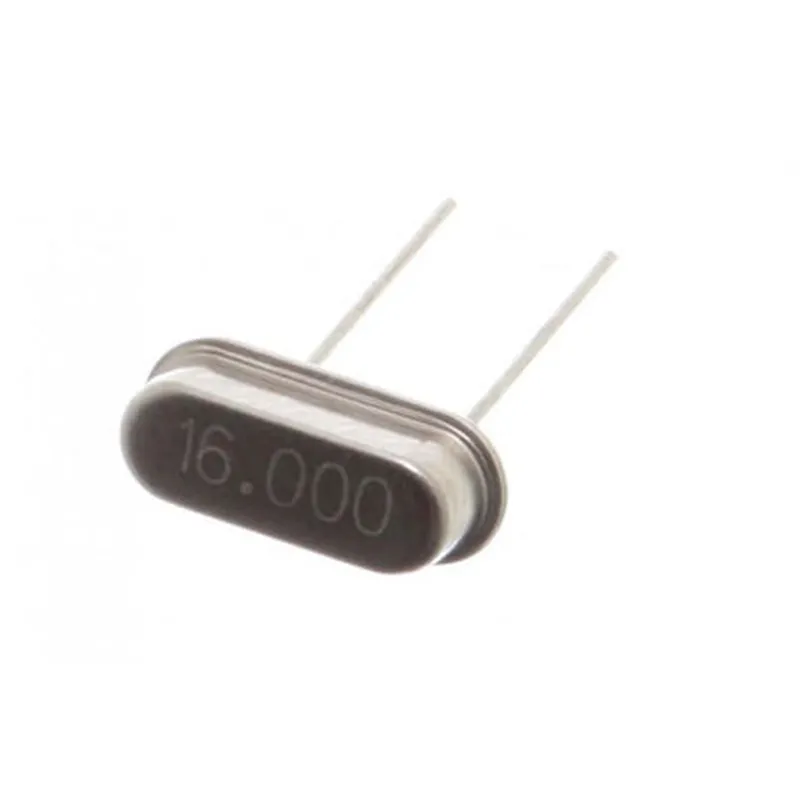
16MHz Crystal Oscillator - (Pack of 10)
=====================================================
Description:
The 16MHz Crystal Oscillator is a high-frequency crystal oscillator used to provide a stable clock signal to microcontrollers, such as Arduino, Raspberry Pi, and other embedded systems. This pack of 10 oscillators is ideal for prototyping, development, and production purposes.
Technical Specifications:
Frequency: 16 MHz
 Package: Through-hole crystal oscillator
 Operating Temperature: -20C to 70C
 Storage Temperature: -40C to 85C
 Frequency Tolerance: 20 ppm
 Load Capacitance: 18-22 pF
Code Examples:
The following code examples demonstrate how to use the 16MHz Crystal Oscillator with popular microcontrollers.
### Example 1: Using the 16MHz Crystal Oscillator with Arduino Uno
In this example, we will use the 16MHz Crystal Oscillator as the clock source for an Arduino Uno board.
Arduino Uno board
 16MHz Crystal Oscillator
 Breadboard
 Jumper wires
Arduino IDE 1.8.x or later
Code:
```c++
void setup() {
  // Initialize the Arduino Uno board with the 16MHz crystal oscillator
  CLKPR = (1 << CLKPCE);
  CLKPR = (0 << CLKPS3) | (0 << CLKPS2) | (0 << CLKPS1) | (0 << CLKPS0);
  while (!(CLKSR & (1 << CLKST))) {
    // Wait for the clock to stabilize
  }
}
void loop() {
  // Your code here
}
```
In this example, we configure the Arduino Uno board to use the 16MHz Crystal Oscillator as the clock source by setting the `CLKPR` and `CLKSR` registers.
### Example 2: Using the 16MHz Crystal Oscillator with Raspberry Pi Pico
In this example, we will use the 16MHz Crystal Oscillator as the clock source for a Raspberry Pi Pico board.
Raspberry Pi Pico board
 16MHz Crystal Oscillator
 Breadboard
 Jumper wires
Raspberry Pi Pico SDK 1.1.x or later
Code:
```c++
#include <RP2040.h>
int main() {
  // Initialize the Raspberry Pi Pico board with the 16MHz crystal oscillator
  rp2040_cpu_clock_config(RP2040_CLOCK_SRC_XOSC, 16  MHZ);
  while (true) {
    // Your code here
  }
  return 0;
}
```
In this example, we configure the Raspberry Pi Pico board to use the 16MHz Crystal Oscillator as the clock source using the `rp2040_cpu_clock_config()` function.
Conclusion:
The 16MHz Crystal Oscillator is a reliable and stable clock source for various microcontrollers and embedded systems. By following the code examples above, you can easily integrate this component into your projects and take advantage of its high-frequency clock signal.