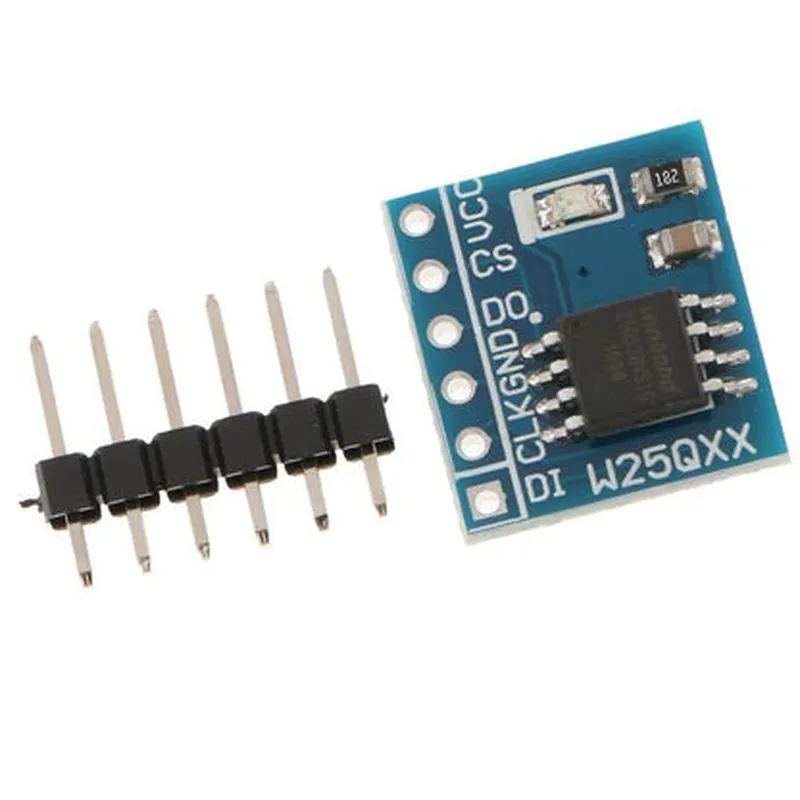
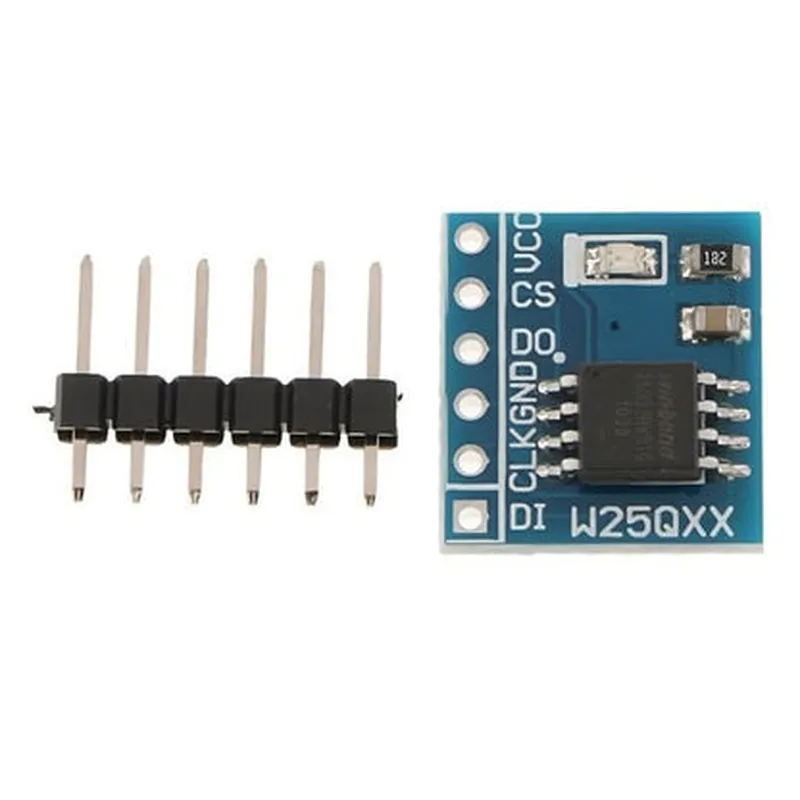
W25Q64 NorFlash Storage Module 64Mbit Documentation
The W25Q64 NorFlash Storage Module is a 64Mbit Serial Flash memory chip that provides a reliable and efficient storage solution for various IoT applications. This module is designed to be compatible with a wide range of microcontrollers and development boards.
64Mbit (8MB) of storage capacity
 Operates at 1.8V to 3.6V power supply
 SPI (Serial Peripheral Interface) bus compatible
 Fast read and write performance (up to 104MHz clock frequency)
 Low power consumption (active read current: 15mA, standby current: 1A)
The W25Q64 NorFlash Storage Module has a 8-pin package with the following pinout:
VCC (1.8V to 3.6V power supply)
 GND (ground)
 SCK (clock input)
 MOSI (master out, slave in)
 MISO (master in, slave out)
 CS (chip select)
 WP (write protect)
 HOLD (hold)
### Example 1: Basic Read and Write Operations using Arduino
In this example, we will use the Arduino Uno development board to demonstrate basic read and write operations with the W25Q64 NorFlash Storage Module.
VCC to Arduino 3.3V pin
 GND to Arduino GND pin
 SCK to Arduino SCK pin (pin 13)
 MOSI to Arduino MOSI pin (pin 11)
 MISO to Arduino MISO pin (pin 12)
 CS to Arduino digital pin 10
 WP and HOLD not connected (optional)
const int csPin = 10; // Chip select pin
void setup() {
  SPI.begin();
  pinMode(csPin, OUTPUT);
  digitalWrite(csPin, HIGH); // Initialize chip select as high
}
void loop() {
  // Write data to NorFlash
  byte dataToWrite[] = {0x01, 0x02, 0x03, 0x04, 0x05};
  digitalWrite(csPin, LOW);
  SPI.transfer(0x06); // Write enable command
  SPI.transfer(0x00); // Address 0x000000
  SPI.transfer(dataToWrite, 5);
  digitalWrite(csPin, HIGH);
// Read data from NorFlash
  byte dataRead[5];
  digitalWrite(csPin, LOW);
  SPI.transfer(0x03); // Read command
  SPI.transfer(0x00); // Address 0x000000
  SPI.transfer(dataRead, 5);
  digitalWrite(csPin, HIGH);
// Print read data
  for (int i = 0; i < 5; i++) {
    Serial.print("Data ");
    Serial.print(i);
    Serial.print(": ");
    Serial.println(dataRead[i], HEX);
  }
### Example 2: Using the W25Q64 with a Raspberry Pi Pico (MicroPython)
In this example, we will use the Raspberry Pi Pico microcontroller board to demonstrate how to use the W25Q64 NorFlash Storage Module with MicroPython.
VCC to Raspberry Pi Pico 3.3V pin
 GND to Raspberry Pi Pico GND pin
 SCK to Raspberry Pi Pico GP6 pin
 MOSI to Raspberry Pi Pico GP7 pin
 MISO to Raspberry Pi Pico GP4 pin
 CS to Raspberry Pi Pico GP5 pin
 WP and HOLD not connected (optional)
```python
import machine
import utime
# Initialize SPI bus
spi = machine.SPI(0, baudrate=1000000, sck=machine.Pin(6), mosi=machine.Pin(7), miso=machine.Pin(4))
# Initialize chip select pin
cs = machine.Pin(5, machine.Pin.OUT)
cs.value(1)  # Initialize chip select as high
# Write data to NorFlash
data_to_write = bytearray([0x01, 0x02, 0x03, 0x04, 0x05])
cs.value(0)  # Select chip
spi.write(b'x06' + b'x00' + data_to_write)  # Write enable command and data
cs.value(1)  # Deselect chip
# Read data from NorFlash
data_read = bytearray(5)
cs.value(0)  # Select chip
spi.write(b'x03' + b'x00')  # Read command
spi.readinto(data_read)  # Read data
cs.value(1)  # Deselect chip
# Print read data
for i in range(5):
    print(f"Data {i}: {data_read[i]:02x}")
```
Note: These examples are for illustrative purposes only and may require modifications to work with your specific use case. Additionally, ensure to follow the recommended operating conditions and handling precautions for the W25Q64 NorFlash Storage Module to prevent damage or data loss.