Simonk Red ESC 30A without Connector for Quadcopter


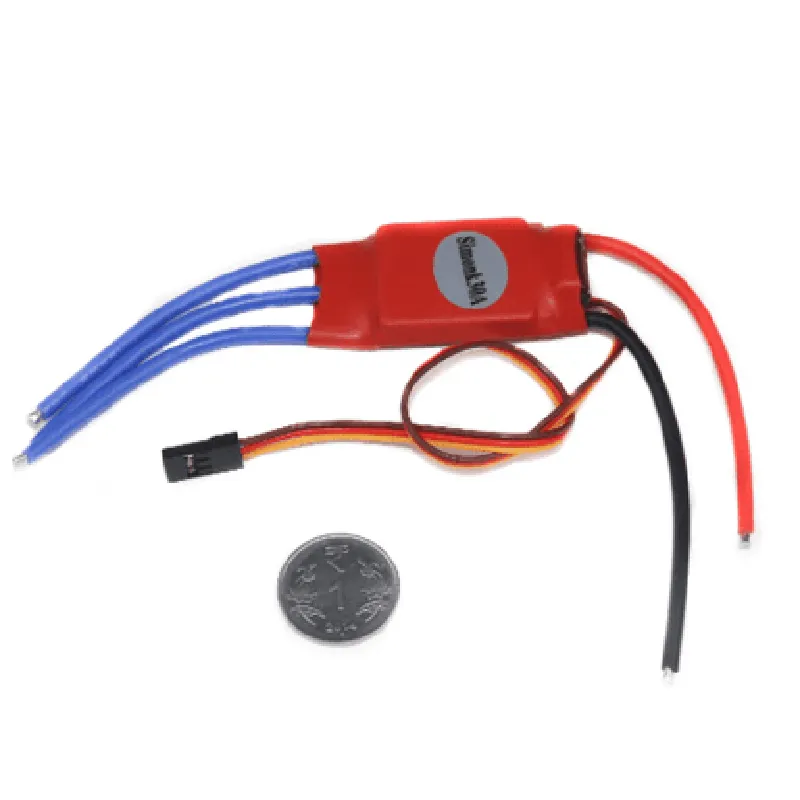
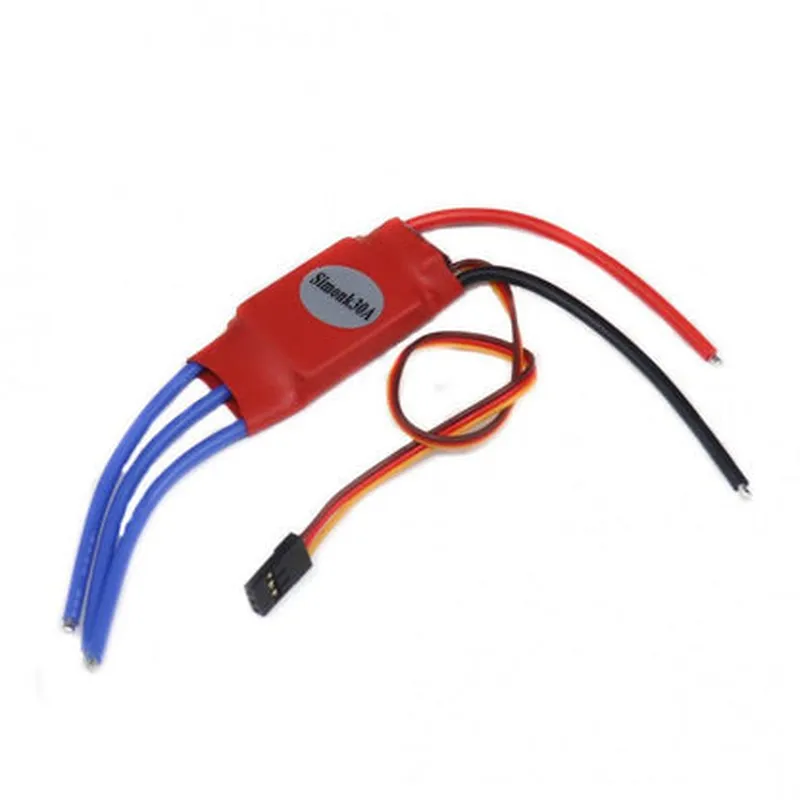
Simonk Red ESC 30A without Connector for Quadcopter
The Simonk Red ESC 30A without Connector is a high-performance Electronic Speed Controller (ESC) specifically designed for quadcopter applications. This component is a crucial part of a quadcopter's power system, responsible for regulating the motor speed and direction. The ESC is a compact, lightweight, and efficient solution for quadcopter enthusiasts and professionals alike.
| The Simonk Red ESC 30A without Connector is designed to control the speed of quadcopter motors, providing efficient and reliable performance. Its primary functions include |
30A
40A
5V - 25.2V
0V - Input Voltage
50Hz - 400Hz (programmable)
35mm x 25mm x 10mm
12g
| The Simonk Red ESC 30A without Connector is suitable for a wide range of quadcopter applications, including |
The Simonk Red ESC 30A without Connector is a high-performance, compact, and efficient Electronic Speed Controller designed specifically for quadcopter applications. Its high-current capacity, programmable parameters, and compact design make it an ideal choice for quadcopter enthusiasts and professionals. With its wide input voltage range and high-efficiency design, this ESC is suitable for a variety of quadcopter applications, ensuring reliable and efficient performance.
Simonk Red ESC 30A without Connector for Quadcopter DocumentationOverviewThe Simonk Red ESC 30A without Connector is a high-performance Electronic Speed Controller (ESC) designed for quadcopters and other multi-rotor aircraft. This ESC is capable of handling high currents and is optimized for use with brushless motors. It features a compact design, low voltage protection, and over-heat protection, making it a reliable choice for demanding applications.SpecificationsContinuous Current: 30A
Burst Current: 40A
Input Voltage: 7.4V - 25.2V (2-6S LiPo)
BEC: No
Weight: 30g
Dimensions: 38mm x 26mm x 10mmPinoutThe Simonk Red ESC 30A without Connector has the following pinout:VCC: Power input (positive)
GND: Power input (negative)
Signal: PWM signal inputCode ExamplesHere are a few code examples to demonstrate how to use the Simonk Red ESC 30A without Connector in various contexts:Example 1: Basic PWM Control using ArduinoIn this example, we'll use an Arduino board to control the Simonk Red ESC 30A without Connector using a PWM signal.```c
const int escPin = 9; // Pin 9 for PWM outputvoid setup() {
pinMode(escPin, OUTPUT);
}void loop() {
int throttle = 1500; // 1500us PWM pulse for 50% throttle
analogWrite(escPin, throttle);
delay(20); // 20ms delay for 50Hz PWM frequency
}
```Example 2: Quadcopter Motor Control using PX4 AutopilotIn this example, we'll use the PX4 Autopilot flight stack to control a quadcopter's motors using the Simonk Red ESC 30A without Connector.```c
// PX4 Autopilot configuration file (e.g., quadcopter.config)# Motors
MOTOR_PWM_RATE=400 // 400Hz PWM frequency
MOTOR_MIN_PWM=1000 // 1000us PWM pulse for minimum throttle
MOTOR_MAX_PWM=2000 // 2000us PWM pulse for maximum throttle# ESC configuration
ESC_TYPE=Simonk_Red_ESC
ESC_PWM_MIN=1000
ESC_PWM_MAX=2000
```Example 3: Rust Programming using the Dronecore APIIn this example, we'll use the Dronecore API and the Rust programming language to control a quadcopter's motors using the Simonk Red ESC 30A without Connector.```rust
use dronecore::system;
use dronecore::action;fn main() {
// Initialize the Dronecore system
let mut system = system::System::new();// Set up the motor configuration
let motor_config = action::MotorConfig {
pwm_rate: 400, // 400Hz PWM frequency
pwm_min: 1000, // 1000us PWM pulse for minimum throttle
pwm_max: 2000, // 2000us PWM pulse for maximum throttle
};// Set the motor throttles
system.set_motor_throttle(0, 1500); // 50% throttle for motor 0
system.set_motor_throttle(1, 1500); // 50% throttle for motor 1
system.set_motor_throttle(2, 1500); // 50% throttle for motor 2
system.set_motor_throttle(3, 1500); // 50% throttle for motor 3
}
```NotesAlways ensure proper connections and wiring when using the Simonk Red ESC 30A without Connector.
Consult the datasheet and user manual for specific guidelines on usage, calibration, and configuration.
The examples provided are for illustrative purposes only and may require modifications to suit specific applications.