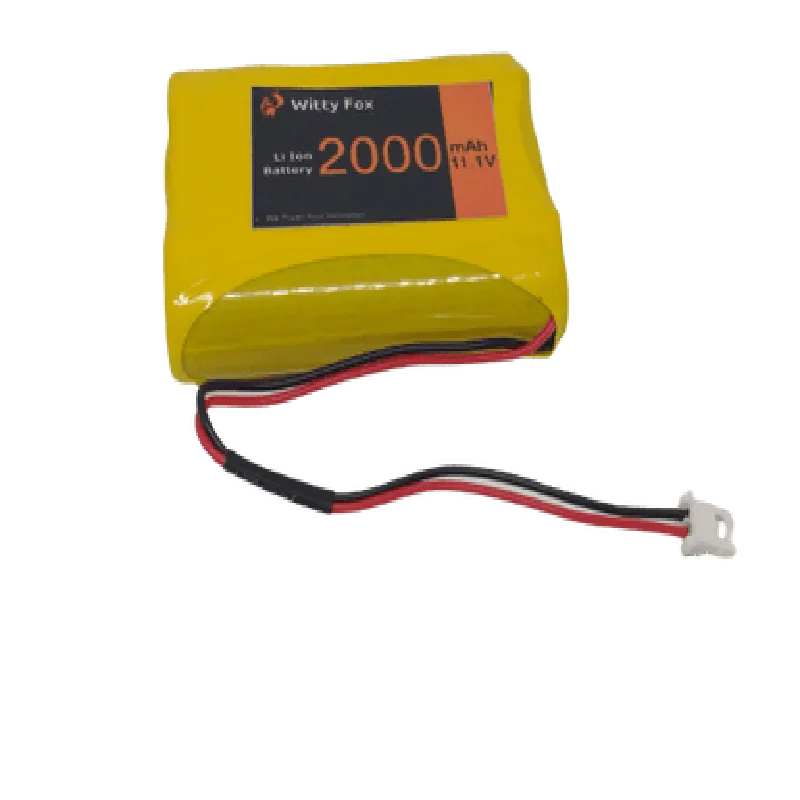
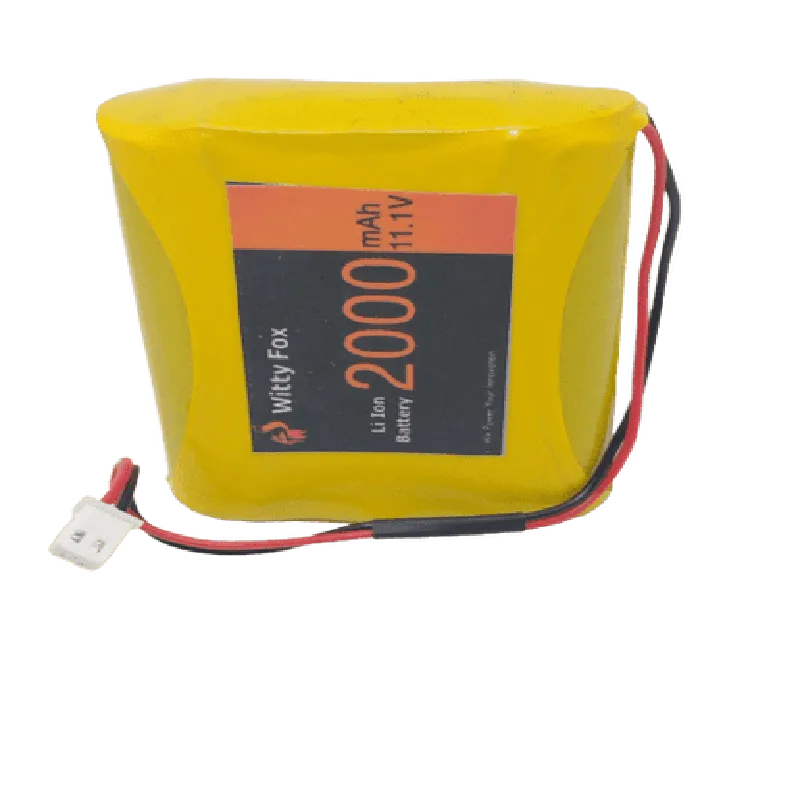
Witty Fox 11.1V 2000mAh Li-Ion Battery Documentation
The Witty Fox 11.1V 2000mAh Li-Ion Battery is a rechargeable lithium-ion battery designed for use in a variety of Internet of Things (IoT) applications. This high-capacity battery provides a reliable power source for devices requiring a stable and efficient energy supply.
Nominal Voltage: 11.1V
 Capacity: 2000mAh
 Chemistry: Lithium-Ion (Li-Ion)
 Dimensions: 65mm x 40mm x 20mm
 Weight: 120g
 Operating Temperature: -20C to 40C
 Cycle Life: 500 cycles
Example 1: Arduino-Based IoT Project
In this example, we will demonstrate how to use the Witty Fox 11.1V 2000mAh Li-Ion Battery to power an Arduino-based IoT project. We will connect the battery to an Arduino Uno board, which will control an LED strip.
Witty Fox 11.1V 2000mAh Li-Ion Battery
 Arduino Uno board
 LED strip (compatible with 11.1V input)
 Jumper wires
Code Example:
```c
const int ledPin = 9; // Pin 9 for LED strip control
void setup() {
  pinMode(ledPin, OUTPUT);
}
void loop() {
  // Turn on the LED strip
  digitalWrite(ledPin, HIGH);
  delay(1000);

  // Turn off the LED strip
  digitalWrite(ledPin, LOW);
  delay(1000);
}
```
Connect the battery to the Arduino Uno board:
1. Connect the positive terminal of the battery (red wire) to the VIN pin on the Arduino Uno board.
2. Connect the negative terminal of the battery (black wire) to the GND pin on the Arduino Uno board.
Example 2: Raspberry Pi-Based IoT Project
In this example, we will demonstrate how to use the Witty Fox 11.1V 2000mAh Li-Ion Battery to power a Raspberry Pi-based IoT project. We will connect the battery to a Raspberry Pi 4 model B, which will run a Python script to monitor the battery voltage.
Witty Fox 11.1V 2000mAh Li-Ion Battery
 Raspberry Pi 4 model B
 Breadboard
 Jumper wires
 Voltage sensor module (optional)
Code Example:
```python
import os
import time
import RPi.GPIO as GPIO
# Set up GPIO mode
GPIO.setmode(GPIO.BCM)
# Define the voltage sensor pin
voltage_pin = 17
# Set up the voltage sensor pin as an input
GPIO.setup(voltage_pin, GPIO.IN)
while True:
    # Read the voltage sensor value
    voltage_value = GPIO.input(voltage_pin)

    # Convert the voltage value to a readable format
    voltage = voltage_value  11.1 / 1024

    # Print the battery voltage
    print("Battery Voltage: {:.2f}V".format(voltage))

    # Wait 1 second before the next reading
    time.sleep(1)
```
Connect the battery to the Raspberry Pi 4 model B:
1. Connect the positive terminal of the battery (red wire) to the 5V pin on the Raspberry Pi 4 model B.
2. Connect the negative terminal of the battery (black wire) to the GND pin on the Raspberry Pi 4 model B.
Note: In this example, we assume the use of a voltage sensor module to monitor the battery voltage. If you don't have a voltage sensor module, you can modify the code to use a simple voltage divider circuit to measure the battery voltage.
These examples demonstrate how to use the Witty Fox 11.1V 2000mAh Li-Ion Battery in various IoT projects. Always ensure proper connection and handling of the battery to ensure safe and efficient operation.