3.3V or 5V


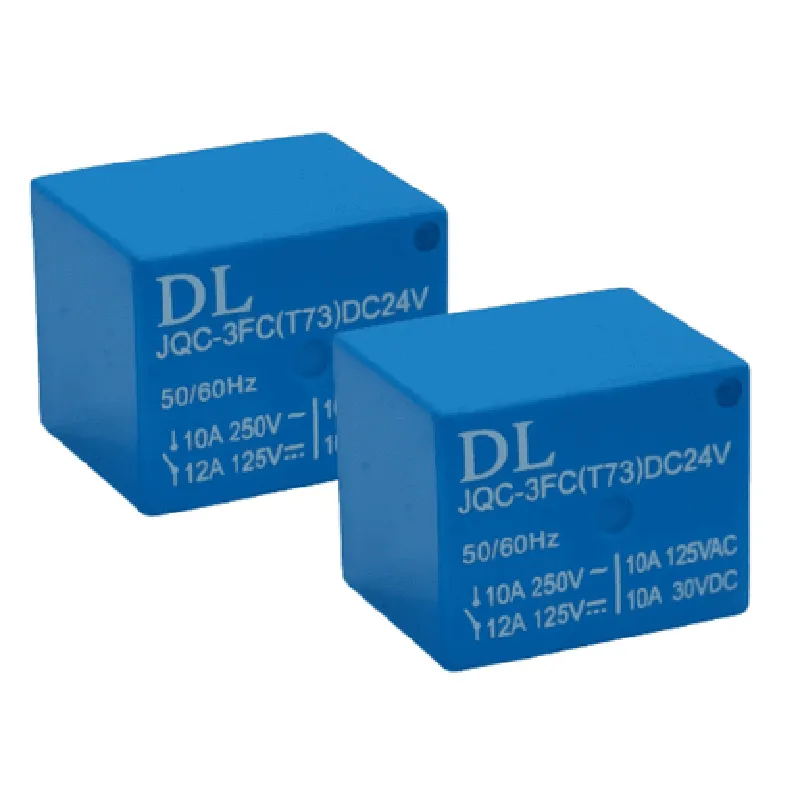
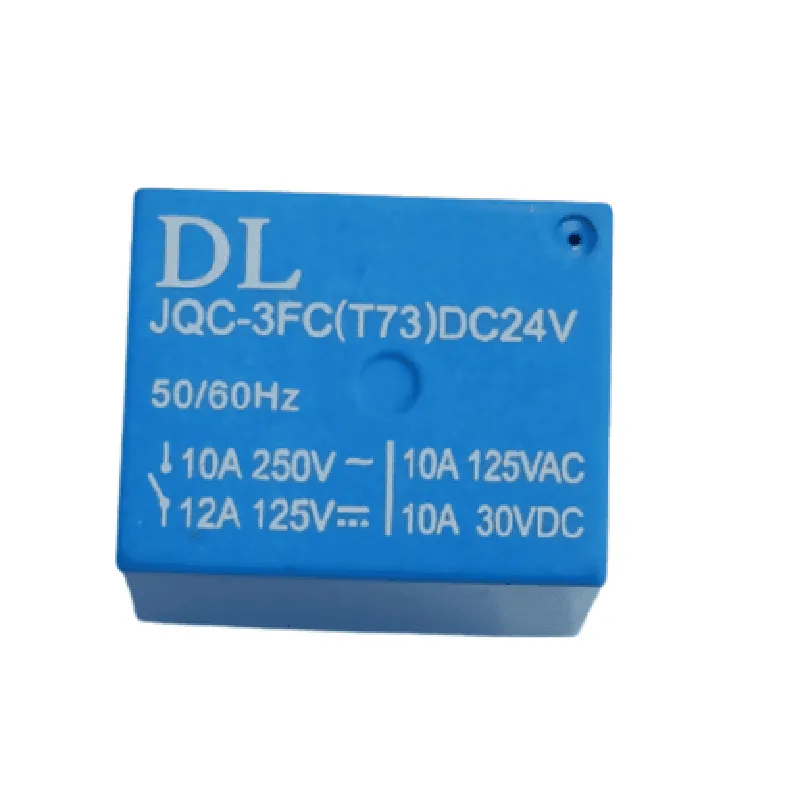
3.3V or 5V
24V
Up to 10A
-40C to 85C
25mm x 25mm x 15mm (L x W x H)
20g
Applications
| The 24V Relay Cube is suitable for a wide range of applications, including |
Home automation systems
Industrial control systems
IoT projects
Robotics and automation
Security systems
Smart energy management systems
Pinout
| The relay cube features a simple 4-pin interface |
Input voltage (3.3V or 5V)
Logic input signal
Relay common terminal
Relay normally closed terminal
Relay normally open terminal
24V Relay Cube DocumentationOverviewThe 24V Relay Cube is a powerful and compact relay module designed for IoT applications. It features a single relay output, capable of switching loads up to 24V at 10A. The module is equipped with a phototriac coupler for isolation and protection. The relay is controlled by a digital signal from a microcontroller or other logic device.PinoutThe 24V Relay Cube has the following pinout:VCC: 5V DC power supply
GND: Ground
IN: Digital input for relay control (active high)
COM: Common terminal for relay output
NC: Normally closed terminal for relay output
NO: Normally open terminal for relay outputCode Examples### Example 1: Using the 24V Relay Cube with ArduinoIn this example, we'll use an Arduino Uno to control the 24V Relay Cube. We'll connect the relay module to the digital output pin 2 of the Arduino.```c
#define RELAY_PIN 2 // Define the digital output pin for the relayvoid setup() {
pinMode(RELAY_PIN, OUTPUT); // Set the relay pin as an output
}void loop() {
digitalWrite(RELAY_PIN, HIGH); // Turn the relay ON
delay(1000); // Wait for 1 second
digitalWrite(RELAY_PIN, LOW); // Turn the relay OFF
delay(1000); // Wait for 1 second
}
```### Example 2: Using the 24V Relay Cube with Raspberry Pi (Python)In this example, we'll use a Raspberry Pi to control the 24V Relay Cube using Python. We'll connect the relay module to GPIO pin 17 of the Raspberry Pi.```python
import RPi.GPIO as GPIO
import timeGPIO.setmode(GPIO.BCM) # Set the GPIO mode to BCM
relay_pin = 17 # Define the GPIO pin for the relay
GPIO.setup(relay_pin, GPIO.OUT) # Set the relay pin as an outputwhile True:
GPIO.output(relay_pin, GPIO.HIGH) # Turn the relay ON
time.sleep(1) # Wait for 1 second
GPIO.output(relay_pin, GPIO.LOW) # Turn the relay OFF
time.sleep(1) # Wait for 1 second
```### Example 3: Using the 24V Relay Cube with ESP32 (MicroPython)In this example, we'll use an ESP32 board to control the 24V Relay Cube using MicroPython. We'll connect the relay module to GPIO pin 18 of the ESP32.```python
import machine
import timerelay_pin = machine.Pin(18, machine.Pin.OUT) # Define the GPIO pin for the relaywhile True:
relay_pin.value(1) # Turn the relay ON
time.sleep(1) # Wait for 1 second
relay_pin.value(0) # Turn the relay OFF
time.sleep(1) # Wait for 1 second
```Note: In all examples, ensure that the 24V Relay Cube is powered from a suitable 5V DC power source, and the load connected to the relay output is rated for 24V at 10A or less.