12V DC


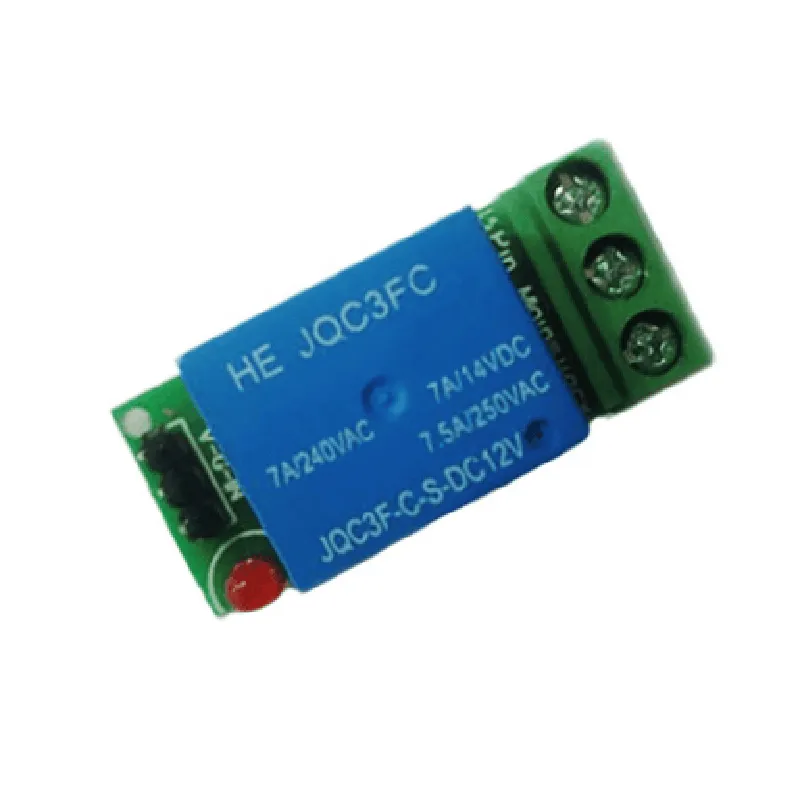
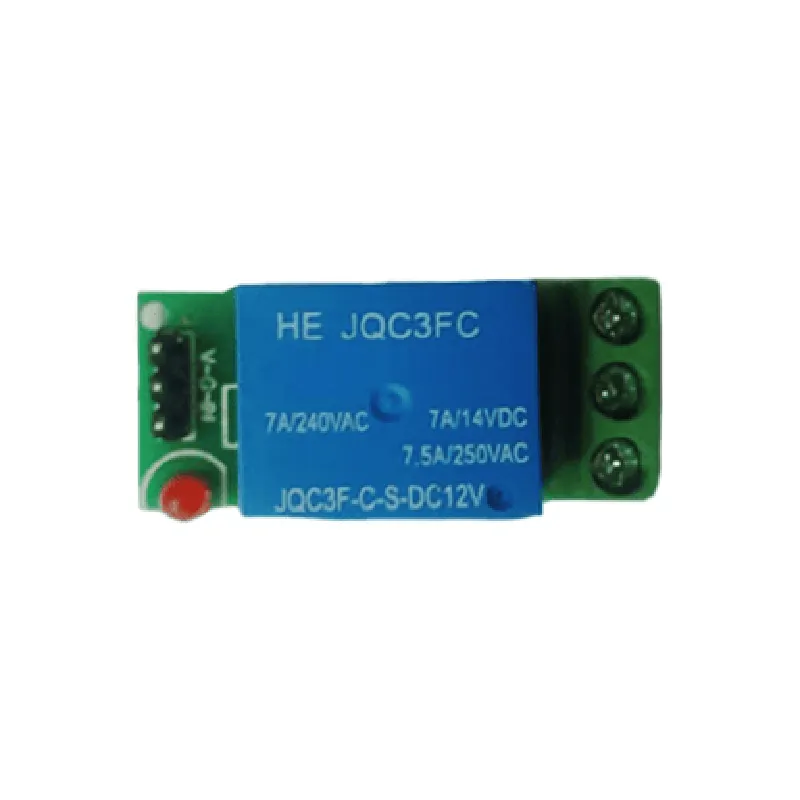
12V DC
0-5V digital signal
SPDT (Single Pole Double Throw)
10A/250V AC or 10A/30V DC
2500V AC
50/60Hz
-40C to 85C
-40C to 125C
45mm x 25mm x 18mm (L x W x H)
Applications
| The 1-CH 12V Relay Board is suitable for a wide range of IoT projects and applications, including |
Home automation systems
Industrial control systems
Security systems
Robotics and automation
Lighting control systems
HVAC control systems
Conclusion
The 1-CH 12V Relay Board is a versatile and reliable relay module that provides a compact and efficient solution for switching high-power devices and appliances. Its digital control interface, high-power switching capacity, and electrical isolation make it an ideal component for IoT projects and applications.
1-CH 12V Relay Board DocumentationThe 1-CH 12V Relay Board is a widely used IoT component that allows you to control high-voltage devices using a microcontroller or a single-board computer. This relay board features one SPDT (Single Pole Double Throw) relay, which can be used to switch on/off devices that require up to 12V and 10A of current.Pinout:The relay board has the following pinout:VCC: Power supply for the relay board ( typically 5V or 3.3V)
GND: Ground pin
IN: Input pin to control the relay ( Logic level: 0V for OFF, 5V for ON)
NO (Normally Open): Output pin connected to the normally open contact of the relay
COM (Common): Output pin connected to the common contact of the relay
NC (Normally Closed): Output pin connected to the normally closed contact of the relayOperating Principle:The relay board works by applying a voltage to the input pin (IN) to control the relay. When the input pin is high (5V), the relay is energized, and the normally open (NO) contact is connected to the common (COM) contact. When the input pin is low (0V), the relay is de-energized, and the normally closed (NC) contact is connected to the common (COM) contact.Code Examples:### Example 1: Controlling a DC Fan using ArduinoIn this example, we will use an Arduino Uno board to control a DC fan using the 1-CH 12V Relay Board.Hardware:Arduino Uno board
1-CH 12V Relay Board
DC fan (12V, 1A)
Jumper wiresCode:
```c
const int relayPin = 2; // choose a digital pin on the Arduino boardvoid setup() {
pinMode(relayPin, OUTPUT); // set the relay pin as an output
}void loop() {
digitalWrite(relayPin, HIGH); // turn the relay ON
delay(5000); // wait for 5 seconds
digitalWrite(relayPin, LOW); // turn the relay OFF
delay(5000); // wait for 5 seconds
}
```
How it works:In this example, we connect the IN pin of the relay board to digital pin 2 of the Arduino Uno board. We set the relay pin as an output in the `setup()` function. In the `loop()` function, we toggle the relay ON and OFF every 5 seconds using the `digitalWrite()` function.### Example 2: Controlling a LED Strip using Raspberry PiIn this example, we will use a Raspberry Pi board to control a LED strip using the 1-CH 12V Relay Board.Hardware:Raspberry Pi board
1-CH 12V Relay Board
LED strip (12V, 1A)
Jumper wiresCode:
```python
import RPi.GPIO as GPIO
import timeGPIO.setmode(GPIO.BCM) # use Broadcom pin numbering
relay_pin = 17 # choose a GPIO pin on the Raspberry Pi boardGPIO.setup(relay_pin, GPIO.OUT)try:
while True:
GPIO.output(relay_pin, GPIO.HIGH) # turn the relay ON
time.sleep(5) # wait for 5 seconds
GPIO.output(relay_pin, GPIO.LOW) # turn the relay OFF
time.sleep(5) # wait for 5 seconds
except KeyboardInterrupt:
GPIO.cleanup()
```
How it works:In this example, we connect the IN pin of the relay board to GPIO pin 17 of the Raspberry Pi board. We set up the relay pin as an output using the `GPIO.setup()` function. In the main loop, we toggle the relay ON and OFF every 5 seconds using the `GPIO.output()` function.Note: Make sure to use a suitable power supply for the relay board and the connected device. Also, ensure that the relay board is properly connected to the microcontroller or single-board computer before uploading the code.