Stufin
Home Quick Cart Profile

74HC11 - Triple 3-Input AND Gate IC

Buy Now on Stufin

Low Power Consumption

The IC has a low power consumption of 2.5 W per gate at 5 V, making it suitable for battery-powered devices.

Triple 3-Input AND GatesThe IC contains three separate 3-input AND gates, allowing multiple logical operations to be performed in a single package.

Wide Operating Voltage Range

The IC operates from a wide voltage range of 2 V to 6 V, making it suitable for a variety of applications.

High-Noise ImmunityThe IC has a high-noise immunity, making it suitable for use in noisy environments.

ESD Protection

The IC has built-in electrostatic discharge (ESD) protection, preventing damage from static electricity.

Smaller Package

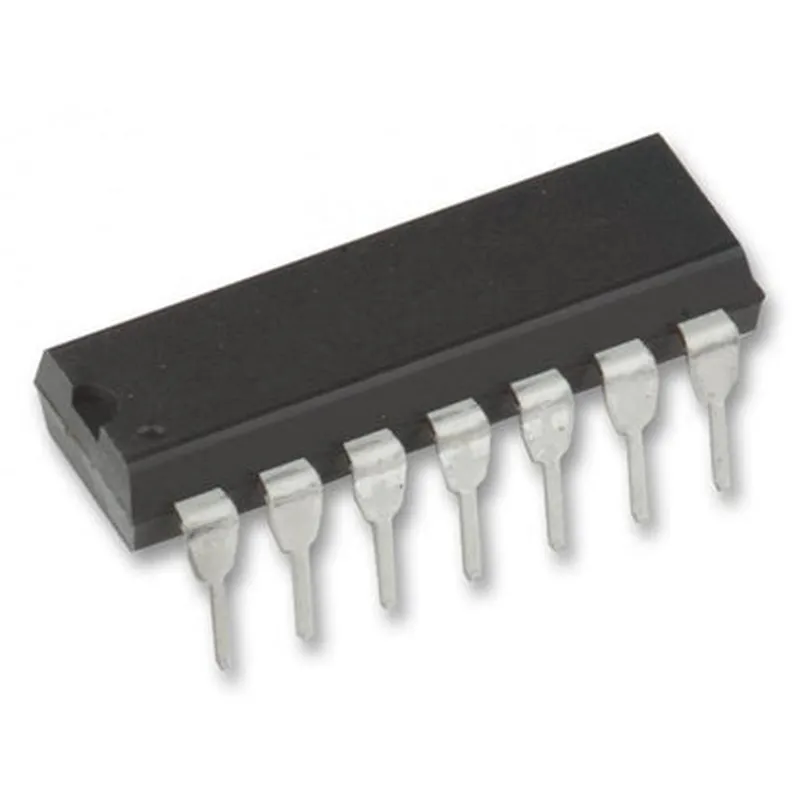
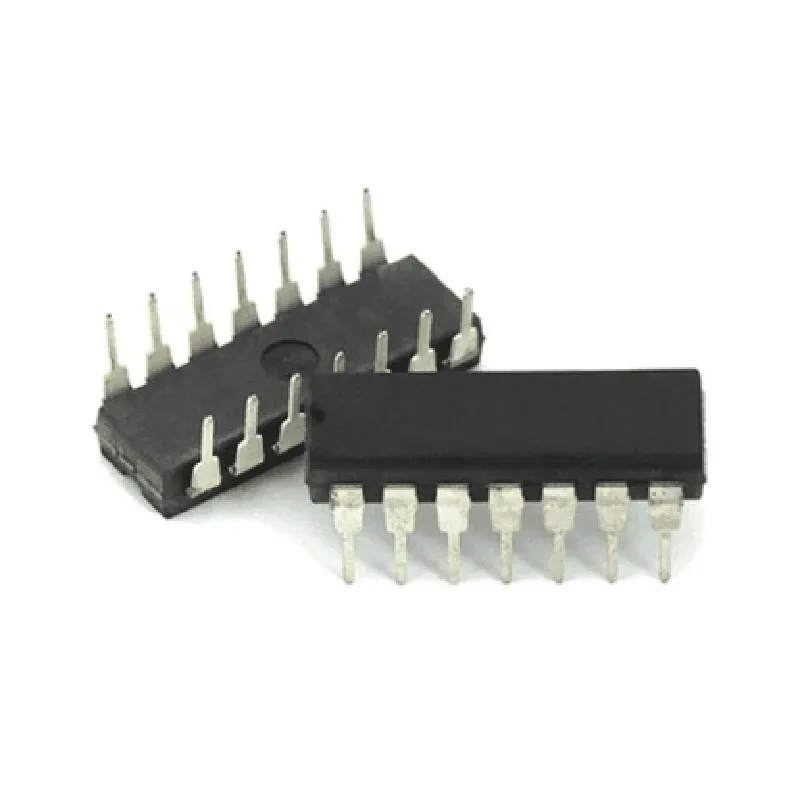
The IC is available in a small, 14-pin DIP or SOIC package, making it suitable for compact designs.

Pinout

The pinout for the 74HC11 IC is as follows

| Pin | Description |

| --- | --- |

| 1 | Input A, Gate 1 |

| 2 | Input B, Gate 1 |

| 3 | Input C, Gate 1 |

| 4 | Output, Gate 1 |

| 5 | Input A, Gate 2 |

| 6 | Input B, Gate 2 |

| 7 | Input C, Gate 2 |

| 8 | Output, Gate 2 |

| 9 | Input A, Gate 3 |

| 10 | Input B, Gate 3 |

| 11 | Input C, Gate 3 |

| 12 | Output, Gate 3 |

| 13 | VCC (Supply Voltage) |

| 14 | GND (Ground) |

Applications

The 74HC11 IC is suitable for a wide range of applications, including

Digital signal processing

Microcontroller and microprocessor systems

Digital communication systems

Data processing and storage systems

IoT devices and sensors

Conclusion

The 74HC11 IC is a versatile and widely used component in digital electronics. Its high-speed operation, low power consumption, and triple 3-input AND gate functionality make it an ideal choice for a variety of applications.

Pin Configuration

  • 74HC11 Triple 3-Input AND Gate IC Documentation
  • Overview
  • The 74HC11 is a triple 3-input AND gate IC, a digital logic component commonly used in electronic circuits to perform logical operations. It consists of three independent AND gates, each with three inputs and one output.
  • Pinout Structure
  • The 74HC11 IC has a 14-pin Dual In-Line Package (DIP) structure. Below is a detailed breakdown of each pin:
  • Pin 1: GND (Ground)
  • Function: Provides a common ground reference for the IC
  • Connection: Connect to the negative terminal of the power supply or the system ground
  • Pin 2: A1 (Input 1 of Gate 1)
  • Function: One of the three inputs to AND gate 1
  • Connection: Connect to a digital signal source (e.g., microcontroller output, sensor output)
  • Pin 3: B1 (Input 2 of Gate 1)
  • Function: One of the three inputs to AND gate 1
  • Connection: Connect to a digital signal source (e.g., microcontroller output, sensor output)
  • Pin 4: C1 (Input 3 of Gate 1)
  • Function: One of the three inputs to AND gate 1
  • Connection: Connect to a digital signal source (e.g., microcontroller output, sensor output)
  • Pin 5: Y1 (Output of Gate 1)
  • Function: The output of AND gate 1
  • Connection: Connect to a digital signal destination (e.g., microcontroller input, LED anode)
  • Pin 6: A2 (Input 1 of Gate 2)
  • Function: One of the three inputs to AND gate 2
  • Connection: Connect to a digital signal source (e.g., microcontroller output, sensor output)
  • Pin 7: B2 (Input 2 of Gate 2)
  • Function: One of the three inputs to AND gate 2
  • Connection: Connect to a digital signal source (e.g., microcontroller output, sensor output)
  • Pin 8: C2 (Input 3 of Gate 2)
  • Function: One of the three inputs to AND gate 2
  • Connection: Connect to a digital signal source (e.g., microcontroller output, sensor output)
  • Pin 9: Y2 (Output of Gate 2)
  • Function: The output of AND gate 2
  • Connection: Connect to a digital signal destination (e.g., microcontroller input, LED anode)
  • Pin 10: A3 (Input 1 of Gate 3)
  • Function: One of the three inputs to AND gate 3
  • Connection: Connect to a digital signal source (e.g., microcontroller output, sensor output)
  • Pin 11: B3 (Input 2 of Gate 3)
  • Function: One of the three inputs to AND gate 3
  • Connection: Connect to a digital signal source (e.g., microcontroller output, sensor output)
  • Pin 12: C3 (Input 3 of Gate 3)
  • Function: One of the three inputs to AND gate 3
  • Connection: Connect to a digital signal source (e.g., microcontroller output, sensor output)
  • Pin 13: Y3 (Output of Gate 3)
  • Function: The output of AND gate 3
  • Connection: Connect to a digital signal destination (e.g., microcontroller input, LED anode)
  • Pin 14: VCC (Power Supply)
  • Function: Power supply pin for the IC
  • Connection: Connect to a suitable power supply (e.g., +5V, +3.3V) depending on the application
  • Connection Structure
  • To use the 74HC11 IC, follow these steps:
  • 1. Connect the GND pin (Pin 1) to a common ground reference.
  • 2. Connect the power supply (VCC) pin (Pin 14) to a suitable power source.
  • 3. Connect the input pins (A1, B1, C1, A2, B2, C2, A3, B3, C3) to digital signal sources.
  • 4. Connect the output pins (Y1, Y2, Y3) to digital signal destinations.
  • Important Notes
  • Ensure that the input signals are within the recommended voltage range of the IC (typically 0V to VCC).
  • Use suitable pull-up or pull-down resistors on the input pins if necessary.
  • The 74HC11 IC is a CMOS device and can be damaged by static electricity. Handle the component with care and use anti-static protection when handling.
  • By following these guidelines, you can effectively use the 74HC11 Triple 3-Input AND Gate IC in your digital electronic circuits.

Code Examples

74HC11 - Triple 3-Input AND Gate IC Documentation
Introduction
The 74HC11 is a triple 3-input AND gate integrated circuit (IC) that belongs to the 74HC series of CMOS logic gates. This IC is designed to perform logical AND operations on three input signals, producing an output based on the truth table of the AND gate. The 74HC11 is a popular choice for various electronic projects, particularly in digital logic circuits, due to its low power consumption, high speed, and versatility.
Pinout and Functionality
The 74HC11 has 14 pins, with three 3-input AND gates (G1, G2, and G3) and a single power supply pin (VCC). The IC operates on a single 2-6V power supply, making it suitable for a wide range of applications.
| Pin | Function |
| --- | --- |
| 1-3 | Input 1-3 for Gate 1 (G1) |
| 4-6 | Input 1-3 for Gate 2 (G2) |
| 7-9 | Input 1-3 for Gate 3 (G3) |
| 10 | Output of Gate 1 (G1) |
| 11 | Output of Gate 2 (G2) |
| 12 | Output of Gate 3 (G3) |
| 13 | GND (Ground) |
| 14 | VCC (Power Supply) |
Code Examples
### Example 1: Basic AND Gate Operation
In this example, we will demonstrate the basic operation of the 74HC11 using three switches as inputs to one of the AND gates.
Circuit Diagram
Connect three switches (SW1, SW2, SW3) to inputs 1-3 of Gate 1 (G1). Connect the output of G1 to an LED (D1) through a 1k resistor. Power the circuit with a 5V power supply.
Truth Table
| SW1 | SW2 | SW3 | Output (G1) |
| --- | --- | --- | --- |
| 0 | 0 | 0 | 0 |
| 0 | 0 | 1 | 0 |
| 0 | 1 | 0 | 0 |
| 0 | 1 | 1 | 0 |
| 1 | 0 | 0 | 0 |
| 1 | 0 | 1 | 0 |
| 1 | 1 | 0 | 0 |
| 1 | 1 | 1 | 1 |
Code
Not applicable, as this is a digital logic circuit without a microcontroller.
### Example 2: AND Gate with Microcontroller (Arduino)
In this example, we will demonstrate how to use the 74HC11 with an Arduino microcontroller to perform logical AND operations.
Circuit Diagram
Connect three digital output pins of an Arduino board (D2, D3, D4) to inputs 1-3 of Gate 1 (G1) of the 74HC11. Connect the output of G1 to a digital input pin of the Arduino board (D5).
Code
```c
const int input1 = 2;  // Input 1 of Gate 1
const int input2 = 3;  // Input 2 of Gate 1
const int input3 = 4;  // Input 3 of Gate 1
const int output = 5;  // Output of Gate 1
void setup() {
  pinMode(input1, OUTPUT);
  pinMode(input2, OUTPUT);
  pinMode(input3, OUTPUT);
  pinMode(output, INPUT);
}
void loop() {
  // Set input values
  digitalWrite(input1, HIGH);
  digitalWrite(input2, LOW);
  digitalWrite(input3, HIGH);
// Read output of Gate 1
  int result = digitalRead(output);
// Print the result
  Serial.println(result);
delay(1000);
}
```
In this example, we set the input values of Gate 1 using the Arduino's digital output pins. We then read the output of Gate 1 using a digital input pin and print the result to the serial console.