Generates a single pulse or signal with a user-defined duration.


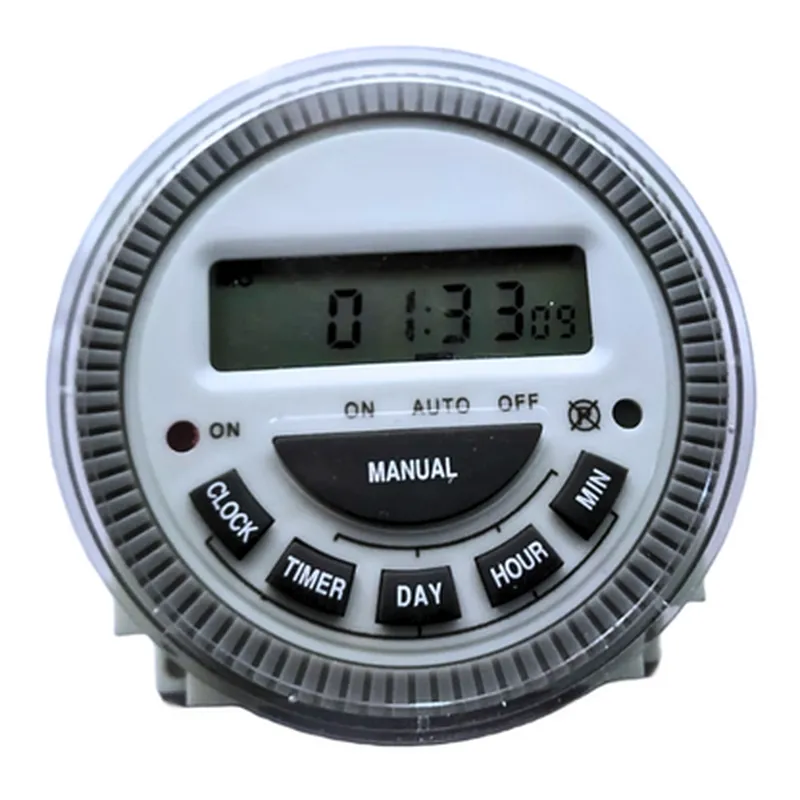
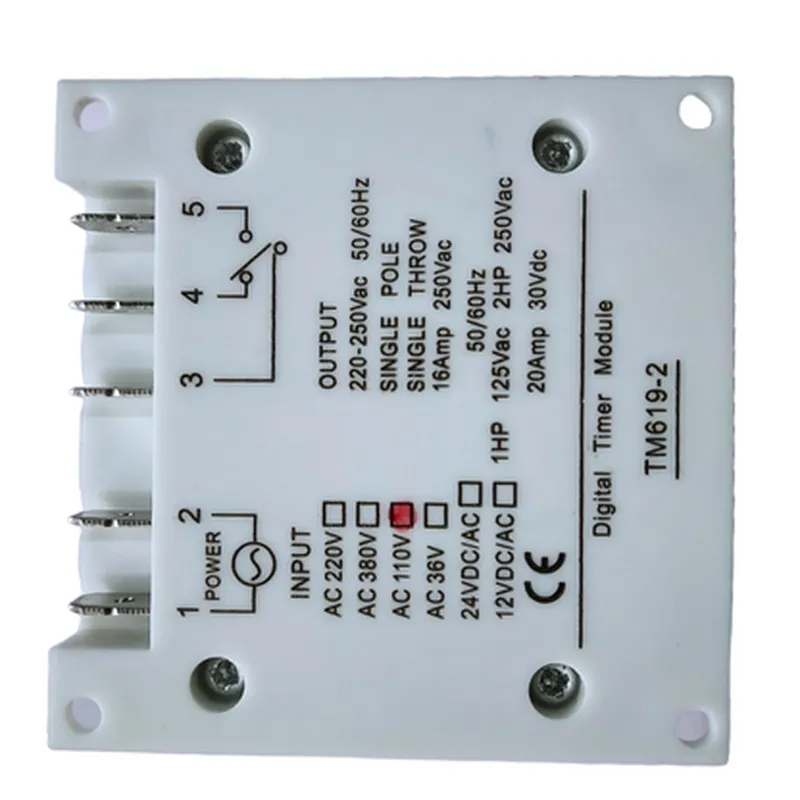
Generates a single pulse or signal with a user-defined duration.
Produces a continuous series of pulses or signals with a user-defined interval.
Delays the start of the timing sequence by a user-defined interval.
Key Features
Applications
| The Programmable Digital Timer Module is suitable for a wide range of applications, including |
Automation systems
Industrial control systems
Home automation systems
Security systems
Energy management systems
Process control systems
Specifications
9V to 24V DC
Less than 50mA
1 second
1 second to 999 days
SPDT, 5A maximum current rating
0C to 40C
-20C to 70C
Approximately 71mm x 42mm x 20mm
Pinouts
| The module features a 7-pin interface, including |
VCC (Power supply)
GND (Ground)
SET (Set button input)
INC (Increment button input)
DEC (Decrement button input)
RELAY (Relay output)
LCD (LCD display interface)
Overall, the Programmable Digital Timer Module is a versatile and reliable component that provides accurate and customizable timing capabilities for a wide range of IoT and automation applications.
Programmable Digital Timer Module DocumentationThe Programmable Digital Timer Module is a versatile IoT component that enables users to schedule and control various events or actions with precision timing. This module features a programmable digital timer that can be set to trigger at a specific time, daily, or weekly, making it ideal for automation applications.Pinout and InterfacesThe Programmable Digital Timer Module has the following pinout and interfaces:VCC: 3.3V or 5V power input
GND: Ground connection
Trig: Trigger output (active low)
SCL: I2C clock input
SDA: I2C data input/output
SET: Button input for setting the timerSoftware Functions and CommandsThe Programmable Digital Timer Module can be controlled using the following software functions and commands:`setTime(hour, minute, second)`: Sets the timer to a specific time (HH:MM:SS format)
`setDailyTimer(hour, minute)`: Sets the timer to trigger daily at a specified time (HH:MM format)
`setWeeklyTimer(day, hour, minute)`: Sets the timer to trigger weekly on a specified day at a specified time (1-7 for Monday to Sunday, HH:MM format)
`resetTimer()`: Resets the timer to its default state
`getTimerStatus()`: Returns the current timer status (0: idle, 1: running, 2: triggered)Code Examples### Example 1: Basic Timer Operation using ArduinoIn this example, we will use the Programmable Digital Timer Module to trigger an LED every 10 seconds.```c
#include <Wire.h>const int trigPin = 2; // Trigger output connected to digital pin 2void setup() {
Wire.begin(); // Initialize I2C communication
pinMode(trigPin, INPUT);
}void loop() {
Wire.beginTransmission(0x20); // Address of the timer module
Wire.write(0x01); // Set timer mode to once
Wire.write(0x00); // Set timer value to 10 seconds
Wire.endTransmission();
if (digitalRead(trigPin) == LOW) {
// Triggered, turn on the LED
digitalWrite(LED_BUILTIN, HIGH);
delay(1000);
digitalWrite(LED_BUILTIN, LOW);
}
delay(1000);
}
```### Example 2: Daily Timer using Raspberry Pi (Python)In this example, we will use the Programmable Digital Timer Module to trigger a Python script daily at 8:00 AM.```python
import smbus
import time# Initialize I2C communication
bus = smbus.SMBus(1)# Set timer mode to daily
bus.write_byte(0x20, 0x02)# Set timer value to 8:00 AM
bus.write_byte(0x20, 0x08)
bus.write_byte(0x20, 0x00)while True:
# Check timer status
status = bus.read_byte(0x20)
if status == 2:
# Timer triggered, execute script
print("Daily timer triggered!")
# Execute your Python script here
time.sleep(1)
```### Example 3: Weekly Timer using ESP32 (MicroPython)In this example, we will use the Programmable Digital Timer Module to trigger an event every Sunday at 10:00 AM.```micropython
import machine
import utime# Initialize I2C communication
i2c = machine.I2C(scl=machine.Pin(22), sda=machine.Pin(21), freq=400000)# Set timer mode to weekly
i2c.writeto(0x20, bytearray([0x03]))# Set timer value to Sunday at 10:00 AM
i2c.writeto(0x20, bytearray([0x07, 0x10, 0x00]))while True:
# Check timer status
status = i2c.readfrom(0x20, 1)[0]
if status == 2:
# Timer triggered, execute event
print("Weekly timer triggered!")
# Execute your MicroPython script here
utime.sleep(1)
```These examples demonstrate the versatility of the Programmable Digital Timer Module in various IoT applications. By using the provided software functions and commands, you can program the timer module to suit your specific needs.