5mm Common Anode RGB LED 4Pin Through Hole White Diffused LED (Pack of 10)


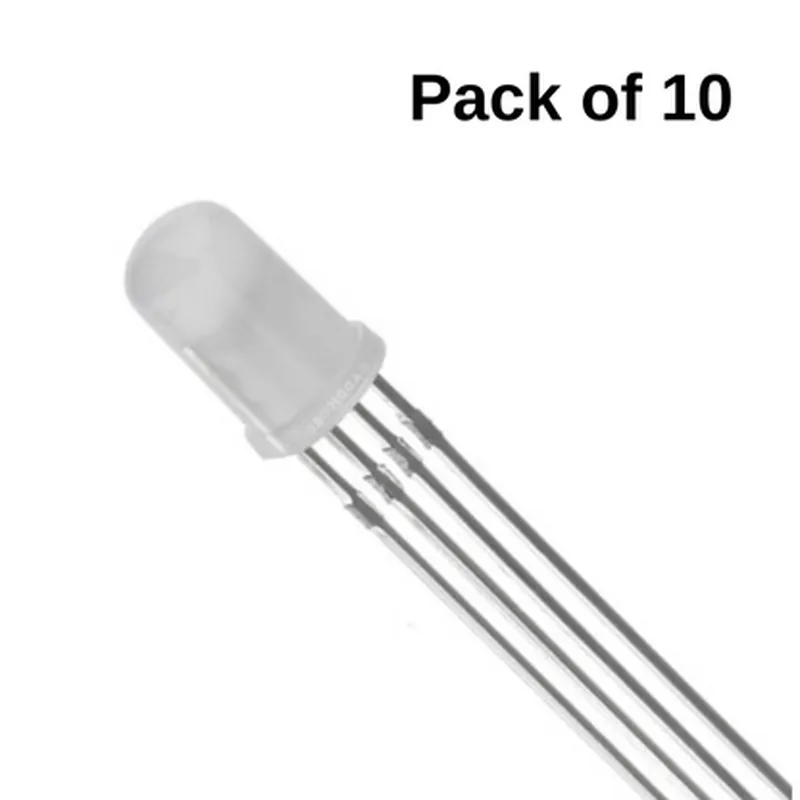
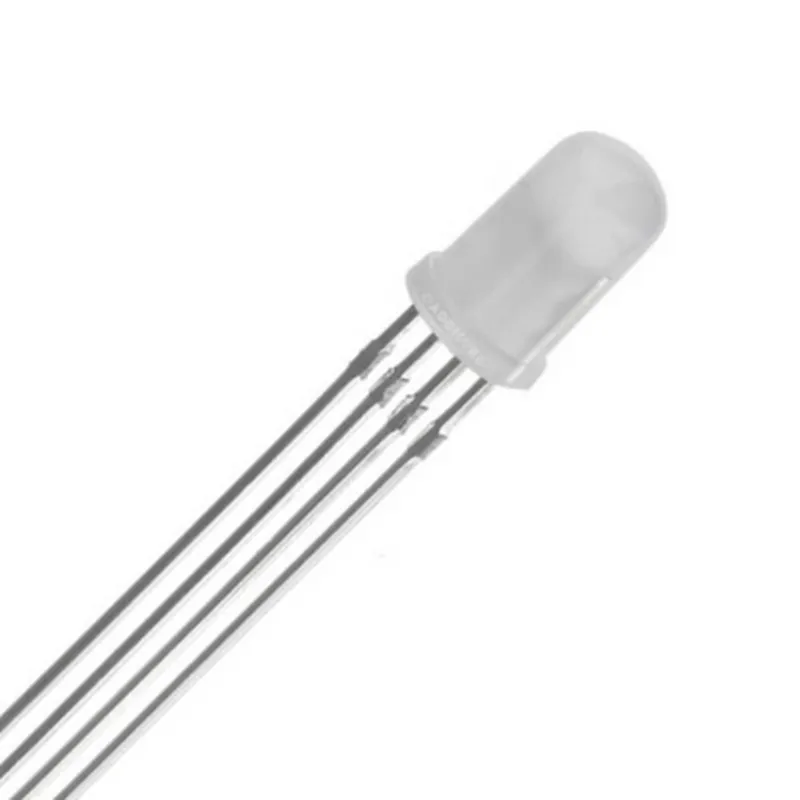
5mm Common Anode RGB LED 4Pin Through Hole White Diffused LED (Pack of 10)
The 5mm Common Anode RGB LED is a high-brightness, multi-color Light Emitting Diode (LED) designed for use in a wide range of applications, including IoT projects, robotics, and custom lighting systems. This LED is packaged in a pack of 10 units, making it an ideal choice for prototyping and small-scale production.
| The 5mm Common Anode RGB LED is a through-hole LED component that emits light in three primary colors | Red, Green, and Blue (RGB). The LED has a common anode configuration, meaning that the positive leg is shared among all three color channels. By applying different voltage levels to the individual color pins, the LED can produce a wide range of colors and shades. |
Through-hole
5mm (diameter) x 3.5mm (height)
2.5mm
4
White diffused
120
| + Red | 200-250 mcd (millicandelas) |
| + Green | 400-500 mcd |
| + Blue | 100-150 mcd |
1.8-2.2V (per color channel)
20-30mA (per color channel)
30mA
5V
Plastic
White diffused
-25C to +85C
-40C to +100C
High-brightness LED for increased visibility
Common anode configuration for simplified circuit design
Through-hole design for easy installation and assembly
Packaged in a set of 10 units for convenience and cost-effectiveness
| The 5mm Common Anode RGB LED is suitable for a wide range of applications, including |
IoT projects and prototypes
Robotics and automation systems
Custom lighting systems and indicators
LED signage and displays
Audio and visual effects devices
| When handling and using the 5mm Common Anode RGB LED, please observe the following precautions |
Handle the LED by the edges to prevent electrical shock and damage
Avoid exposing the LED to excessive heat, moisture, or vibration
Use the LED within the recommended operating voltage and current ranges
Ensure proper soldering and assembly techniques to prevent damage and electrical shorts
Component Documentation: 5mm Common Anode RGB LED 4Pin Through Hole White Diffused LEDOverviewThe 5mm Common Anode RGB LED is a through-hole component with a white diffused lens, suitable for a wide range of applications, including IoT projects, robotics, and DIY electronics. This LED has a common anode configuration, meaning that the positive leg is shared among all three color channels (red, green, and blue). This documentation provides an overview of the component's characteristics, pinout, and examples of how to use it in various contexts.Component CharacteristicsPackage: 4-pin through-hole package
LED Type: RGB (Red, Green, Blue)
Common Anode: Shared positive leg among all three color channels
Diffused Lens: White diffused lens for uniform light distribution
Size: 5mm diameter
Operating Voltage: 1.8V - 2.2V (typically 2V)
Maximum Current: 20mA per channel
Viewing Angle: 120 degrees
Luminous Intensity: 1000-1500 mcd (millicandela) per channelPinout| Pin | Function |
| --- | --- |
| 1 | Anode (Positive) |
| 2 | Red Cathode (Negative) |
| 3 | Green Cathode (Negative) |
| 4 | Blue Cathode (Negative) |Code Examples### Example 1: Basic RGB LED Control using ArduinoIn this example, we'll demonstrate how to control the RGB LED using an Arduino board. We'll connect the LED to digital pins 9, 10, and 11, and use the `analogWrite()` function to set the brightness of each color channel.
```cpp
const int redPin = 9; // Red cathode (Pin 2)
const int greenPin = 10; // Green cathode (Pin 3)
const int bluePin = 11; // Blue cathode (Pin 4)void setup() {
pinMode(redPin, OUTPUT);
pinMode(greenPin, OUTPUT);
pinMode(bluePin, OUTPUT);
}void loop() {
// Set RGB values from 0 (off) to 255 (maximum brightness)
analogWrite(redPin, 128); // Half-bright red
analogWrite(greenPin, 255); // Full-bright green
analogWrite(bluePin, 0); // Off bluedelay(1000); // Wait 1 second// Change the RGB values
analogWrite(redPin, 0);
analogWrite(greenPin, 128);
analogWrite(bluePin, 255);delay(1000); // Wait 1 second
}
```
### Example 2: RGB LED Color Fading using Raspberry Pi (Python)In this example, we'll demonstrate how to control the RGB LED using a Raspberry Pi and Python. We'll use the RPi.GPIO library to control the GPIO pins, and create a color-fading effect by incrementing the brightness of each color channel.
```python
import RPi.GPIO as GPIO
import time# Set up GPIO pins
GPIO.setmode(GPIO.BCM)redPin = 17
greenPin = 23
bluePin = 24GPIO.setup(redPin, GPIO.OUT)
GPIO.setup(greenPin, GPIO.OUT)
GPIO.setup(bluePin, GPIO.OUT)# Define RGB color values (0-255)
r, g, b = 0, 0, 0while True:
# Fade red
for i in range(256):
GPIO_output(redPin, i)
time.sleep(0.01)# Fade green
for i in range(256):
GPIO_output(greenPin, i)
time.sleep(0.01)# Fade blue
for i in range(256):
GPIO_output(bluePin, i)
time.sleep(0.01)
```
These examples demonstrate the basic principles of controlling an RGB LED using an Arduino board and a Raspberry Pi, respectively. You can modify the code to create various color effects, patterns, and animations.