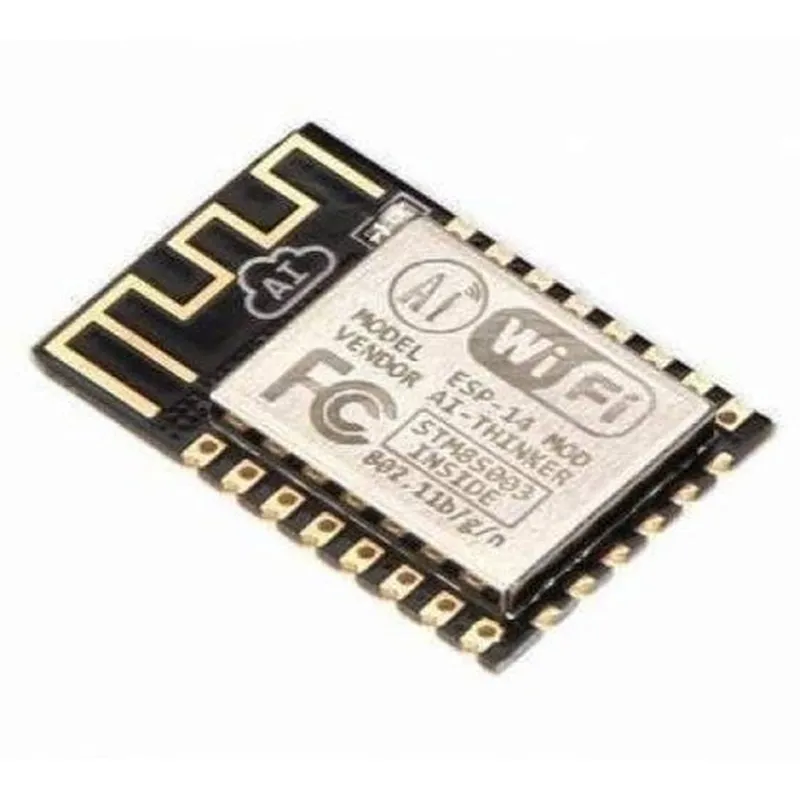
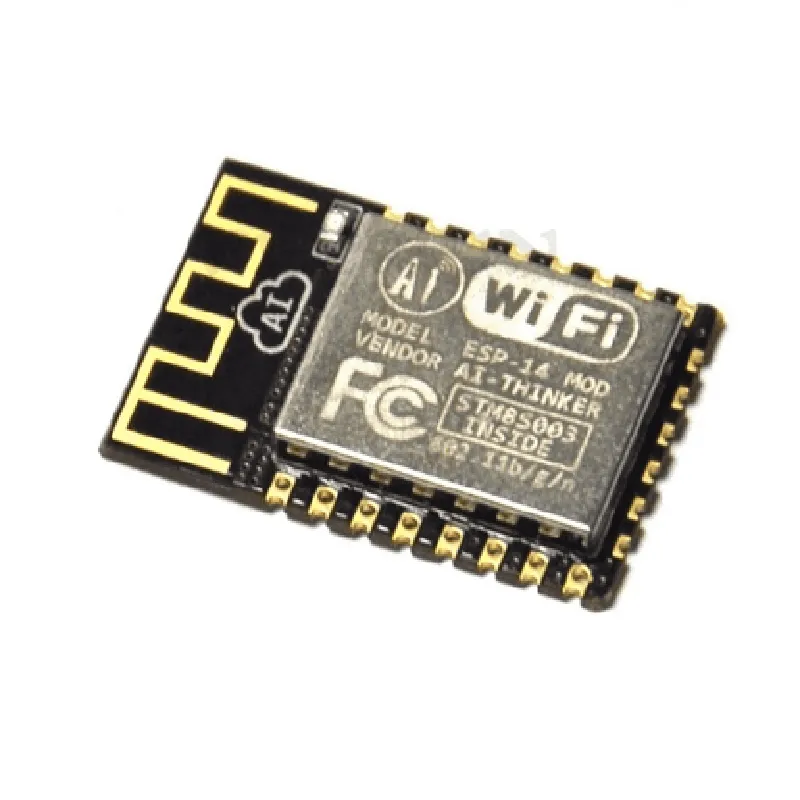
ESP14 ESP8266 Serial Wireless Transceiver WiFi Module AP+STA
The ESP14 ESP8266 Serial Wireless Transceiver WiFi Module AP+STA is a low-cost, low-power system-on-a-chip (SoC) with integrated Wi-Fi capabilities. It is a popular choice for Internet of Things (IoT) projects, offering a range of features and functionalities for wireless communication.
Wi-Fi 802.11 b/g/n protocol support
 Supports both Access Point (AP) and Station (STA) modes
 Serial communication interface for easy integration with microcontrollers
 Low power consumption (<100mA)
 Small form factor (14x14mm)
The ESP14 module has the following pinout:
| Pin | Function |
| --- | --- |
| VCC | Power supply (3.3V) |
| GND | Ground |
| RX | Serial receive |
| TX | Serial transmit |
| RST | Reset |
| EN | Enable |
### Example 1: Connecting to a Wi-Fi Network as a Station (STA)
This example demonstrates how to connect the ESP14 module to a Wi-Fi network as a station (STA).
const char ssid = "your_wifi_ssid";  // Replace with your Wi-Fi SSID
const char password = "your_wifi_password";  // Replace with your Wi-Fi password
void setup() {
  Serial.begin(115200);
// Initialize Wi-Fi
  WiFi.begin(ssid, password);
while (WiFi.status() != WL_CONNECTED) {
    delay(1000);
    Serial.println("Connecting to Wi-Fi...");
  }
Serial.println("Connected to Wi-Fi");
  Serial.println("IP address: ");
  Serial.println(WiFi.localIP());
}
void loop() {
  // Your code here
}
```
### Example 2: Creating a Wi-Fi Access Point (AP)
This example demonstrates how to configure the ESP14 module as a Wi-Fi access point (AP).
const char ssid = "ESP14_AP";  // AP SSID
const char password = "12345678";  // AP password
void setup() {
  Serial.begin(115200);
// Initialize Wi-Fi
  WiFi.mode(WIFI_AP);
  WiFi.softAP(ssid, password);
Serial.println("Wi-Fi Access Point started");
  Serial.println("IP address: 192.168.4.1");
}
void loop() {
  // Your code here
}
```
### Example 3: Serial Communication with a Microcontroller
This example demonstrates how to communicate with a microcontroller using the ESP14 module's serial interface.
```c
#include <SoftwareSerial.h>
SoftwareSerial espSerial(2, 3); // RX, TX pins
void setup() {
  Serial.begin(115200);
  espSerial.begin(115200);
Serial.println("Initializing ESP14 module...");
}
void loop() {
  if (espSerial.available() > 0) {
    String data = espSerial.readStringUntil('
');
    Serial.println("Received from ESP14: " + data);
  }
// Send data to ESP14
  espSerial.println("Hello, ESP14!");
  delay(1000);
}
```
Note: These examples are for illustration purposes only and may require modifications to suit your specific use case. Additionally, ensure that the ESP14 module is properly connected and configured before running the code.