3.3V to 5V


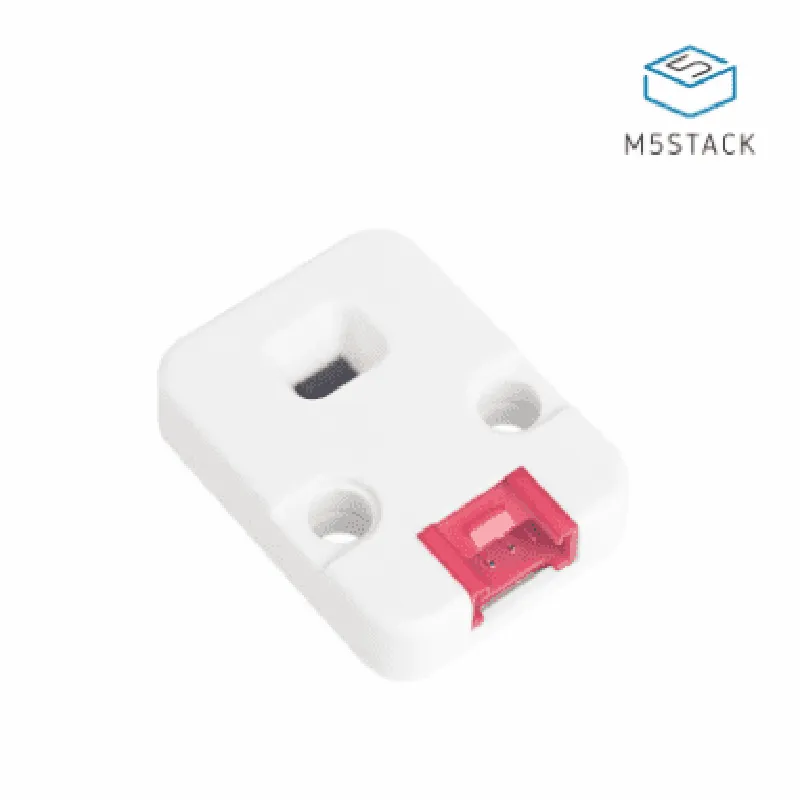
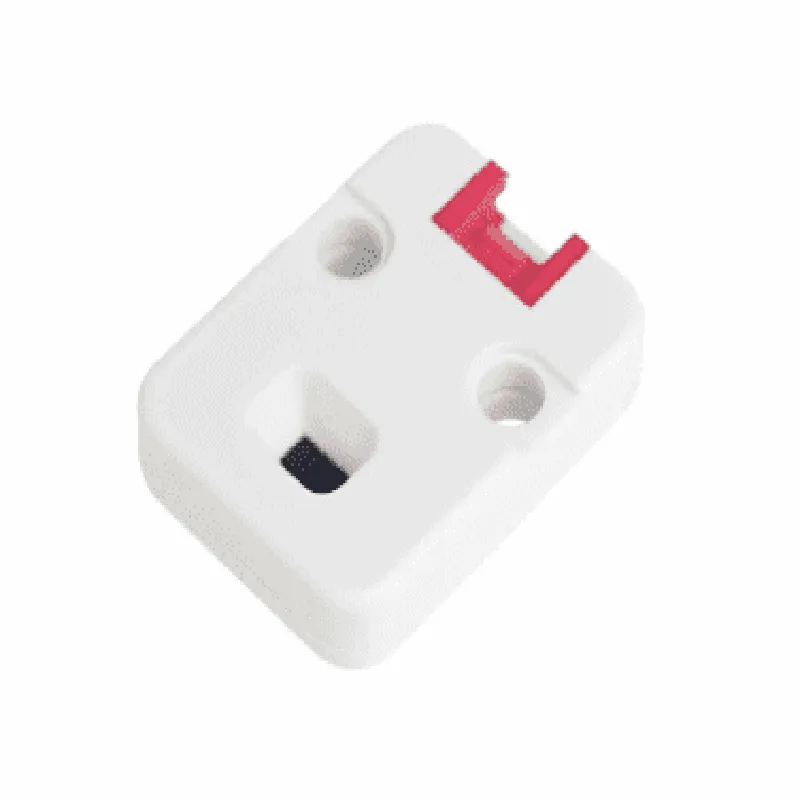
3.3V to 5V
20mA (typical)
Up to 2 meters
1% (up to 1 meter), 2% (up to 2 meters)
Up to 50 Hz
| I2C Interface | Standard I2C bus with 7-bit or 10-bit addressing |
-40C to 85C
-40C to 125C
Applications
| The M5Stack Time-of-Flight Ranging Unit (VL53L0X) is suitable for a wide range of applications, including |
Robotics and automation
IoT projects
Gesture recognition
Object detection and tracking
Level measurement
Proximity sensing
Obstacle detection
Conclusion
The M5Stack Time-of-Flight Ranging Unit (VL53L0X) is a high-precision distance measurement module that provides accurate and reliable distance measurements up to 2 meters. Its compact size, low power consumption, and fast distance updates make it suitable for a wide range of applications, including robotics, automation, and IoT projects.
M5Stack Time-of-Flight Ranging Unit (VL53L0X) DocumentationThe M5Stack Time-of-Flight Ranging Unit (VL53L0X) is a high-accuracy distance measurement module based on the STMicroelectronics VL53L0X sensor. This module provides a reliable and accurate way to measure distances up to 2 meters with a resolution of 1 mm. It is compatible with the M5Stack ecosystem, allowing for easy integration with various microcontrollers and development boards.PinoutThe M5Stack Time-of-Flight Ranging Unit (VL53L0X) has the following pinout:VCC: 3.3V power supply
GND: Ground
SCL: I2C clock signal
SDA: I2C data signal
XSHUT: Shutdown pin (active low)Arduino LibraryTo use the M5Stack Time-of-Flight Ranging Unit (VL53L0X) with Arduino, you can use the official VL53L0X library. You can install it through the Arduino Library manager or download it from the GitHub repository.Code Examples### Example 1: Basic Distance MeasurementThis example demonstrates how to use the M5Stack Time-of-Flight Ranging Unit (VL53L0X) to measure the distance to an object.
```c++
#include <Wire.h>
#include <VL53L0X.h>VL53L0X sensor;void setup() {
Wire.begin();
sensor.init();
sensor.setTimeout(500);
sensor.setMeasurementTimingBudget(20000);
}void loop() {
int distance = sensor.readRangeSingleMillimeters();
if (distance > 0) {
Serial.print("Distance: ");
Serial.print(distance);
Serial.println(" mm");
} else {
Serial.println("Error reading distance");
}
delay(100);
}
```
### Example 2: Object Detection with ThresholdThis example demonstrates how to use the M5Stack Time-of-Flight Ranging Unit (VL53L0X) to detect objects within a certain range.
```c++
#include <Wire.h>
#include <VL53L0X.h>VL53L0X sensor;
const int threshold = 200; // 200 mm thresholdvoid setup() {
Wire.begin();
sensor.init();
sensor.setTimeout(500);
sensor.setMeasurementTimingBudget(20000);
}void loop() {
int distance = sensor.readRangeSingleMillimeters();
if (distance > 0 && distance < threshold) {
Serial.println("Object detected!");
} else {
Serial.println("No object detected");
}
delay(100);
}
```
### Example 3: Integration with M5Stack Core2This example demonstrates how to use the M5Stack Time-of-Flight Ranging Unit (VL53L0X) with the M5Stack Core2 board to display the measured distance on the built-in LCD screen.
```c++
#include <M5Core2.h>
#include <Wire.h>
#include <VL53L0X.h>M5Core2 lcd;
VL53L0X sensor;void setup() {
M5.begin();
Wire.begin();
sensor.init();
sensor.setTimeout(500);
sensor.setMeasurementTimingBudget(20000);
lcd.begin();
lcd.clear(BLACK);
lcd.setCursor(0, 0);
lcd.println("Distance: ");
}void loop() {
int distance = sensor.readRangeSingleMillimeters();
if (distance > 0) {
lcd.setCursor(0, 1);
lcd.print(" ");
lcd.setCursor(0, 1);
lcd.print(distance);
lcd.print(" mm");
}
delay(100);
}
```
These examples demonstrate the basic usage of the M5Stack Time-of-Flight Ranging Unit (VL53L0X) and provide a starting point for more advanced applications.