2.4 GHz


2.4 GHz
Up to 10 meters (33 feet)
2.0 with EDR
SPP
9600, 19200, 38400, 57600, 115200
3.3V or 5V
Approximately 30mA
-20C to 75C
5% to 95% RH
12.7mm x 27.5mm
Approximately 2 grams
Applications
| The HC-05 Bluetooth Module with TTL Output is suitable for a wide range of applications, including |
Robotics and automation
IoT devices and sensors
Wearable devices
Smart home devices
Industrial control systems
Medical devices
Automotive systems
Conclusion
The HC-05 Bluetooth Module with TTL Output is a reliable and cost-effective solution for wireless communication in various IoT applications. Its compact size, low power consumption, and TTL output make it an ideal choice for integration into space-constrained devices. With its wide range of features and technical specifications, this module is suitable for both technical professionals and informed hobbyists.
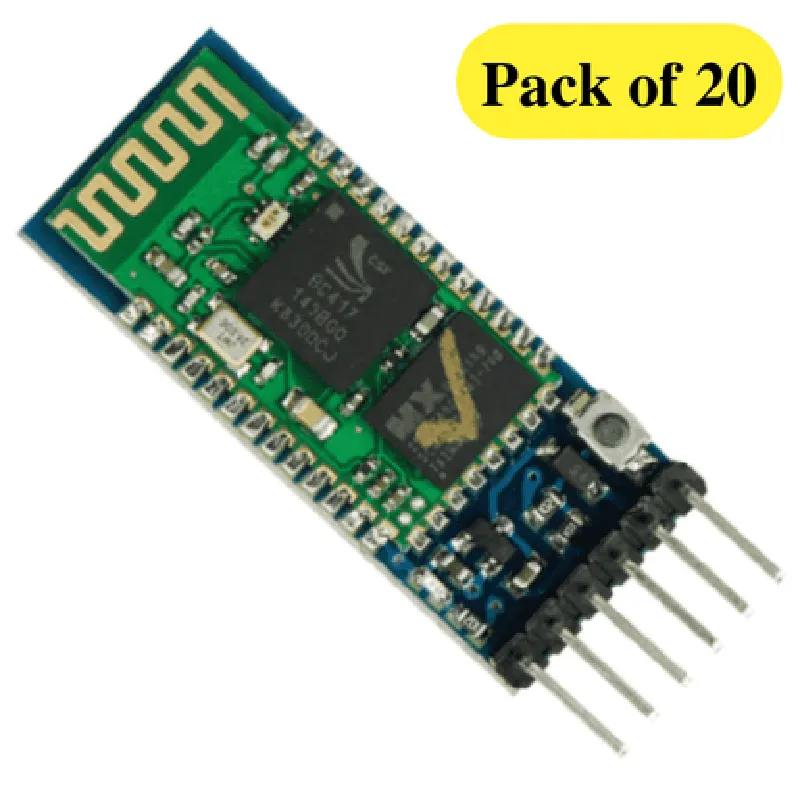
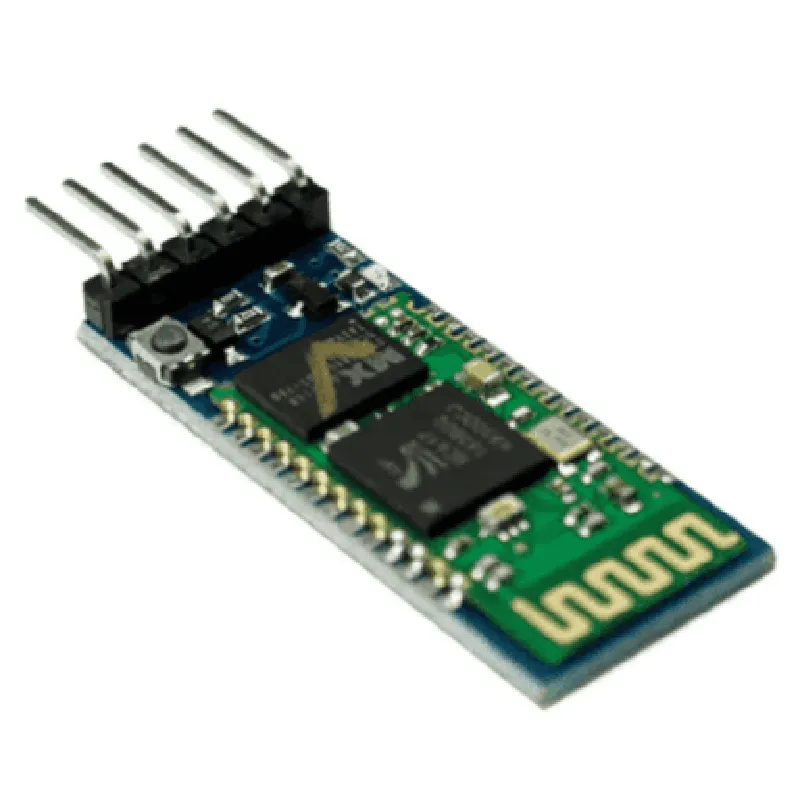
HC-05 Bluetooth Module with TTL Output (Pack of 20) DocumentationOverviewThe HC-05 Bluetooth Module is a widely used, low-cost, and compact Bluetooth 2.0 module that provides a simple way to add Bluetooth connectivity to microcontrollers, robots, and other electronic projects. This module operates at a frequency of 2.4 GHz and has a range of up to 10 meters. It is compatible with most Bluetooth devices and supports serial communication via TTL (Transistor-Transistor Logic) output.Key FeaturesBluetooth 2.0 specification
Operating frequency: 2.4 GHz
Range: up to 10 meters
TTL output
Supports serial communication
Compatible with most Bluetooth devices
Low power consumption
Small size: 12.7 x 25.5 mmPinoutThe HC-05 Bluetooth Module has the following pinout:| Pin | Function |
| --- | --- |
| VCC | Power supply (3.3V - 5V) |
| GND | Ground |
| TXD | Transmit data |
| RXD | Receive data |
| EN | Enable (high to enable, low to disable) |
| STATE | State indicator (high when connected, low when disconnected) |Code Examples### Example 1: Basic Serial Communication using ArduinoThis example demonstrates how to use the HC-05 Bluetooth Module with an Arduino Uno board to establish a serial communication connection between the module and a Bluetooth device (e.g., a smartphone).```c++
#include <SoftwareSerial.h>#define RX 2 // RX pin of Arduino Uno
#define TX 3 // TX pin of Arduino UnoSoftwareSerial bluetooth(RX, TX);void setup() {
Serial.begin(9600);
bluetooth.begin(9600);
}void loop() {
if (bluetooth.available() > 0) {
String data = bluetooth.readStringUntil('
');
Serial.println(data);
}
if (Serial.available() > 0) {
String data = Serial.readStringUntil('
');
bluetooth.println(data);
}
}
```### Example 2: Controlling an LED using Bluetooth and PythonThis example demonstrates how to use the HC-05 Bluetooth Module with a Raspberry Pi board to control an LED using Bluetooth commands sent from a Python script.```python
import time
import serial# Open the serial connection to the HC-05 module
ser = serial.Serial('/dev/ttyUSB0', 9600, timeout=1)while True:
# Read incoming Bluetooth data
data = ser.readline().decode('utf-8').strip()
if data:
if data == 'led_on':
# Turn on the LED
print('LED is ON')
# Send a confirmation message back to the Bluetooth device
ser.write(b'LED is ON
')
elif data == 'led_off':
# Turn off the LED
print('LED is OFF')
# Send a confirmation message back to the Bluetooth device
ser.write(b'LED is OFF
')
time.sleep(0.1)
```Additional ResourcesHC-05 Bluetooth Module datasheet: [link](https://www.google.com/url?q=https://www.electronicscomp.com/datasheet/HC-05-Bluetooth-Module-Datasheet.pdf)
Bluetooth 2.0 specification: [link](https://www.google.com/url?q=https://www.bluetooth.org/en/specification/adopted-specifications)Troubleshooting and FAQsFor troubleshooting and FAQs, please refer to the HC-05 Bluetooth Module datasheet and the manufacturer's documentation.