Supports stereo audio output with a maximum power output of 3W per channel.


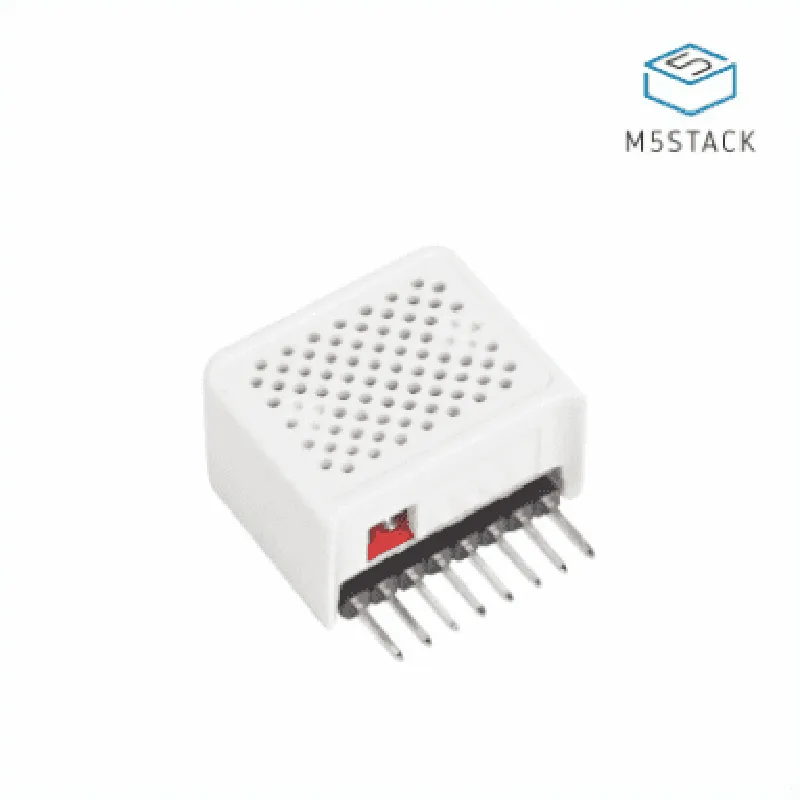
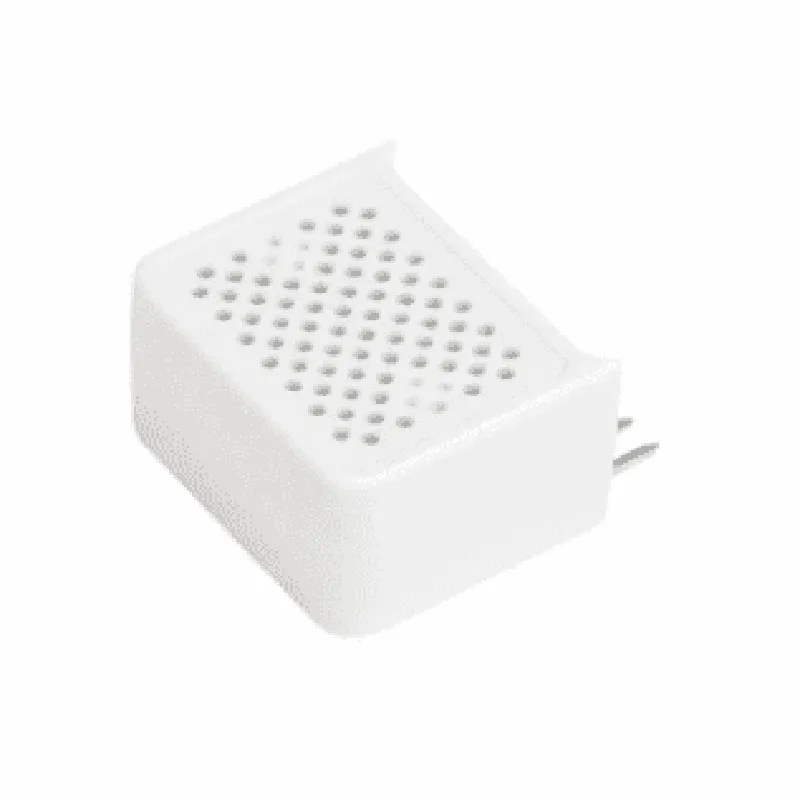
Supports stereo audio output with a maximum power output of 3W per channel.
Includes onboard capacitors for filtering and decoupling, ensuring clean and stable audio output.
The speaker hat is designed to be compact and lightweight, making it ideal for space-constrained applications.
### Technical Specifications
3.3V to 5V
Typically 20mA ( standby), 100mA (max)
20Hz to 20kHz
| Signal-to-Noise Ratio (SNR) | 90dB |
| Total Harmonic Distortion (THD) | 0.5% (typical) |
### Compatibility
| M5 StickC Compatibility | Designed specifically for use with the M5 StickC series of microcontrollers. |
-20C to 70C
Applications
--------------
| The M5 StickC Speaker Hat (PAM8303) is suitable for a wide range of applications, including |
IoT projects requiring audio output
Robotics and robotic arms
Home automation systems
Industrial control systems
Wearable devices
Audio-based interactive installations
Conclusion
----------
The M5 StickC Speaker Hat (PAM8303) is a versatile and efficient audio solution for M5 StickC-based projects. Its compact design, low power consumption, and high-quality audio output make it an ideal choice for a wide range of applications. With its easy-to-use I2S interface and compact design, this speaker hat is perfect for developers, makers, and engineers looking to add audio capabilities to their projects.
M5 StickC Speaker Hat (PAM8303) DocumentationOverviewThe M5 StickC Speaker Hat (PAM8303) is a compact and versatile speaker module designed for use with the M5 StickC series of microcontrollers. It features a PAM8303 audio amplifier and a 1W speaker, making it suitable for a wide range of IoT applications, from simple alarm systems to more complex multimedia projects.Hardware SpecificationsPAM8303 audio amplifier
1W speaker
Compatible with M5 StickC series microcontrollers
Operating voltage: 3.3V - 5V
Dimensions: 30.5 x 15.4 mmSoftware LibraryTo use the M5 StickC Speaker Hat (PAM8303), you'll need to install the M5StickC library for your preferred programming language. For this example, we'll use the Arduino library.Code Examples### Example 1: Simple Tone GenerationThis example demonstrates how to generate a simple tone using the M5 StickC Speaker Hat (PAM8303).```c++
#include <M5StickC.h>#define SPEAKER_PIN 25 // Speaker pin on M5 StickCvoid setup() {
M5.begin();
pinMode(SPEAKER_PIN, OUTPUT);
}void loop() {
tone(SPEAKER_PIN, 1000, 500); // Generate a 1 kHz tone for 500 ms
delay(1000); // Wait 1 second
noTone(SPEAKER_PIN); // Stop the tone
delay(1000); // Wait 1 second
}
```### Example 2: Playing a WAV FileThis example demonstrates how to play a WAV file using the M5 StickC Speaker Hat (PAM8303) and an SD card module.```c++
#include <M5StickC.h>
#include <WiFi.h>
#include <SD.h>#define SD_CS 5 // SD card chip select pin
#define SPEAKER_PIN 25 // Speaker pin on M5 StickCWiFiClient client;
SDCard sdCard;void setup() {
M5.begin();
pinMode(SPEAKER_PIN, OUTPUT);
sdCard.begin(SD_CS);
}void loop() {
File file = sdCard.open("example.wav");
if (!file) {
Serial.println("Error opening file");
return;
}int16_t sample;
while (file.available()) {
sample = file.read() | (file.read() << 8);
digitalWrite(SPEAKER_PIN, sample > 0 ? HIGH : LOW);
delayMicroseconds(50);
}file.close();
delay(1000); // Wait 1 second
}
```### Example 3: Text-to-Speech using ESP8266 and Google TranslateThis example demonstrates how to use the M5 StickC Speaker Hat (PAM8303) to play text-to-speech audio generated using the Google Translate API and the ESP8266 WiFi module.```c++
#include <M5StickC.h>
#include <WiFi.h>
#include <HTTPClient.h>#define SPEAKER_PIN 25 // Speaker pin on M5 StickCWiFiClient client;
HTTPClient http;void setup() {
M5.begin();
pinMode(SPEAKER_PIN, OUTPUT);
WiFi.begin("your_wifi_ssid", "your_wifi_password");
while (WiFi.status() != WL_CONNECTED) {
delay(1000);
Serial.println("Connecting to WiFi...");
}
}void loop() {
http.begin("http://translate.google.com/translate_tts?ie=UTF-8&q=Hello+World&tl=en&client=tw-ob");
int httpCode = http.GET();
if (httpCode == HTTP_CODE_OK) {
int16_t sample;
while (http.available()) {
sample = http.stream().read() | (http.stream().read() << 8);
digitalWrite(SPEAKER_PIN, sample > 0 ? HIGH : LOW);
delayMicroseconds(50);
}
} else {
Serial.println("Error retrieving audio data");
}
http.end();
delay(1000); // Wait 1 second
}
```Remember to replace the WiFi credentials and the Google Translate API URL with your own values.