Stufin
Home Quick Cart Profile

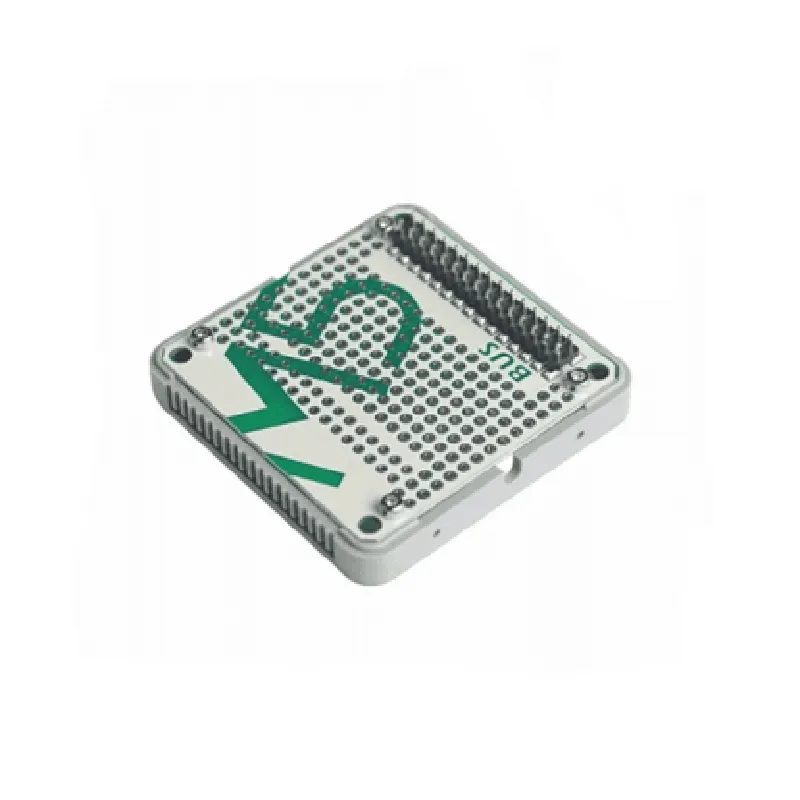
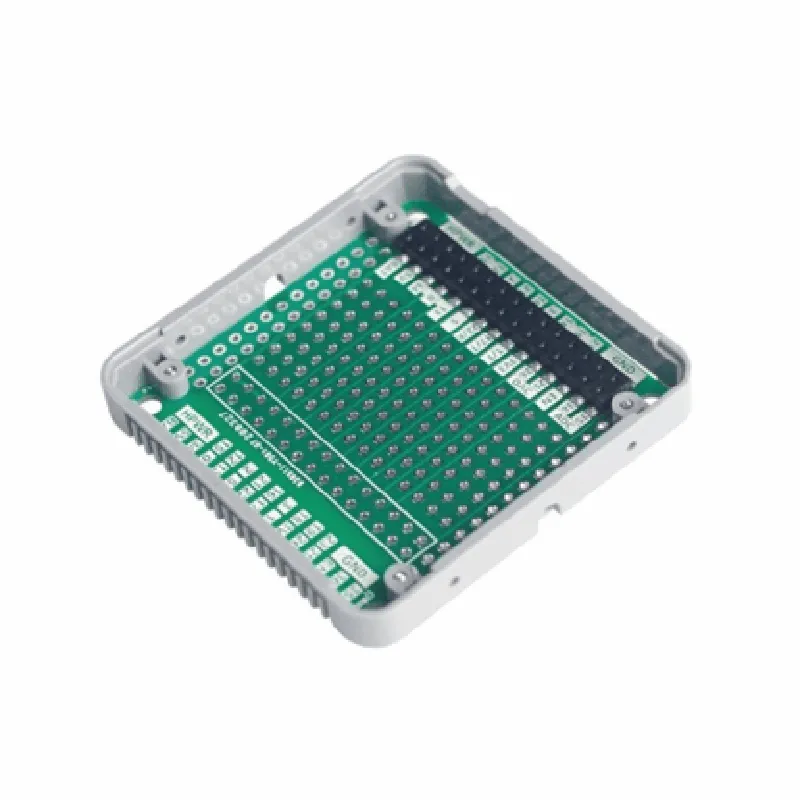
M5 Stack BUS Module

Buy Now on Stufin

Sensors

Various sensors, such as temperature, humidity, pressure, and light sensors, can be connected to the BUS Module, enabling the collection of environmental and physical data.


Peripherals

The module supports the connection of peripherals like displays, keyboards, and motor drivers, allowing for user interaction and control of external devices.

Modules

The BUS Module can be used to connect and stack other M5 Stack modules, such as Wi-Fi, Bluetooth, or GPS modules, to expand the system's capabilities.

Key Features

  • Modular Design: The BUS Module is designed to be modular and stackable, allowing users to create a customized system by stacking multiple modules on top of each other.
  • Multiple Interface Options: The module provides a range of interfaces, including:

I2C (x2)

UART (x2)

SPI

I2S

GPIO (x10)

ADC (x2)

DAC

Power input (VIN, 5V, 3.3V)

  • Power Management: The BUS Module features an onboard power management system, which allows for efficient power distribution and management of connected peripherals and modules.
  • Compact Size: The module is designed to be compact and lightweight, making it ideal for IoT and robotic applications where space is limited.
  • Easy Connection: The BUS Module features a simple and intuitive connection system, with clear labeling and color-coded interfaces, making it easy to connect and manage peripherals and modules.
  • Compatibility: The module is fully compatible with other M5 Stack modules, allowing users to create a customized system that meets their specific needs.
  • Programmable: The BUS Module can be programmed using various platforms, including Arduino, MicroPython, and UIFlow, making it accessible to developers with varying levels of expertise.

Applications

The M5 Stack BUS Module is suitable for a wide range of IoT and robotic applications, including

Environmental monitoring systems

Home automation systems

Robotics and robotic arms

Industrial automation systems

Wearable devices

Smart home devices

Conclusion

The M5 Stack BUS Module is a versatile and powerful component that provides a centralized and organized way to connect and manage peripherals, sensors, and modules in an IoT system. Its modular design, multiple interface options, and power management features make it an ideal choice for a wide range of applications.

Pin Configuration

  • M5 Stack BUS Module Pinout Explanation
  • The M5 Stack BUS Module is a versatile IoT component that provides a convenient way to expand the capabilities of your M5 Stack projects. This module offers a range of pins that enable communication, power, and data exchange with other M5 Stack modules and external devices. Here's a detailed explanation of each pin on the M5 Stack BUS Module:
  • Pinout Structure:
  • The M5 Stack BUS Module has a total of 25 pins, divided into three categories: Power, Communication, and GPIO.
  • Power Pins:
  • 1. VCC (Pin 1): 5V power input pin. Connect this pin to a 5V power source, such as a battery or a wall adapter.
  • 2. GND (Pin 2): Ground pin. Connect this pin to the ground of your power source.
  • Communication Pins:
  • 3. SCL (Pin 3): I2C clock pin. Used for I2C communication with other M5 Stack modules or external devices.
  • 4. SDA (Pin 4): I2C data pin. Used for I2C communication with other M5 Stack modules or external devices.
  • 5. RXD (Pin 5): UART receive pin. Used for serial communication with other M5 Stack modules or external devices.
  • 6. TXD (Pin 6): UART transmit pin. Used for serial communication with other M5 Stack modules or external devices.
  • GPIO Pins:
  • 7. GPIO0 (Pin 7): General-purpose input/output pin. Can be used as an input, output, or interrupt pin.
  • 8. GPIO1 (Pin 8): General-purpose input/output pin. Can be used as an input, output, or interrupt pin.
  • 9. GPIO2 (Pin 9): General-purpose input/output pin. Can be used as an input, output, or interrupt pin.
  • 10. GPIO3 (Pin 10): General-purpose input/output pin. Can be used as an input, output, or interrupt pin.
  • 11. GPIO4 (Pin 11): General-purpose input/output pin. Can be used as an input, output, or interrupt pin.
  • 12. GPIO5 (Pin 12): General-purpose input/output pin. Can be used as an input, output, or interrupt pin.
  • Special Function Pins:
  • 13. RST (Pin 13): Reset pin. Used to reset the M5 Stack module.
  • 14. BOOT (Pin 14): Boot mode pin. Used to enter the M5 Stack module's boot mode.
  • Analog-to-Digital Converter (ADC) Pins:
  • 15. ADC0 (Pin 15): Analog-to-digital converter pin. Can be used to read analog voltage levels from external sensors or devices.
  • 16. ADC1 (Pin 16): Analog-to-digital converter pin. Can be used to read analog voltage levels from external sensors or devices.
  • Digital-to-Analog Converter (DAC) Pins:
  • 17. DAC0 (Pin 17): Digital-to-analog converter pin. Can be used to output analog voltage levels to external devices.
  • 18. DAC1 (Pin 18): Digital-to-analog converter pin. Can be used to output analog voltage levels to external devices.
  • Miscellaneous Pins:
  • 19. Busy (Pin 19): Busy indicator pin. Indicates when the M5 Stack module is busy or in use.
  • 20. NC (Pins 20-23): No connect pins. These pins have no internal connection and should not be used.
  • 21. VIN (Pin 24): Input voltage pin. Connect this pin to an external power source, such as a battery or a wall adapter.
  • 22. EN (Pin 25): Enable pin. Used to enable or disable the M5 Stack module.
  • Connecting the Pins:
  • When connecting the pins on the M5 Stack BUS Module, make sure to:
  • Use a breadboard or a PCB to connect the pins to your desired components or modules.
  • Use jumper wires or suitable connectors to connect the pins to your desired components or modules.
  • Ensure that the voltage levels of the connected components or modules match the voltage levels of the M5 Stack BUS Module (5V).
  • Refer to the M5 Stack documentation and the documentation of the connected components or modules for specific connection guidelines.
  • Remember to handle the pins with care, as they can be damaged if connected incorrectly or subjected to excessive voltage or current.

Code Examples

M5 Stack BUS Module Documentation
Overview
The M5 Stack BUS Module is a versatile expansion board designed for the M5 Stack series of microcontrollers. It provides a convenient way to connect and communicate with various peripherals, such as sensors, actuators, and displays, using standardized bus protocols like I2C, UART, and SPI.
Features
Compatible with M5 Stack microcontrollers
 Multiple bus interfaces: I2C, UART, and SPI
 Supports 3.3V and 5V logic levels
 Onboard voltage regulator for powering peripherals
 Breadboard-friendly design for easy prototyping
Code Examples
### Example 1: I2C Communication with a Sensor
In this example, we'll demonstrate how to use the M5 Stack BUS Module to communicate with an I2C-based temperature sensor (e.g., DS18B20).
Hardware Connections
M5 Stack microcontroller (e.g., M5GO or M5StickC)
 M5 Stack BUS Module
 DS18B20 temperature sensor
Code
```c
#include <M5Stack.h>
#include <Wire.h>
#define DS18B20_ADDRESS 0x48 // I2C address of the DS18B20 sensor
void setup() {
  M5.begin(); // Initialize M5 Stack
  Wire.begin(); // Initialize I2C bus
}
void loop() {
  byte data[2];
  Wire.beginTransmission(DS18B20_ADDRESS);
  Wire.write(0x00); // Select temperature register
  Wire.endTransmission();
  Wire.requestFrom(DS18B20_ADDRESS, 2);
  data[0] = Wire.read();
  data[1] = Wire.read();
  float temperature = (data[0] << 8) | data[1];
  Serial.printf("Temperature: %.2fC
", temperature / 16.0);
  delay(1000);
}
```
This code initializes the I2C bus, sends a request to the DS18B20 sensor to read the temperature register, and then receives the data via the I2C bus. The temperature value is then printed to the serial monitor.
### Example 2: UART Communication with a Serial Display
In this example, we'll demonstrate how to use the M5 Stack BUS Module to communicate with a UART-based serial display (e.g., LCD1602).
Hardware Connections
M5 Stack microcontroller (e.g., M5GO or M5StickC)
 M5 Stack BUS Module
 LCD1602 serial display
Code
```c
#include <M5Stack.h>
#include <SoftwareSerial.h>
#define DISPLAY_BAUDRATE 9600
#define DISPLAY_RX_PIN 16
#define DISPLAY_TX_PIN 17
SoftwareSerial displaySerial(DISPLAY_RX_PIN, DISPLAY_TX_PIN);
void setup() {
  M5.begin(); // Initialize M5 Stack
  displaySerial.begin(DISPLAY_BAUDRATE);
}
void loop() {
  displaySerial.print("Hello, World!");
  displaySerial.println();
  delay(1000);
}
```
This code initializes the UART interface on the M5 Stack BUS Module, sets the baud rate to 9600, and uses the SoftwareSerial library to communicate with the LCD1602 display. The example code sends the string "Hello, World!" to the display, followed by a newline character.
These examples demonstrate the versatility of the M5 Stack BUS Module and its ability to communicate with various peripherals using standardized bus protocols.