STM32F0, 32-bit ARM Cortex-M0 MCU, operating at 48 MHz


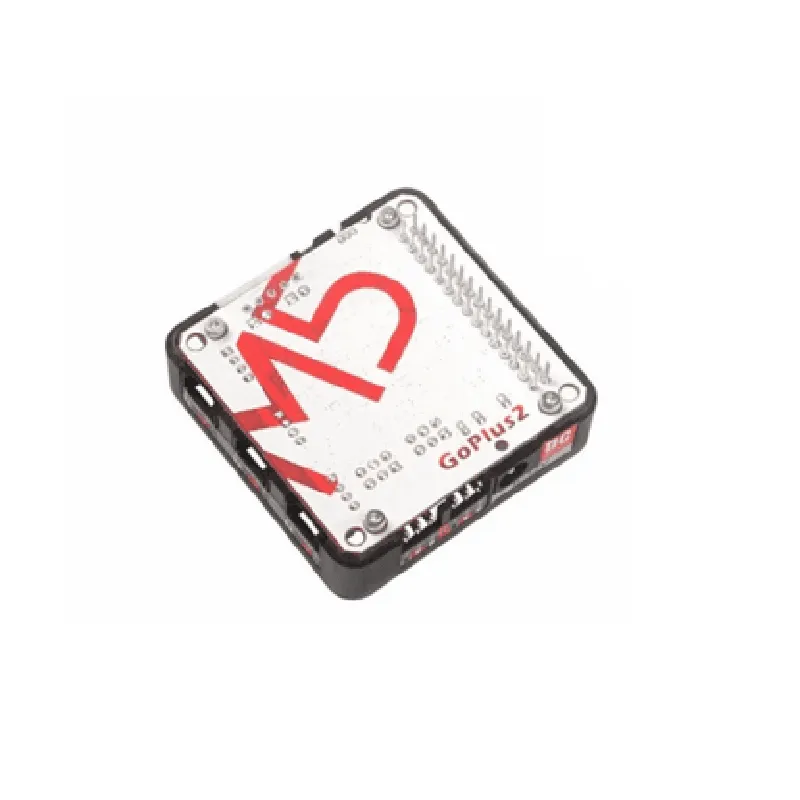
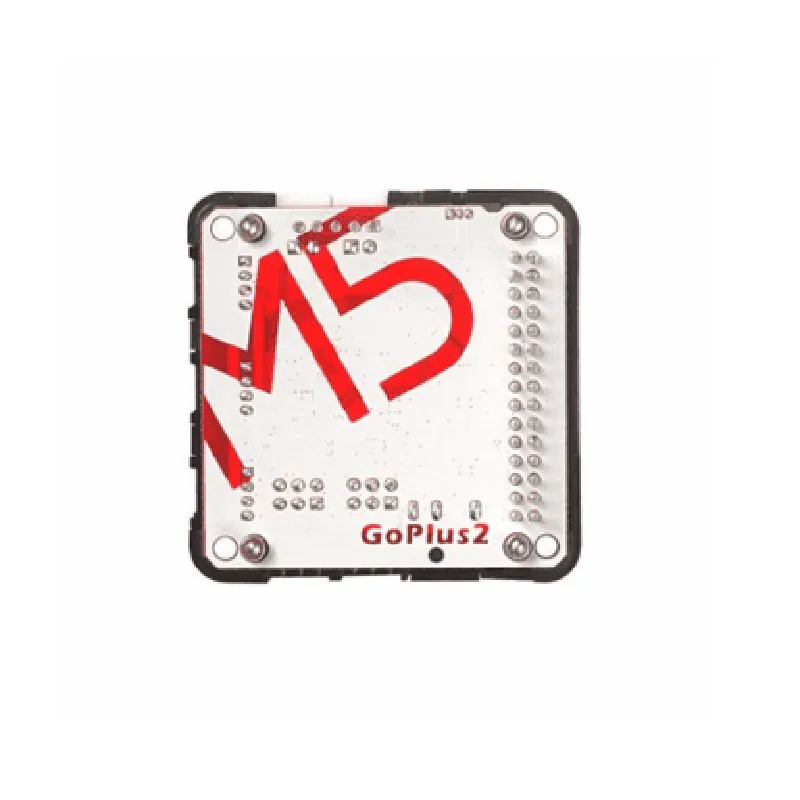
STM32F0, 32-bit ARM Cortex-M0 MCU, operating at 48 MHz
+ 2x DC motor channels with individual enable, direction, and speed control
| + Motor voltage range | 2.5V to 10V |
| + Motor current rating | up to 1.5A per channel |
+ Overcurrent protection and thermal shutdown
+ 2x Servo motor channels with individual control
+ Supports standard 3-pin (VCC, GND, Signal) and 4-pin (VCC, GND, Signal, Power) servo connectors
| + Servo frequency range | 50Hz to 400Hz |
+ UART (Serial) interface for communication with host devices
+ I2C interface for connecting sensors, displays, and other peripherals
+ Onboard 3.3V voltage regulator for powering external devices
| + Power input range | 5V to 12V |
+ 10-pin male header for easy connection to M5Stack modules and other devices
+ Reset button and LED indicators for power, UART, and I2C status
| + Compact size | 25.4mm x 25.4mm (1 inch x 1 inch) |
Additional Features
Support for M5Stack development environment and UIFlow visual programming tool
Compatible with various programming languages, including C, Python, and Lua
Open-source hardware and software design for customization and community contributions
Applications
| The M5Stack Goplus2 DC Motor and Servo Driver Module is suitable for a wide range of applications, including |
Robotics and robotic arms
Automation systems and industrial control
IoT projects, such as home automation and smart buildings
Drone and UAV systems
Medical devices and healthcare applications
Education and prototyping platforms
M5Stack Goplus2 DC Motor and Servo Driver Module (STM32F0) DocumentationOverviewThe M5Stack Goplus2 DC Motor and Servo Driver Module is a versatile IoT component designed to control and drive DC motors and servos. Built around the STM32F0 microcontroller, this module provides a compact and easy-to-use solution for robotics, automation, and other applications requiring motor control.Key FeaturesControls up to 2 DC motors (bidirectional) and 2 servos (180)
STM32F0 microcontroller with 32-bit ARM Cortex-M0 core
3.3V and 5V voltage regulator outputs
Support for I2C, UART, and SPI communication protocols
Breadboard-friendly design with Grove connectorsPinout| Pin | Function | Description |
| --- | --- | --- |
| VCC | Power | 3.3V or 5V power input |
| GND | Ground | Ground connection |
| SDA | I2C Data | I2C data line |
| SCL | I2C Clock | I2C clock line |
| RX | UART Receive | UART receive line |
| TX | UART Transmit | UART transmit line |
| M1A | Motor 1 A | DC motor 1 A phase output |
| M1B | Motor 1 B | DC motor 1 B phase output |
| M2A | Motor 2 A | DC motor 2 A phase output |
| M2B | Motor 2 B | DC motor 2 B phase output |
| SVO1 | Servo 1 | Servo 1 output |
| SVO2 | Servo 2 | Servo 2 output |
| INT | Interrupt | Interrupt input for motor and servo control |Code Examples### Example 1: Controlling a DC Motor using Arduino LibraryThis example demonstrates how to control a DC motor using the M5Stack Goplus2 module with the Arduino library.
```c
#include <M5Goplus2.h>M5Goplus2 motorModule;void setup() {
motorModule.begin(); // Initialize the module
}void loop() {
motorModule.setMotorSpeed(MOTOR1, 50); // Set motor 1 speed to 50%
delay(1000);
motorModule.setMotorSpeed(MOTOR1, -50); // Set motor 1 speed to -50% (reverse direction)
delay(1000);
motorModule.setMotorSpeed(MOTOR1, 0); // Stop motor 1
delay(1000);
}
```
### Example 2: Controlling a Servo using M5Stack LibraryThis example demonstrates how to control a servo using the M5Stack Goplus2 module with the M5Stack library.
```python
import m5m5.begin() # Initialize the M5Stackwhile True:
m5.servo_write(m5.SV1, 0) # Set servo 1 to 0
m5.delay(1000)
m5.servo_write(m5.SV1, 90) # Set servo 1 to 90
m5.delay(1000)
m5.servo_write(m5.SV1, 180) # Set servo 1 to 180
m5.delay(1000)
```
### Example 3: Controlling a DC Motor and Servo using I2C Communication (MicroPython)This example demonstrates how to control a DC motor and servo using I2C communication with the M5Stack Goplus2 module using MicroPython.
```python
import machine
import utimei2c = machine.I2C(scl=machine.Pin(5), sda=machine.Pin(4)) # Initialize I2C interfacewhile True:
i2c.writeto(0x1E, b'x01x01x01x01') # Set motor 1 speed to 50% and servo 1 to 90
utime.sleep(1)
i2c.writeto(0x1E, b'x01x01x02x02') # Set motor 1 speed to -50% and servo 1 to 0
utime.sleep(1)
i2c.writeto(0x1E, b'x01x01x00x00') # Stop motor 1 and servo 1
utime.sleep(1)
```
NotesThe module's I2C address is 0x1E by default, but it can be changed by modifying the ADDR pin.
The module's UART baud rate is 115200 by default, but it can be changed using the `setBaudrate()` function.
The module's motor and servo control signals are active-low, meaning a logic low signal enables the motor or servo.TroubleshootingMake sure to connect the module to a power source and ground properly.
Verify that the module is properly connected to the microcontroller or other components.
Check the module's I2C address and baud rate settings match the configuration.
Use a logic analyzer or oscilloscope to debug the communication signals.