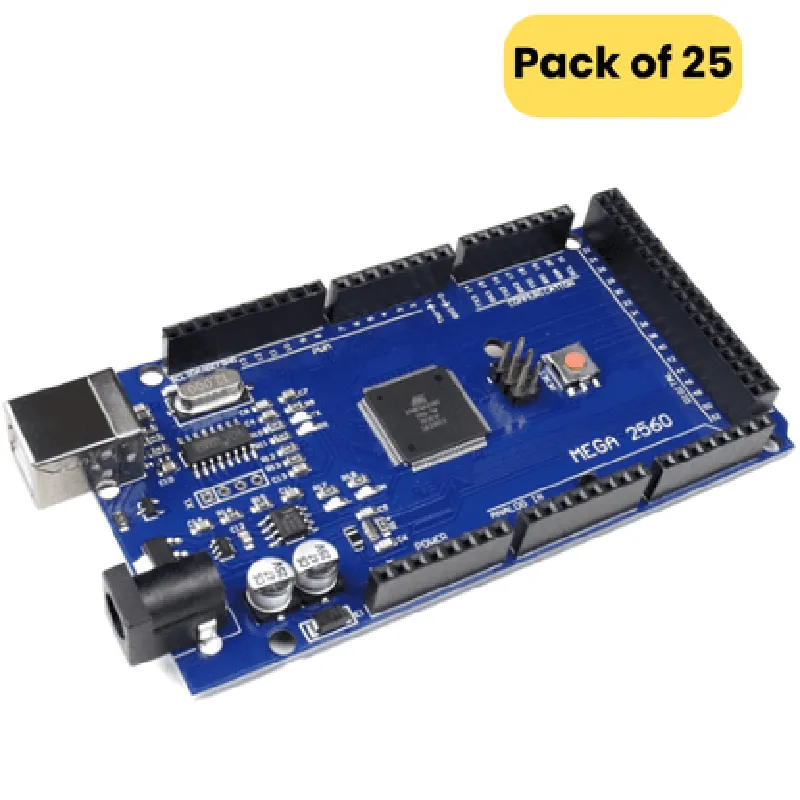
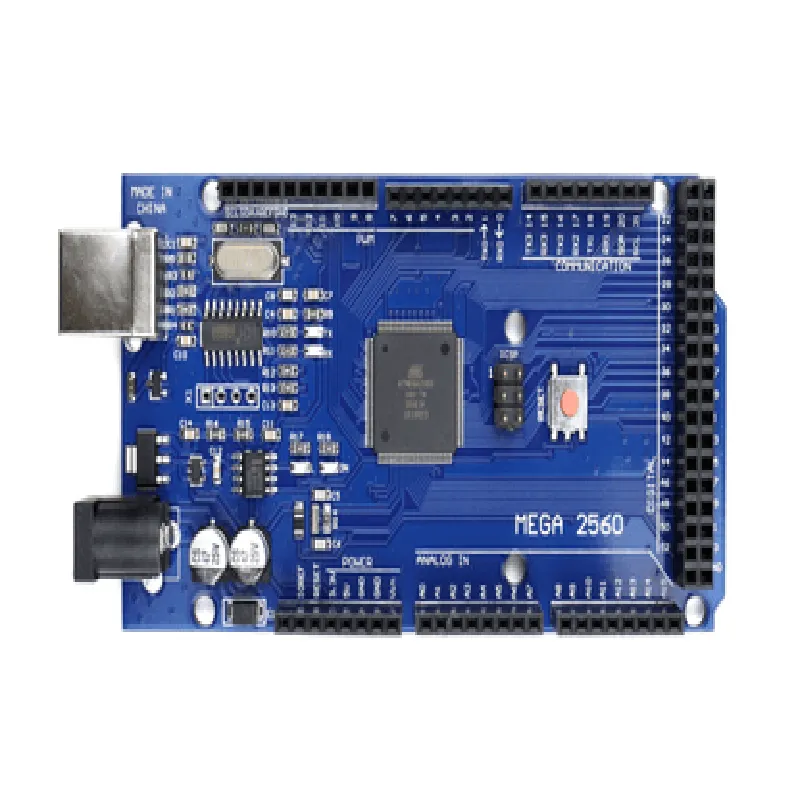
Arduino MEGA 2560 R3 Compatible Board Documentation
The Arduino MEGA 2560 R3 compatible board is a microcontroller board based on the ATmega2560 microchip. It is a popular choice for various IoT and robotics projects due to its ability to connect a large number of sensors, actuators, and peripherals. This board is a cost-effective alternative to the original Arduino MEGA 2560 R3 board, offering identical functionality and compatibility.
Microcontroller: ATmega2560
 Operating Voltage: 5V
 Input Voltage: 7-12V
 Digital I/O Pins: 54 (of which 15 can be used as PWM outputs)
 Analog Input Pins: 16
 Flash Memory: 256 KB
 SRAM: 8 KB
 EEPROM: 4 KB
 Clock Speed: 16 MHz
### Example 1: Reading Analog Sensor Data
This example demonstrates how to read analog sensor data using the Arduino MEGA 2560 R3 compatible board.
```c++
const int sensorPin = A0;  // Pin connected to analog sensor
void setup() {
  Serial.begin(9600);
}
void loop() {
  int sensorValue = analogRead(sensorPin);
  float voltage = sensorValue  (5.0 / 1023.0);
  Serial.print("Sensor Value: ");
  Serial.print(sensorValue);
  Serial.print(" | Voltage: ");
  Serial.print(voltage);
  Serial.println(" V");
  delay(1000);
}
```
In this example, we connect an analog sensor to pin A0 of the board. The `analogRead()` function is used to read the sensor value, which is then converted to a voltage value using the formula `voltage = (sensorValue  5.0) / 1023.0`. The resulting values are printed to the serial monitor.
### Example 2: Controlling LEDs with Digital Outputs
This example demonstrates how to control LEDs using the digital outputs of the Arduino MEGA 2560 R3 compatible board.
```c++
const int ledPins[] = {2, 3, 4};  // Pins connected to LEDs
void setup() {
  for (int i = 0; i < 3; i++) {
    pinMode(ledPins[i], OUTPUT);
  }
}
void loop() {
  for (int i = 0; i < 3; i++) {
    digitalWrite(ledPins[i], HIGH);
    delay(500);
    digitalWrite(ledPins[i], LOW);
    delay(500);
  }
}
```
In this example, we connect three LEDs to digital pins 2, 3, and 4 of the board. In the `setup()` function, we set these pins as outputs using the `pinMode()` function. In the `loop()` function, we use a `for` loop to iterate through the array of led pins, turning each LED on and off with a 500ms delay using the `digitalWrite()` function.
Arduino MEGA 2560 R3 compatible board datasheet
 Arduino IDE download and installation guide
 ATmega2560 microchip datasheet
This product comes with a pack of 25 Arduino MEGA 2560 R3 compatible boards, ideal for prototyping, development, and production of IoT and robotics projects.