

Stufin
Home Quick Cart Profile

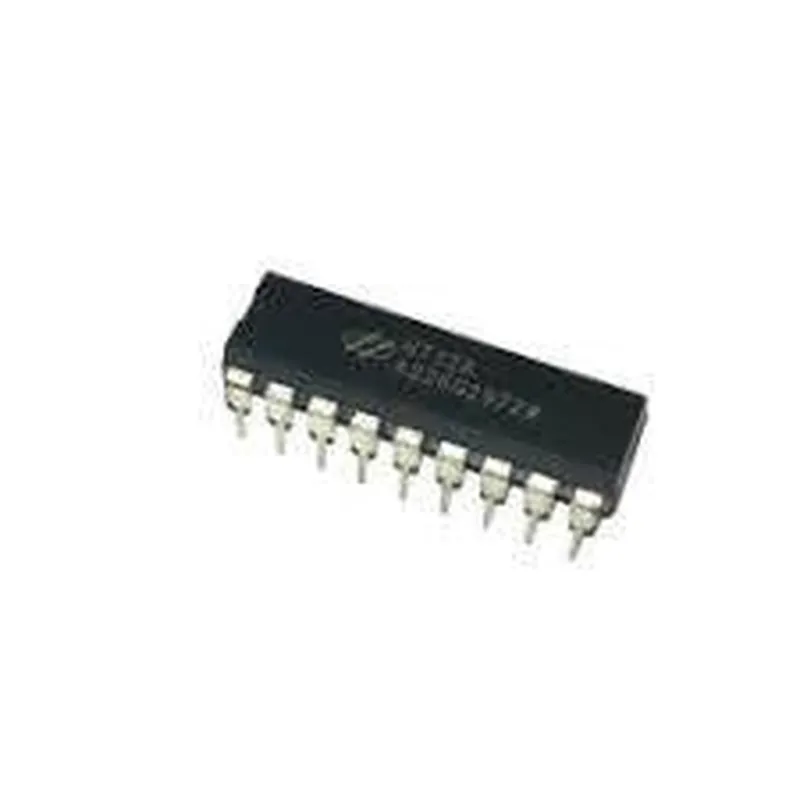
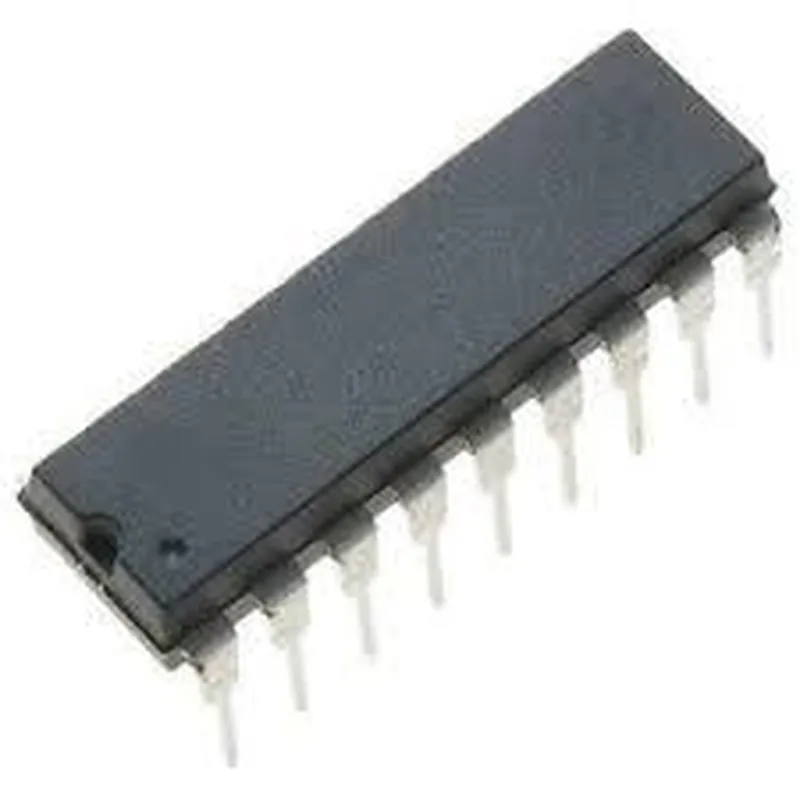
HT12A Encoder

Buy Now on Stufin

VCC

1 pin

GND

1 pin

OSC1 and OSC22 pins (for external oscillator connection)

Applications

----------------

  • Remote Control Systems: The HT12A encoder is used in remote control systems, such as TV remotes, garage door openers, and other wireless control applications.
  • Robotics and Automation: The encoder is used in robotics and automation projects, such as robotic arms, drones, and autonomous vehicles.
  • Sensor Data Transmission: The HT12A encoder is used to transmit sensor data wirelessly in IoT applications, such as temperature, humidity, and pressure sensors.
  • Home Automation: The encoder is used in home automation systems, such as smart lighting, thermostat control, and security systems.
The HT12A encoder is commonly used in various IoT applications, including

In summary, the HT12A encoder is a versatile and widely used component in IoT applications, offering a simple and efficient way to encode and transmit data wirelessly.

Pin Configuration

  • HT12A Encoder Documentation
  • Overview
  • The HT12A is a 12-bit encoder IC, commonly used in remote control systems, robotics, and other IoT applications. It converts 12-bit parallel data into a serial format, making it an essential component in various wireless transmission systems.
  • Pinout
  • The HT12A encoder has 18 pins, each with a specific function. Below is a detailed explanation of each pin:
  • Pin 1: VCC
  • Function: Positive power supply (typically 5V)
  • Connection: Connect to a 5V power source (e.g., a battery or a voltage regulator output)
  • Pin 2: VSS
  • Function: Ground (0V)
  • Connection: Connect to the ground terminal of the power source (e.g., a battery negative terminal or a GND pin)
  • Pin 3: TE (Transmission Enable)
  • Function: Enables data transmission when set high (1)
  • Connection: Typically connected to a microcontroller's output pin, which controls the transmission enable signal
  • Pin 4: D0 (Data Bit 0)
  • Function: One of the 12-bit parallel data inputs
  • Connection: Connect to a microcontroller's output pin, which provides the least significant bit (LSB) of the data to be transmitted
  • Pin 5: D1 (Data Bit 1)
  • Function: One of the 12-bit parallel data inputs
  • Connection: Connect to a microcontroller's output pin, which provides the next bit of the data to be transmitted
  • ...
  • Pin 14: D11 (Data Bit 11)
  • Function: One of the 12-bit parallel data inputs
  • Connection: Connect to a microcontroller's output pin, which provides the next bit of the data to be transmitted
  • Pin 15: D12 (Data Bit 12)
  • Function: The most significant bit (MSB) of the 12-bit parallel data inputs
  • Connection: Connect to a microcontroller's output pin, which provides the most significant bit of the data to be transmitted
  • Pin 16: OSC1 (Oscillator Pin 1)
  • Function: Internal oscillator pin, connected to a capacitor to set the transmission frequency
  • Connection: Connect a capacitor (typically 10nF to 100nF) to the OSC2 pin to form an RC oscillator circuit
  • Pin 17: OSC2 (Oscillator Pin 2)
  • Function: Internal oscillator pin, connected to a capacitor to set the transmission frequency
  • Connection: Connect to the other end of the capacitor connected to OSC1 pin
  • Pin 18: VT (Transmission Output)
  • Function: Serial transmission output
  • Connection: Connect to a transmitter module (e.g., RF transmitter) or a encoding circuit to transmit the encoded data
  • Connection Structure
  • When connecting the HT12A encoder, follow this general structure:
  • 1. Power supply:
  • VCC (Pin 1) to 5V power source
  • VSS (Pin 2) to GND terminal of the power source
  • 2. Data input:
  • D0 (Pin 4) to microcontroller's output pin (LSB of data)
  • D1 (Pin 5) to microcontroller's output pin (next bit of data)
  • ...
  • D12 (Pin 15) to microcontroller's output pin (MSB of data)
  • 3. Transmission enable:
  • TE (Pin 3) to microcontroller's output pin (transmission enable signal)
  • 4. Oscillator circuit:
  • OSC1 (Pin 16) to one end of a capacitor (10nF to 100nF)
  • OSC2 (Pin 17) to the other end of the capacitor
  • 5. Transmission output:
  • VT (Pin 18) to transmitter module or encoding circuit
  • Remember to consult the data sheet and application notes for specific connection requirements and guidelines for your particular use case.

Code Examples

HT12A Encoder Documentation
The HT12A is a 12-bit serial encoder IC widely used in remote control systems, toys, and other IoT applications. It is a simple and cost-effective solution for encoding 12-bit parallel data into a serial format.
Pinout and Functionality
The HT12A has 18 pins, with the following functionality:
VCC (Pin 18): Power supply pin (typically 5V)
 GND (Pin 9): Ground pin
 AD8-AD1 (Pins 1-8): 8-bit address input pins
 D8-D1 (Pins 10-17): 8-bit data input pins
 TE (Pin 17): Transmission enable input pin (active low)
 OS (Pin 14): Oscillator input pin (connect to a 50 kHz to 150 kHz oscillator)
 SOUT (Pin 15): Serial output pin
Code Examples
### Example 1: Basic HT12A Encoder with Arduino
In this example, we will use the HT12A to encode a 12-bit address and data pair and transmit it serially using an Arduino board.
Arduino Code
```cpp
const int addressPins[] = {2, 3, 4, 5, 6, 7, 8, 9}; // Connect address pins to Arduino digital pins
const int dataPins[] = {10, 11, 12, 13, 14, 15, 16, 17}; // Connect data pins to Arduino digital pins
const int tePin = 18; // Connect TE pin to Arduino digital pin
void setup() {
  // Initialize address and data pins as outputs
  for (int i = 0; i < 8; i++) {
    pinMode(addressPins[i], OUTPUT);
    pinMode(dataPins[i], OUTPUT);
  }
  pinMode(tePin, OUTPUT);
// Set address and data values
  byte address = 0x01; // 8-bit address
  byte data = 0x12; // 8-bit data
  setHT12AAddress(address);
  setHT12AData(data);
}
void loop() {
  // Enable transmission
  digitalWrite(tePin, LOW);
// Wait for transmission to complete
  delay(1);
// Disable transmission
  digitalWrite(tePin, HIGH);
// Wait for 1 second before transmitting again
  delay(1000);
}
void setHT12AAddress(byte address) {
  for (int i = 0; i < 8; i++) {
    digitalWrite(addressPins[i], (address >> (7 - i)) & 0x01);
  }
}
void setHT12AData(byte data) {
  for (int i = 0; i < 8; i++) {
    digitalWrite(dataPins[i], (data >> (7 - i)) & 0x01);
  }
}
```
### Example 2: HT12A Encoder with Raspberry Pi (using Python)
In this example, we will use the HT12A to encode a 12-bit address and data pair and transmit it serially using a Raspberry Pi.
Python Code
```python
import RPi.GPIO as GPIO
import time
# Set up GPIO mode
GPIO.setmode(GPIO.BCM)
# Define address and data pin numbers
addressPins = [17, 23, 24, 25, 5, 6, 12, 13]  # Connect address pins to Raspberry Pi GPIO pins
dataPins = [20, 21, 16, 19, 26, 18, 4, 7]  # Connect data pins to Raspberry Pi GPIO pins
tePin = 22  # Connect TE pin to Raspberry Pi GPIO pin
# Initialize address and data pins as outputs
for pin in addressPins + dataPins:
    GPIO.setup(pin, GPIO.OUT)
GPIO.setup(tePin, GPIO.OUT)
# Set address and data values
address = 0x01  # 8-bit address
data = 0x12  # 8-bit data
setHT12AAddress(address)
setHT12AData(data)
while True:
    # Enable transmission
    GPIO.output(tePin, GPIO.LOW)
# Wait for transmission to complete
    time.sleep(0.001)
# Disable transmission
    GPIO.output(tePin, GPIO.HIGH)
# Wait for 1 second before transmitting again
    time.sleep(1)
def setHT12AAddress(address):
    for i, pin in enumerate(addressPins):
        GPIO.output(pin, (address >> (7 - i)) & 0x01)
def setHT12AData(data):
    for i, pin in enumerate(dataPins):
        GPIO.output(pin, (data >> (7 - i)) & 0x01)
```
Note: In both examples, the HT12A encoder is connected to a microcontroller (Arduino or Raspberry Pi) and configured to transmit a 12-bit address and data pair serially. The transmission enable (TE) pin is used to control the transmission of the encoded data.